Some routes opening slow and some fast
-

I have a couple of routes in MRA. All contains some Via point and more shaping points. Route length about 250-300km. IMHO nothing special.
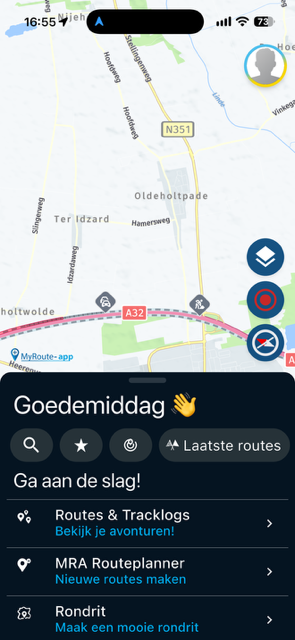
My issue is, that I noticed in MRA on smartphone (tried my DMD T665 and iPhone 17 Pro Max, so not hardware related), when opening a route from my account, some just load in a few seconds while others can load 15-20 seconds on every opening.
Why is that?
-

You state different routes, do they all start from the same point. That could a diference
-
Yes, the start all from the same point basically, but differ a little bit. Still, I don't see any common between them.

@ConiKost said in Some routes opening slow and some fast:
Yes, the start all from the same point basically, but differ a little bit. Still, I don't see any common between them.
Diifers as in..... longer route? More waypoints/viapoints/shaping points? More POI's? Different map to be loaded?
It could also be a bad recipient between your phone and the nearest transmission tower(s).
Please provide more clarity.
-
@ConiKost said in Some routes opening slow and some fast:
Yes, the start all from the same point basically, but differ a little bit. Still, I don't see any common between them.
Diifers as in..... longer route? More waypoints/viapoints/shaping points? More POI's? Different map to be loaded?
It could also be a bad recipient between your phone and the nearest transmission tower(s).
Please provide more clarity.
@Nomko-Nomden said in Some routes opening slow and some fast:
Diifers as in..... longer route? More waypoints/viapoints/shaping points? More POI's? Different map to be loaded?
Lets take those two routes as example.
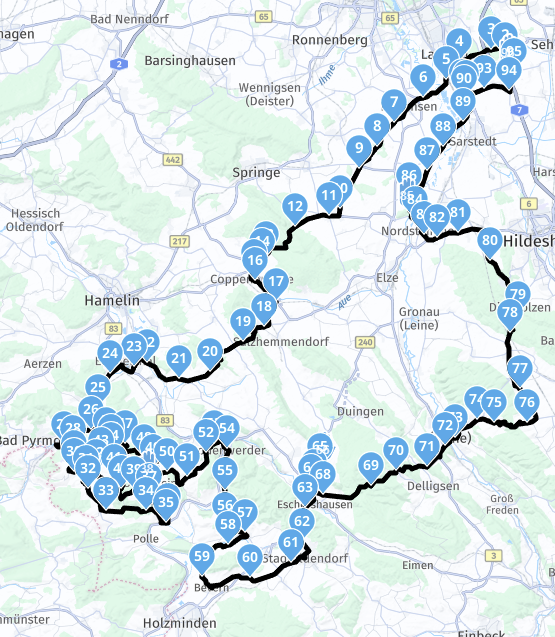
Route1: 272,68km, 5 Via points (including start and end), 91 shaping points.
-> Loads about 2-3 seconds when opening in app
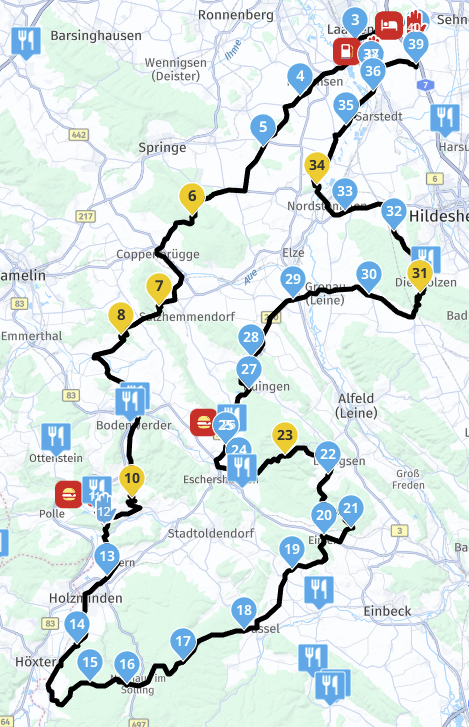
Image: clickmeRoute2: 250.57km, 5 Via points (including start and end), 35 shaping points.
-> Loads about 15 seconds when opening in app
Image: clickmeBoth routes go into the same direction.
@Nomko-Nomden said in Some routes opening slow and some fast:
It could also be a bad recipient between your phone and the nearest transmission tower(s).
Surely not, since this happens on WiFi too. And WiFi speedtests are > 600mbps.
Shiny!
-
@Nomko-Nomden said in Some routes opening slow and some fast:
Diifers as in..... longer route? More waypoints/viapoints/shaping points? More POI's? Different map to be loaded?
Lets take those two routes as example.
Route1: 272,68km, 5 Via points (including start and end), 91 shaping points.
-> Loads about 2-3 seconds when opening in app
Image: clickmeRoute2: 250.57km, 5 Via points (including start and end), 35 shaping points.
-> Loads about 15 seconds when opening in app
Image: clickmeBoth routes go into the same direction.
@Nomko-Nomden said in Some routes opening slow and some fast:
It could also be a bad recipient between your phone and the nearest transmission tower(s).
Surely not, since this happens on WiFi too. And WiFi speedtests are > 600mbps.
-

@ConiKost
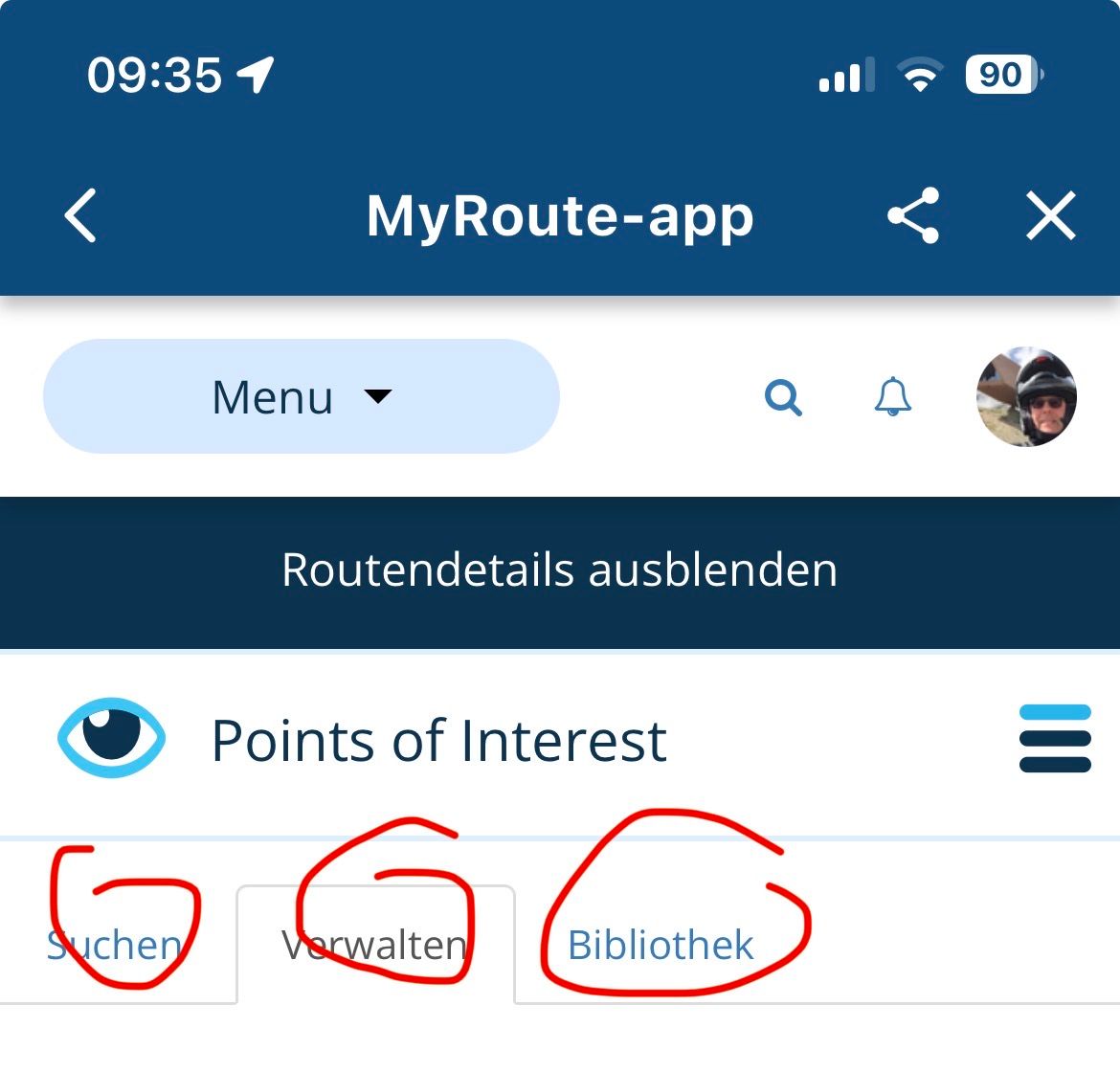
What Corjan writes can be found here in the POI settings.If too much is selected, everything is always loaded and transferred, limited to 2000 POI ..
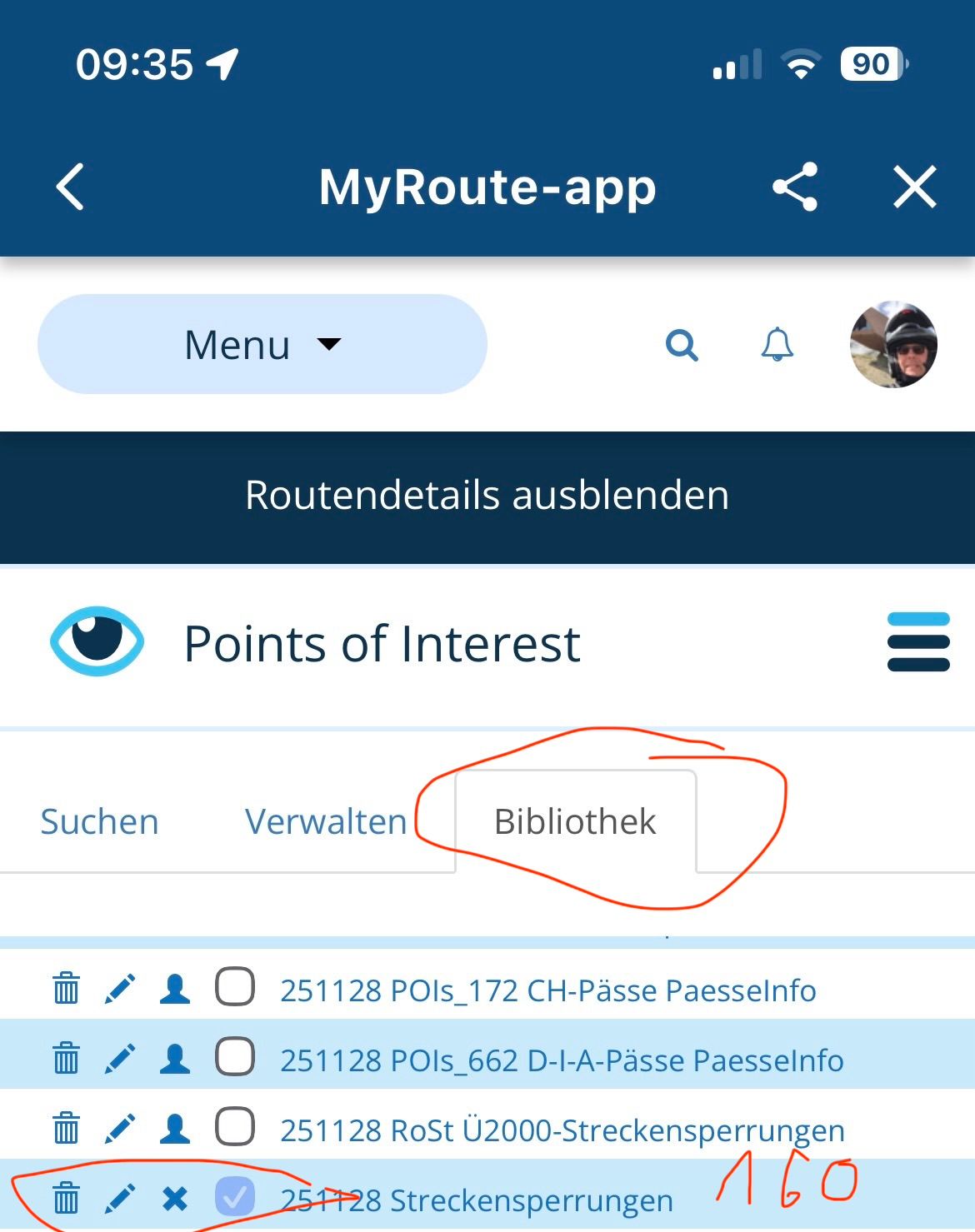
-
@ConiKost do you have the link to the route of image 2?
I see POIs displayed, do you by any chance have a massive POI library selected to load / display on the map?
@Corjan-Meijerink said in Some routes opening slow and some fast:
@ConiKost do you have the link to the route of image 2?
See PN.
@Corjan-Meijerink said in Some routes opening slow and some fast:
I see POIs displayed, do you by any chance have a massive POI library selected to load / display on the map?
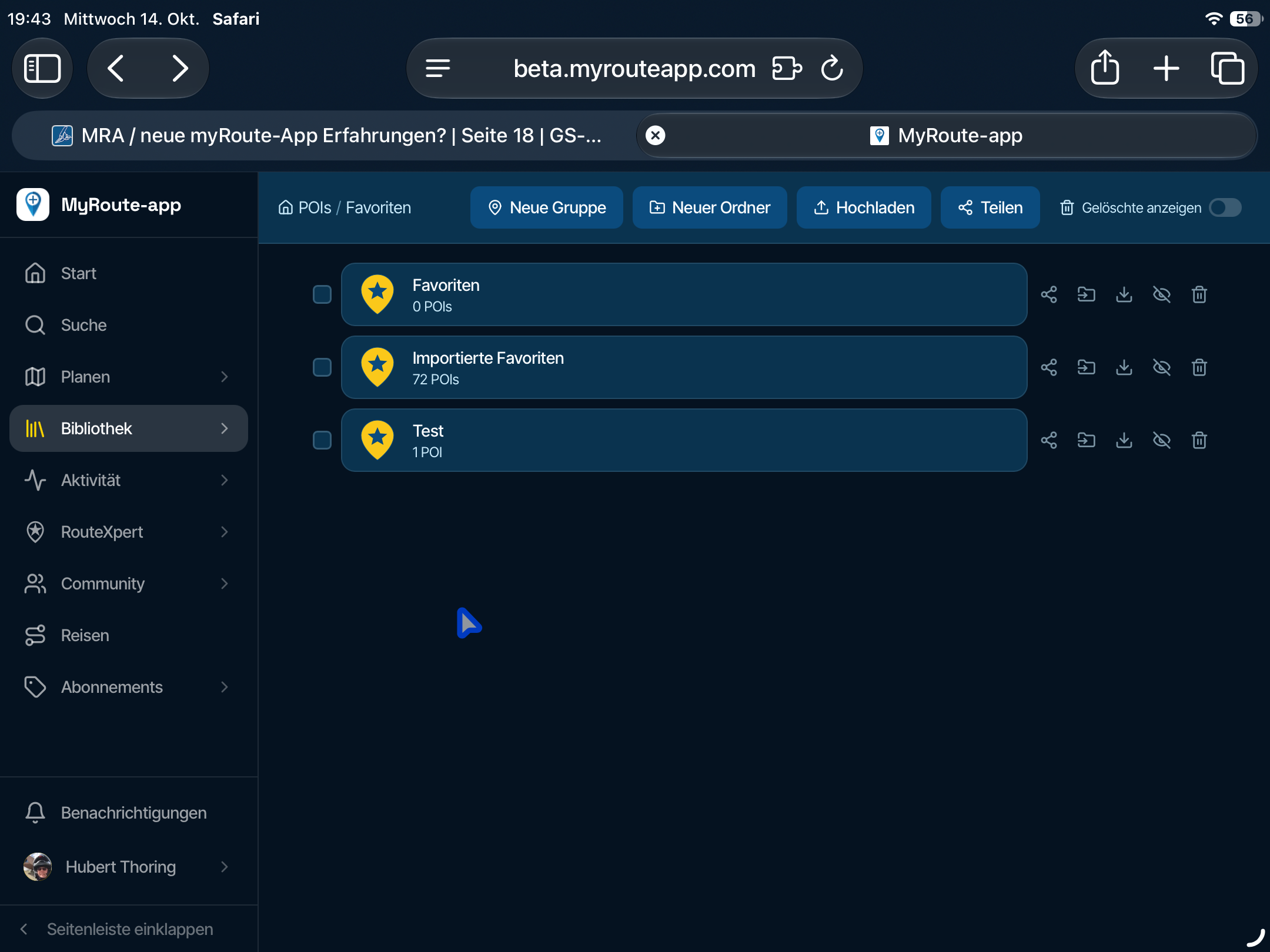
I have multiple POIs library uploaded, but only one is active on the route, which opens slow. The active one contains about ~80-120 POIs at max, that shouldn't be the cause?
Shiny!
-
@Corjan-Meijerink said in Some routes opening slow and some fast:
@ConiKost do you have the link to the route of image 2?
See PN.
@Corjan-Meijerink said in Some routes opening slow and some fast:
I see POIs displayed, do you by any chance have a massive POI library selected to load / display on the map?
I have multiple POIs library uploaded, but only one is active on the route, which opens slow. The active one contains about ~80-120 POIs at max, that shouldn't be the cause?

@ConiKost Sounds like something you can test yourself quite easily!

If you turn the POIs off, does it load quickly? -
@Corjan-Meijerink I did give a try and indeed it's faster. I this correct, that I need always to disable those POIs in web planer, as app does not seem to have an option for this per route? Or am I just blind and don't see it? Because that would be already very helpful, when you want to disable it.
Regarding the number, I had it wrong in mind. My POI category has ~270 points in it. Still I would not expect that much slow down? I mean, those are not relevant when loading the route initially? Maybe they could be just loaded later in the process?
-
Thanks for confirming the POI's being a factor.
I will investigate this later but definitely not soon.See this manual for showing / hiding certain POI groups for your entire profile / route: https://support.myrouteapp.com/en/support/solutions/articles/12000103938-manual-pois-
-
Thanks for confirming the POI's being a factor.
I will investigate this later but definitely not soon.See this manual for showing / hiding certain POI groups for your entire profile / route: https://support.myrouteapp.com/en/support/solutions/articles/12000103938-manual-pois-
@Corjan-Meijerink said in Some routes opening slow and some fast:
Thanks for confirming the POI's being a factor.
I will investigate this later but definitely not soon.Thanks!

@Corjan-Meijerink said in Some routes opening slow and some fast:
See this manual for showing / hiding certain POI groups for your entire profile / route: https://support.myrouteapp.com/en/support/solutions/articles/12000103938-manual-pois-
I am confused. This is the procedere, how to do it website aka MRA webplanner, which I also did. I meant the Android/iOS navigation app. Or I am missunderstand here?
-
Switching on and off is only possible in the route lab, there is no function in the app
In the route lab:
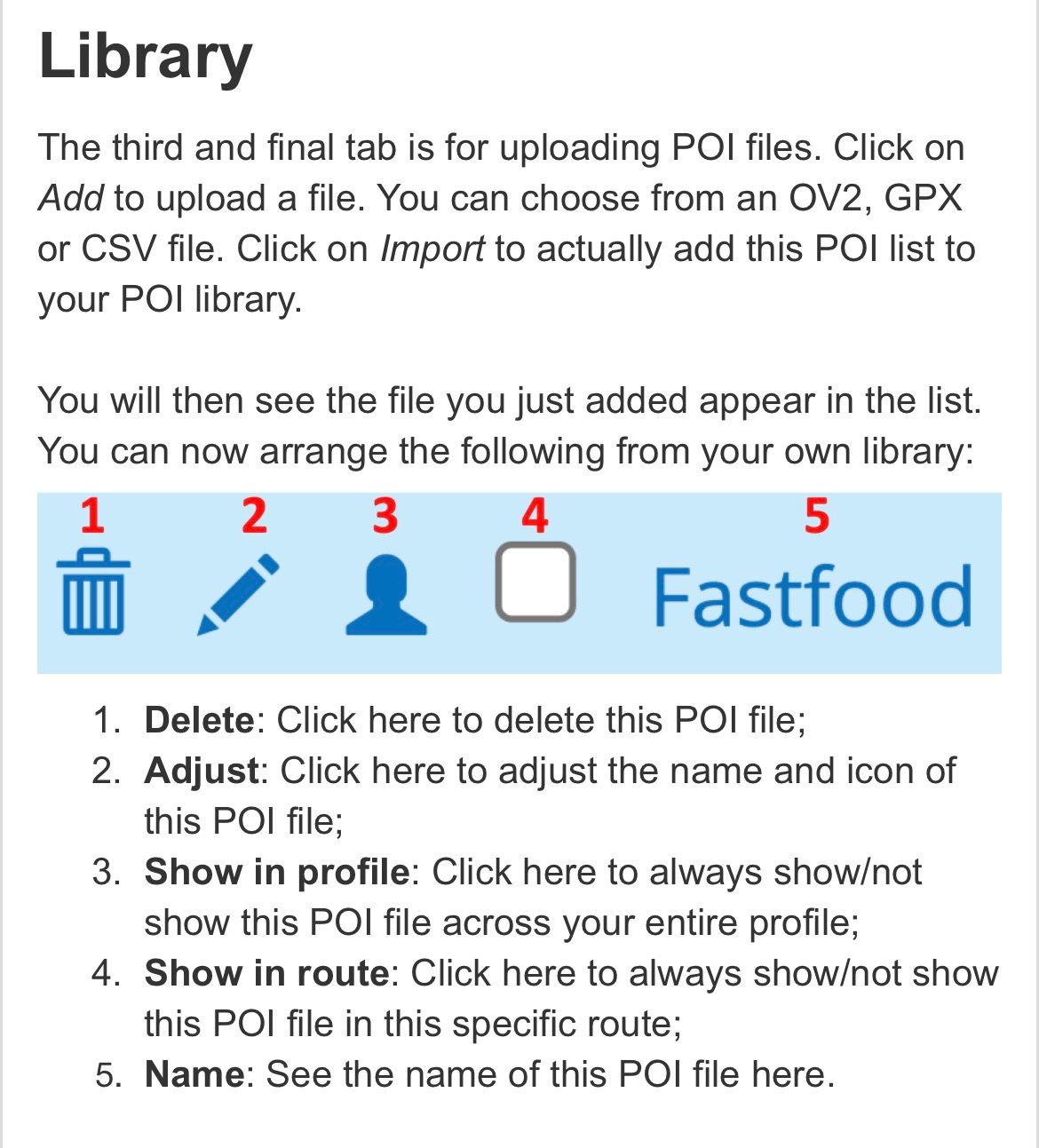
-
Thanks for confirming. That was my question, that I need to use the web planner and cannot use the app for that, to switch it on or off. So an option in app would be very handy

@ConiKost said in Some routes opening slow and some fast:
Thanks for confirming. That was my question, that I need to use the web planner and cannot use the app for that, to switch it on or off. So an option in app would be very handy
There is an option in app. Tap Route lab from the mobile app to access the website.
Always willing to help if I can.
Triumph Tiger 1200 XRT called Tina.
MRA Navigation Next and SilverFox BJ8 -
@ConiKost said in Some routes opening slow and some fast:
Thanks for confirming. That was my question, that I need to use the web planner and cannot use the app for that, to switch it on or off. So an option in app would be very handy
There is an option in app. Tap Route lab from the mobile app to access the website.
@Nick-Carthew said in Some routes opening slow and some fast:
@ConiKost said in Some routes opening slow and some fast:
Thanks for confirming. That was my question, that I need to use the web planner and cannot use the app for that, to switch it on or off. So an option in app would be very handy
There is an option in app. Tap Route lab from the mobile app to access the website.
Sure, but it's still the website, not a native app function

Hello! It looks like you're interested in this conversation, but you don't have an account yet.
Getting fed up of having to scroll through the same posts each visit? When you register for an account, you'll always come back to exactly where you were before, and choose to be notified of new replies (either via email, or push notification). You'll also be able to save bookmarks and upvote posts to show your appreciation to other community members.
With your input, this post could be even better 💗
Register Login-
 0725
0725
-
 1422454
-
 0518
0518
-
 1525
1525
-
0415
-
1575
-
0422
-
07424