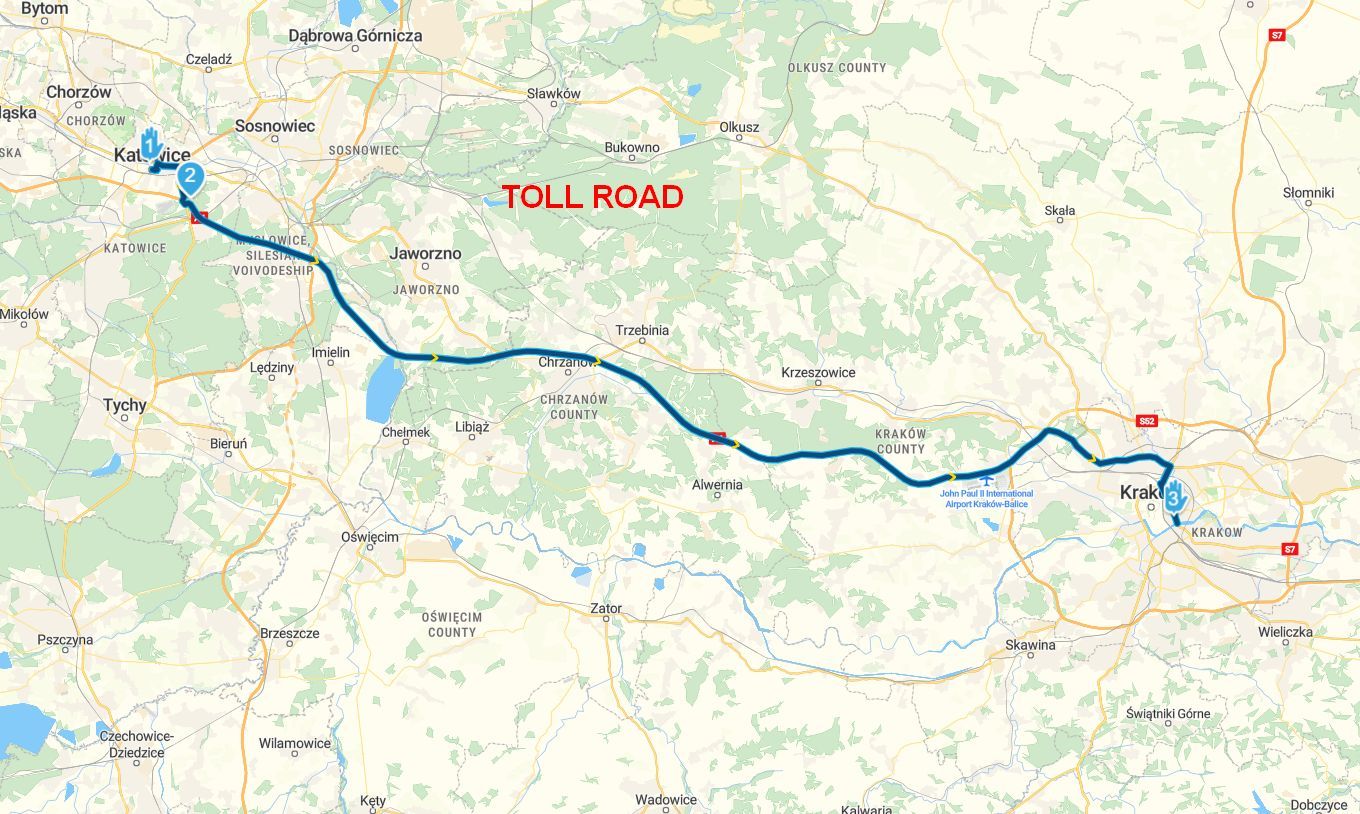
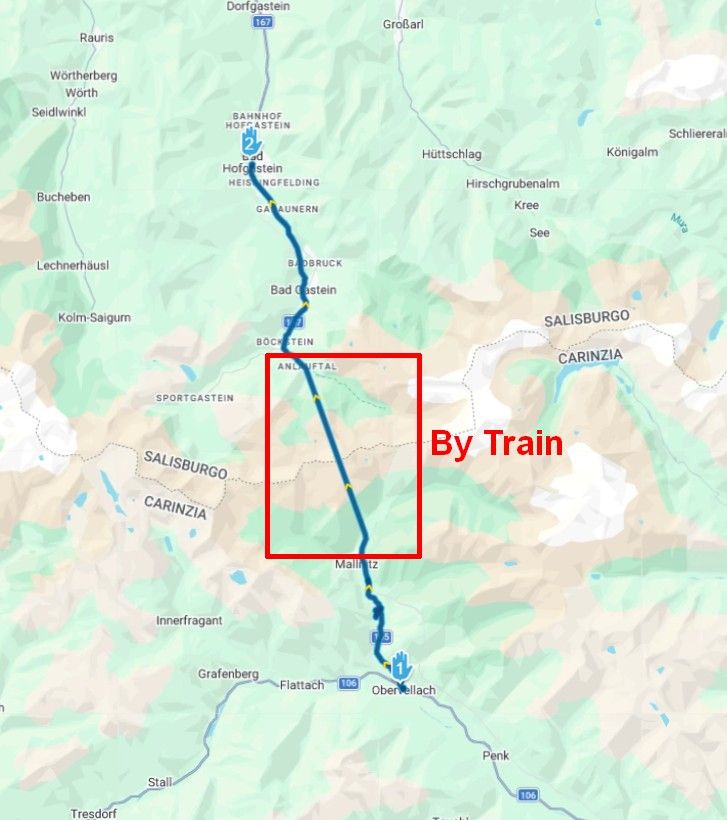
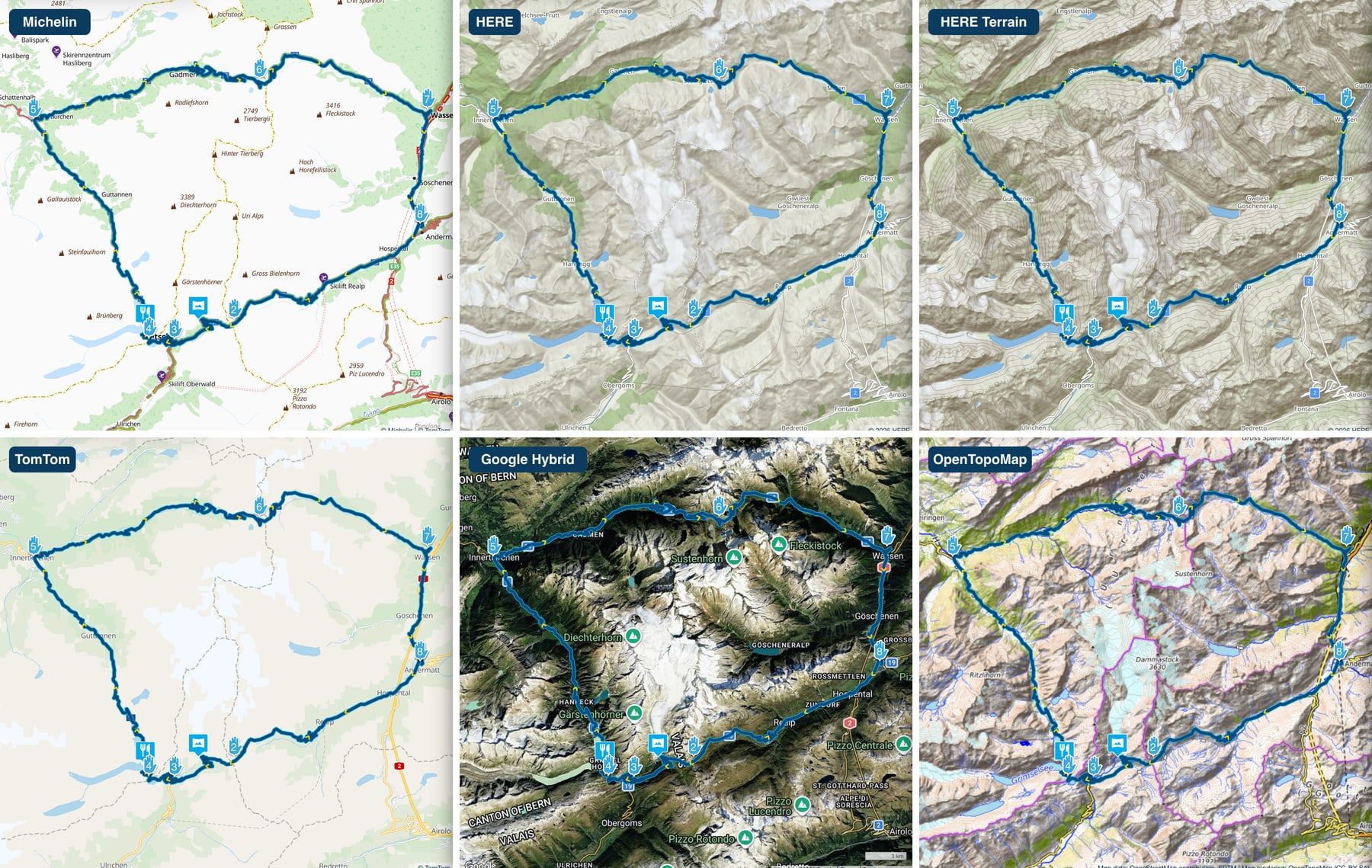
Thanks @Guzzist, and thanks for testing again. That gave us the answer.
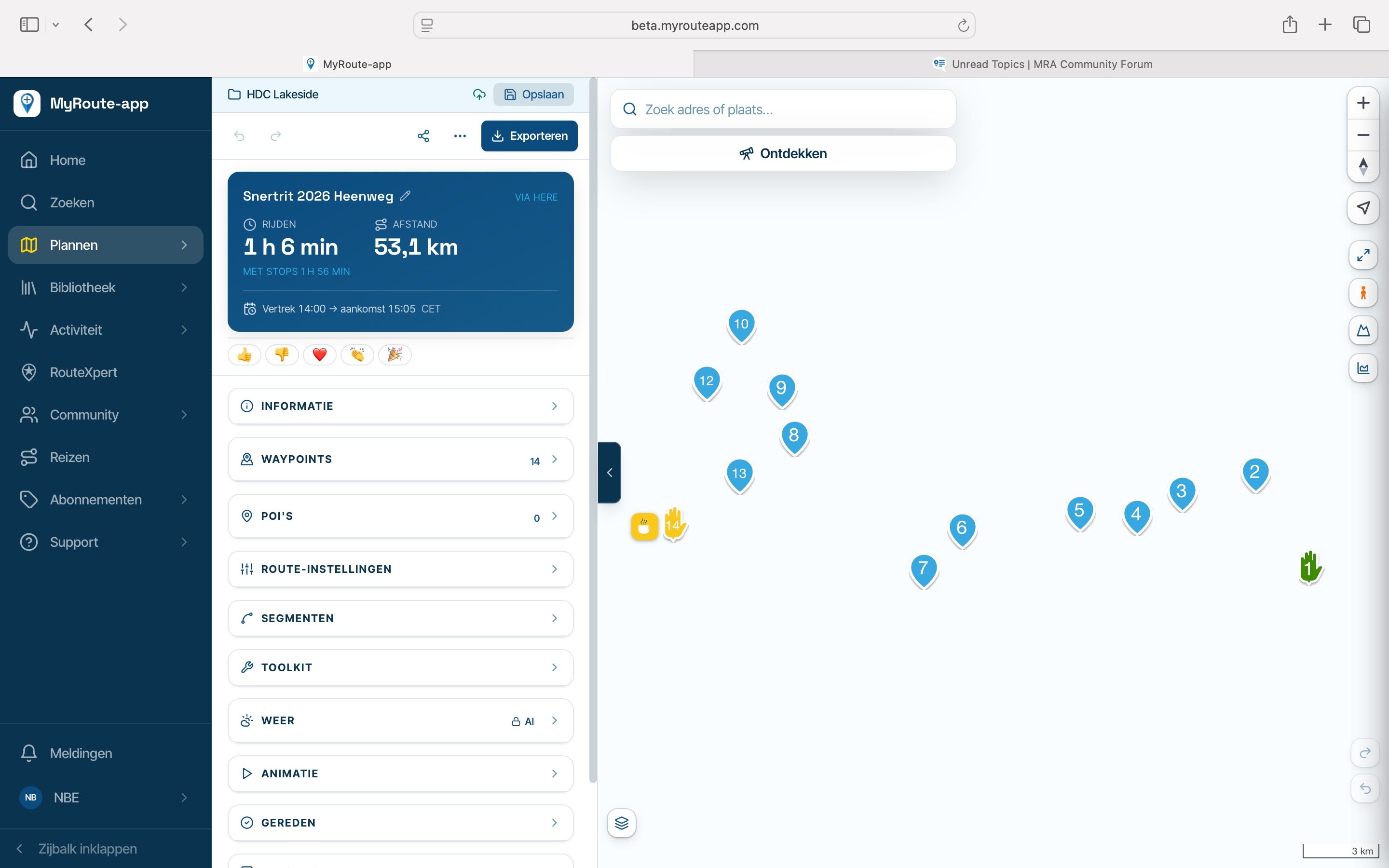
On your tablet, DuckDuckGo never finishes reading a type of temporary data inside the page (browser "blobs"). The map needs that to start its background work and to decode its images, so it stays empty. Google's maps appear because they don't depend on this. It isn't your route, your account or the privacy setting. Chrome on that tablet and DuckDuckGo on your phone both work, so it looks like something in how DuckDuckGo runs on that tablet.
Two things may clear it, in this order:
Update "Android System WebView" in the Play Store and restart DuckDuckGo. DuckDuckGo uses it to show web pages.
If that doesn't help: Android Settings, Apps, DuckDuckGo, Storage, Clear data, or reinstall the app. This goes further than the Fire button and removes DuckDuckGo's bookmarks and saved logins, so save those first.
If the map stays empty, Chrome on the tablet is the way to go.
Let me know the result!