Skip to content
  • 0 Votes
    2 Posts
    24 Views
    Corjan Meijerink
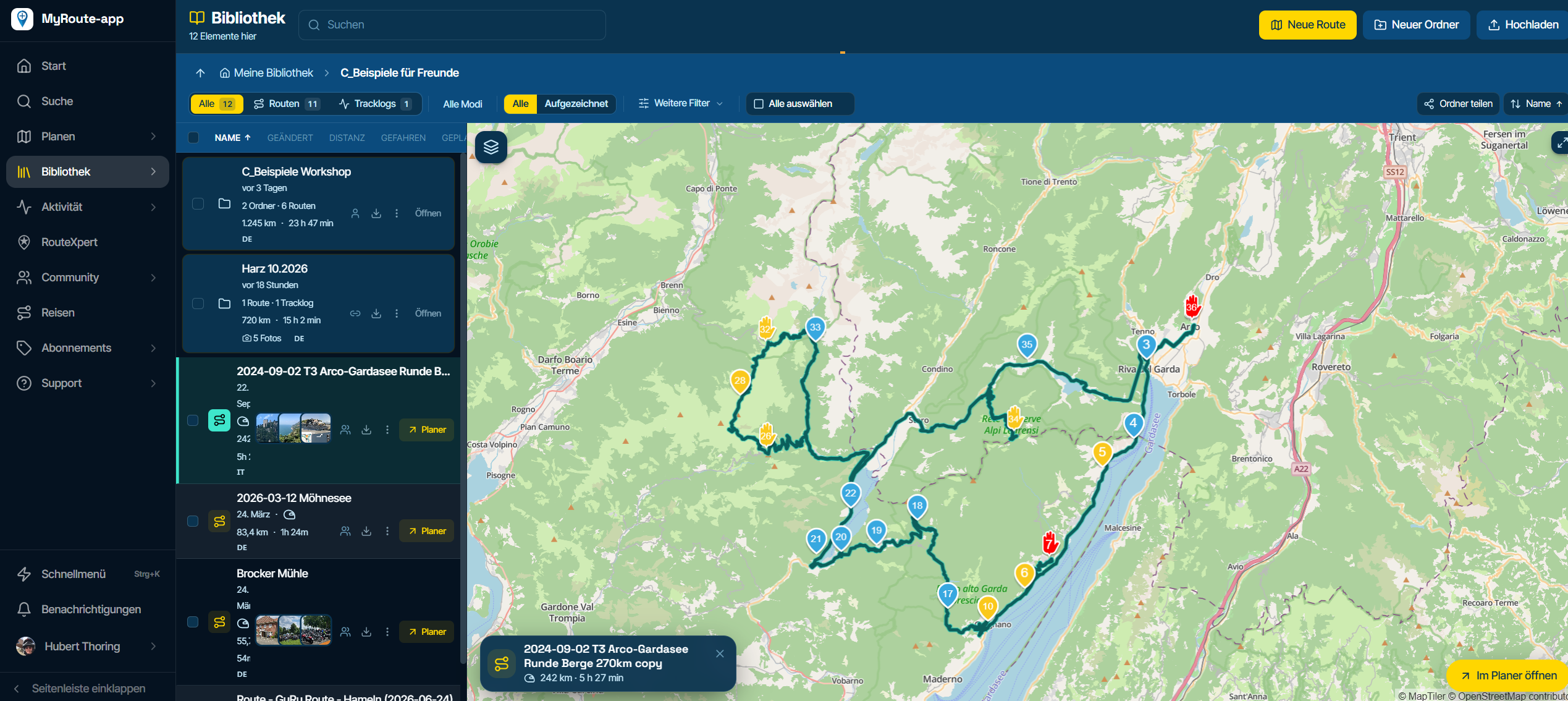
    Hi Neville, Thanks for the detail, that made it easy to track down. Your routes are fine, they just haven't come over yet. Your library came across from the classic app on the morning of 9 November, and you copied the 16 Norway day routes into your classic library that afternoon. Anything you add in the classic app after the first import comes over with a classic sync. The sync button in the app doesn't do that: it only syncs the app with the new MyRoute-app. To bring them over, open Settings → From the classic app on the website and press Sync now. They'll land in EU → NO → Trip → OXF → Original, the same as on the old website. Two things to expect: The sync only adds things. You also moved your 2024 Norway routes (NO_D01… and NO_N02…) into a new Trip folder in the classic app. In the new app they stay in EU → NO, so move them yourself if you want the same layout. The summary will list some older routes as empty in your classic account. Those have a single waypoint and nothing else, and the import leaves them out on purpose. About the groups: a classic group becomes a club when one of its admins brings it over, and its members are then offered their place. Two of your groups have come over (MRA Gold - Routes & Friends International and TVAM), and you're in both. For the other four (TVAM WAGs, Adventure Bike Collective, 20 Alpine passes tour and Norway), none of the admins has linked their classic account to the new app yet. Copying the routes into your own library, as you did, is the right way to keep them in the meantime.

  • 0 Votes
    14 Posts
    2k Views
    KevN1k 0
    @Con-Hennekens I down voted because your comment was arrogant! I'm asking for a feature request through a suggestion as is this part of the forum and all you did was give me an "alternative" to later be arrogant... but I'll give you the benefit of the doubt, for language barrier.
  • Editing saved route

    [App] Suggestions and Discussion edit route
    10
    0 Votes
    10 Posts
    1k Views
    KevN1k 0
    @Nick-Carthew Thanks for the clarification!
  • POI optimal verbinden lassen

    General Discussion poi route routepunten planning
    3
    0 Votes
    3 Posts
    1k Views
    Guzzist
    @Manfred-Römer na ja, EINE Route über alle Pässe? Erscheint mir nicht gerade erstrebenswert. Aber ich bin ja nicht maßgeblich. Sowas können professionelle Logistik-Apps - für uns Normalverbraucher eher unerschwinglich. Was ich an der Stelle mache ist: habe mir auch von einschlägigen Websites POI-Sammlungen aller Alpenpässe runtergeladen. Dann eine beliebige Route geöffnet und die Sammlung (gpx oder csv) in die POI Library dieser Route hochgeladen. Kannst ihr dabei einen beliebigen Namen geben und sie steht dir fortan für jede Route (existierend oder neu) zur Verfügung. Wenn du dann eine Route in den Alpen planst, aktiviere die Sichtbarkeit dieser Liste in deiner POI Library, die POI erscheinen dann alle bei entspr. rein zoomen. Es ist dann nicht schwer POI auszuwählen und als Routenpunkt zu deklarieren. Du siehst ja auch sofort an der Routenlinie, ob die Reihenfolge ideal war oder nicht. Dann verschiebe ggf. die Routenpunkte leicht in der Wegpunktliste mit dem "Anfasser". Einfacher wäre allerdings, im Bereich POI deiner Route einfach unter "Search" die schon in MRA-Routeplanner vorhandenen POI zu nutzen - und dabei das Icon für Pässe (Bergsattel) zu aktivieren. Dann sind die genauso auf der Karte zu sehen, wenn du weit genug rein zoomst. Der Vorteil der selbst importierten Liste ist: du kannst deine Liste in mehrere Listen aufteilen (z.B. nach Regionen). Und du kannst deine Liste vor dem Hochladen auf MRA-Routeplanner bearbeiten (z.B. den Pässen aussagekräftige Namen geben - in deutscher, oder in lokaler Sprache.
  • 0 Votes
    2 Posts
    1k Views
    MotoCon
    @Emmanuel-Katto, just click and drag on the map These links will be helpful: https://support.myrouteapp.com/en/support/solutions/articles/12000096397-manual-create-a-new-route- https://www.youtube.com/@Myrouteappforyou/streams
  • Route Nederland naar Portugal

    Routes & Tracks portugal route nederland
    14
    0 Votes
    14 Posts
    6k Views
    Raoul Jong
    @Herko-ter-Horst bedankt voor de tip.
  • Trip Planning, not routing

    [Web] Suggestions and Discussion route
    8
    4 Votes
    8 Posts
    3k Views
    Don Stauffer
    @Cookie-On-Tour We are in total agreement about identifying possible points of interest. I often identify an early stop and late stop so that we have some motel / restaurant options already identified if we decide to re-route during the day. I'll do ANYTHING that I can with advanced planning to avoid doing google searches at a gas station while we are traveling.
  • Calcul d'itinéraire sur PC

    [App] Problems, Bugs and other Issues route
    4
    1
    0 Votes
    4 Posts
    2k Views
    Nick Carthew
    @Joe-Leboutte MRA Navigation Next utilise la carte HERE, il est donc conseillé d'utiliser la carte de planification HERE pour vos itinéraires. MRA Navigation Next uses the HERE map so it is advisable to use the HERE planning map for your routes.
  • 6 Votes
    16 Posts
    5k Views
    MotoCon
    @Kris-Lemaire said in Suggestion: convert route to route-track from within MRA Routeplanner: It would be nice to have this feature, to make it possible to send a track to other people instead of a route. Like @Jörgen said, you can save as a track (and POI) only GPX for distribution (if you want to limit users to track). @Jörgen said in Suggestion: convert route to route-track from within MRA Routeplanner: I do not understand the needs for this? It enables to share MRA download links with maintained route information, but limited to track download. Don't ask me why, but many tour managers fancy that (their way or no way...) Also, it is nice to have a track available if you want to check routes for differences. Lay the routetrack behind your route to see where it deviates from the original routetrack. I am sure there will be some TLC from the developers for features like this, in the upcoming web planner overhaul (but don't hold your breath).
  • 2 Votes
    11 Posts
    5k Views
    Drabslab
    @Tim-Thompson said in Suggestion: Import Routes, Route-Tracks and Tracks in one step: I note that Gold subscription has a Reduce function in the tool kit. using that function for this purpose will give you possibly a different route; Less waypoints = less precision
  • Route bibliotheek overzicht

    Routes & Tracks route overzicht
    2
    0 Votes
    2 Posts
    1k Views
    HABVEN aka MrMRA
    @Joeri-3 Nog niet, maar kijk eens in de roadmap
  • Motorroutes Ardennen - Eifel

    Routes & Tracks route ardennen eifel
    1
    5 Votes
    1 Posts
    2k Views
    No one has replied
ACTIVE USERS POPULAR TOPICS MY GROUPS