Tracklog fails
-

Are your logs in the qeue waiting to be uploaded?
-
Are your logs in the qeue waiting to be uploaded?

@Marinus-van-Deudekom I thought that you could not see the upload queue anymore? Nonetheless, the tracklog was not able to be saved for the same message mentioned earlier. I had good data connections and the yellow record track was showing throughout my trip. Not had this problem for a while and the first time on Sunday with the 5.2 version.
-
Are your logs in the qeue waiting to be uploaded?

@Marinus-van-Deudekom can't see anything.
It seems gone
Doing the route des grand Alpes, was hoping for good tracklog but


Most annoying, it looked OK, then save. => not enough coordinates..
And gone it is.. -
Today it worked as expected

@Edwin_M this is just a wild guess but do you have the function "Pause tracklog automatically" enabled?
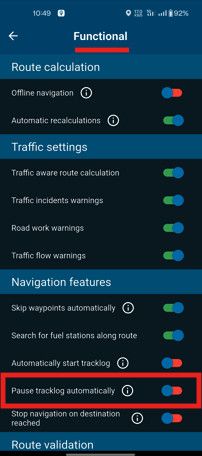
It can be found in "Settings > Navigation Settings > Functional"
the guess is that somehow the "pause" is being activated & then never re-activated or it is somehow interfering with the completion of the log
like I say, just a wild guess but might help if the state of this setting was known -
The setting is on. Today the tracklog was also good
-
Tracklogs are not kind to me
missed quit a bit 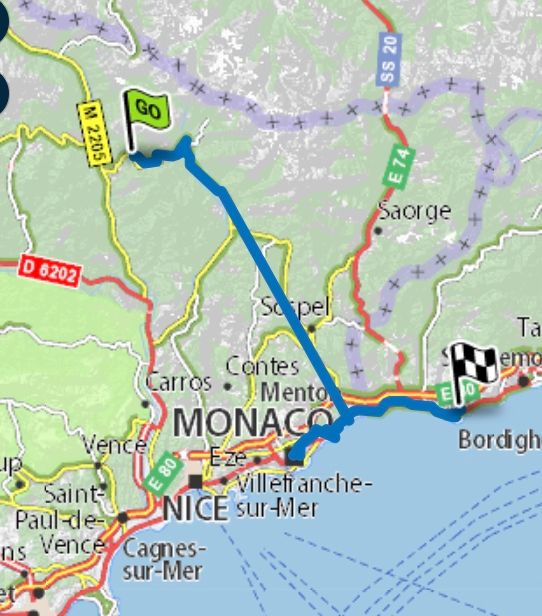

@Edwin_M Have you given the app permission to Always use your location? Your screenshot suggests you haven’t. If you are using AndroidAuto or CarPlay and the phone screen turns off, without Always use location the tracklogs will show straight lines.
Always willing to help if I can.
Triumph Tiger 1200 XRT called Tina.
MRA Navigation Next and SilverFox BJ8 -
@Edwin_M Have you given the app permission to Always use your location? Your screenshot suggests you haven’t. If you are using AndroidAuto or CarPlay and the phone screen turns off, without Always use location the tracklogs will show straight lines.
@Nick-Carthew yes, yesterday was fine, today again a miss
-
@Nick-Carthew yes, yesterday was fine, today again a miss
@Edwin_M Something is stopping your location from being registered, this is why you see the straight line.
-
@Nick-Carthew yes, yesterday was fine, today again a miss

@Edwin_M hmmm - usually if there is no internet connection in the moment of ending a ride and saving a tracklog - a message pops up, the upload will be done later.
If later an internet connection is established, you need to open your profile (avatar), then you can see a message "an upload is waiting" and a button [upload]. Just tap it and everything is fine. -
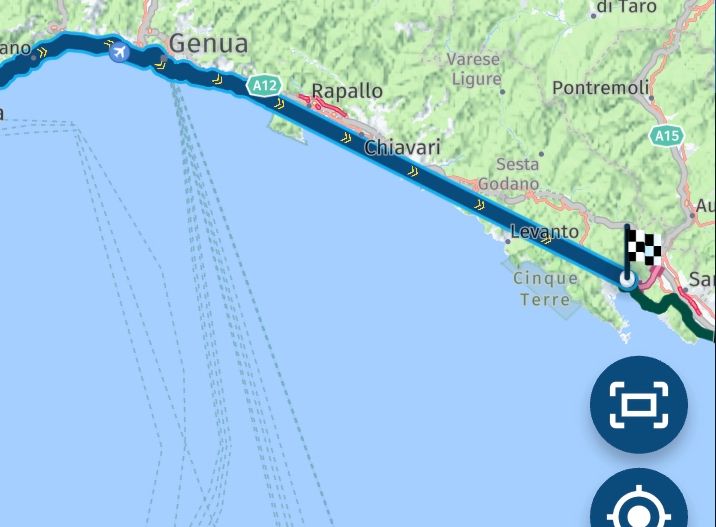
Mostly seems you work now, but sometimes the apps stops or crashes for logging for some time and sometimes I don't notice on my android auto. Had you restart a few times. It is quite hot, but I don't know if that's the reason...
As a result, I rarely have a complete tracklog. Always some piece missing...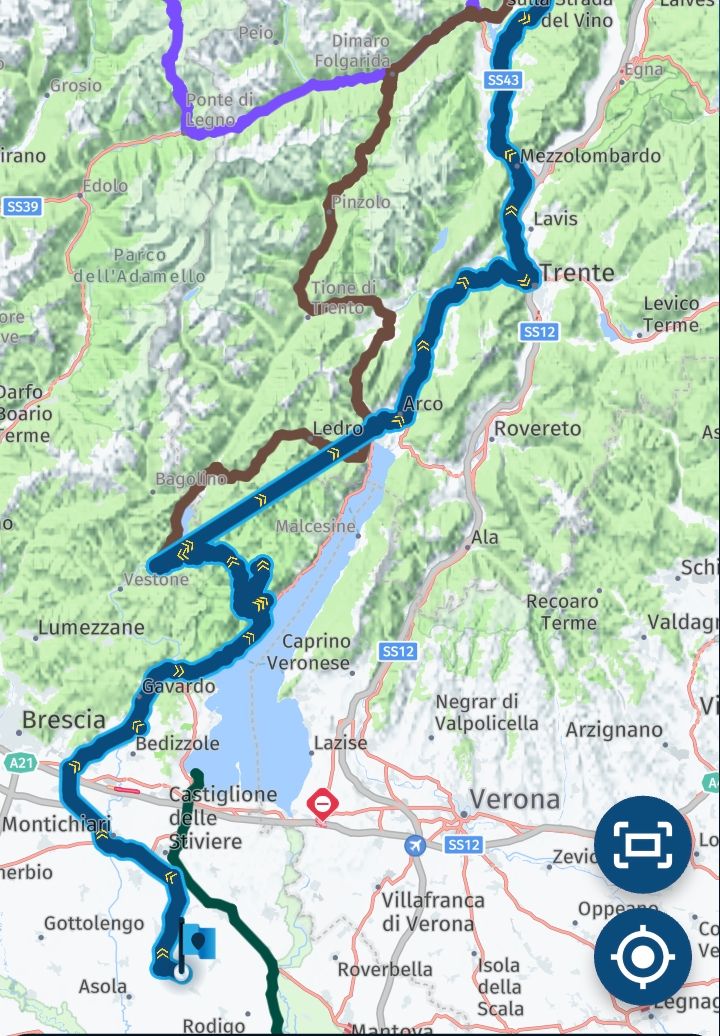
Hello! It looks like you're interested in this conversation, but you don't have an account yet.
Getting fed up of having to scroll through the same posts each visit? When you register for an account, you'll always come back to exactly where you were before, and choose to be notified of new replies (either via email, or push notification). You'll also be able to save bookmarks and upvote posts to show your appreciation to other community members.
With your input, this post could be even better 💗
Register Login
-
 416157
-
 120980
-
 0818
0818
-
 011543
-
 06111
06111
-
 05113
05113
-
 05151
05151
-
0316