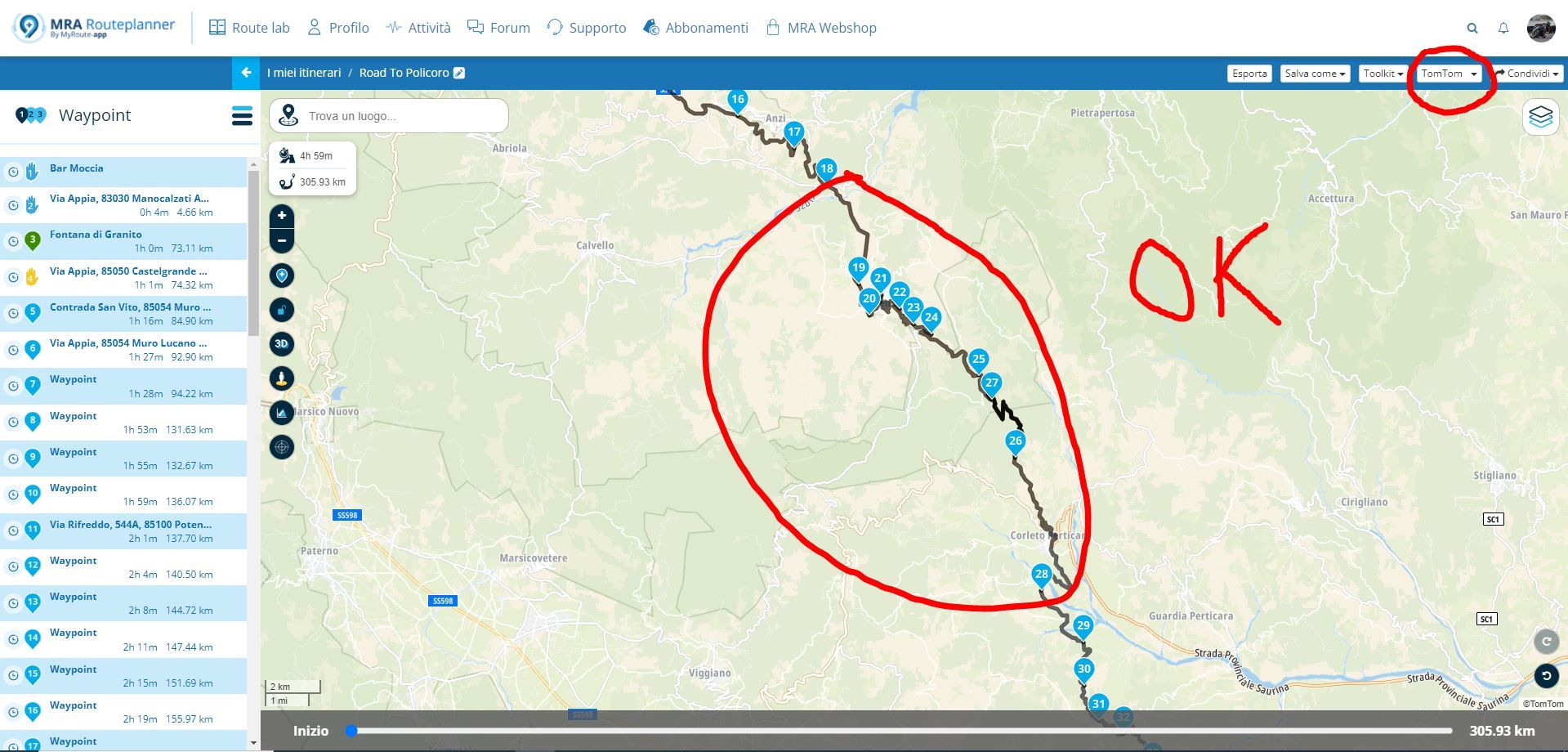
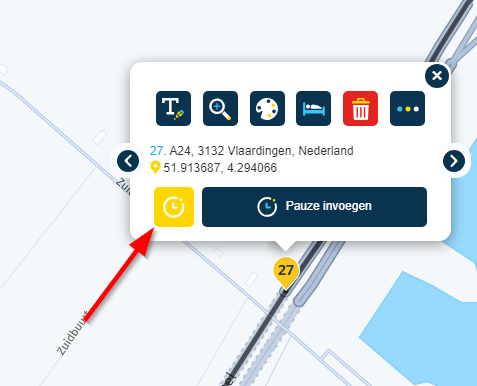
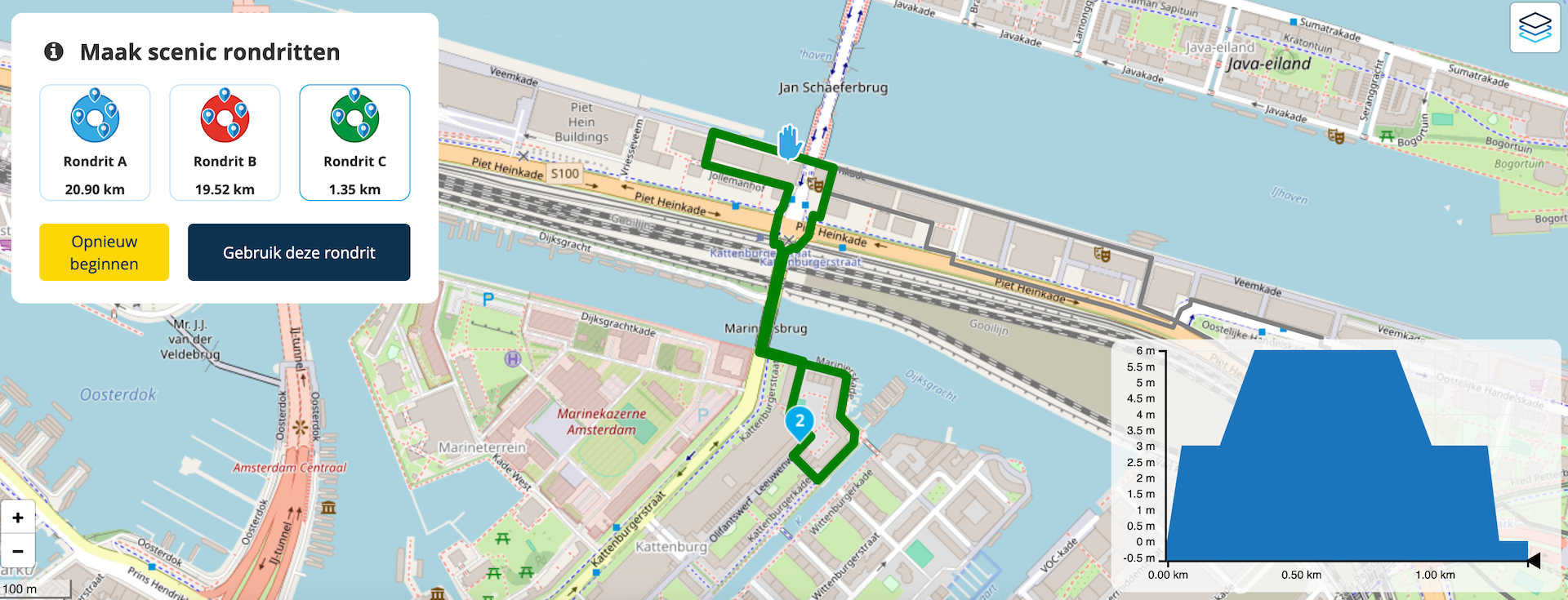
@Albyus I suspect that you skipped a viapoint (hand symbol). If you have 'Automatically skip waypoints' enabled, you'll be redirected back to the viapoints. Viapoints (hand symbols) are never skipped. If you don't have 'Automatically skip waypoints' enabled, you'll be sent back to every waypoint you skip.
@Rob-Verhoeff said in Trip Journal:
Your option requires an active internet connection. I was more focused on the initial question of doing it without that connection.
True, but most people write journals at day's end before they go to sleep I think
@Cookie-On-Tour We are in total agreement about identifying possible points of interest. I often identify an early stop and late stop so that we have some motel / restaurant options already identified if we decide to re-route during the day.
I'll do ANYTHING that I can with advanced planning to avoid doing google searches at a gas station while we are traveling.
@Timo-Jansen said in route maken niet mogelijk vanwege wegafsluitingen:
Silvretta Hochalpstrasse
Ik ben er twee weken geleden geweest. Was toen nét weer volledig open, maar er wordt wel nog gewerkt aan de rotslawines. Met regenweer mag je er niet in, maar tien tegen één ben jij 's avonds aan het plannen, en dan is hij dicht
[image: 1727203723593-44f84947-76b0-4587-85e2-8a51e5a95081-image.png]
@Corjan-Meijerink Thank you for the explanation.
It's always a shame that the default settings caused confusion, but now I have two options of what to do, nice
@Con-Hennekens Ik maak standaard gebruik van de HERE map en ik kom met regelmaat tegen dat ik daar (transportmodus op auto) niet in mag wat logisch is. Zet ik de modus om naar motor, dan exact hetzelfde.
Ik vermoed (omdat HERE bewerkelijk is door de vele gebruikers die correcties mogen invoeren) dat de ene weg met het C06 bord wel toegankelijk is (correctie door gebruikers) en de andere weg met het C06 bord niet toegankelijk is (niet gecorrigeerd).
Dus om dan over zo'n weg heen te willen moet je noodgedwongen een noodgreep uitvoeren (routepunt overslaan).
@Peter-Schiefer said in Suggestion for announcements:
Strange is that German words are spoken in English
Sample near cologne is a small village written „Much“. the german spelling is Mu like the „bu“ from butcher and the ch froh Machine has no englisch sound it is more a „chr“. MRA speak is like the english „(too) much“
So it is not a dialekt it is a problem of interpretation
And so the wording or speling especially of proper names could be funny.
The text to speech engine is coming from your phone, MRA does not supply text to speech.
The iPhone has 11 German voices to choose from.
[image: 1726593139259-img_4178.png]
@Hans-van-der-Tol I've been thinking about the same issue. Two alternative approaches could be:
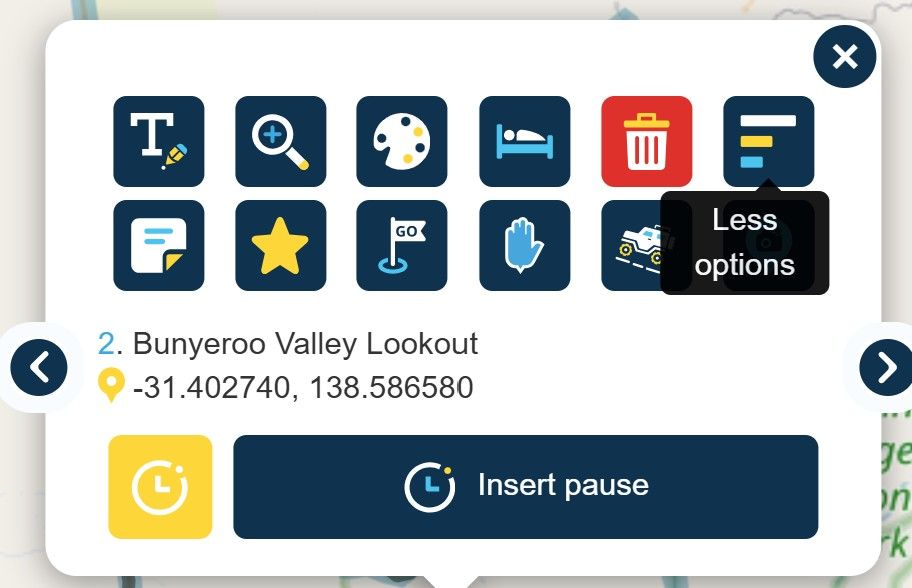
use a small dot on the track in a different color rather than the large waypoint icon. Information like waypoint number could be shown own mouse over
if the map is zoomed out, only show waypoints with a custom icon or color and when you zoom in enough, also show other waypoints
And to make waypoints easy to find, you could make a specific waypoint visible if it is selected in the list of waypoints.
Hi @Joerg-4 the route web planner already has the option for storing Points of Interest, maybe this is what you are looking for
https://forum.myrouteapp.com/topic/7284/poi-improvements
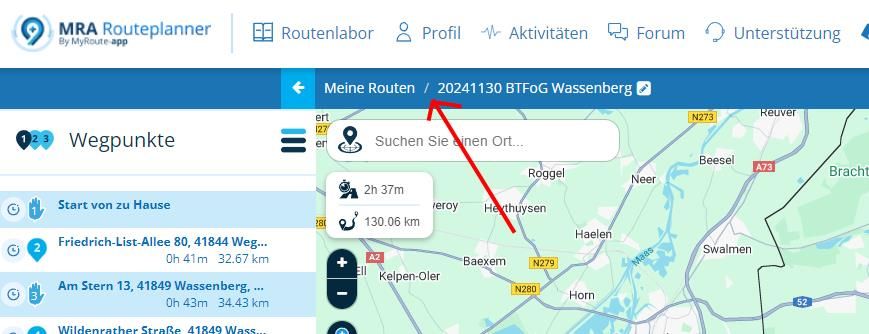
@Rob-Veerman gevonden! Duurde even voor ik doorhad dat ik links op die 3 streepjes moest klikken om meer menuopties te krijgen (waaronder routes) Nogmaals dank.
@Reinhard-32 der Routenplaner ignoriert die Einstellung mit welchem motorisierten Fahrzeug man die Reise auch planen mag. Die MyRoute Navigation hingegen berücksichtigt die max. km/h Eingabe im Profil des Reisemobils bei der Berechnung.
@Brian-McG
you're right, my fault, I explained myself badly, I meant the POI icons, your idea is also great, maybe the developers will read it and think about it...