@smfollen-0 "From a zumo perspective, the key difference between MRA's 1.1 and 1.2 is not that shaping points are eliminated, but that route point extensions are included. They are essentially track points, just formatted and handled differently."
Exactly! For the person who doesn't clearly understand this yet, this key difference is VERY important when the Garmin calculates the route. I'll illustrate here what happens during a 1.1 vs. 1.1 route import.
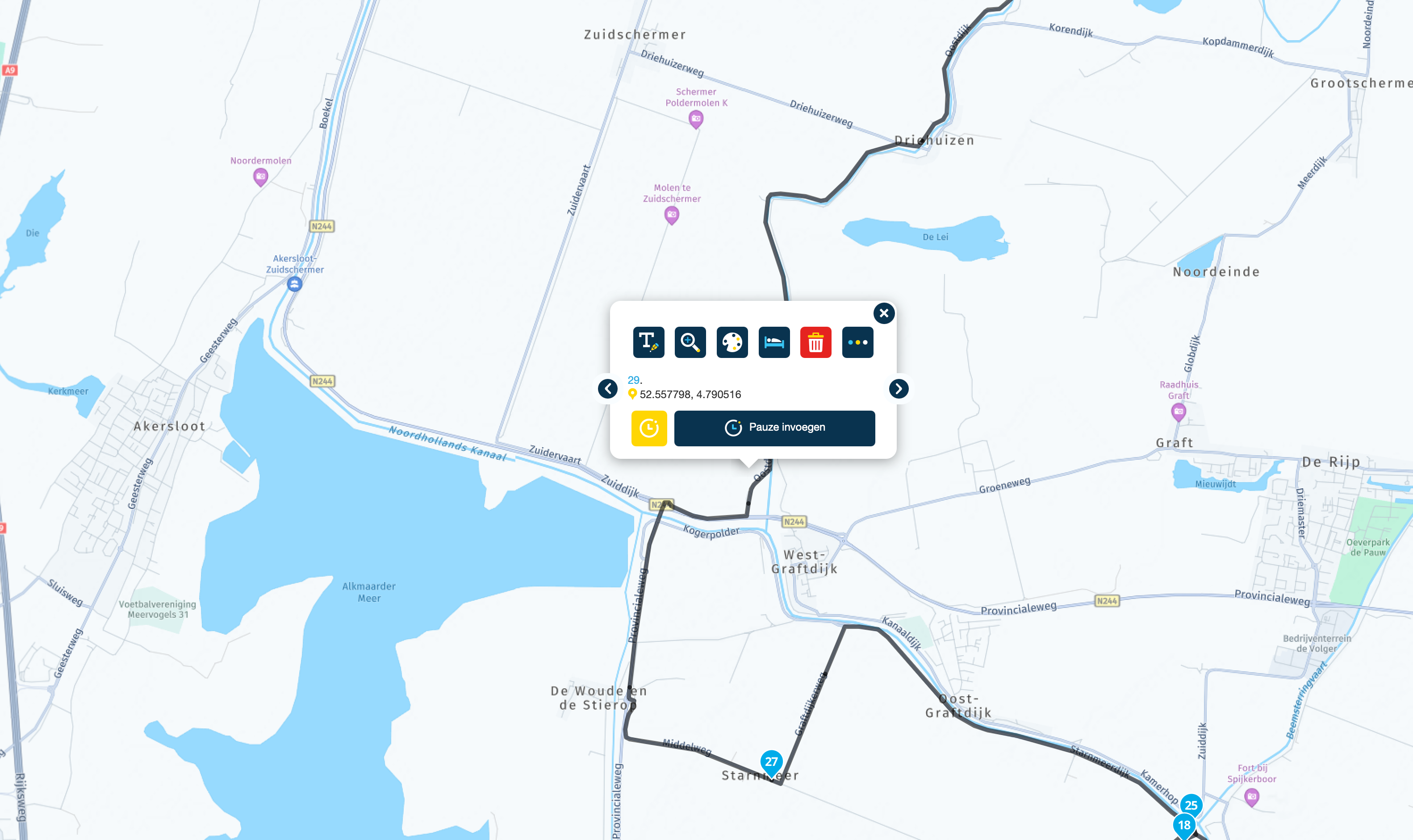
Let's take a route created with created in MRA that includes 4 via points (starting via point + ending via point + 2 more) and 6 shaping points for a total of 10 total reference points as an example:
In simple terms, a 1.1 route in the .gpx file looks like this:
starting via point 1 -> shaping point 1 -> shaping point 2 -> via point 2 -> shaping point 3 -> shaping point 4 -> via point 3 -> shaping point 5 -> shaping point 6 -> ending via point 4.
When this 1.1 route is imported into the Garmin it will calculates its own route using its own logic between each of these 10 shaping and via points based on its settings (fastest, shortest, etc). Many times that route doesn't go exactly where you planned or how it looked in MRA, and it does not match the track.
On the other hand, a 1.2 route in the .gpx file looks like this
(For simplicity's sake I'm going to refer to "route extensions" as "track points" as both of them are simply latitude/longitude pairs that are like breadcrumbs that precisely mark the desired path (track), and in the 1.2 file they're virtually identical.)
starting via point 1 -> track points -> via point 2 -> track points -> via point 3 -> track points -> ending via point 4.
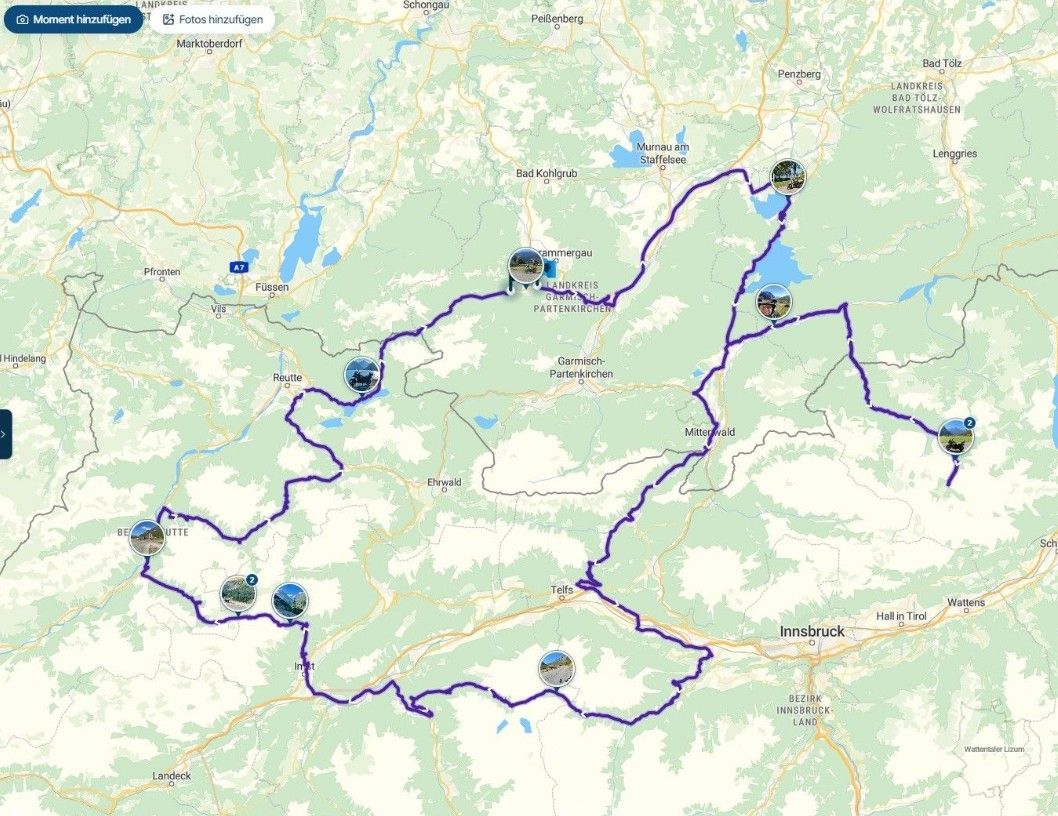
When the route is imported there are no shaping points in the 1.2 .gpx format as you pointed out. Instead, the 1.2 route includes a large number (for a normal route many hundreds or even thousands) of track points that force the Garmin to calculate the route EXACTLY as you had planned and EXACTLY the same as your track file.
Good discussion. Thanks for the input!