Waypoints being skipped - not what I want to happen
-

I have been using the MRA web site to create routes for almost 10 years. I've used these routes successfully for my Garmin Zumo 550 and Harley-Davidson Boom (2015).
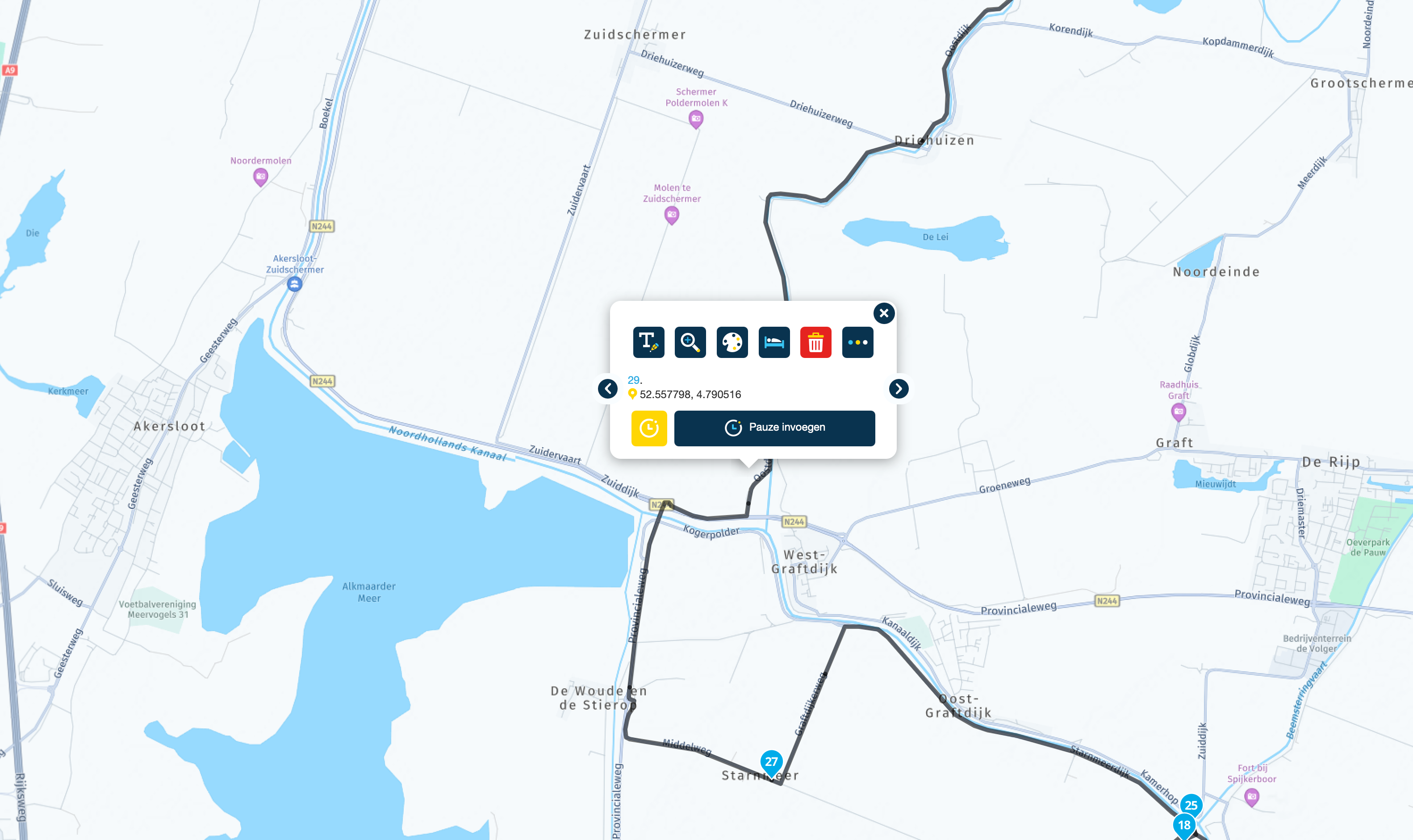
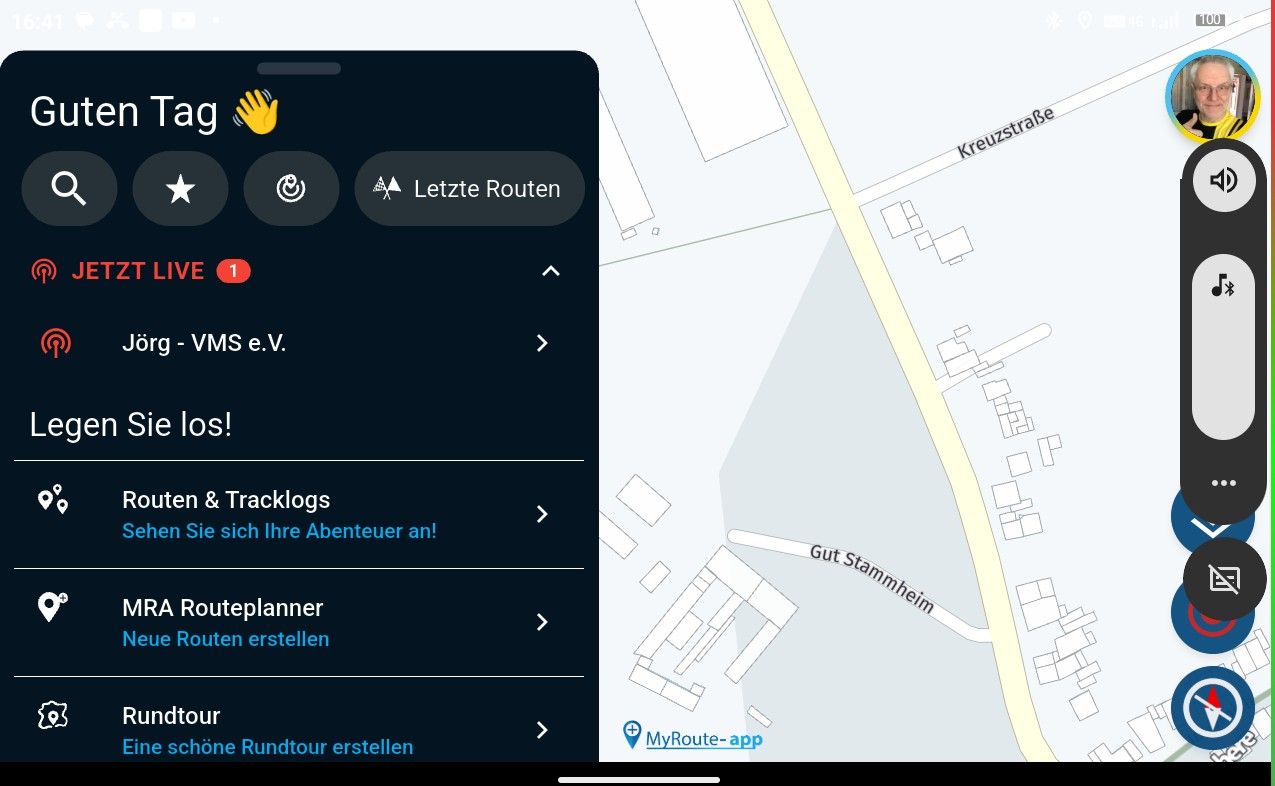
I recently started using the MRA navigation app. I've been creating very simple routes on the MRA web site to verify my understanding of the app. Unfortunately I have not yet figured out how to use waypoints or via points or shaping points such that MRA nav redirects me to them if I miss the calculated turn to reach them.
I've got the MRA nav app setting for 'auto skip of waypoints' turned OFF. But regardless of whether I've created a waypoint as 'via' ('hand') or 'shaping' (sort of a balloon), every time I miss a turn to take me to them, they get skipped.
Do I need to update a setting in the app ? Create my routes differently ? Other ?
Thanks.
Hello! It looks like you're interested in this conversation, but you don't have an account yet.
Getting fed up of having to scroll through the same posts each visit? When you register for an account, you'll always come back to exactly where you were before, and choose to be notified of new replies (either via email, or push notification). You'll also be able to save bookmarks and upvote posts to show your appreciation to other community members.
With your input, this post could be even better 💗
Register Login-
 01579
01579
-
06107
-
 017817
-
 17100
17100
-
09232
-
012741
-
0316
-
 0339
0339