Skip to content
  • Categories
  • Recent
  • Popular
  • Support
  • MyRoute-app
Collapse
Brand Logo

MRA Community Forum

  1. Home
  2. The MyRoute-app
  3. [App] Suggestions and Discussion
  4. How to bring an external .GPX file into my route App for navigation

How to bring an external .GPX file into my route App for navigation

Scheduled Pinned Locked Moved [App] Suggestions and Discussion
7 Posts 4 Posters 70 Views 3 Watching
  • Oldest to Newest
  • Newest to Oldest
  • Most Votes
Reply
  • Reply as topic
Log in to reply
This topic has been deleted. Only users with topic management privileges can see it.
  • Lenny Oundefined Offline
    Lenny Oundefined Offline
    Lenny O
    wrote last edited by Lenny O
    #1

    Hello, all!
    I have opened a support ticket for this as well. But think it may be useful here too.
    Here is what I asked there:
    "Hello, people!
    I need detailed instructions on how to open a .GPX file that I received in the email, or the one stored in my phone into the My Route App for navigating it, please.
    The .gpx file may or may not of been created in MRA Route planner.
    I know that the functionality is there, because it was there in the previous version, but is is not intuitive to find in my and other users I know opinion.
    Thank you very much!"

    Some people may have JUST the MRA Navigator without the planner. And this is a primary concern they have. It should be made really obvious and easy on the app!

    Positive emotions are worth every penny ;)

    Nick Carthewundefined 1 Reply Last reply
    0
    • Corjan Meijerinkundefined Offline
      Corjan Meijerinkundefined Offline
      Corjan Meijerink
      Developer
      wrote last edited by
      #2

      Hi there! Just “open” the file with our app and the contents of the GPX should present itself. Allowing you to save it or start navigation immediately.

      Lenny Oundefined 1 Reply Last reply
      1
      • Corjan Meijerinkundefined Corjan Meijerink

        Hi there! Just “open” the file with our app and the contents of the GPX should present itself. Allowing you to save it or start navigation immediately.

        Lenny Oundefined Offline
        Lenny Oundefined Offline
        Lenny O
        wrote last edited by
        #3

        @Corjan-Meijerink

        That was easy!!!! Thank you!!! 👏 😊

        Positive emotions are worth every penny ;)

        1 Reply Last reply
        0
        • Lenny Oundefined Lenny O

          Hello, all!
          I have opened a support ticket for this as well. But think it may be useful here too.
          Here is what I asked there:
          "Hello, people!
          I need detailed instructions on how to open a .GPX file that I received in the email, or the one stored in my phone into the My Route App for navigating it, please.
          The .gpx file may or may not of been created in MRA Route planner.
          I know that the functionality is there, because it was there in the previous version, but is is not intuitive to find in my and other users I know opinion.
          Thank you very much!"

          Some people may have JUST the MRA Navigator without the planner. And this is a primary concern they have. It should be made really obvious and easy on the app!

          Nick Carthewundefined Offline
          Nick Carthewundefined Offline
          Nick Carthew
          RouteXpert
          wrote last edited by
          #4

          @Lenny-O said in How to bring an external .GPX file into my route App for navigation:

          Some people may have JUST the MRA Navigator without the planner. And this is a primary concern they have. It should be made really obvious and easy on the app!

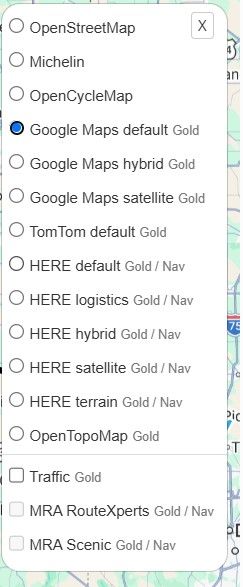
          I’m sure you know this but just to be really clear, if you have an MRA Navigation Next subscription, you will automatically have a website route planner account and have access to the HERE planning map to plan your routes. Just go to www.myrouteapp.com and sign in with the same email and password.

          Always willing to help if I can.
          Triumph Tiger 1200 XRT called Tina.
          MRA Navigation Next and SilverFox BJ8

          1 Reply Last reply
          0
          • Guzzistundefined Offline
            Guzzistundefined Offline
            Guzzist
            Valued contributor
            wrote last edited by
            #5

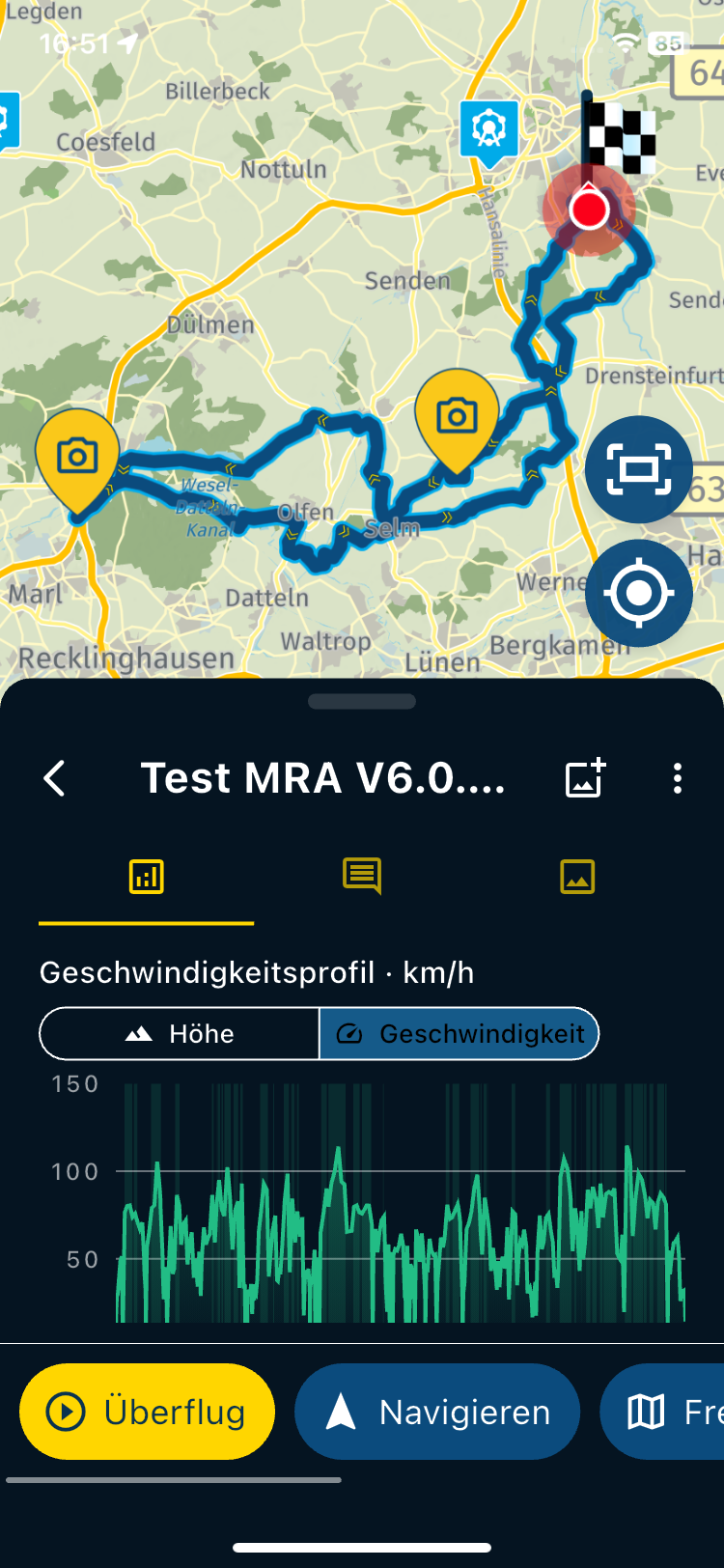
            ...and by MRA Navigation Next, you can easily reach the website and route planner, by the last button/link down in App menue (see screenshot).
            By this, it's also possible to upload a gpx file.

            And if you have switched on, the option in App to synch ALL routes with the website - seconds after uploading the gpx route, it's also in the App to navigate with...

            Nothing is impossible ;-)
            In past: GARMIN Zumo 210->GARMIN Zumo 395->GARMIN XT=> now: DMD T865-X + MyRoute-App, LocusMaps, OsmAnd.
            In past: GARMIN MapSource ->GARMIN BaseCamp->Tyre->Kurviger->Calimoto=> now: MRA-Routplanner.

            1 Reply Last reply
            0
            • Corjan Meijerinkundefined Offline
              Corjan Meijerinkundefined Offline
              Corjan Meijerink
              Developer
              wrote last edited by
              #6

              Haven’t we built a great app? 😏

              Guzzistundefined 1 Reply Last reply
              1
              • Corjan Meijerinkundefined Corjan Meijerink

                Haven’t we built a great app? 😏

                Guzzistundefined Offline
                Guzzistundefined Offline
                Guzzist
                Valued contributor
                wrote last edited by
                #7

                @Corjan-Meijerink said in How to bring an external .GPX file into my route App for navigation:

                Haven’t we built a great app? 😏

                yesssss - it's the unbelievable greatest app 🏅

                Nothing is impossible ;-)
                In past: GARMIN Zumo 210->GARMIN Zumo 395->GARMIN XT=> now: DMD T865-X + MyRoute-App, LocusMaps, OsmAnd.
                In past: GARMIN MapSource ->GARMIN BaseCamp->Tyre->Kurviger->Calimoto=> now: MRA-Routplanner.

                1 Reply Last reply
                0
                Reply
                • Reply as topic
                Log in to reply
                • Oldest to Newest
                • Newest to Oldest
                • Most Votes


                ACTIVE USERS
                Nick Carthewundefined
                Nick Carthew
                Guzzistundefined
                Guzzist
                Corjan Meijerinkundefined
                Corjan Meijerink
                Lenny Oundefined
                Lenny O
                POPULAR TOPICS
                • How to bring an external .GPX file into my route App for navigation
                  Guzzistundefined
                  Guzzist
                  0
                  7
                  70

                • using GPS coordinates for planning not always correct
                  Nick Carthewundefined
                  Nick Carthew
                  0
                  7
                  143

                • MENU OBSTRUCTING THE MAP
                  Corjan Meijerinkundefined
                  Corjan Meijerink
                  0
                  8
                  190

                • Audio cuttet via Bluetooth
                  Haugundefined
                  Haug
                  1
                  37
                  1.8k

                • Android Auto issues
                  gp.fiorentinoundefined
                  gp.fiorentino
                  0
                  3
                  62

                • Resume a route from stop on AA/Cp
                  Rob Verhoeffundefined
                  Rob Verhoeff
                  0
                  2
                  35

                • CarPlay and app not showing route
                  Con Hennekensundefined
                  Con Hennekens
                  0
                  3
                  122

                • I don't need AA to run the app on a phone, right?
                  Con Hennekensundefined
                  Con Hennekens
                  0
                  3
                  98
                MY GROUPS
                • Login

                • Login or register to search.
                • First post
                  Last post
                0
                • Categories
                • Recent
                • Popular
                • Support
                • MyRoute-app