Distances between waypoints
-

For those with a Gold subscription, the calculator in the toolkit can tell you the time and distance between any two route points.
-

When you want to know the distance anywhere in your routes, simply click on the altitude gaphics map
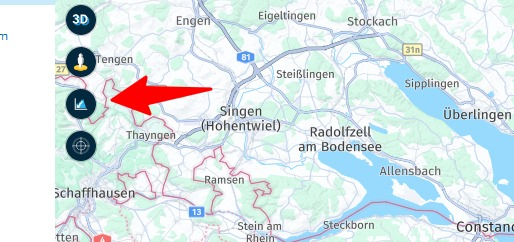
Now hoover with your mouse over the graphic and you see the exact position and altitude after xxx km.
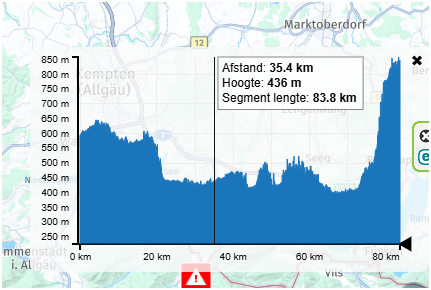
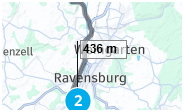
On the map this position is sowed with a little flag with the altitude. In this way you can schedule your route very precisely
-

Hey @Wallace-Shackleton ,
The waypoints list offers the km between the WP always added up.VG

-

Hey MRA team... I totally agree with @Wallace-Shackleton. Normally you always plan whole length of journey at first, then later split the route in proper daily rides. Therefore the distance between consecutive waypoints in the waypoints list would be very, very useful, a really cool feature. BTW: all other solutions above are clumsy and not really useful. Best regards, Matjaz
-
Hey MRA team... I totally agree with @Wallace-Shackleton. Normally you always plan whole length of journey at first, then later split the route in proper daily rides. Therefore the distance between consecutive waypoints in the waypoints list would be very, very useful, a really cool feature. BTW: all other solutions above are clumsy and not really useful. Best regards, Matjaz

@Matjaz-Valjavec said in Distances between waypoints:
Hey MRA team... I totally agree with @Wallace-Shackleton. Normally you always plan whole length of journey at first, then later split the route in proper daily rides. Therefore the distance between consecutive waypoints in the waypoints list would be very, very useful, a really cool feature. BTW: all other solutions above are clumsy and not really useful. Best regards, Matjaz
I do not agree, the planner gives you all tools that are needed to do any kind of calculation for any perfect route.
-
Hey MRA team... I totally agree with @Wallace-Shackleton. Normally you always plan whole length of journey at first, then later split the route in proper daily rides. Therefore the distance between consecutive waypoints in the waypoints list would be very, very useful, a really cool feature. BTW: all other solutions above are clumsy and not really useful. Best regards, Matjaz

@Matjaz-Valjavec said in Distances between waypoints:
BTW: all other solutions above are clumsy and not really useful.
That's always in the eye of the beholder.
Every platform has its own characteristics and approaches to achieving the goal.Once I have decided on a platform, I need to familiarize myself with the options available, then I can intuitively use the tools at my disposal.
But to say that the options are not helpful but cumbersome is definitely NOT correct.
I agree with Jörgen 100% on this.
The platform includes all the tools you need to plan a perfect tour. -
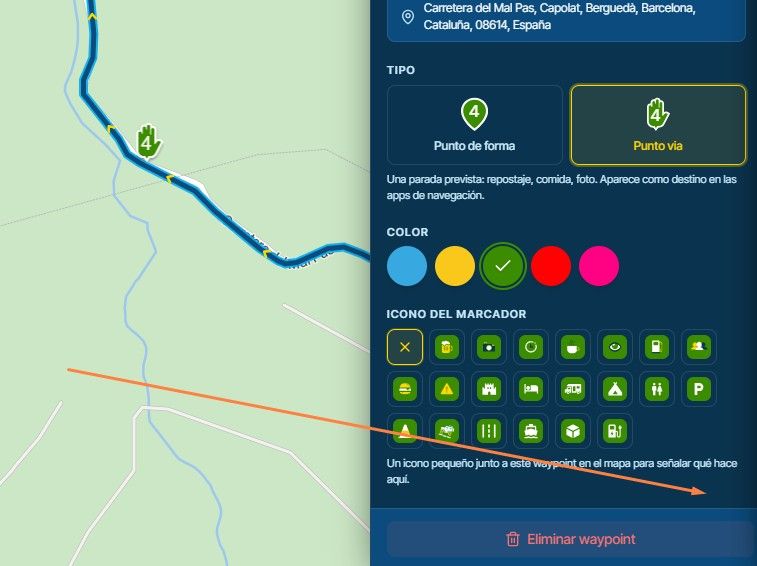
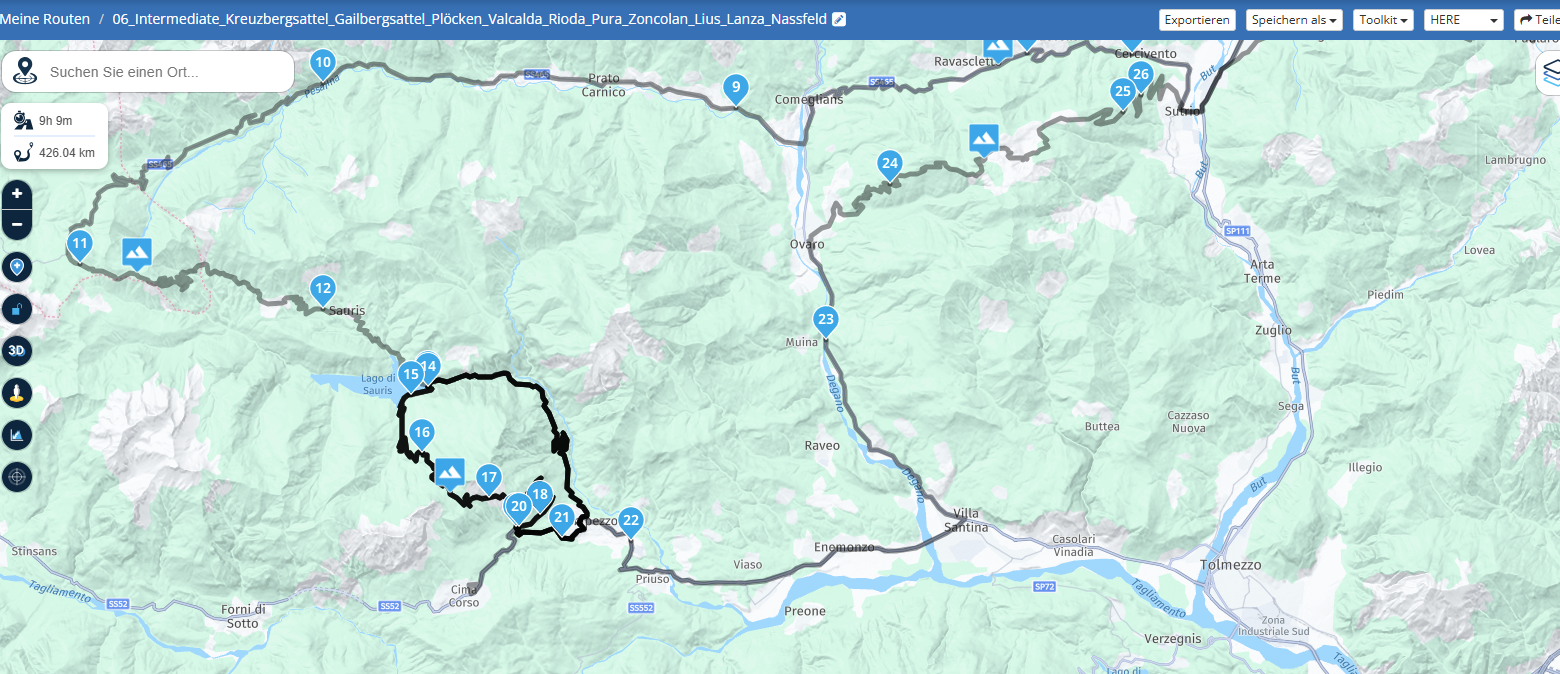
I’ve only just discovered the ‘distance between waypoints’ feature ! What I do with a 2-3 day transit route, is compile the entire route in one, and then select “Expand” from the toolkit. I generally get away with 50. It appears that the added waypoints are based on time travelled, so if we plan on departing 8am - there is generally a waypoint very close to ‘each hour’. I re-colour each hourly waypoint to yellow, and rename to ‘1hr waypoint’, ‘2Hr waypoint’ etc. this helps decide the best area to start looking for accommodation. I feel that ‘time’ is more relevant than ‘distance’ in this scenario (obv not so much for fuel range).
-
I'm in the early stages of planning a multi-day trip. I do have a Gold subscription, and access to the calculator. But it is a little disruptive to the work flow to use the calculator. I'd be in favor of an easier way to see distances between waypoints.
-
Using the Altitude feature is counter intuitive and no better than doing some rough mental arithmetic on the distances from the Way point list.
Another reason for having automatic displayed distances between way points is for tank range estimation. On a long trip it gets very complicated factoring in fuel stops. The slider thing at the bottom is about as much use as a chocolate fire guard when it comes to fuel range as is the Altitude tool. The best work around is to guess a point along a route, drop a marker and estimate the rough distance. But Workarounds are not functionality, they just compensate for poor design.
It is functionality I'm asking for. Making MRA an indispensable tool for route planning rather than just the same as all the other route planners out there.
Hello! It looks like you're interested in this conversation, but you don't have an account yet.
Getting fed up of having to scroll through the same posts each visit? When you register for an account, you'll always come back to exactly where you were before, and choose to be notified of new replies (either via email, or push notification). You'll also be able to save bookmarks and upvote posts to show your appreciation to other community members.
With your input, this post could be even better 💗
Register Login
-
911611.2k
-
 01544
01544
-
 0715
0715
-
 0615
0615
-
 0623
0623
-
0526
-
 01045
01045
-
0732