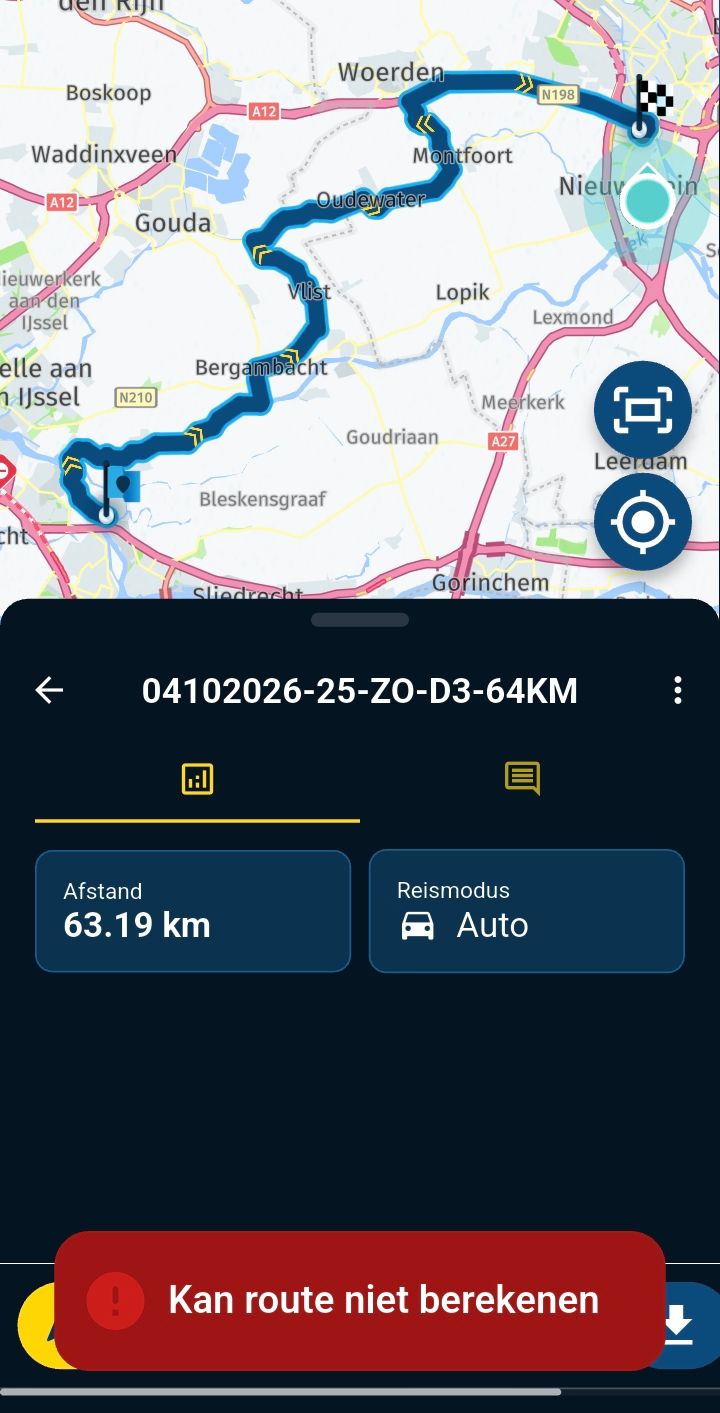
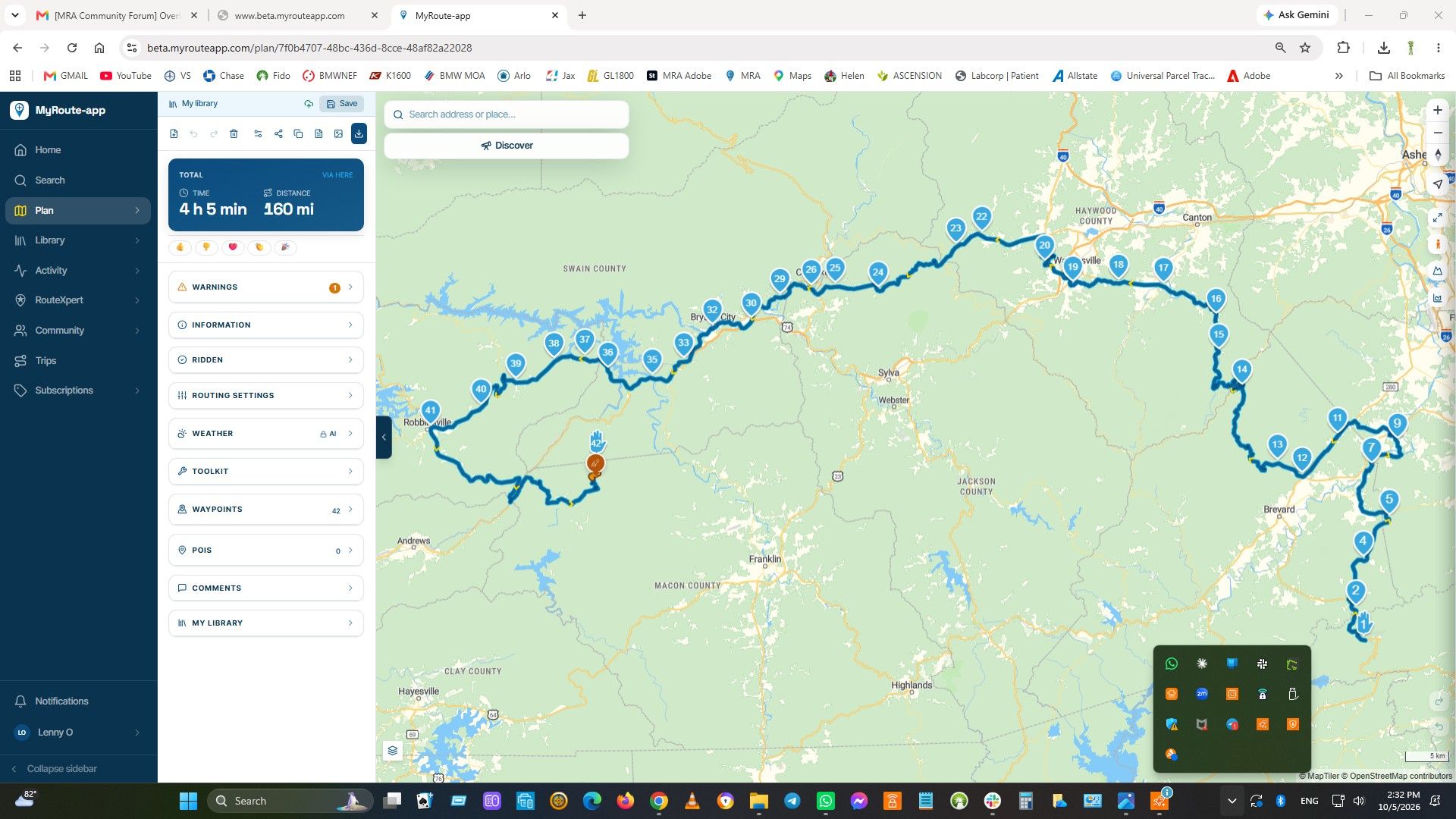
Duplicate Route inside editor
-

Hi all,
I apologize If commented before.
Route editor ALWAYS save modified waypoints when exiting editor. This is good.
But sometimes I need to change working route to have 2 similar versions for modified routing, This is done by:- Exit route planner
- Locate route
- Duplicate and rename
- Enter again in route planer to modify.
Perhaps, is possible to put "duplicate" or a "save route as" button near "rename" button on route planner?
From:
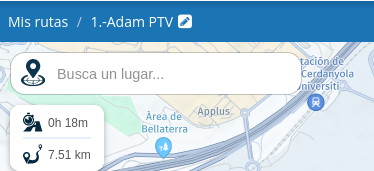
to something similar to:
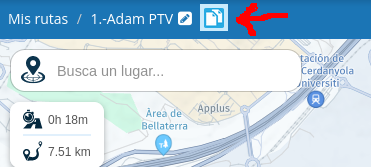
This can be used also to have a backup before make changes.
Best Regards
Lluis Arasanz
- BMW F750GS
MotoMediaLink HW Interface for BMW's WonderWheel device - Samsung A14 with Beta MyRoute-App (primary bike use)
Tasker and MMLink SW for Android App Control - iPhone 14 with Beta MyRoute-App (personal and primary CP use)
-
Hi all,
I apologize If commented before.
Route editor ALWAYS save modified waypoints when exiting editor. This is good.
But sometimes I need to change working route to have 2 similar versions for modified routing, This is done by:- Exit route planner
- Locate route
- Duplicate and rename
- Enter again in route planer to modify.
Perhaps, is possible to put "duplicate" or a "save route as" button near "rename" button on route planner?
From:
to something similar to:
This can be used also to have a backup before make changes.
Best Regards

@Lluis-Arasanz
To be honest, I find the existing copy function of the personal route library sufficiently functional. When editing routes, I almost always make a working copy in advance and see no added value in your proposal. -
@Lluis-Arasanz
To be honest, I find the existing copy function of the personal route library sufficiently functional. When editing routes, I almost always make a working copy in advance and see no added value in your proposal. -
@Lluis-Arasanz
To be honest, I find the existing copy function of the personal route library sufficiently functional. When editing routes, I almost always make a working copy in advance and see no added value in your proposal.
@Jack-van-Tilburg, "sufficiently functional" it is, but that does not equal "not subject to improvement"
 I think it is a good idea. Do you copy and rename your Word (or whatever) documents before opening them, or do you open a document and then "save as" with a different name?
I am just an enthusiastic MRA user, and hope you will be one too!
Most motorcycle problems are caused by the nut that connects the handlebar to the saddle.
Check out RideSleepRepeat.eu, a biker community for sharing stays across Europe
-
@Jack-van-Tilburg, "sufficiently functional" it is, but that does not equal "not subject to improvement"
I think it is a good idea. Do you copy and rename your Word (or whatever) documents before opening them, or do you open a document and then "save as" with a different name?
@Con-Hennekens
(back when I was still working )When I was still writing documents, 'life' incrementals were made.
Now when I create a document (or whatever) I start with a right mouse click -> duplicate and work with the copy. -
@Con-Hennekens
(back when I was still working )When I was still writing documents, 'life' incrementals were made.
Now when I create a document (or whatever) I start with a right mouse click -> duplicate and work with the copy.
@Jack-van-Tilburg, I guess your IT service was very happy to increase storage space every now and then
Nowadays we have versioning built in to filesystems. But anyhow: I think adding a small symbol to "save as" can make some people happy and it does not intervene with your methods.
Hello! It looks like you're interested in this conversation, but you don't have an account yet.
Getting fed up of having to scroll through the same posts each visit? When you register for an account, you'll always come back to exactly where you were before, and choose to be notified of new replies (either via email, or push notification). You'll also be able to save bookmarks and upvote posts to show your appreciation to other community members.
With your input, this post could be even better 💗
Register Login-
 020396
-
 4211.7k
-
 91057.6k
-
016577
-
013442
-
 0615
0615
-
0436
-
 039
039