MRA does not recognize RemoTek One remote commands:
-

I've used MRA route Planning for years. More recently I've been using the companion MRA Navigation App on my phone. I had the RemoTek One remote control working with MRA Navigation but now it doesn't function with MRA? Remotek One still works with Google Maps, TomTom Go and DMD on my phone. So it seems like the Remotek One is configured properly.
I have the most current 5.2.0 version of the Navigation App on my phone. Has the new version changed anything that would prevent the RemoTek One from interfacing?
-
 Nick Carthew moved this topic from General Discussion on
-
I've used MRA route Planning for years. More recently I've been using the companion MRA Navigation App on my phone. I had the RemoTek One remote control working with MRA Navigation but now it doesn't function with MRA? Remotek One still works with Google Maps, TomTom Go and DMD on my phone. So it seems like the Remotek One is configured properly.
I have the most current 5.2.0 version of the Navigation App on my phone. Has the new version changed anything that would prevent the RemoTek One from interfacing?

Hi @Doug-Crocker if the remotek is working with other apps then it is awake & connected to your phone ok
so the issue is probably just that MRA is not recognising it
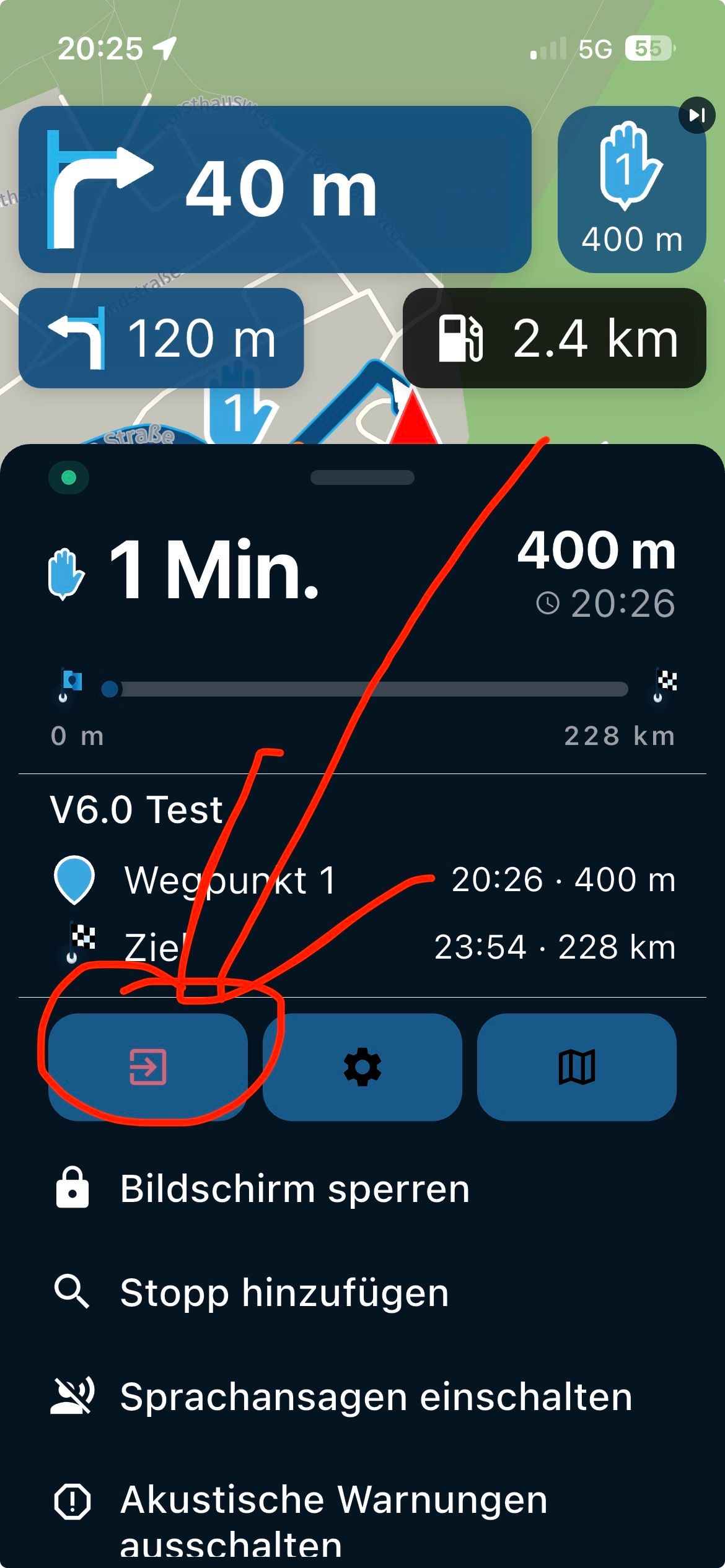
check that "Settings > Input Settings > Remotek" is selected with a check mark -

After the update, the input device must be selected new.
-
Brian, thanks. I had a route loaded to navigate and could not get to that particular setting. Once I canceled navigation I was able to get to that setting as you described.
Hello! It looks like you're interested in this conversation, but you don't have an account yet.
Getting fed up of having to scroll through the same posts each visit? When you register for an account, you'll always come back to exactly where you were before, and choose to be notified of new replies (either via email, or push notification). You'll also be able to save bookmarks and upvote posts to show your appreciation to other community members.
With your input, this post could be even better 💗
Register Login-
 18251.7k
-
1224188
-
 07110
07110
-
 0634
0634
-
 0627
0627
-
7584
-
 56451
56451
-
 0541
0541