
Identifying an expert route without hunting for the start point
-

Often I see an expert route near where I am going -- either on the library page or on the new expert route layer on my own route. But I can't identify the route name.
Example - let's say I want to open the expert route that goes through Farnborough. Which is it? Its name, description or link to open does not show until I can trace its start point and get that into view. But when there is a spaghetti of routes, some of which might start at the far end of the country, it is very hard to find the source point.
Ideally I'd like to click on the expert route and be able to open it.
Am I missing something?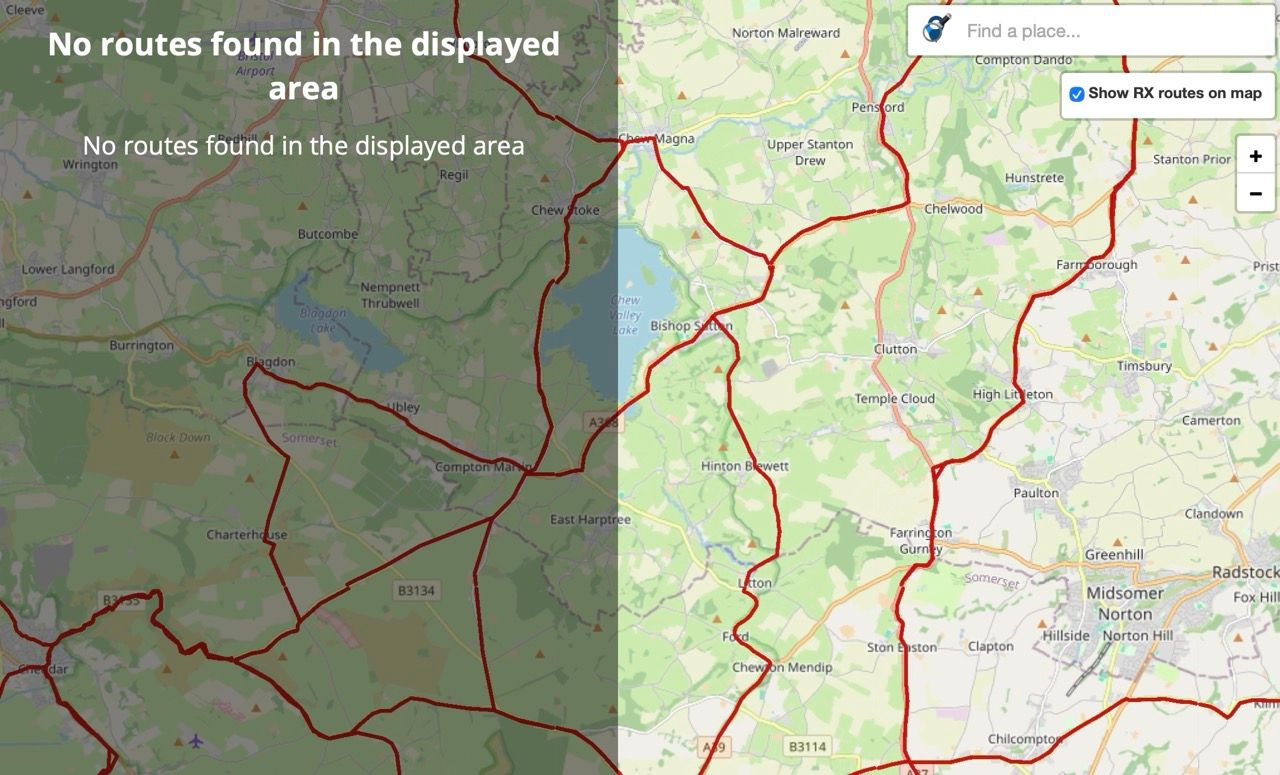
-

Up till now that’s not possible but I like it. Maybe @Corjan-Meijerink can put it on the wishlist
-

...very good idea - I want it too

-
Often I see an expert route near where I am going -- either on the library page or on the new expert route layer on my own route. But I can't identify the route name.
Example - let's say I want to open the expert route that goes through Farnborough. Which is it? Its name, description or link to open does not show until I can trace its start point and get that into view. But when there is a spaghetti of routes, some of which might start at the far end of the country, it is very hard to find the source point.
Ideally I'd like to click on the expert route and be able to open it.
Am I missing something?
@Anonymouse, you SHOULD be able to set a pin on that location, so and set parameters to filter routes around that location. But apparently there is something wrong with the filter results...
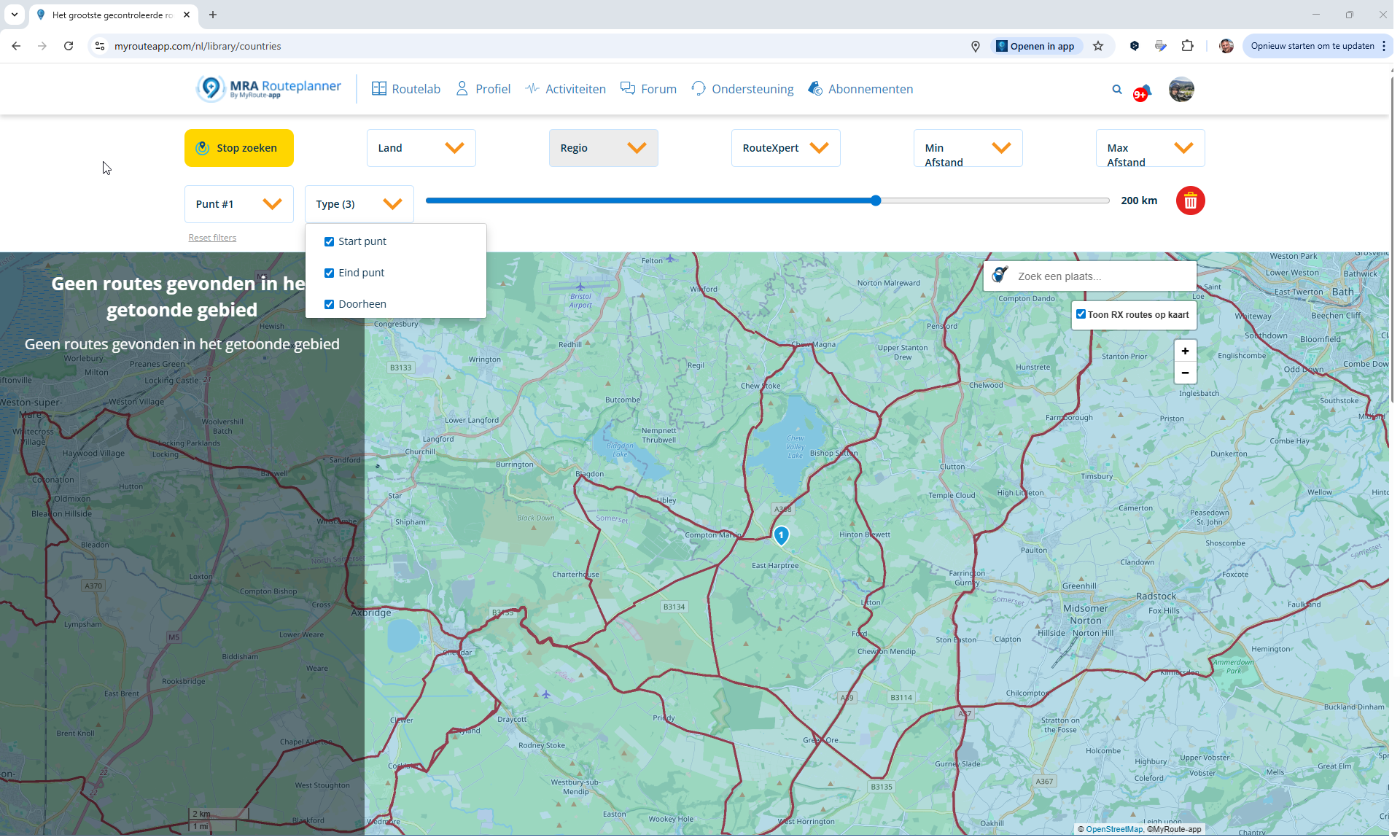
I am in favor of your idea though. Often multiple routes will need to be shown though. But I think it is a rather big change, and it will most probably not happen in the current web-planner.
Hello! It looks like you're interested in this conversation, but you don't have an account yet.
Getting fed up of having to scroll through the same posts each visit? When you register for an account, you'll always come back to exactly where you were before, and choose to be notified of new replies (either via email, or push notification). You'll also be able to save bookmarks and upvote posts to show your appreciation to other community members.
With your input, this post could be even better 💗
Register Login-
 011751
-
06178
-
09102
-
 05192
05192
-
06161
-
111539
-
05153
-
0210


