Skip to content
  • 1 Votes
    2 Posts
    212 Views
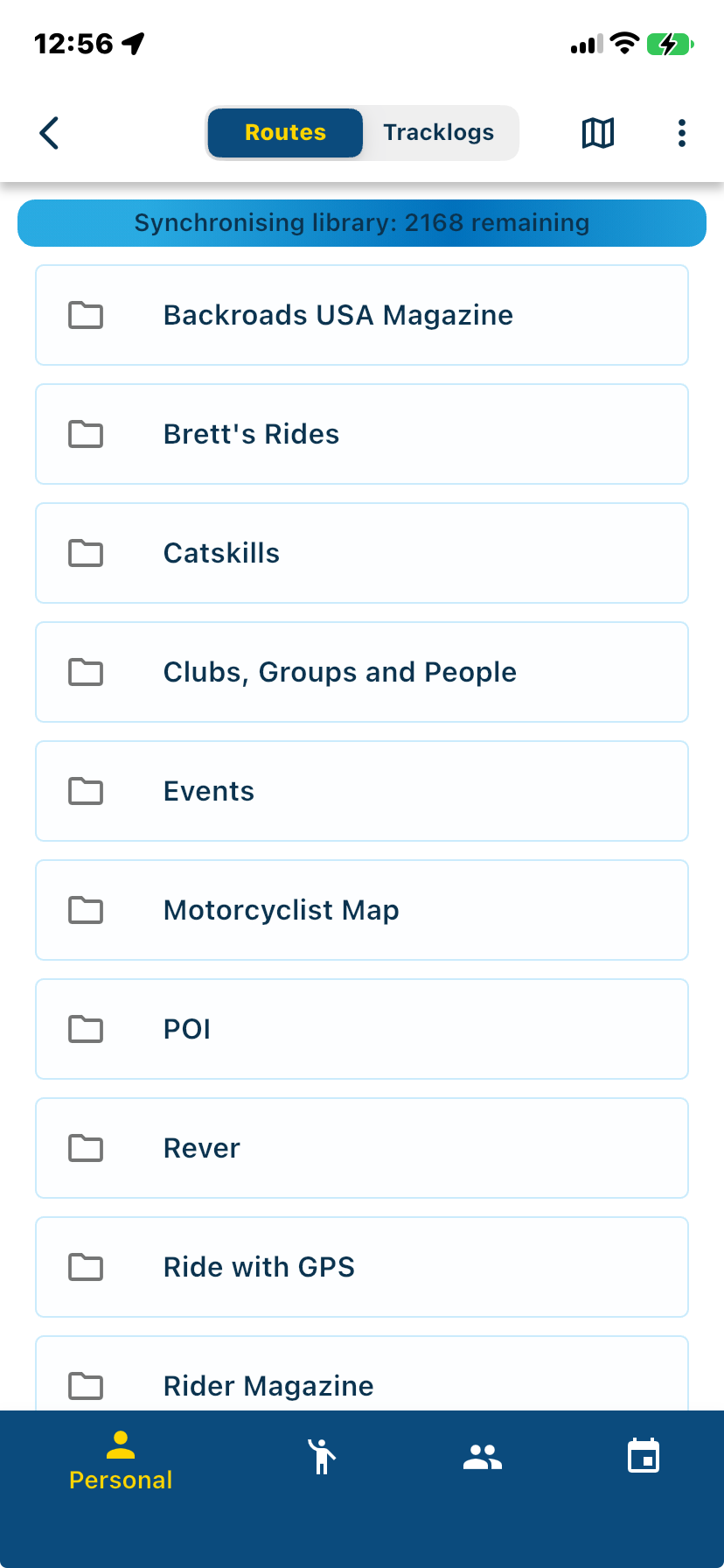
    @Don-Stauffer said in Favorites, POI's and waypoints: The per-route implementation of POI in the 'manage' tab works a little better, as I can turn on and off any particular POI. The POI is visible regardless of zoom level. Two good features there. But I cannot maintain the list off-line, and I cannot carry it into a new route. That is indeed one of the things I hope will improve in the new web version. Problem is that MRA does not follow the GPX standard for POI and you have only the "name" field available. I did not heard of the app Tablecruncher before, but it is indeed a simple CSV editor that is open source. I have ran into the same problems that you did and started out using Excel to edit POI, as I also use a Garmin device and wanted to have more fields available. After some time I switched into Google Sheets because I wanted to access POI also when I was not at home. This can be accessed "In the Cloud" and can be programmed with Javascript instead as Visual Basic in the Excel version. Downside is that you must have a Google account. With javascript I progammed an Import/Export function for GPX/KML files, can Geocode coordinates in the way as Garmin uses the fields and also add addresses into the name field so I have the address in the MRA POI available. Import in MRA I do with GPX as CSV will not always importing correct into MRA [image: 1776769439631-98e8d95f-889f-47db-a227-1ccf2a522f43-poi_1.png] [image: 1776769492274-910a92d0-167c-4c9c-99b1-cfd6222185df-poi_4.png] I do not think MRA will implement an complete POI editor, but follow the "Standard" GPX fields and add more Icons would be a big improvement. Instead of Trello I use UMAP, that runs on Openstreetmap, for managing POI as it can also import GPX and you can manage into POI catagories. [image: 1776769517767-2eaa7056-b7e3-456f-851a-1285f6d06123-umap.png] [image: 1776769711991-8e2a9db3-c39c-4f80-9aca-313b9d75c356-umap_1.png] [image: 1776769740980-830eb313-3b98-4506-be05-93cfca149b8d-umap_2.png] My workflow is as follows: Import or add data on Google sheets --> Edit and export GPX --> Import into Umap to check, edit in Google Sheets --> export GPX --> import in MRA

  • 0 Votes
    16 Posts
    5k Views
    @Brian-McG no problem, thanks for the answer anyway. I don't have any practical reason to don't use active navigation, I'm just used to use the passive one while riding. It's a kind of mixture between the paper map and the active navigation. Attaching the track the road and then create a route or a new track in OsmAnd is possible. This is what I do for short tracks, about two or three days. Unfortunately it doesn't work for long tracks (sometimes it cuts the track in half or it doesn't find a solution at all). The workaround I found is to split the route in segment of approx 1,500 km, export them to TomTom planner, recreate the route and export the GPX that has way more points than the MRA exporter.
  • 2 Votes
    7 Posts
    167 Views
    @UltraStar Thanks for your kind words! Glad you like this first implementation. We will definitely take your feedback into consideration again Removing the big title, is very easy hahah
  • 0 Votes
    13 Posts
    4k Views
    @Drabslab said in Suggestion/Request - Exit without saving: And clicking the save button incorporates the changes in the original route. Nonsense. In doing so, you cannot go back to the original version. That will go wrong with many users!
  • Suggestion/Request - Adding Waypoints

    Routes & Tracks routeplanner
    10
    0 Votes
    10 Posts
    3k Views
    @Carlo-Baronchelli I give two thumbs up for this idea. It is not only a pain on the toosh in the route planner on the PC to add a waypoint in the middle of the route, THAT IS NOT ON THE CURRENT ROUTE. Even bigger pain is when you do it on the phone or the tablet in the middle of the ride; finding the waypoint list, drugging the waypoint, I am too old for that...
  • 2 Votes
    7 Posts
    2k Views
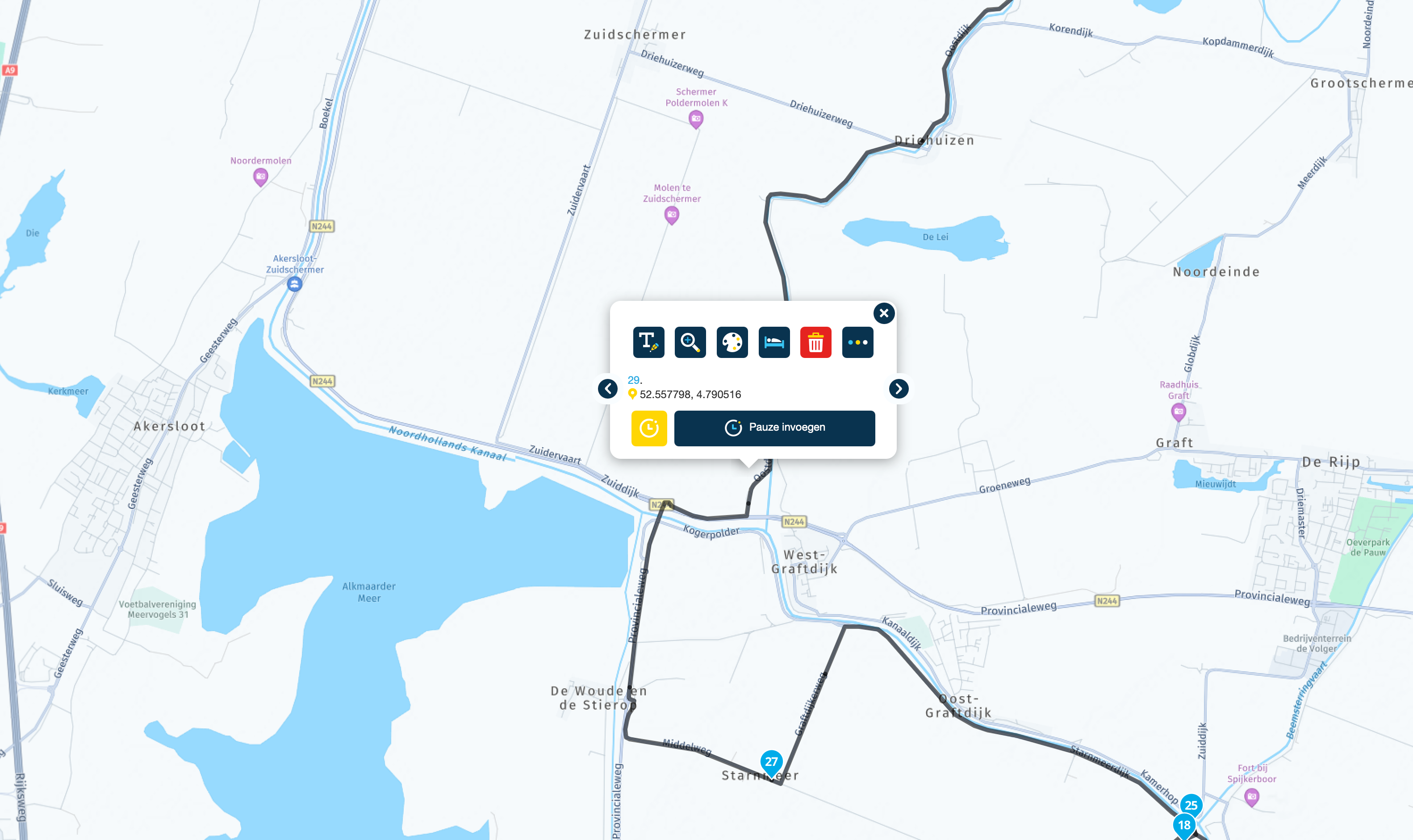
    @Hans-van-de-Ven-MRA-Master said in Suggestion: Make the Routeplanner Left Column resizable: @Jack-van-Tilburg I know it's hard to find tracks and routes through that menu, especially if they come from others. I try not to make the names longer than 36 characters (max what is readable on the Zumo XT) and start my routes with (mmdd City name City name) so as an example (0919 Helmond Trabeb Trarbach) I also set the date and time when creating of the route, because that's what they're sorted by in the XT. I'll drop the enlargement of the left menu to the programmers. That's fine. You like doing things your way... And I like doing things my way. What would be nice is if neither of us are constrained to how we prefer to do things by the limitations of the tool.
ACTIVE USERS POPULAR TOPICS MY GROUPS