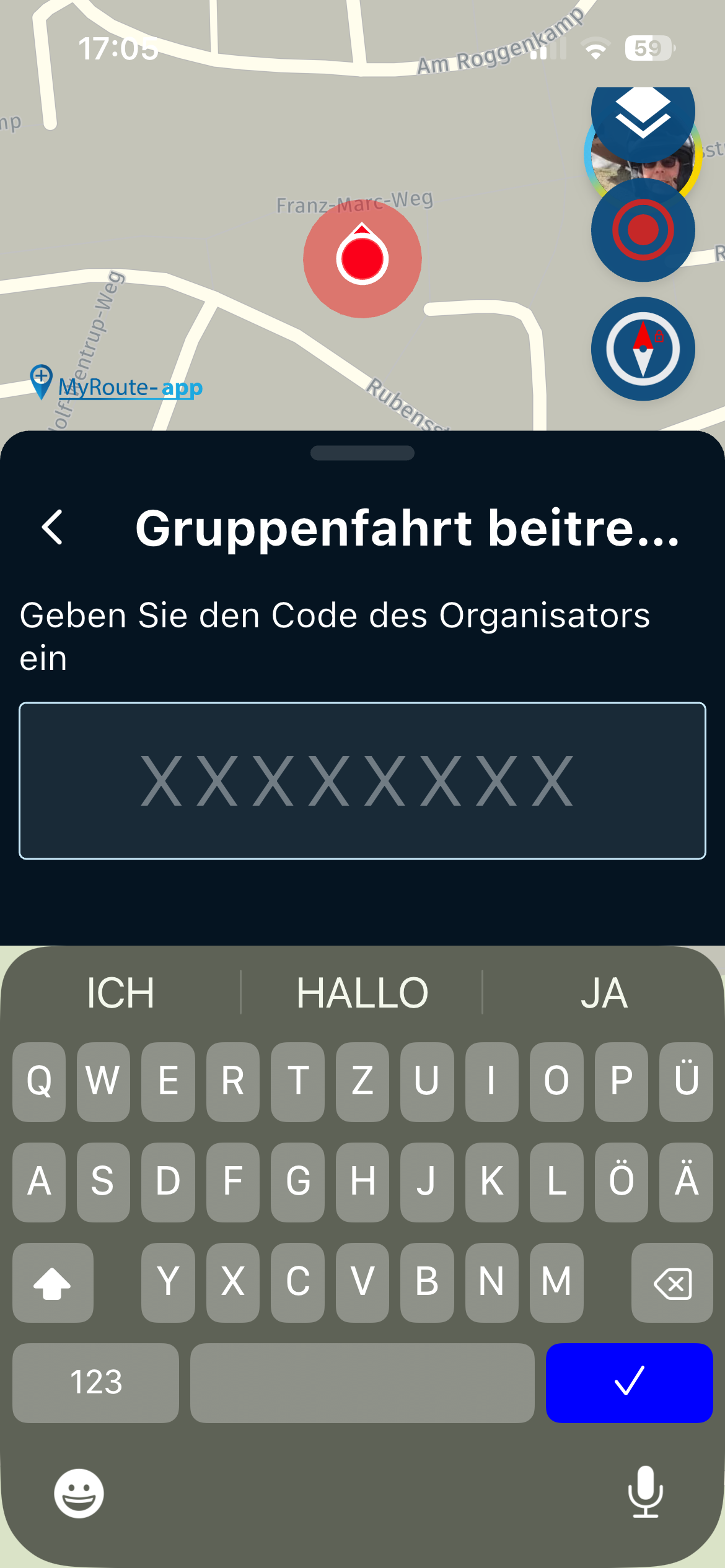
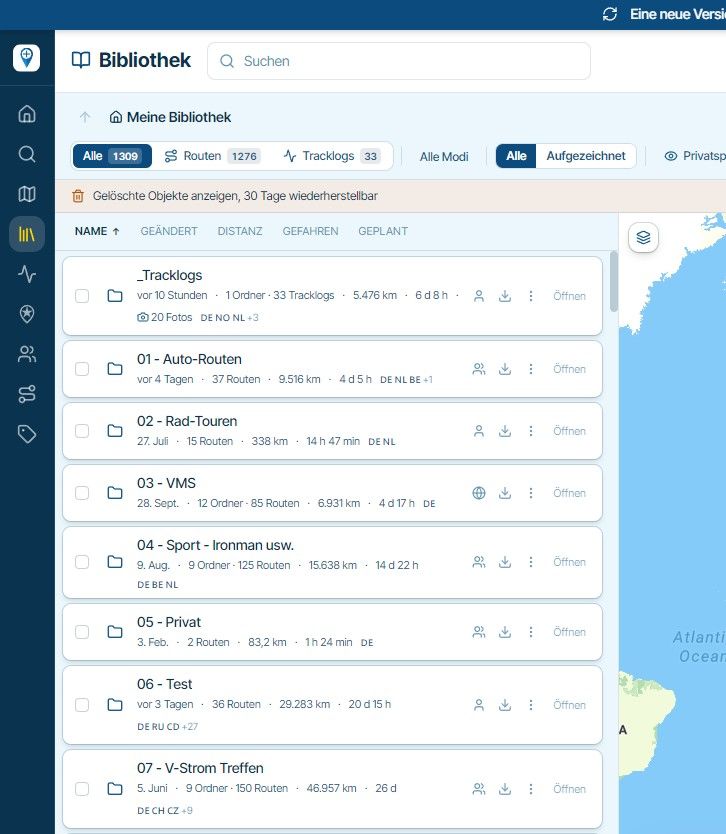
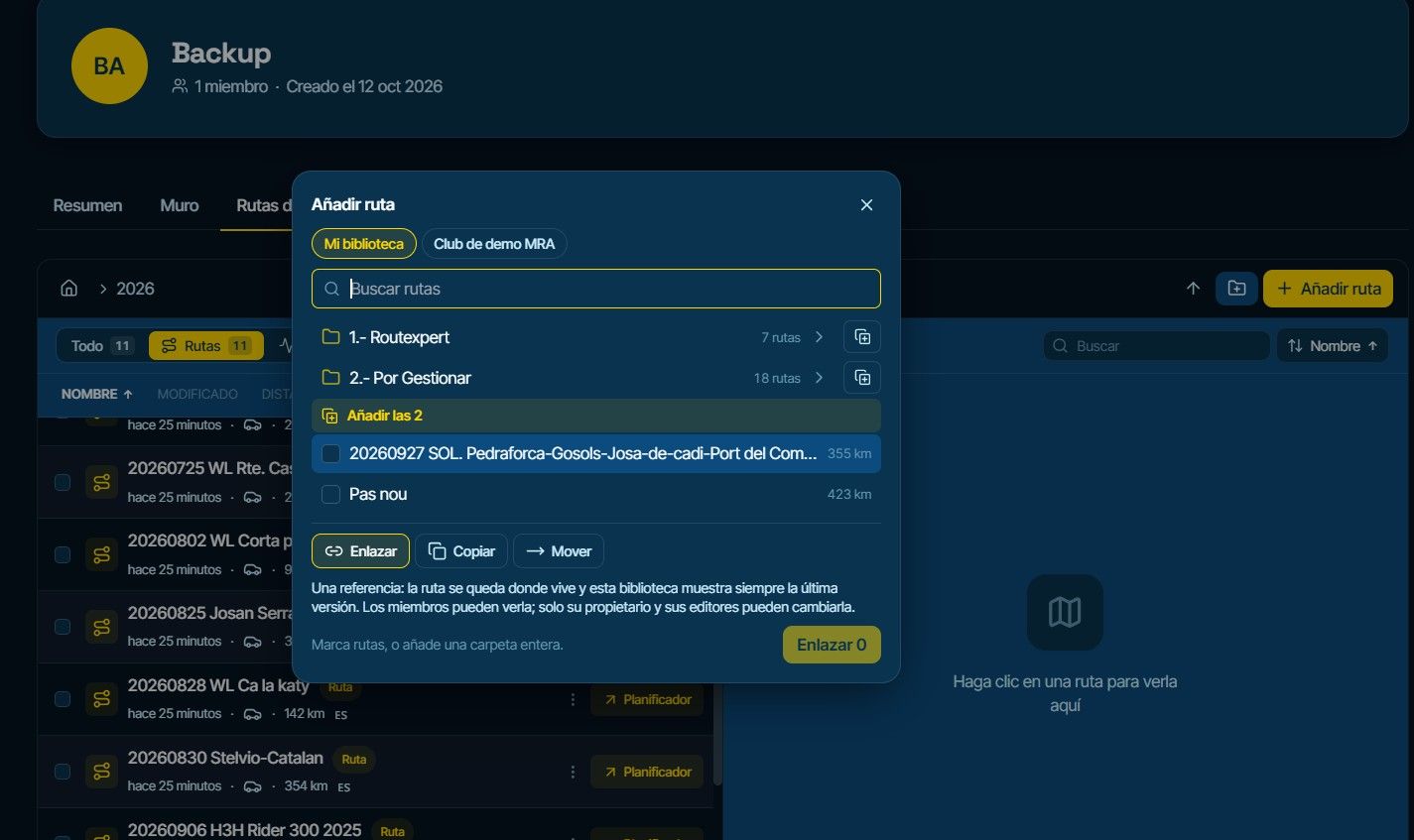
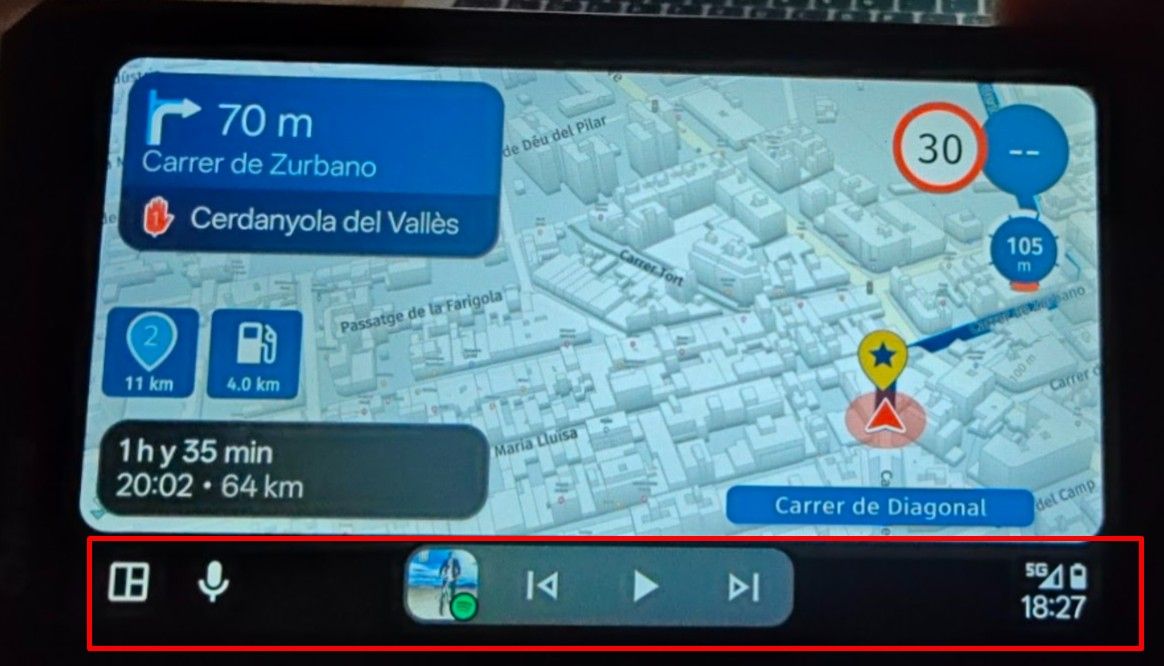
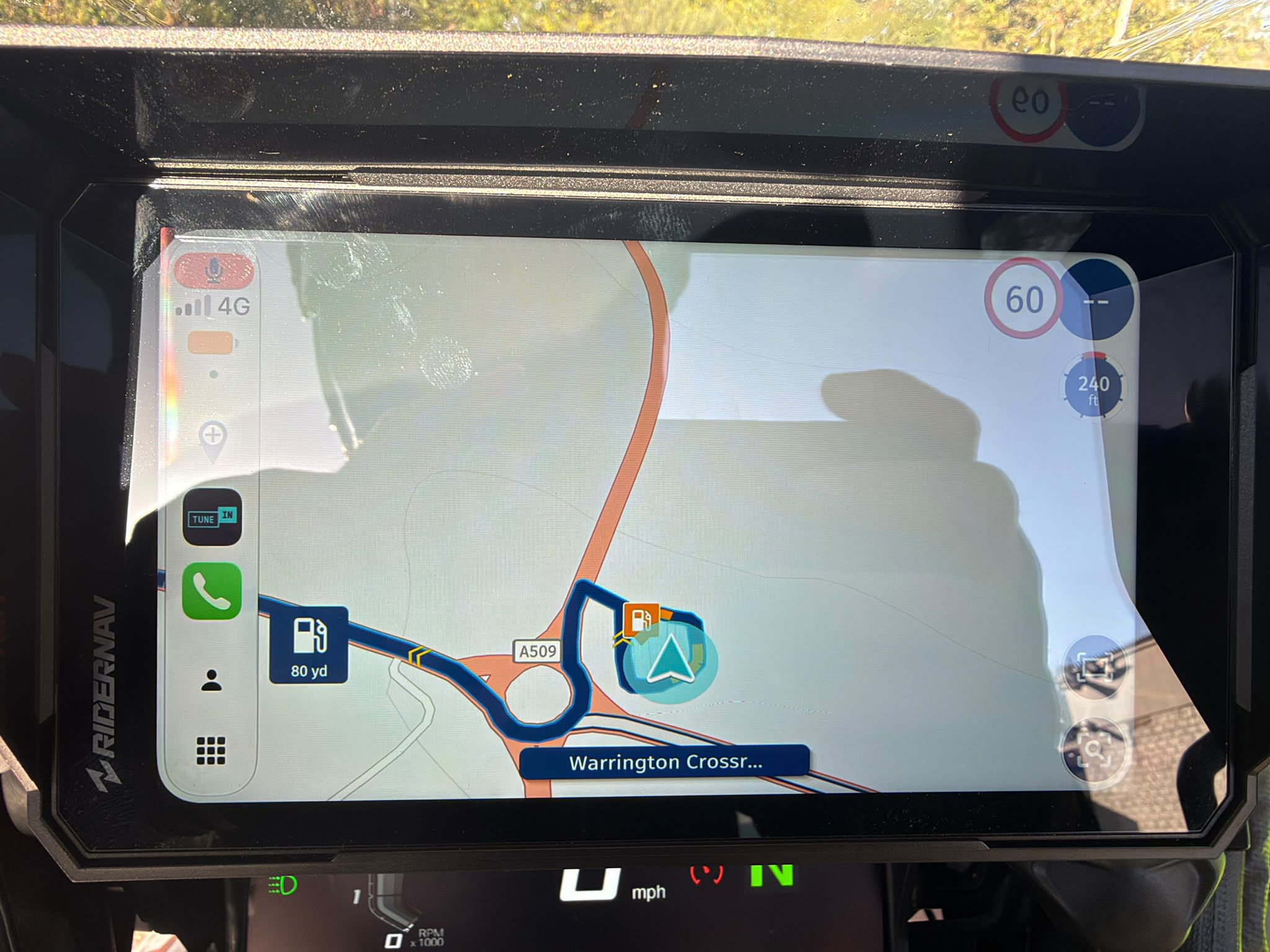
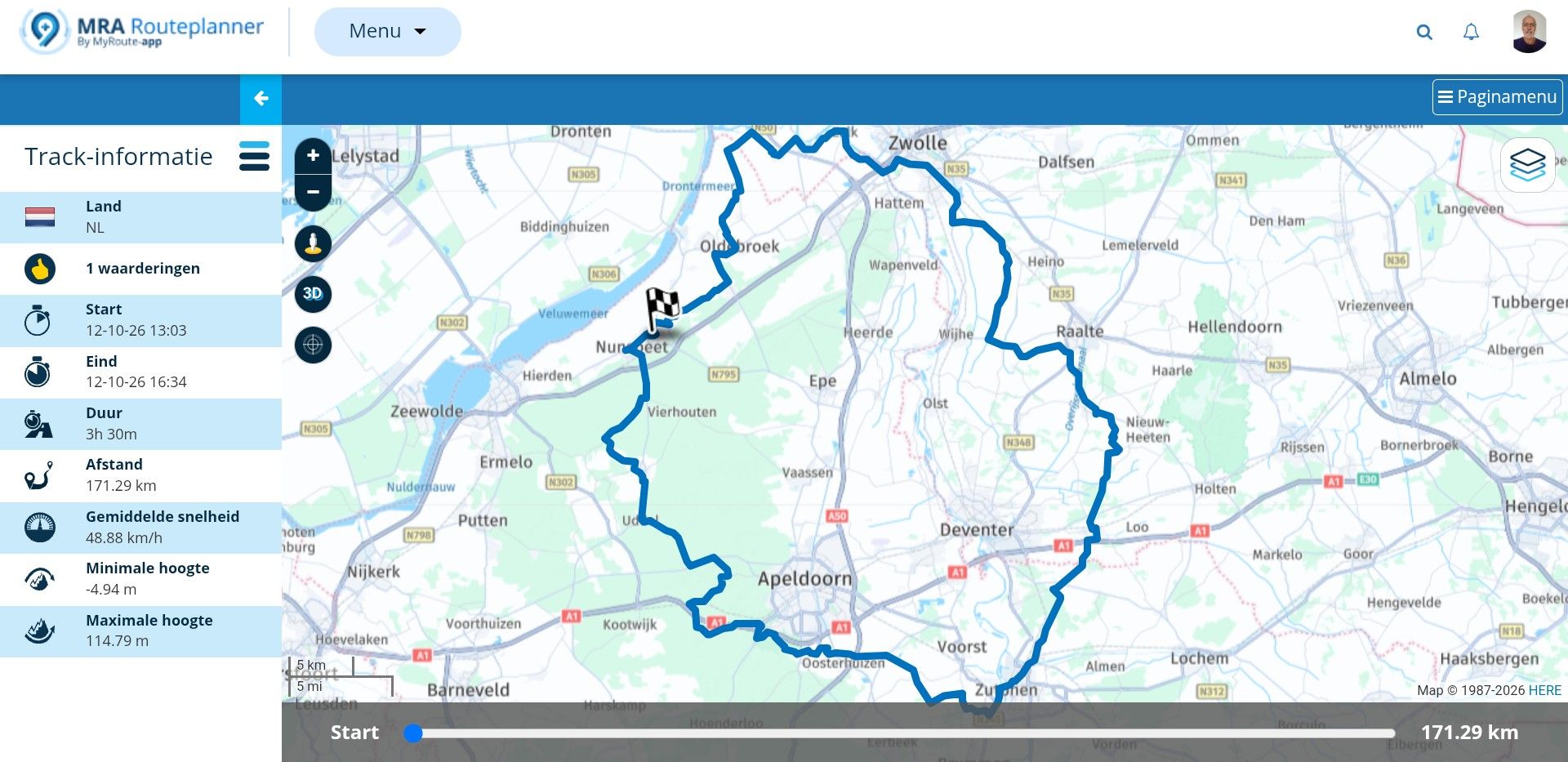
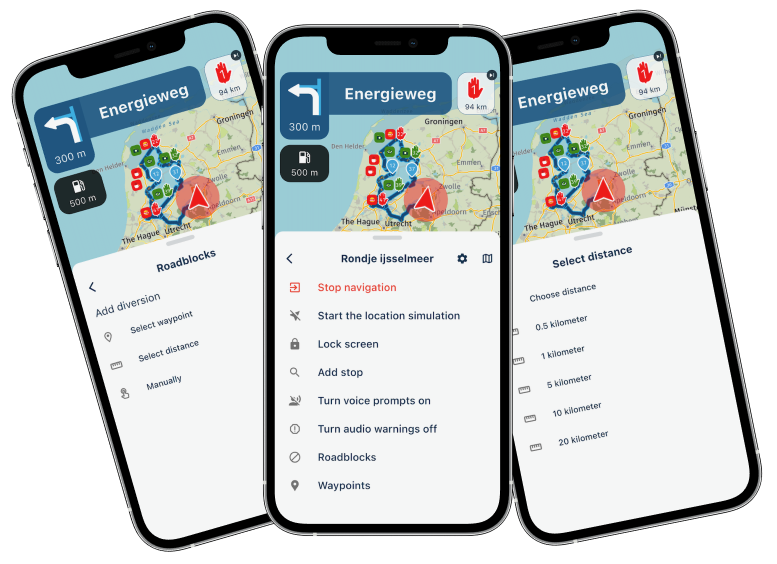
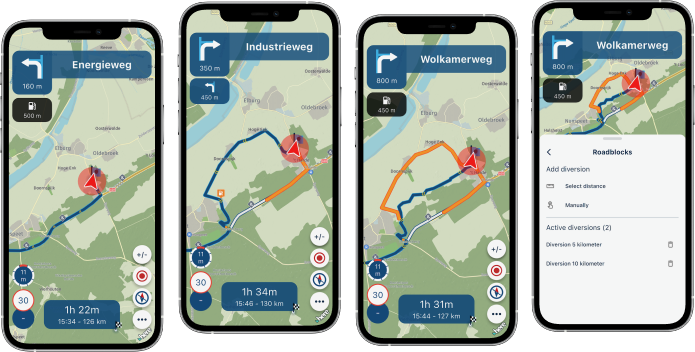
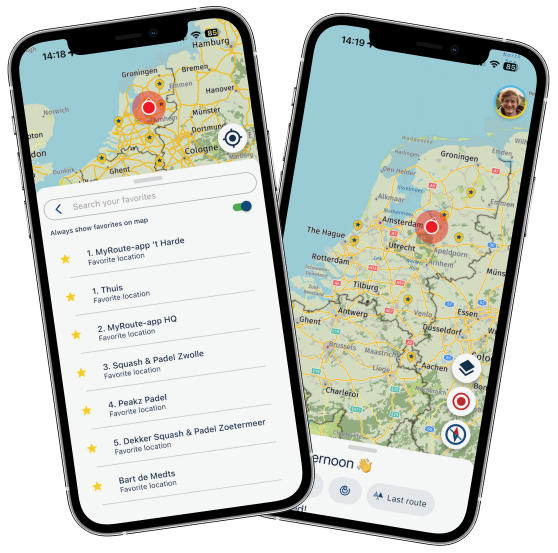
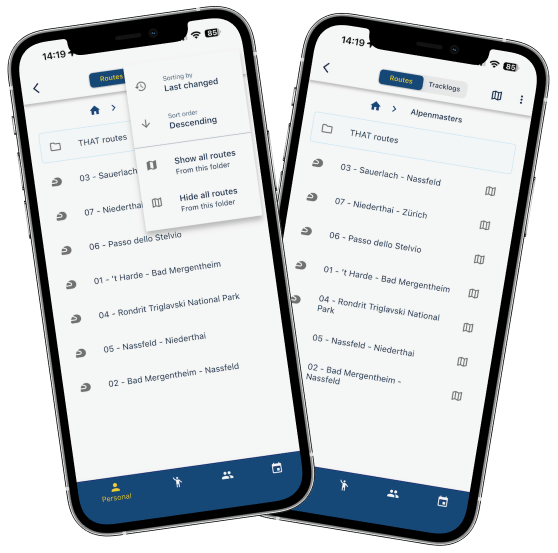
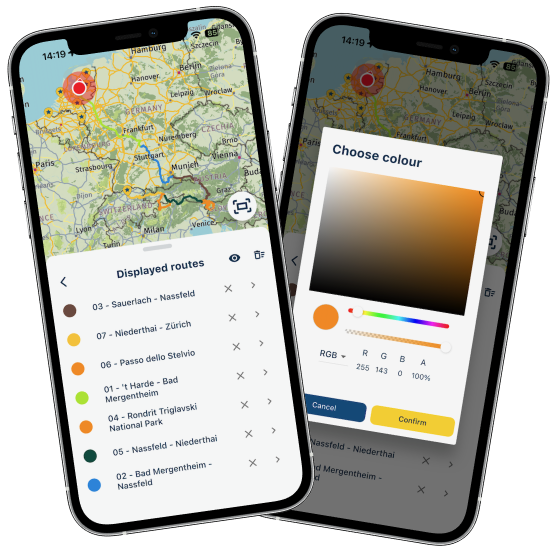
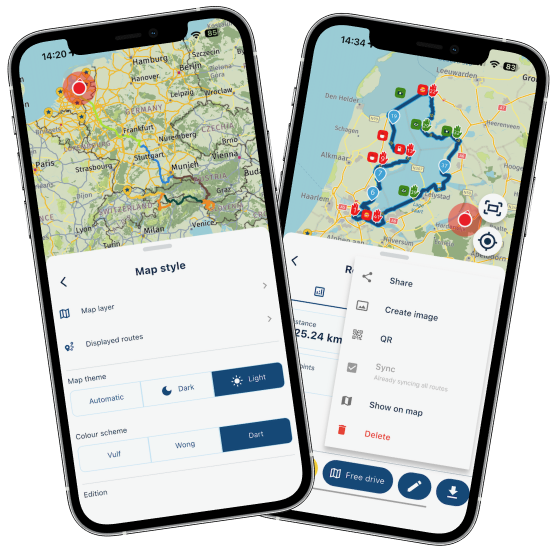
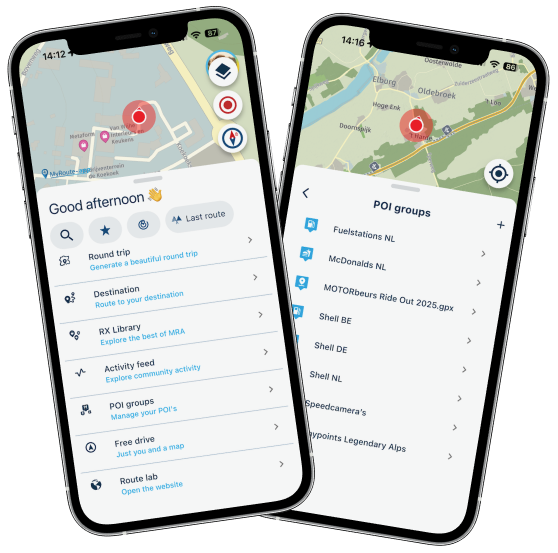
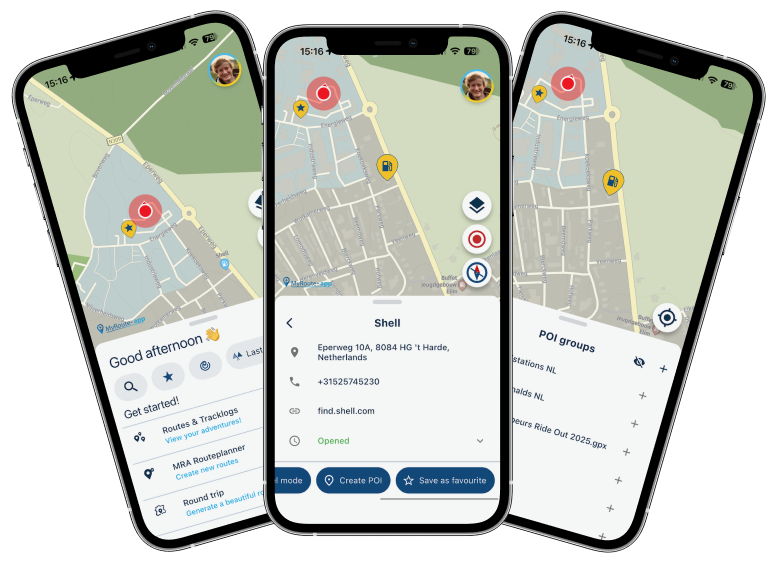
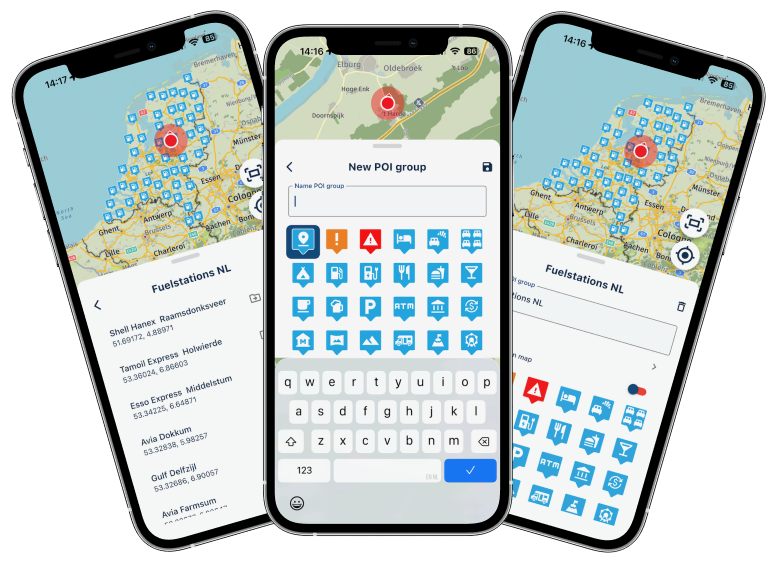
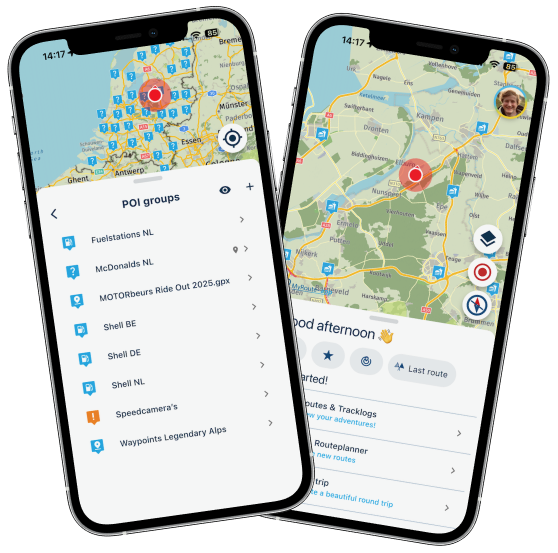
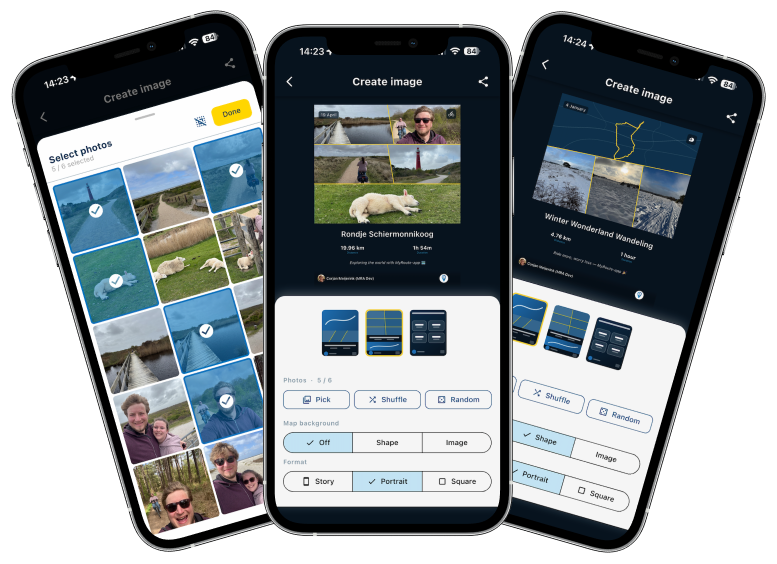
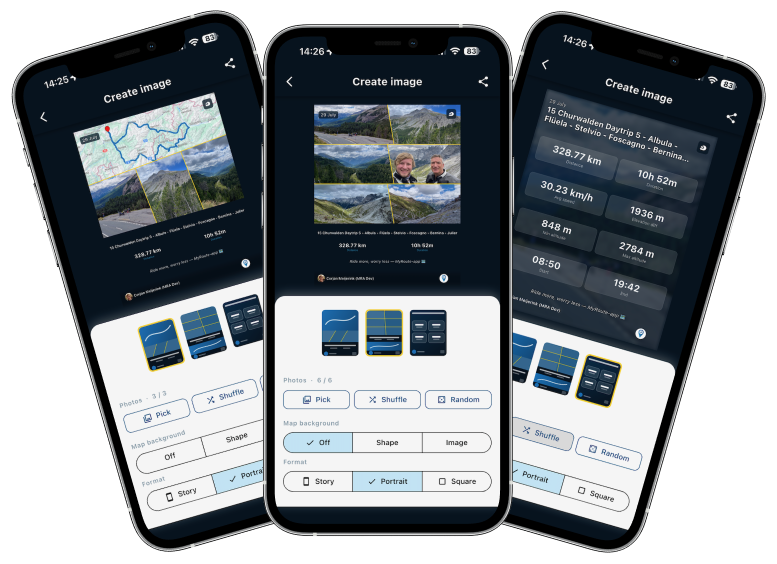
New update 5.2 - Avoid roadblocks, persistent map items, POI management and share
-
When driving tracks the "Roadblock" feature is not available. Will this become available later?
Hi Kees,
By definition, tracks (unlike routes) are followed exactly as specified. A deviation—in this case, a detour due to a road closure—is therefore generally not provided for.
Best, Axel
-

It's on the wishlist
Honda Goldwing GL1500,
Honda Silverwing GL 650
DMD2 T865X 8 inch Android tablet using MRA next for navigation
Garmin XT sold
Samsung S24FE mounted on a Quadlock and using Android Auto in my car -
It's on the wishlist

@Marinus-van-Deudekom
Thanks, that's good to know! -
I can't figure out how to change the settings for for example, AVOID HIGHWAY, without having to restart everything... thanks!
-
I can't figure out how to change the settings for for example, AVOID HIGHWAY, without having to restart everything... thanks!

@Aiello-antonino Whilst the navigation is running... click on the three dots in the bottom right-hand corner, then go to ‘Avoidance options’ and enable the desired settings.
The system will recalculate immediately.
-
Thanks! I didn't see there were other options on the menu! Excellent!
-
Any plans on making the Roadblock feature available on CarPlay?
Or is it hidden somewhere and haven't I found it yet? -
Any plans on making the Roadblock feature available on CarPlay?
Or is it hidden somewhere and haven't I found it yet?
@Kirsten-De-Weerd needs to be added later!
-
I'm on 5.2.1 on iPhone and I can't see the new featured, like RoadBlock and changing avoidance while navigating a route?
-
I'm on 5.2.1 on iPhone and I can't see the new featured, like RoadBlock and changing avoidance while navigating a route?

@Sigurður-Pétursson-0 While navigating a route open the navigation menu, three dots bottom right of the screen.
Always willing to help if I can.
Triumph Tiger 1200 XRT called Tina.
MRA Navigation Next and SilverFox BJ8 -
@Sigurður-Pétursson-0 While navigating a route open the navigation menu, three dots bottom right of the screen.
@Nick-Carthew I tried that, however, if I select a single destination and Navigate, I have all the options, RoadBlock and Avoidance, just not when I select one of the routes from my library!
-
@Nick-Carthew I tried that, however, if I select a single destination and Navigate, I have all the options, RoadBlock and Avoidance, just not when I select one of the routes from my library!
@Sigurður-Pétursson-0 That is because you have Navigate routes as tracks selected. Go to Navigation settings > Functional > Track navigation and turn off Navigate routes as tracks
Always willing to help if I can.
Triumph Tiger 1200 XRT called Tina.
MRA Navigation Next and SilverFox BJ8 -
@Sigurður-Pétursson-0 That is because you have Navigate routes as tracks selected. Go to Navigation settings > Functional > Track navigation and turn off Navigate routes as tracks
@Sigurður-Pétursson-0 That is because you have Navigate routes as tracks selected. Go to Navigation settings > Functional > Track navigation and turn off Navigate routes as tracks
Hi @nick-carthew, I've checked but I'm struggling to find this important point documented in the manual anywhere! Perhaps I missed it.
-
@Sigurður-Pétursson-0 That is because you have Navigate routes as tracks selected. Go to Navigation settings > Functional > Track navigation and turn off Navigate routes as tracks
Hi @nick-carthew, I've checked but I'm struggling to find this important point documented in the manual anywhere! Perhaps I missed it.
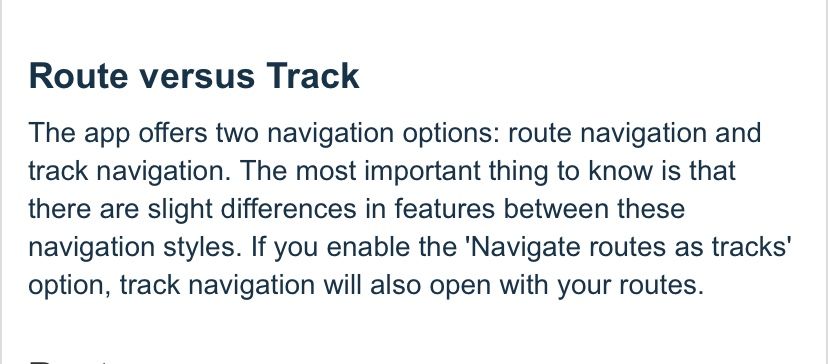
@Stevedo-6-0 A track cannot be manipulated the same way that a route can, hence the Roadblock option is not an option for track navigation. There is a mention that route and track navigation have their differences in section 7 - Navigation of the Mobile app manual.
Always willing to help if I can.
Triumph Tiger 1200 XRT called Tina.
MRA Navigation Next and SilverFox BJ8 -
@Stevedo-6-0 A track cannot be manipulated the same way that a route can, hence the Roadblock option is not an option for track navigation. There is a mention that route and track navigation have their differences in section 7 - Navigation of the Mobile app manual.
@Stevedo-6-0 A track cannot be manipulated the same way that a route can, hence the Roadblock option is not an option for track navigation. There is a mention that route and track navigation have their differences in section 7 - Navigation of the Mobile app manual.
Hi @nick-carthew, I already understood everything you just wrote. The issue that @sigurður-pétursson-0 has is that he does not have all (some?) of the roadblock options when he navigates routes as tracks. Clearly that was something he was expecting to work. You suggested that he needs to turn off the option Navigate routes as tracks for the roadblock function to work. I'm sure you are correct here.
My point is, this important point is not documented. Why not add a single sentence to the Roadblock section of the manual clearly identifying this difference.
Please don't insult me by suggesting that the text you copied i.e. "The most important thing to know is that there are slight differences between these navigation styles." in any way covers it. What am I supposed to do, guess what these differences are?
-
@Stevedo-6-0 A track cannot be manipulated the same way that a route can, hence the Roadblock option is not an option for track navigation. There is a mention that route and track navigation have their differences in section 7 - Navigation of the Mobile app manual.
Hi @nick-carthew, I already understood everything you just wrote. The issue that @sigurður-pétursson-0 has is that he does not have all (some?) of the roadblock options when he navigates routes as tracks. Clearly that was something he was expecting to work. You suggested that he needs to turn off the option Navigate routes as tracks for the roadblock function to work. I'm sure you are correct here.
My point is, this important point is not documented. Why not add a single sentence to the Roadblock section of the manual clearly identifying this difference.
Please don't insult me by suggesting that the text you copied i.e. "The most important thing to know is that there are slight differences between these navigation styles." in any way covers it. What am I supposed to do, guess what these differences are?
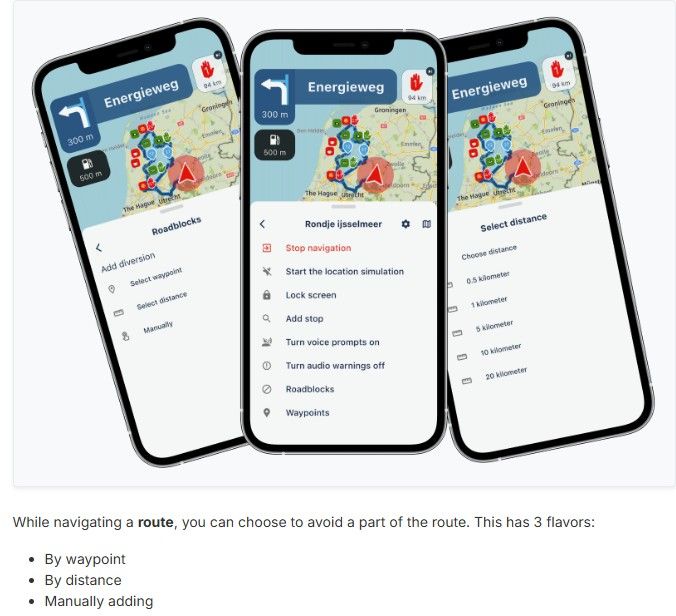
@Stevedo-6-0 When the Roadblock feature was introduced, the text in the announcement clearly states 'While navigating a route' and the word route is emphasised by using bold text.
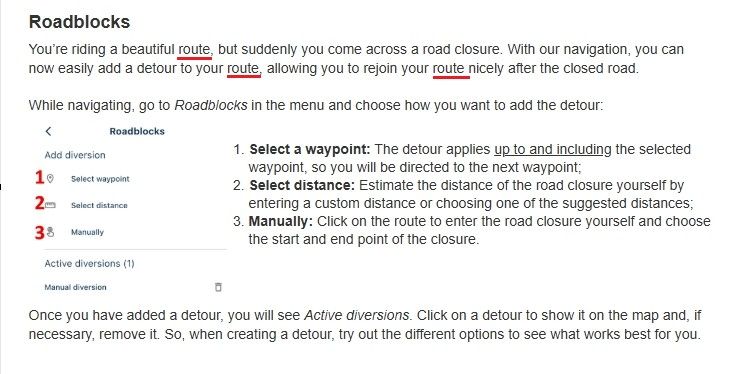
Without fear of insulting you, I will use another screenshot from the manual that shows the instructions for Roadblocks. The word route is used 3 times.
I see you have just created another topic in this forum" https://forum.myrouteapp.com/topic/11455/missing-functionality-in-mra-next
Why not make a list of your criticisms/suggestions and put them in a support ticket.
-
@Stevedo-6-0 A track cannot be manipulated the same way that a route can, hence the Roadblock option is not an option for track navigation. There is a mention that route and track navigation have their differences in section 7 - Navigation of the Mobile app manual.
Hi @nick-carthew, I already understood everything you just wrote. The issue that @sigurður-pétursson-0 has is that he does not have all (some?) of the roadblock options when he navigates routes as tracks. Clearly that was something he was expecting to work. You suggested that he needs to turn off the option Navigate routes as tracks for the roadblock function to work. I'm sure you are correct here.
My point is, this important point is not documented. Why not add a single sentence to the Roadblock section of the manual clearly identifying this difference.
Please don't insult me by suggesting that the text you copied i.e. "The most important thing to know is that there are slight differences between these navigation styles." in any way covers it. What am I supposed to do, guess what these differences are?

@Stevedo-6-0 ...I will not blame you, but let me kindly ask: are you sure you do understand clearly the difference about route and track?
In a route, you have only a couple of route points, and each Navi device/app calculate the possible way from one point to the next. There is space for different interpretation in case, several streets could be used to reach the next point.In a track, you have thousands of tracks points, and usually no Navi device/app calculates and guides you. You simply have to follow the drawn line on the map. Except: MyRoute-App Navigation Next is able to navigate you also by a track.
But because of the thousands of track points, there is no space for different interpretation by different Navi devices/apps. In consequence: there is no space to suggest detours in case of road blocks.You are right: it should be clearly described in focus for beginners. But if you have learned about tracks, routes, gpx data - it's clear without very detailed descriptions.

-
@Stevedo-6-0 A track cannot be manipulated the same way that a route can, hence the Roadblock option is not an option for track navigation. There is a mention that route and track navigation have their differences in section 7 - Navigation of the Mobile app manual.
Hi @nick-carthew, I already understood everything you just wrote. The issue that @sigurður-pétursson-0 has is that he does not have all (some?) of the roadblock options when he navigates routes as tracks. Clearly that was something he was expecting to work. You suggested that he needs to turn off the option Navigate routes as tracks for the roadblock function to work. I'm sure you are correct here.
My point is, this important point is not documented. Why not add a single sentence to the Roadblock section of the manual clearly identifying this difference.
Please don't insult me by suggesting that the text you copied i.e. "The most important thing to know is that there are slight differences between these navigation styles." in any way covers it. What am I supposed to do, guess what these differences are?

@Stevedo-6-0, no one is here to insult anybody, please keep this in mind.
I really wish everyone would take the effort of reading the manual as carefully as you, that would certainly be visible in the amount of questions in this forum. On the other hand, if all those people would trip over the same small issues, we would have an explosion of topicsI think @nick-carthew did a good suggestion of gathering your findings. It would make a nice guideline for support to attack and refine the manual. Remember, MRA is a very small team, which makes it a challenge to have everything correct at the right time.
-
@Sigurður-Pétursson-0 That is because you have Navigate routes as tracks selected. Go to Navigation settings > Functional > Track navigation and turn off Navigate routes as tracks
Hi @nick-carthew, I've checked but I'm struggling to find this important point documented in the manual anywhere! Perhaps I missed it.
@Nick-Carthew Thank you, that was exactly that. I've turned of Navigate as Track and got all the features in every route. The reason it was on in the first place was to prevent the Navigator to take shortcuts between my way/shaping points. If that happens again, I guess I just need more way/shaping points.
Thank you for your help -
@Nick-Carthew Thank you, that was exactly that. I've turned of Navigate as Track and got all the features in every route. The reason it was on in the first place was to prevent the Navigator to take shortcuts between my way/shaping points. If that happens again, I guess I just need more way/shaping points.
Thank you for your help
@Sigurður-Pétursson-0 Yes adding a few more shaping points would help but you don’t need to go crazy.
Hello! It looks like you're interested in this conversation, but you don't have an account yet.
Getting fed up of having to scroll through the same posts each visit? When you register for an account, you'll always come back to exactly where you were before, and choose to be notified of new replies (either via email, or push notification). You'll also be able to save bookmarks and upvote posts to show your appreciation to other community members.
With your input, this post could be even better 💗
Register Login








-
 02036
02036
-
0727
-
 08267
08267
-
 0519
0519
-
 010670
-
0483
-
04125
-
1344