Waypoints and POIs disappear while moving/zooming the map in web planner
-

Occasionally, but repeatedly, the waypoint display disappears when the route is open. Usually, closing and reopening the route fixes the problem. Now this is suddenly happening with POIs as well: I choose Restaurants and I display them, and it works at first. Then, after I’ve moved things around on the map a bit, they suddenly disappear and only flash briefly when I zoom out and back in. It looks like a map display or rendering issue, because the POIs are shown correctly at first.
Any tips on what the problem might be? I’m using the web version with DuckDuckGo on a Mac.
Thanks,
Tom -

That means that your zoom level is either to big or to small. Yes it takes some practice to get the hang of it.
-
With the POIs, yes, usually it's like that. But the waypoints should be visible all the time, correct?! They disappear after a moment of planning. Then the same with the POIs - they should be visible all the time after zooming in, I'm aware of that, but they don't, that's my point.
-
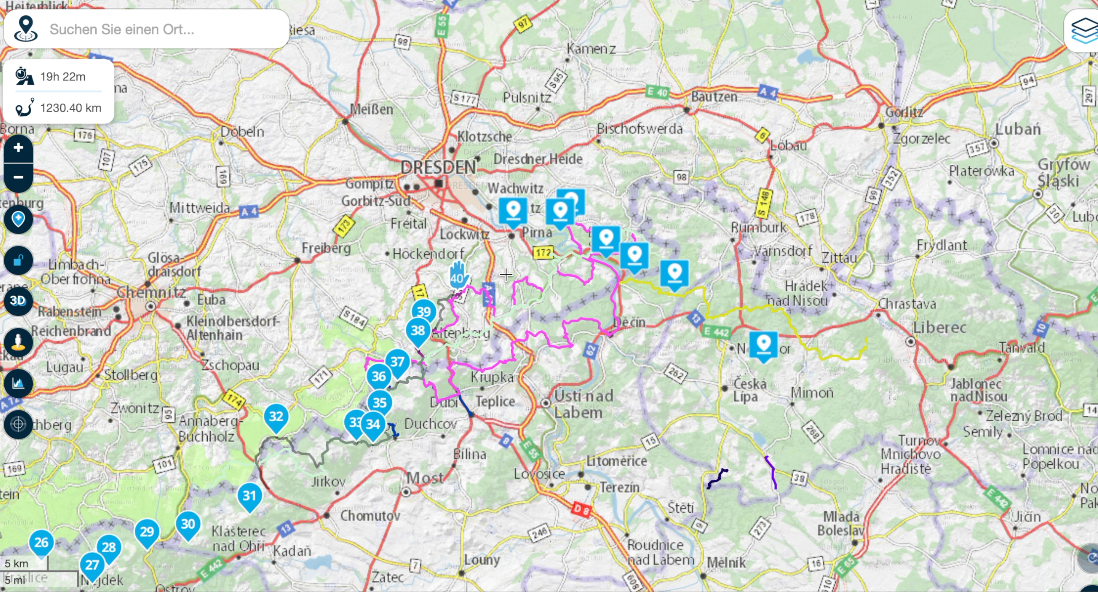
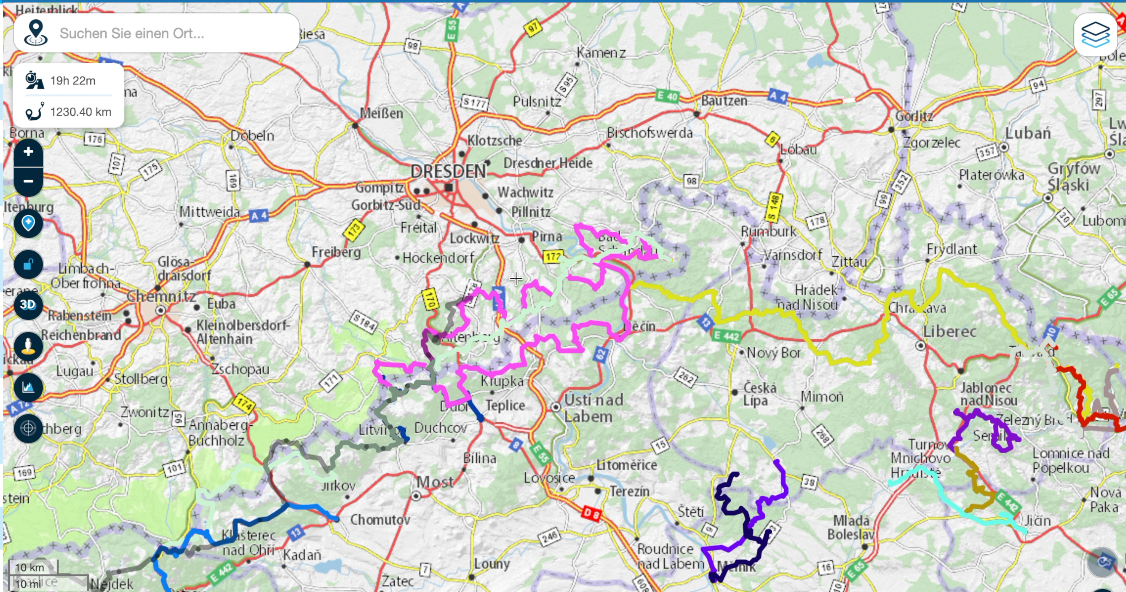
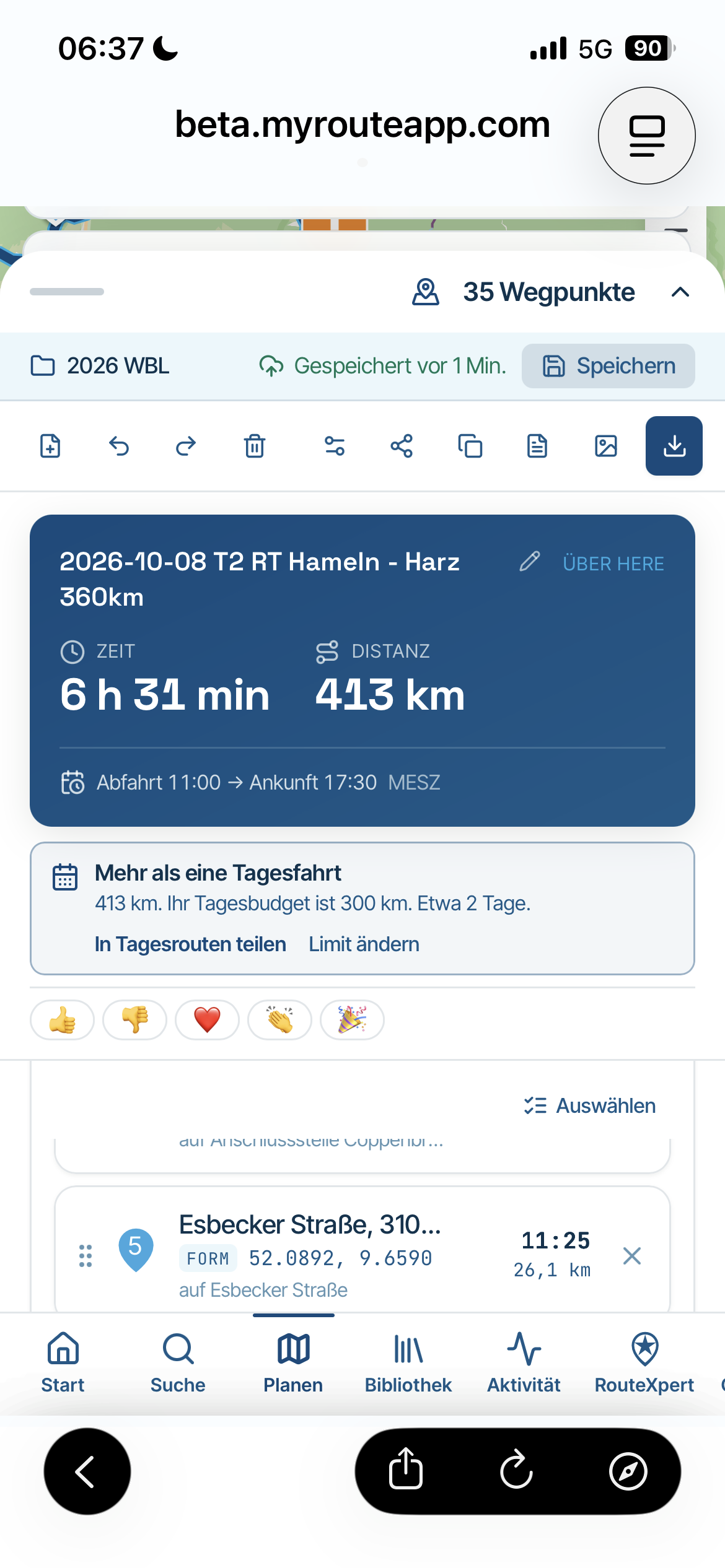
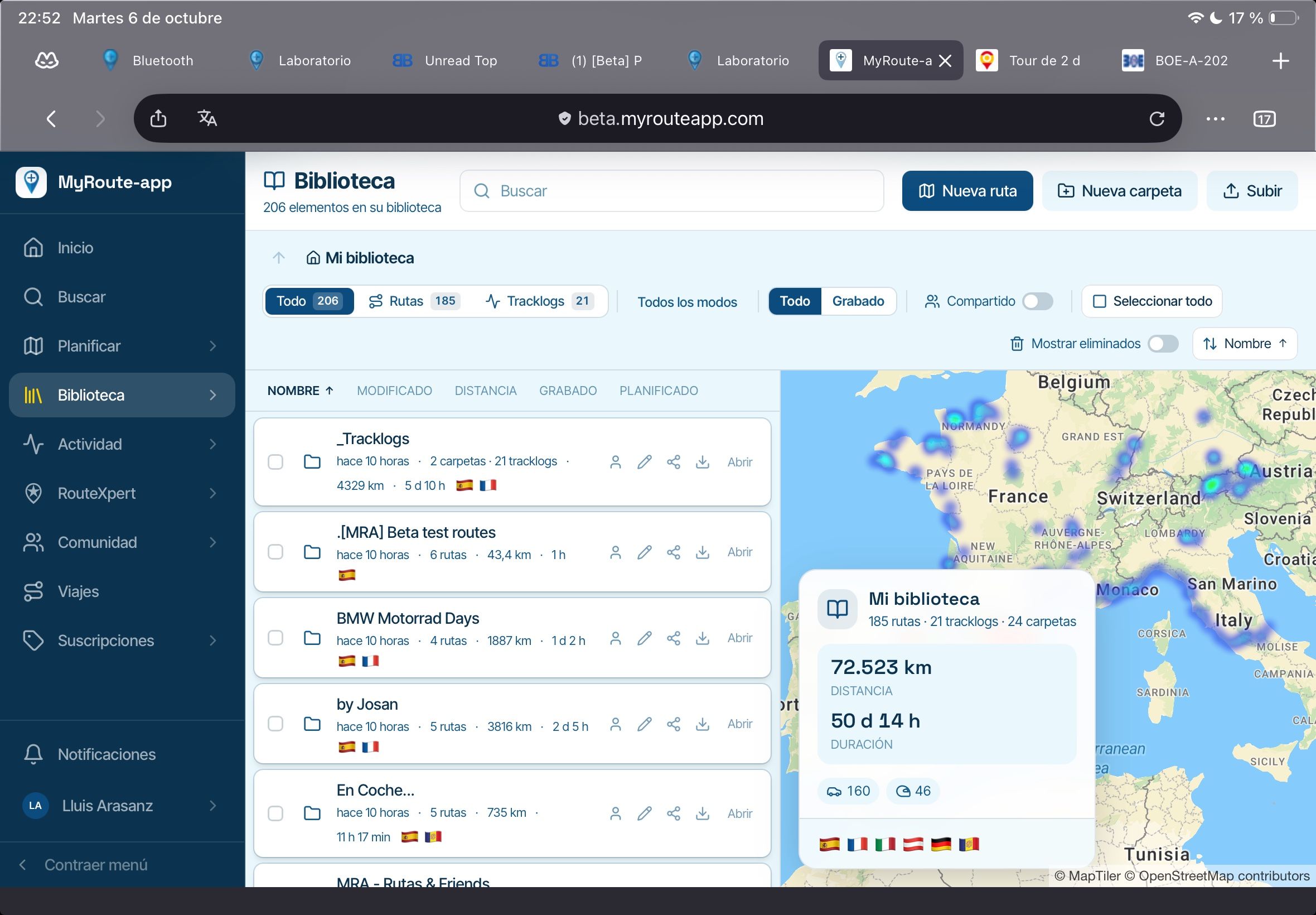
The same zoom level, first the waypoints and POIs are visible, then, see the second screenshot, they disappeared.
-
If your zoom level is far out the waypoints disappear as wel
Honda Goldwing GL1500,
Honda Silverwing GL 650
DMD2 T865X 8 inch Android tablet using MRA next for navigation
Garmin XT sold
Samsung S24FE mounted on a Quadlock and using Android Auto in my car -
If your zoom level is far out the waypoints disappear as wel

If your zoom level is far out the waypoints disappear as wel
Waypoints should always be visible at all zoom levels.
-
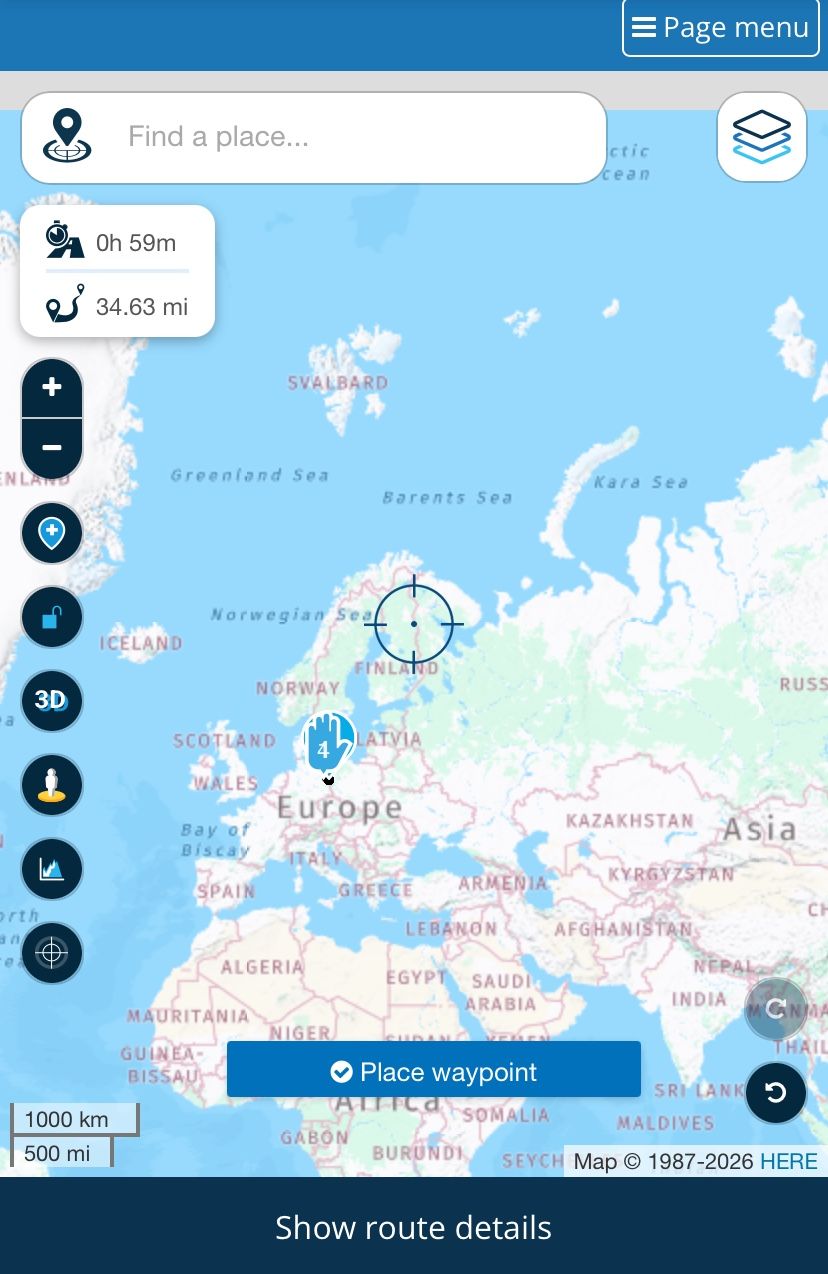
Additional observation: the POIs and waypoints do not seem to be removed from the map logic. When I move the mouse over the position of an invisible POI or waypoint and click it, the corresponding POI/waypoint information window still opens. So the objects are still there and clickable, but their icons are no longer rendered visually.
This happens after panning and zooming for a while. The icons briefly reappear during zooming, but disappear again once the map has finished rendering. This happens with both DuckDuckGo and Safari (with MacOs Tahoe 26.5.1). -
Additional observation: the POIs and waypoints do not seem to be removed from the map logic. When I move the mouse over the position of an invisible POI or waypoint and click it, the corresponding POI/waypoint information window still opens. So the objects are still there and clickable, but their icons are no longer rendered visually.
-
Next test: It seems to work with Edge. So to me, it definitely looks like a display issue that depends on the browser being used...
-
Next test: It seems to work with Edge. So to me, it definitely looks like a display issue that depends on the browser being used...

@Tom-Balmer, I would not be surprised if it is a local caching problem. Try to remove cached data for myrouteapp.com.
Hello! It looks like you're interested in this conversation, but you don't have an account yet.
Getting fed up of having to scroll through the same posts each visit? When you register for an account, you'll always come back to exactly where you were before, and choose to be notified of new replies (either via email, or push notification). You'll also be able to save bookmarks and upvote posts to show your appreciation to other community members.
With your input, this post could be even better 💗
Register Login-
 01330
01330
-
 07130
07130
-
 1530
1530
-
 0521
0521
-
0511
-
0425
-
 0317
0317
-
 0593
0593