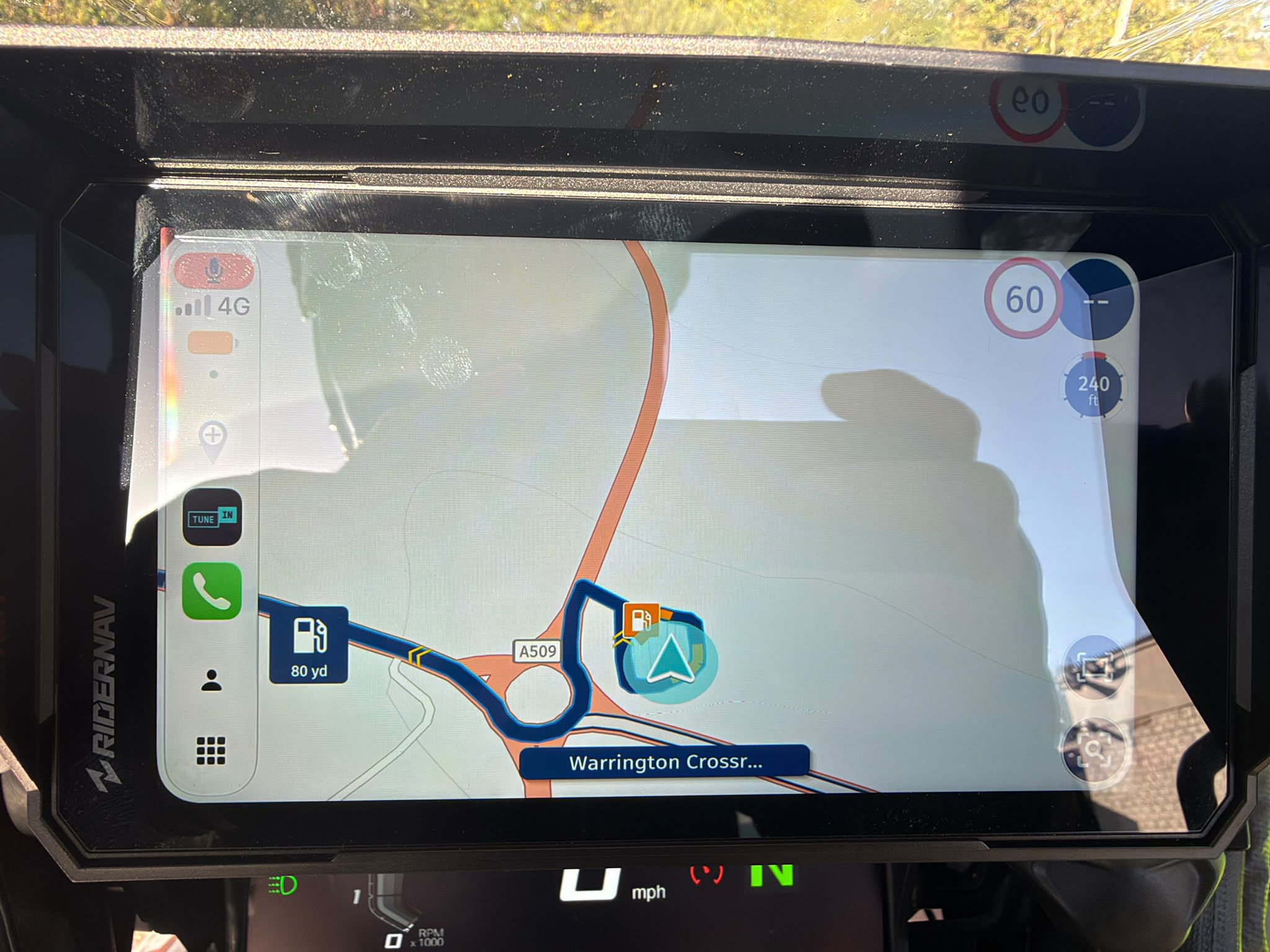
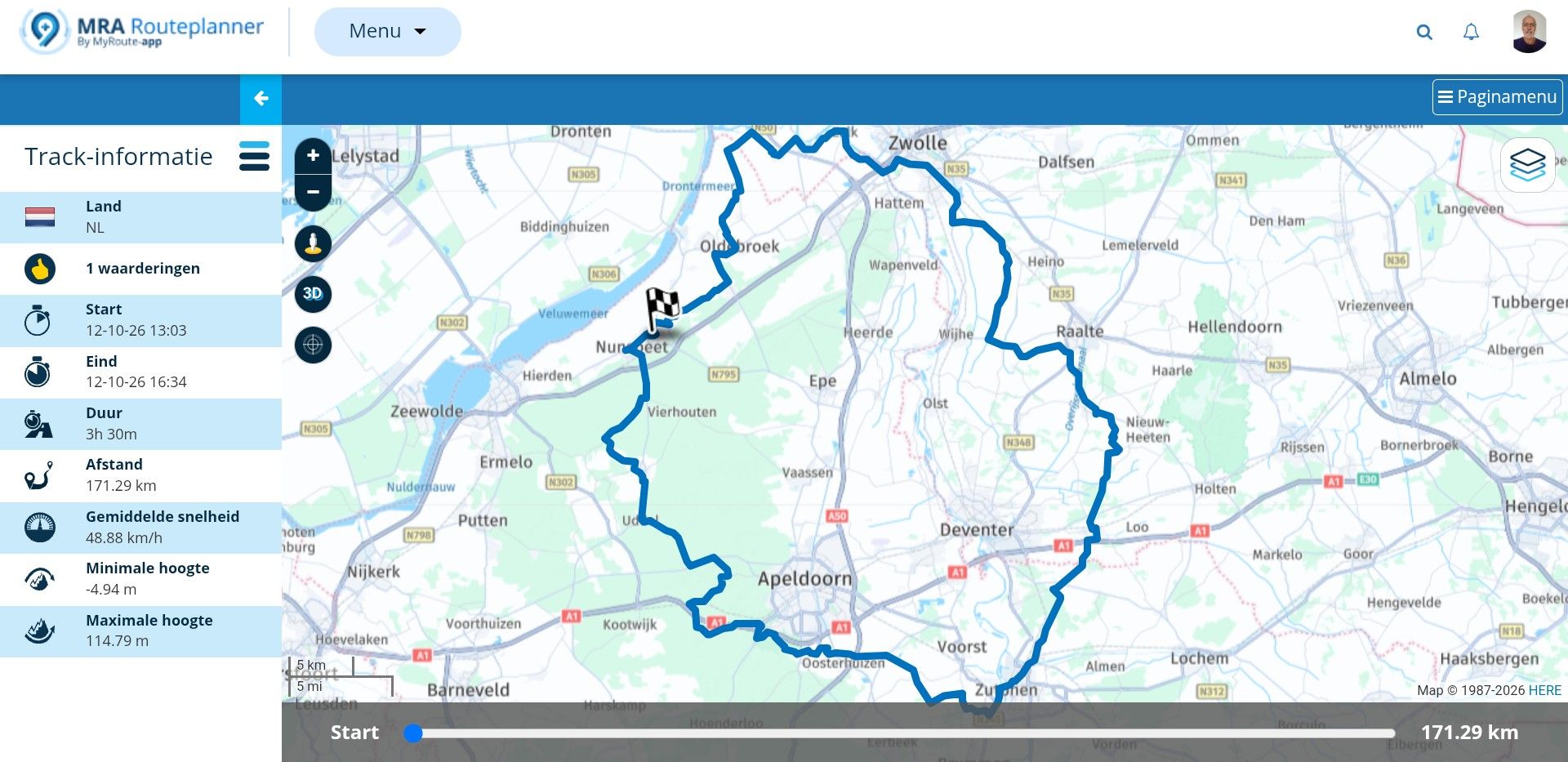
Navigation instructions emphasized funny
-

Admittedly, the whole thing is certainly not the most important bug of all, but it still makes me cringe regularly...
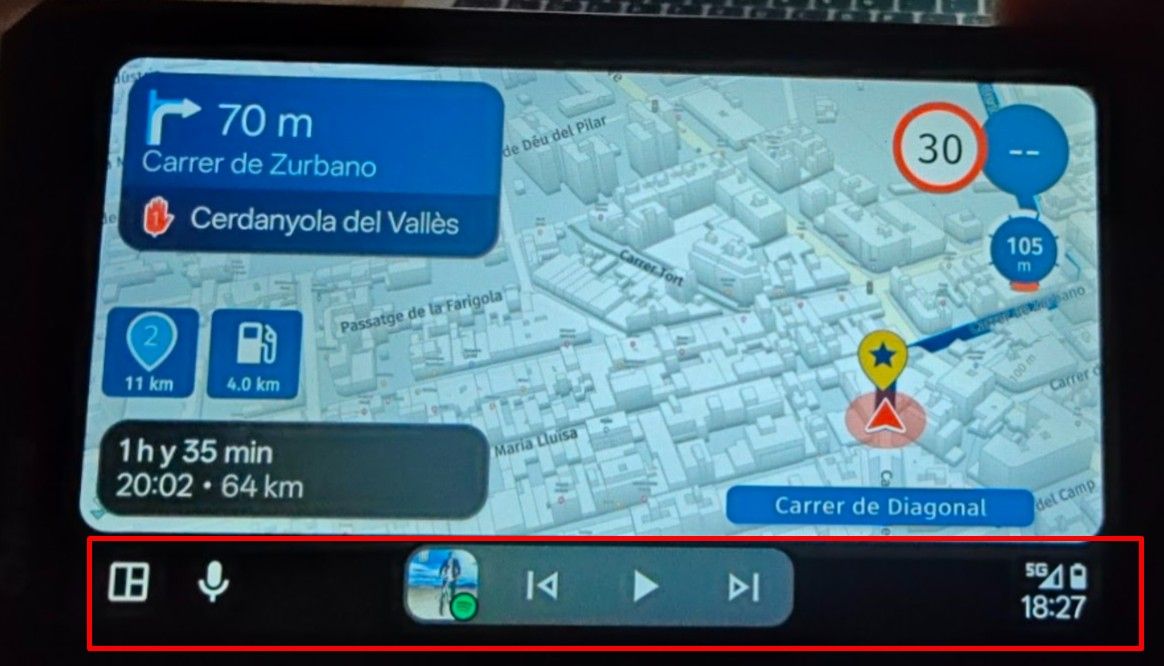
 The computer-generated voice (Google's default voice on Android) during navigation consistently emphasizes certain German instructions incorrectly, which curiously results in different meanings than those intended. (I am writing the emphasized words in italics here.) For example, the announcement is not "In 100 Metern links halten" (in 100 meters, stay in the left lane), but rather "In 100 Metern links halten" (= In 100 meters, come to a stop on the left). Likewise: "In 1 km Stau bevor stehend" (= In 1 km, traffic jam before coming to a stop) rather than "In 1 km, Stau bevorstehend" (= In 1 km, traffic jam ahead). (This last one naturally has a certain truth to it, because coming to a stop does indeed often follow to the occurance of a traffic jam.)
 Question: Could this be easily adjusted (e.g., by passing the text as "linkshalten" instead of "links halten", and "bevorstehend" instead of "bevor stehend")? Or maybe there's another easy way to declare what part/word of the sentence is to be emphasized?
There are more important things, I know, but this one probably is a real low hanging fruit.

-

I think this is worth looking into. Have you tried other voices? Dot they all do the same? In that case I think that space is a good suggestion.
I am just an enthusiastic MRA user, and hope you will be one too!
Most motorcycle problems are caused by the nut that connects the handlebar to the saddle.
Check out RideSleepRepeat.eu, a biker community for sharing stays across Europe
-
I think this is worth looking into. Have you tried other voices? Dot they all do the same? In that case I think that space is a good suggestion.
@Con-Hennekens Honestly, I don't know/remember, because I have been using the same voice (the one that sounds best to me - "Google TTS - Deutsch (Deutschland) - voice 1") for quite some time now. I used to use Samsung's TTS, which sounded much better (more natural), but somehow/after some update (either Android's or MRA's), it disappeared from the selection, and only Google's TTS remained, which is when I started using said Google TTS voice. I'm not sure if the problem occurred with Samsung as well (I seem to remember it didn't, but I'm not confident). Sorry, I understand this is not too helpful.
As soon as I get the chance, I will try another Google TTS German voice (maybe a male-sounding one) and report if the problem persists. And if somebody else with their navigation instructions in German, too, wants to chime in: Do you recognize the phenomenon? Which OS and TTS do you use? Does it happen with the iPhone's German TTS as well?
-

I had a funny one (American voice) reading SR-25 (State route 25) as Senior 25
Positive emotions are worth every penny ;)
-
I had a funny one (American voice) reading SR-25 (State route 25) as Senior 25
@Lenny-O Thanks. I've experienced those kind of wrong interpretations of abbreviated words, too - for instance, when the highway sign said "FR-Munzingen" (it's supposed to mean Freiburg-Munzingen), it got pronounced "Frau Munzingen" (Miss Munzingen), and also "Frankfurt (O.)" is made into "Frankfort Ost" (east) rather than "Oder" (the river). But I think this is to be expected, since the TTS most likely tries to undo abbreviations automatically while not having the right context (after all, MRA itself won't know more, if the traffic sign's text, provided by HERE, literally says FR instead of Freiburg, exactly like its real-world counterpart at the road does). Oposed to that, the incorrectly emphasized instructions described in my original post might be fixable systematically (ot at least I think they would).
-
Haha, that's hilarious!
 Let's keep that in
Many biker fora have a category for weird traffic signs. Let's make that our Weird TTS Speech thread or something! -
I found Android's TTS too "robotic" and low-quality lately and thus tried a few alternative engines. (Samsung's has always been my favorite, but, infuriatingly, they don't allow its usage in third-party-apps any longer). After trying out a few free ones, I ended up buying (one-time purchase of 3,99 €) a commercial TTS engine (to be more precise: a specific German voice, "Claudia", of said engine), and am very pleased. Some things are pronounced correctly (e.g. "links halten", see my original post), while others are wrong. But overall, it's easily 300% better (more natural and enjoyable) than Google's German voice, in my opinion. Maybe I'm just particularly picky, regarding this - after all, Android's TTS works great and is free.
Hello! It looks like you're interested in this conversation, but you don't have an account yet.
Getting fed up of having to scroll through the same posts each visit? When you register for an account, you'll always come back to exactly where you were before, and choose to be notified of new replies (either via email, or push notification). You'll also be able to save bookmarks and upvote posts to show your appreciation to other community members.
With your input, this post could be even better 💗
Register Login-
 02036
02036
-
 0727
0727
-
 08283
08283
-
 0519
0519
-
 010680
-
 0487
0487
-
04134
-
1367