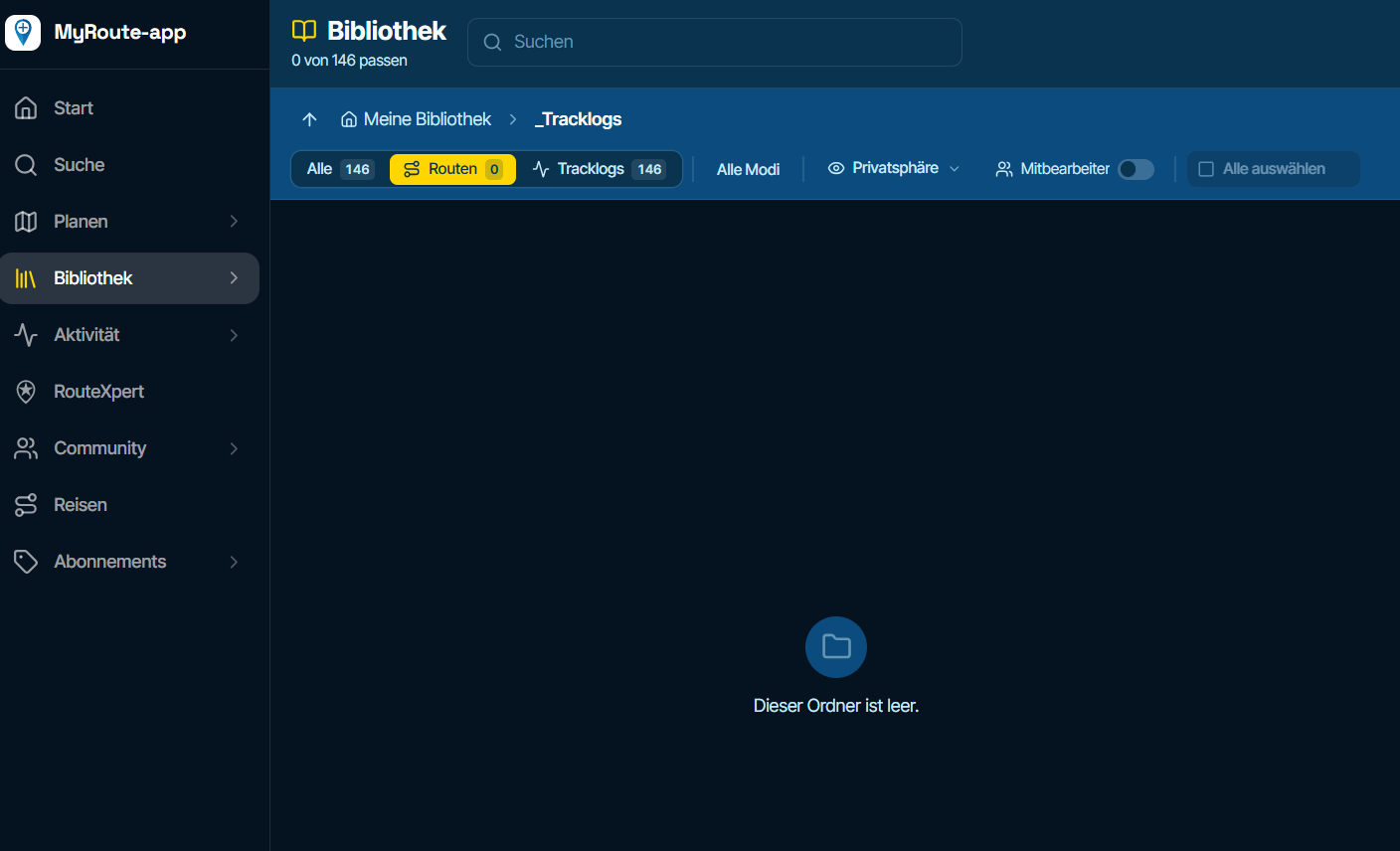
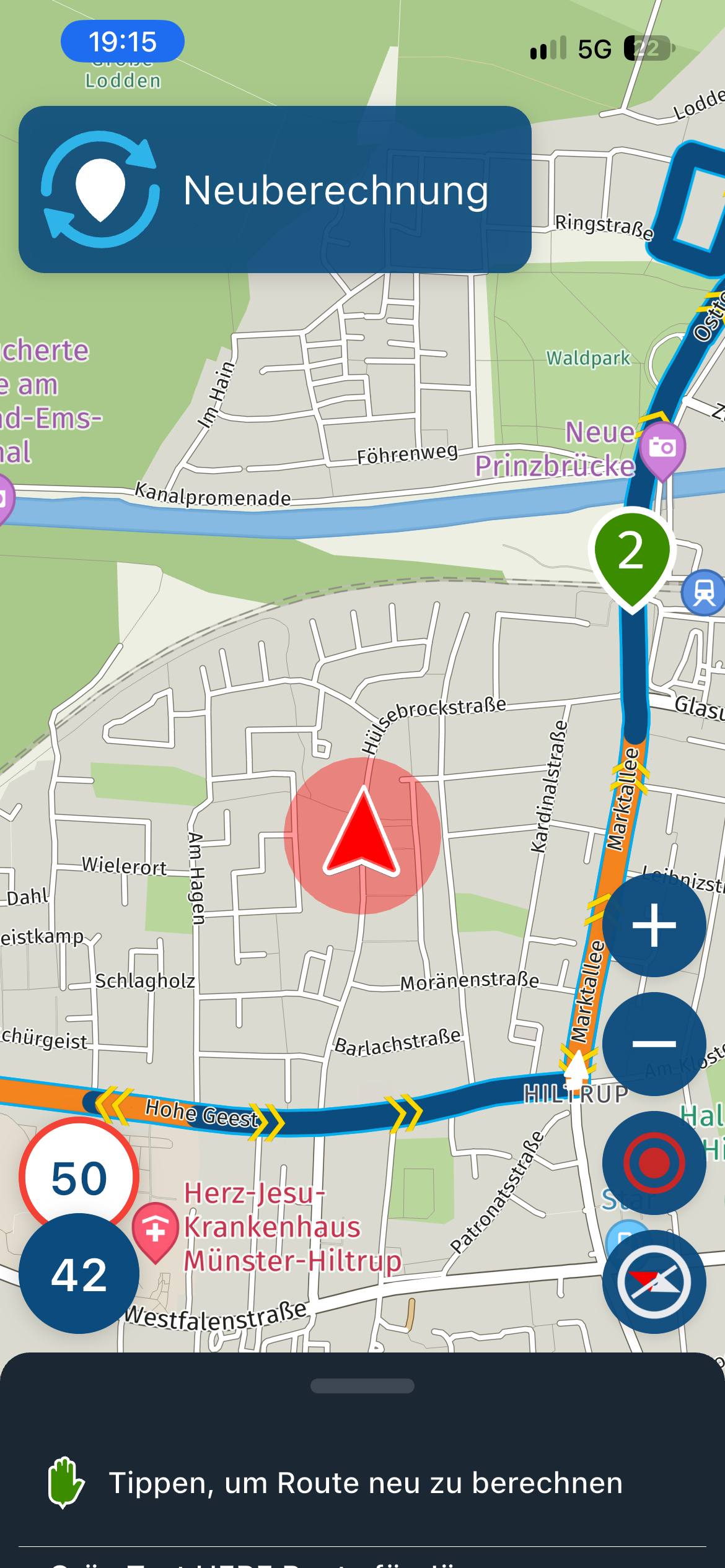
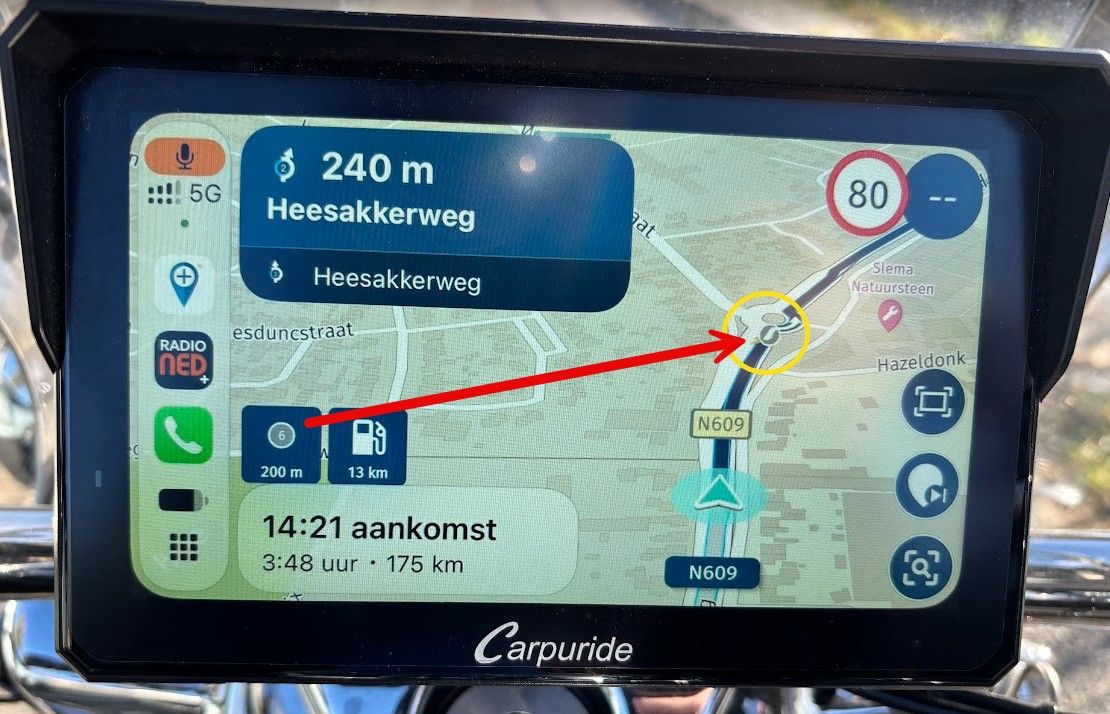
Seasonal closures affect not only seasonal road closures (mountain passes and the like) but also closures due to roadworks. This is why the route takes you through the closure even during planning, even though Here is actually aware of it.
-

I’ve noticed the following... when I plan a route and enable seasonal closures in the settings, the seasonal closures of the passes are taken into account, but the closures due to temporary roadworks are also ignored, and the route is strictly directed through the closure (even though the closure is known to Here)
That’s why the route already takes you through the closure during planning, even though it’s actually known to Here.
However, if I deactivate seasonal closures in the web planner, the roadworks are taken into account during planning and a detour is created at that stage.
Is this a bug or is it intended behaviour?
Ideally, roadworks closures should be treated separately from seasonal closures.
When I open and start the route in the app, the app recognises that there is a closure, alerts me to this with a warning and also creates a diversion.
Why does the behaviour differ between the website and the app?
-

Ideally, roadworks closures should be treated separately from seasonal closures.
That's what I would expect, too.
-

Nice find
I guess that one of the devs wel i comment on that -

I'd say the accuracy of seasonal closures and roadworks is correct in 3 out of 4 cases. On a road I used to travel a lot and which will now be closed for several months due to a landslide, myrouteapp web won't let me pass through it. On another road that passes through a mountain pass, it lets me pass through if I disable the seasonal closure, but that road isn't closed seasonally.
I once happened to be driving a route I usually take and while navigating, myrouteapp next kept telling me to turn back. But since I'd driven that stretch of road a few days earlier and know it like the back of my hand, I thought myrouteapp next had crashed. Instead, I discovered that that day, and only that day, the road was closed. -
I'd say the accuracy of seasonal closures and roadworks is correct in 3 out of 4 cases. On a road I used to travel a lot and which will now be closed for several months due to a landslide, myrouteapp web won't let me pass through it. On another road that passes through a mountain pass, it lets me pass through if I disable the seasonal closure, but that road isn't closed seasonally.
I once happened to be driving a route I usually take and while navigating, myrouteapp next kept telling me to turn back. But since I'd driven that stretch of road a few days earlier and know it like the back of my hand, I thought myrouteapp next had crashed. Instead, I discovered that that day, and only that day, the road was closed.
@ginogino I realise that ‘seasonal’ road closures aren’t always handled 100% correctly, and I can always check elsewhere to see whether the road is open or not.
What bothers me more, however, is that although the Here map in the web planner has marked the road closure due to roadworks, it still stubbornly routes me through the closure.
The same route, when opened in the app, recognises the closure and immediately shows a possible detour.Why doesn’t this work in the web planner as well?
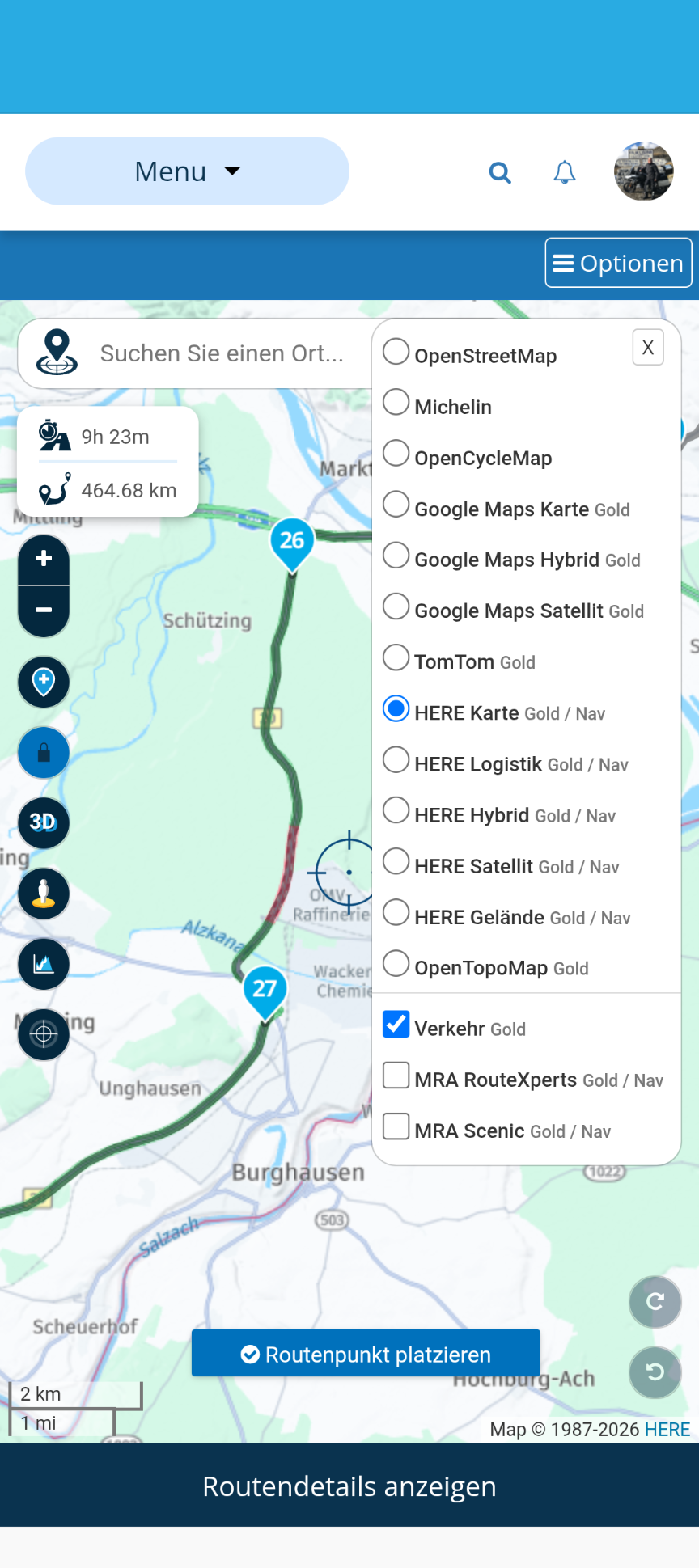
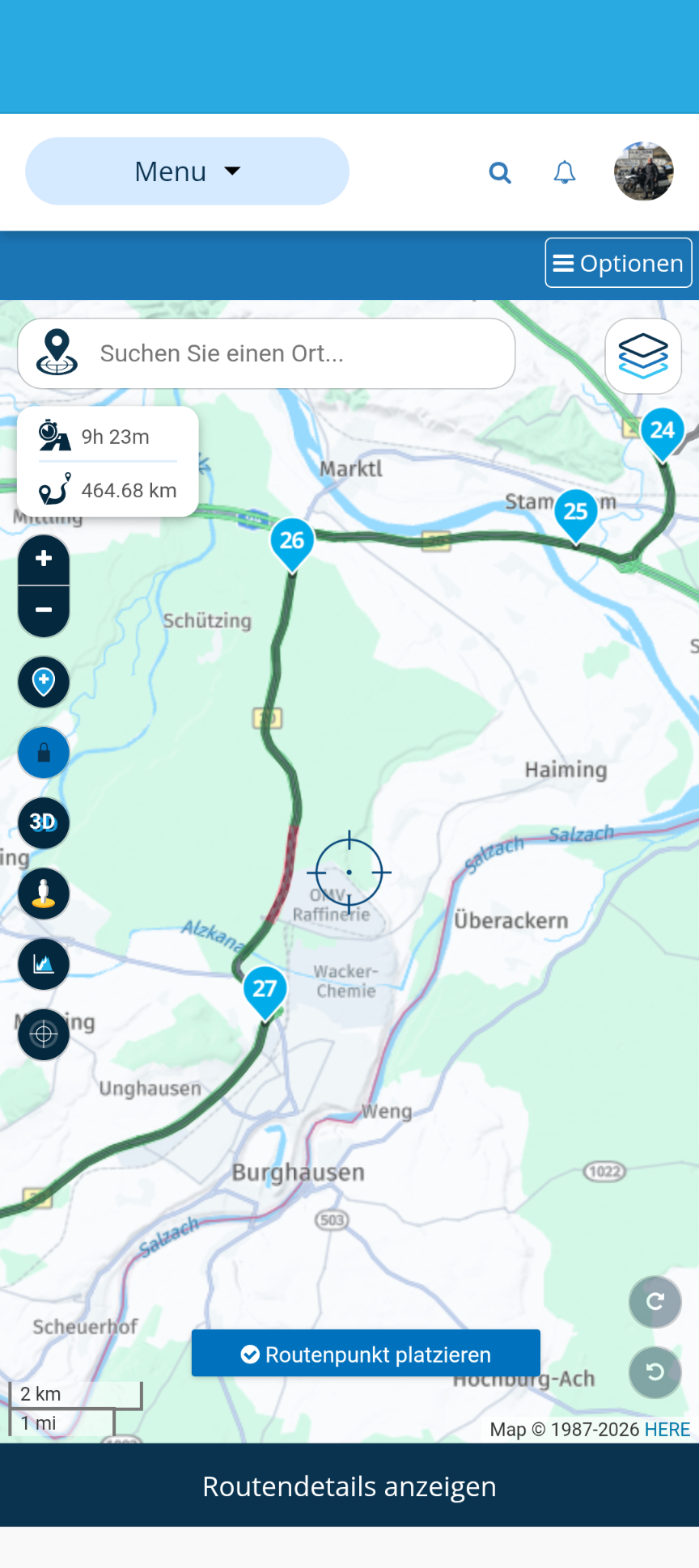
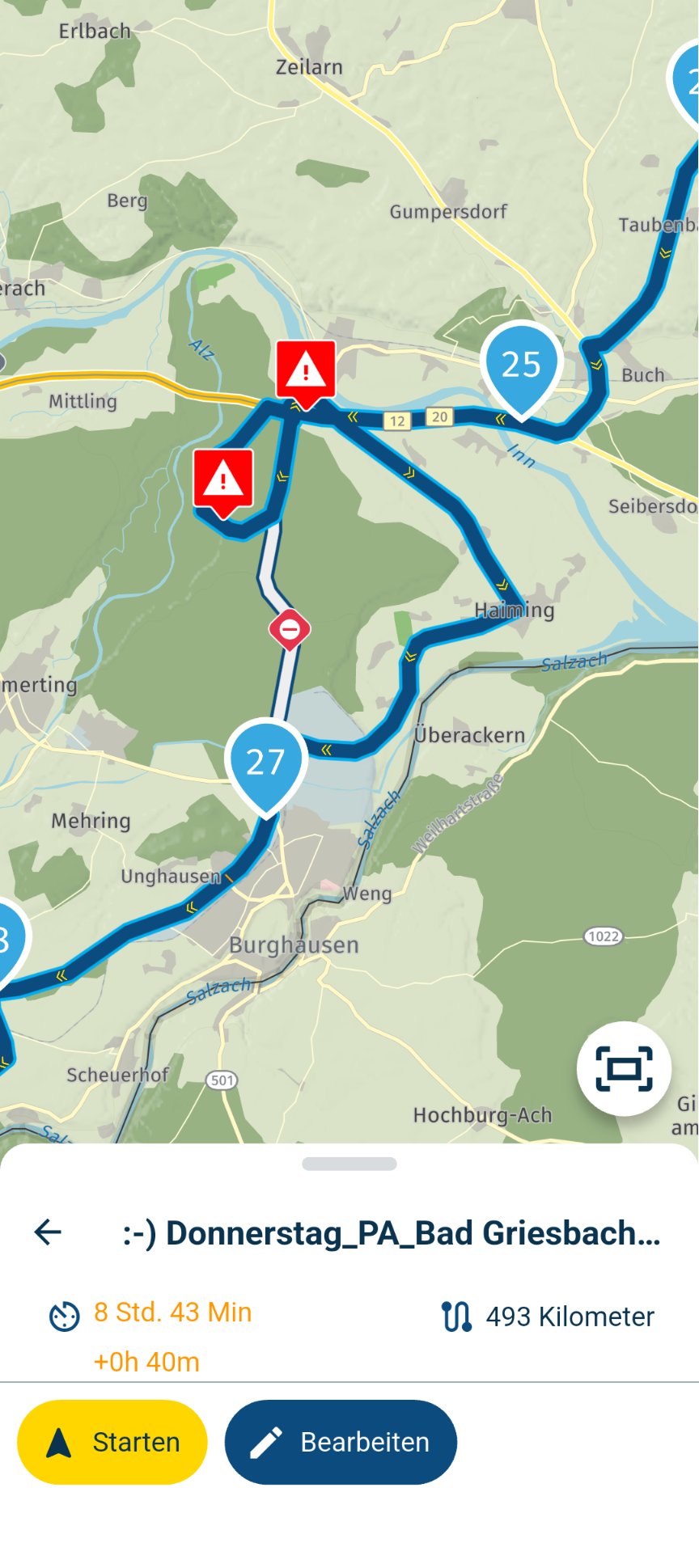
-

Chances are that when you use offline navigation the app works like the web based planner. But thats not what you want.
My issue related to closures is in the app. How the app guides me through or around a closure seems to depend on:
- using online or offline maps/navigation
- which Navigate button I press (the other one is in the inapp-routeeditor)
- navigating a route as track or as route.
I can understand 1 (when closures are recent and only available online) but not 2 and 3. I see this happening, even when I only use the app the make and navigate the route.
-

This is know, and have never experienced it as a problem. It's actually nice to be able to disable a road closure when you see it is not there (anymore).
I am just an enthusiastic MRA user, and hope you will be one too!
Most motorcycle problems are caused by the nut that connects the handlebar to the saddle.
Check out RideSleepRepeat.eu, a biker community for sharing stays across Europe
-
This is know, and have never experienced it as a problem. It's actually nice to be able to disable a road closure when you see it is not there (anymore).
@Con-Hennekens Do you have a link to some documentation if this is known? I searched and havent found it
-
@Con-Hennekens Do you have a link to some documentation if this is known? I searched and havent found it
@Herman-Veldhuizen, No I don't. But I have noticed before that disabling seasonal closures often leads to roadworks not being detoured. I think in the end a seasonal closure is a road closure too.
-
@Con-Hennekens Do you have a link to some documentation if this is known? I searched and havent found it

@Herman-Veldhuizen & @peter-zehentreiter this is known functionality & can actually be quite useful
using the seasonal closure function has been recomended on this forum as an answer to actually enabling you to plan a route today through a closure, that you expect to be gone in a few weeks or monthsthe term "seasonal" is unfortunatley a bit missleading as the function really ignores a lot of closures
the term "seasonal" is probably a historical thing thats never been updated on the web plannerif you search the forum for "seasonal closure" I am sure you will find this is not new
BlackView BV7100, Android 12
Navigate "Routes as Tracks" in Offline mode with Offline Maps
No Wifi, no internet, no interruptions, works well -
@Herman-Veldhuizen & @peter-zehentreiter this is known functionality & can actually be quite useful
using the seasonal closure function has been recomended on this forum as an answer to actually enabling you to plan a route today through a closure, that you expect to be gone in a few weeks or monthsthe term "seasonal" is unfortunatley a bit missleading as the function really ignores a lot of closures
the term "seasonal" is probably a historical thing thats never been updated on the web plannerif you search the forum for "seasonal closure" I am sure you will find this is not new
@Brian-McG That the setting for seasonal closures can effect regural closures too is one thing. The fact that there are inconsistencies between the web and the app and in the app itself is another thing.
For example: When I make a route I spent most time in the inapp route editor (not the web based one) and expect the blue line which I see there to be the same when I press Navigate directly after. This wasn't the case when I last tried it. -
As mentioned, blocked roads aren't always reported. For example, in this case, myrouteapp web doesn't correctly let you pass through the blocked road:
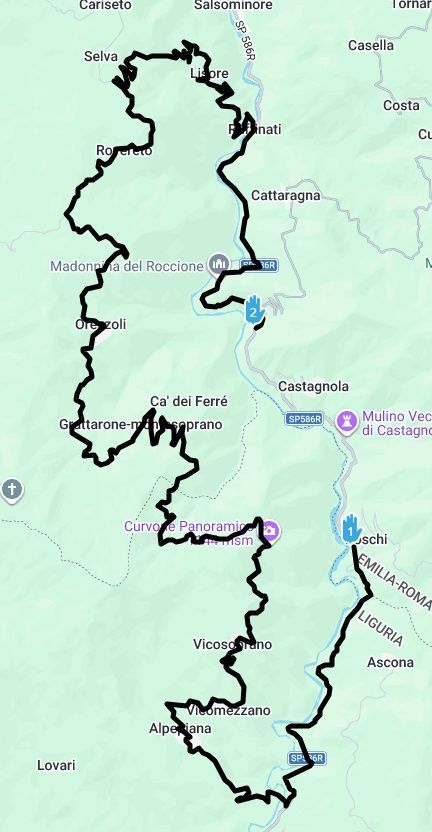
This winter, there were heavy rains and many landslides, with roads closed for a short time or unfortunately for a long time, depending on the severity. So, when I plan a route this year, I first quickly trace it using Google Maps, which is generally much more accurate than myrouteapp when it comes to closed roads. Then, I recreate it in myrouteapp, making any necessary adjustments.
-
Earlier this year I was trying to plot a route in the UK Peak District and MRA would NOT let me set a route through a particular village. Then, a day or so later, it would, and then later again still not. I realised afterwards that there were temporary roadworks that were probably being opened/closed almost daily. This was confirmed when I rode the route and had to go back the way I had come a short distance to take a diversion.
The last couple of days I have also been working on a route for the passes in the Lake District. Kirkstone Pass has, I think, been closed for repairs but was recently re-opened. However, MRA would not let my route go down the southern end, between the Kirkstone Pass Inn and Troutbeck. Instead, it sent the route around through Ambleside.
At least, it did until I toggled the Seasonal Closures option on/off, after which it's now happy to go down the correct way. It wasn't a seasonal closure so I'm not sure why that worked, but it seems to have sorted it.
Something which may help is this website: in their own words "Causeway one.network is a platform that Highway Authorities, Utilities, and Contractors use to communicate roadworks." https://one.network/en-gb
it's scrollable, zoomable and shows different icons for the type of work being done. Coverage seems to be England, Scotland, Wales and the Isle of Man but not Ireland.
I can't guarantee how up to date and accurate it is and I don't think they can either, as the data comes from the different road contractors, but it may help someone.
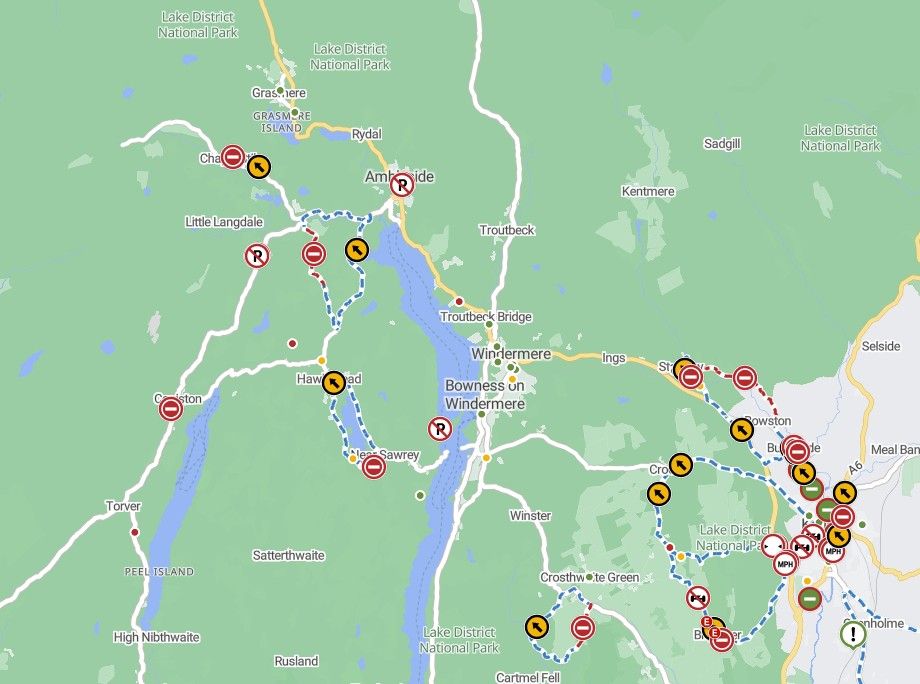
-

I do not see the difference in handling a road closure between teh Route Planner and the Navigator to be a big issue.
You may be planning a route today to be used sometime in the future or today or tomorrow... Route planner does not know when you will actually use it.
When you start navigating, it is a real-time situation and I assume that is why you are offered a roadblock bypass.
I did not test the following: I wonder what would happen if in the Route Planner you set up the departure date to be when the road is actually closed. Would it stop you from using it....??? -

How about just renaming it 'Disable road closure routing'?
Then it covers all bases, and is less confusing to lowlanders like us English and the Dutch!

-
How about just renaming it 'Disable road closure routing'?
Then it covers all bases, and is less confusing to lowlanders like us English and the Dutch!
@richtea999 If a road is flagged by HERE as having a seasonal closure any time of the year, you have to check "Disable seasonal closures" to route through it -- even if the closure is for winter only and it's currently the dead of summer. Logically, it should only apply when the road is actually seasonably closed, and you want to create a route through it for future use.
There is a good forum discussion on the confusion surrounding this Toolkit routing option avoidance:
https://forum.myrouteapp.com/topic/5608/seasonal-closures-app-versus-planner-problem
The obvious (to me) option would be to have an "Ignore Closed Roads" option for creating routes, regardless of what the immediate real-time situation is. Let me decide what's passable, and what isn't. Google will always be a better investigative solution than HERE, so let me do my own research. I've suggested this before, but for whatever reason it's been ignored by the powers that be.
Hello! It looks like you're interested in this conversation, but you don't have an account yet.
Getting fed up of having to scroll through the same posts each visit? When you register for an account, you'll always come back to exactly where you were before, and choose to be notified of new replies (either via email, or push notification). You'll also be able to save bookmarks and upvote posts to show your appreciation to other community members.
With your input, this post could be even better 💗
Register Login-
 01127
01127
-
 0648
0648
-
 0512
0512
-
05164
-
0828
-
0320
-
0429
-
 0335
0335