Garmin XT reflecting planned routes
-

Hi All, Thinking of becoming a gold member - oo er missus!
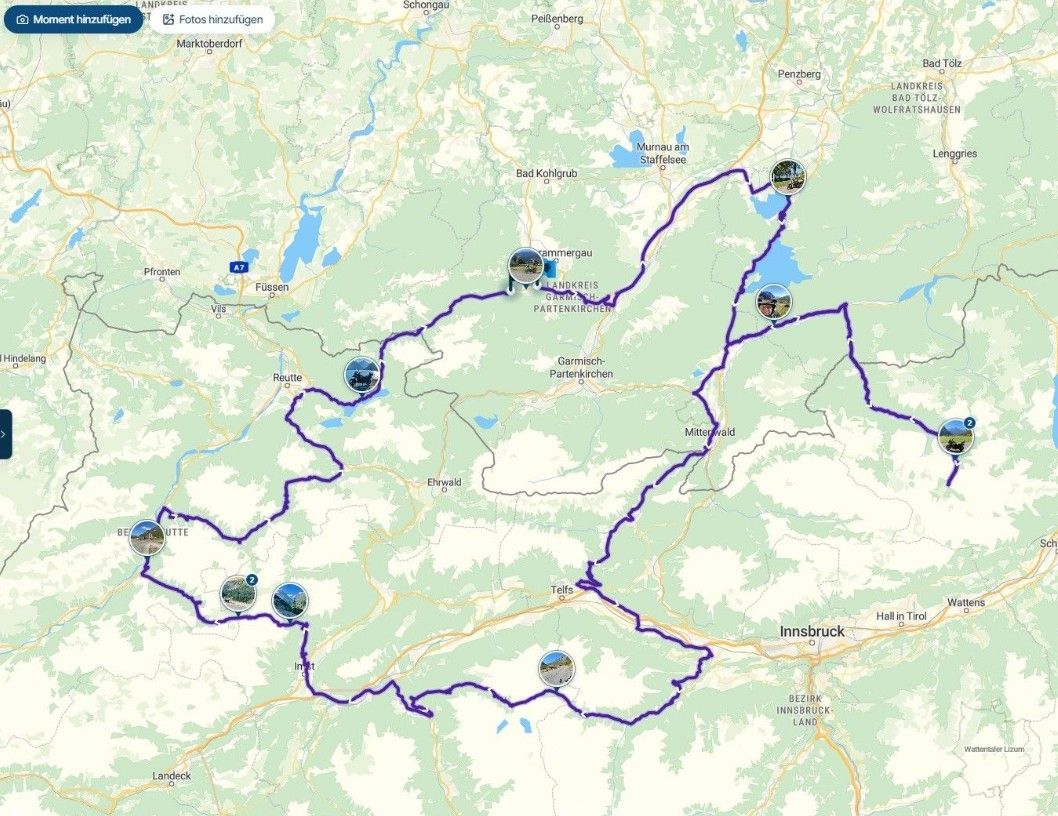
Can you tell me if this will allow my XT unit to reflect my planned routes exactly as they are shown on MRA planner?
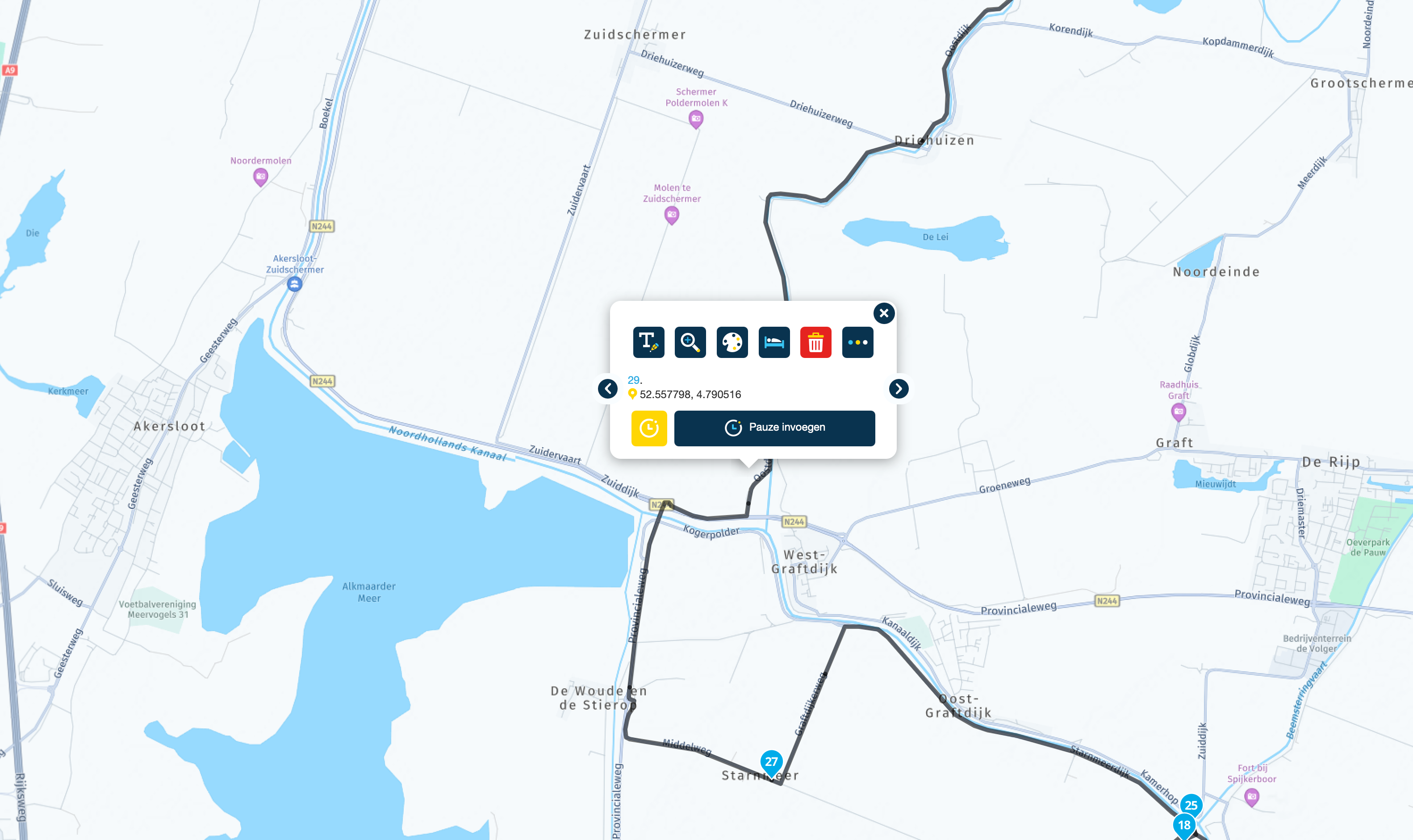
i.e If I add a WP/VP and change it's colour to reflect a POI or landmark info, will that then be shown on my XT?Regards and Merry Xmas to all.
-
Hi All, Thinking of becoming a gold member - oo er missus!
Can you tell me if this will allow my XT unit to reflect my planned routes exactly as they are shown on MRA planner?
i.e If I add a WP/VP and change it's colour to reflect a POI or landmark info, will that then be shown on my XT?Regards and Merry Xmas to all.

Hi @Richard-Jewell-0 sorry to say that the XT will not reflect any colour info from MRA
I believe all transfers from MRA to the XT are done via GPX format files & the colours of points is not part of that formatIf you want to see the full glory of what you plan in MRA on your navigation device you need to be using MRA Navigation, you then get to see all the colours & even pictures you attach to points are available
-

...as @Brian-McG wrote: there are so many benefits in using MRA Navigation p.e.:
- no need of file transmission for routes (MRA Routeplanner synches automatically to MRA Navigation)
- all waypoint colours will be populated on map in MRA Navigation
- all names and extra notes you have entered in waypoints will be shown and be spoken in MRA Navigation
- etc.
So, take the chance before end of year and buy a lifetime license of MRA Navigation (as long as the price is cheap) - and sell your old fashioned Garmin on eBay

-
Hi All, Thinking of becoming a gold member - oo er missus!
Can you tell me if this will allow my XT unit to reflect my planned routes exactly as they are shown on MRA planner?
i.e If I add a WP/VP and change it's colour to reflect a POI or landmark info, will that then be shown on my XT?Regards and Merry Xmas to all.
@Richard-Jewell-0 Not sure if this helps in any way. I use MRA on an IPhone with Car Play on my Goldwing. My wife uses an XP on her Rebel. We would like to be able to have same route on both devices. We both prefer the route planning in MRA so our preference is:
-
Create a route in MRA.
-
Lots of shaping points (maybe one every mile or so)
-
I then export using the option for the XP.
-
We load this into Garmin Tread (have also tried loading directly to the memory card on the XP with the same results.
-
When we try and import from Tread to the XP we get an error (Not created on this device) if you select no it doesn’t
Import, if you select yes it does but doesn’t seem to fully recognise the shaping points and used the Garmin route calculation resulting in different roads.
We have tried multiple times both before and after the upgrade but same results.
Spoke to support who suggested using a PC and exporting directly to the memory card for the XP but exactly the same issue.
-
-

For various reasons, I still use both MRA and Garmin XP(1) on my motorbike.
To keep the routes created in MRA exactly the same, I export them from MRA using Save as .GPX 1.1. I then import this file into Garmins Basecamp, where I add extra waypoints to make the route line follow the track shown exactly.
I then connect my Garmin to the computer and send the route and track to my XT.
This way, I have always had an exact route that does not deviate from the route in MRA on the Garmin!Ik gebruik om verschillende redenen zowel MRA als de Garmin XP(1) nog steeds op mijn motorfiets.
Om de in MRA gemaakte routes exact gelijk te te houden exporteer ik deze vanuit MRA met Opslaan als .GPX 1.1. Ik importeer dit bestand vervolgens in Basecamp, waar ik vervolgens door het plaatsen van extra via punten de routelijn exact de getoonde track laat volgen.
Daarna koppel ik mijn Garmin aan de computer en stuur de route en de track naar mijn XT.
Op deze manier heb ik tot nu toe elke keer exact een gelijke route die niet afwijkt van de route in MRA op de Garmin! -
@Richard-Jewell-0 Not sure if this helps in any way. I use MRA on an IPhone with Car Play on my Goldwing. My wife uses an XP on her Rebel. We would like to be able to have same route on both devices. We both prefer the route planning in MRA so our preference is:
-
Create a route in MRA.
-
Lots of shaping points (maybe one every mile or so)
-
I then export using the option for the XP.
-
We load this into Garmin Tread (have also tried loading directly to the memory card on the XP with the same results.
-
When we try and import from Tread to the XP we get an error (Not created on this device) if you select no it doesn’t
Import, if you select yes it does but doesn’t seem to fully recognise the shaping points and used the Garmin route calculation resulting in different roads.
We have tried multiple times both before and after the upgrade but same results.
Spoke to support who suggested using a PC and exporting directly to the memory card for the XP but exactly the same issue.

@David-Gillies like @David-Gillies said use more shaping points in the route and then export it to the Garmin drive is you're using the xt1 format 1.2 and make sure there's a couple of via points in the route.
I used to compare it to both TT and OSM to prevent the xt1 to fu... Your route. Make sure the all of the waypoints are EXACTLY on the route otherwise the xt1 will grab the opportunity to do its thing and then your day is a loss
Have fun -
-
@Richard-Jewell-0 Not sure if this helps in any way. I use MRA on an IPhone with Car Play on my Goldwing. My wife uses an XP on her Rebel. We would like to be able to have same route on both devices. We both prefer the route planning in MRA so our preference is:
-
Create a route in MRA.
-
Lots of shaping points (maybe one every mile or so)
-
I then export using the option for the XP.
-
We load this into Garmin Tread (have also tried loading directly to the memory card on the XP with the same results.
-
When we try and import from Tread to the XP we get an error (Not created on this device) if you select no it doesn’t
Import, if you select yes it does but doesn’t seem to fully recognise the shaping points and used the Garmin route calculation resulting in different roads.
We have tried multiple times both before and after the upgrade but same results.
Spoke to support who suggested using a PC and exporting directly to the memory card for the XP but exactly the same issue.

@David-Gillies said in Garmin XT reflecting planned routes:
if you select yes it does but doesn’t seem to fully recognise the shaping points and used the Garmin route calculation resulting in different roads.
I assume you mean XT instead of XP? Try the GPX 1.2 export. I believe it uses the VIA point and tracks between them. That should help.
-
Hello! It looks like you're interested in this conversation, but you don't have an account yet.
Getting fed up of having to scroll through the same posts each visit? When you register for an account, you'll always come back to exactly where you were before, and choose to be notified of new replies (either via email, or push notification). You'll also be able to save bookmarks and upvote posts to show your appreciation to other community members.
With your input, this post could be even better 💗
Register Login-
 01048
01048
-
 016760
-
 418209
-
06197
-
 1211.2k
-
0349
-
0471
-
 0351
0351