Skip to content
  • Categories
  • Recent
  • Popular
  • Support
  • MyRoute-app
Collapse
Brand Logo

MRA Community Forum

  1. Home
  2. The MyRoute-app
  3. [App] Problems, Bugs and other Issues
  4. Track beginning far away

Track beginning far away

Scheduled Pinned Locked Moved [App] Problems, Bugs and other Issues
7 Posts 4 Posters 1.7k Views 3 Watching
  • Oldest to Newest
  • Newest to Oldest
  • Most Votes
Reply
  • Reply as topic
Log in to reply
This topic has been deleted. Only users with topic management privileges can see it.
  • Thomas Neumeyer Offline
    Thomas Neumeyer Offline
    Thomas Neumeyer
    wrote on last edited by
    #1

    Hi there,

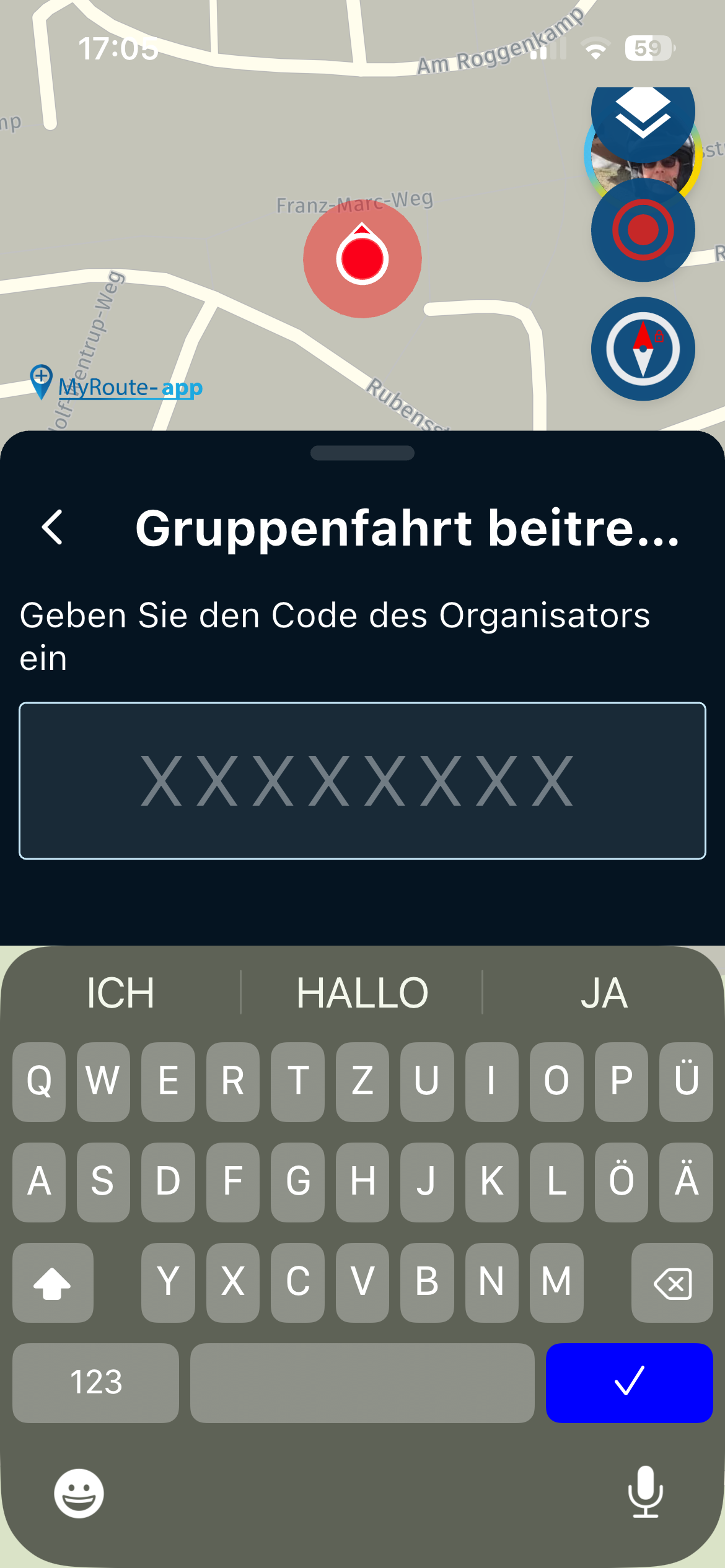
    I planned a track with the MRA route planner. As I am living in Finland and the track starts in Germany until Italy it behaves unecpected . When I want to start it on the MyRoute-app it tells something like "its not defined for this kind of vehicle". After 2 minutes the map shows up, the app reacts very slow and in the left top corner a sign like a circle with a drop inside shows up but it is not starting to navigate. Cant figure out whats wrong. With a Garmin it is calculating to the first waypoint and continues. I also selected not to use my current location.

    Regards Thomas

    Marinus van Deudekom Con Hennekens 2 Replies Last reply
    0
    • Thomas Neumeyer Thomas Neumeyer

      Hi there,

      I planned a track with the MRA route planner. As I am living in Finland and the track starts in Germany until Italy it behaves unecpected . When I want to start it on the MyRoute-app it tells something like "its not defined for this kind of vehicle". After 2 minutes the map shows up, the app reacts very slow and in the left top corner a sign like a circle with a drop inside shows up but it is not starting to navigate. Cant figure out whats wrong. With a Garmin it is calculating to the first waypoint and continues. I also selected not to use my current location.

      Regards Thomas

      Marinus van Deudekom Offline
      Marinus van Deudekom Offline
      Marinus van Deudekom
      RouteXpert
      wrote on last edited by
      #2

      @Thomas-Neumeyer seems like you've done something wrong with the settings, choice of profile and maybe the map itself

      Honda Goldwing GL1500,
      Honda Silverwing GL 650
      DMD2 T865X 8 inch Android tablet using MRA next for navigation
      Garmin XT sold
      Samsung S24FE mounted on a Quadlock and using Android Auto in my car

      1 Reply Last reply
      0
      • Thomas Neumeyer Thomas Neumeyer

        Hi there,

        I planned a track with the MRA route planner. As I am living in Finland and the track starts in Germany until Italy it behaves unecpected . When I want to start it on the MyRoute-app it tells something like "its not defined for this kind of vehicle". After 2 minutes the map shows up, the app reacts very slow and in the left top corner a sign like a circle with a drop inside shows up but it is not starting to navigate. Cant figure out whats wrong. With a Garmin it is calculating to the first waypoint and continues. I also selected not to use my current location.

        Regards Thomas

        Con Hennekens Offline
        Con Hennekens Offline
        Con Hennekens
        Alpha tester
        wrote on last edited by
        #3

        @Thomas-Neumeyer, to start with, MRA Route planner plans routes not tracks. As it stands (in the web planner) you can only convert a route to a track by exporting it to gpx and re-import it as a route-track.

        My guess is that you are trying to navigate a route with the MRA App that was planned in a map other than the HERE map, and with a vehicle selection that is not compatible with the HERE map.

        You can share the route URL here (set it to public first!), then I wil take a look at it.

        I am just an enthusiastic MRA user, and hope you will be one too!

        Most motorcycle problems are caused by the nut that connects the handlebar to the saddle.

        Check out RideSleepRepeat.eu, a biker community for sharing stays across Europe

        Thomas Neumeyer 1 Reply Last reply
        0
        • Con Hennekens Con Hennekens

          @Thomas-Neumeyer, to start with, MRA Route planner plans routes not tracks. As it stands (in the web planner) you can only convert a route to a track by exporting it to gpx and re-import it as a route-track.

          My guess is that you are trying to navigate a route with the MRA App that was planned in a map other than the HERE map, and with a vehicle selection that is not compatible with the HERE map.

          You can share the route URL here (set it to public first!), then I wil take a look at it.

          Thomas Neumeyer Offline
          Thomas Neumeyer Offline
          Thomas Neumeyer
          wrote on last edited by Thomas Neumeyer
          #4

          @Con-Hennekens Hello Con, thanks for the feedback. I compared iPhone with Android Active Tab were I had the issue. The settings were different. I removed "Route as a Track" and now the behavior is ok and with fast response of the app. Before the app has been stopping to work. Just wonder where the advantage is in this situation?

          Regards Thomas

          Thomas Neumeyer 1 Reply Last reply
          1
          • Thomas Neumeyer Thomas Neumeyer

            @Con-Hennekens Hello Con, thanks for the feedback. I compared iPhone with Android Active Tab were I had the issue. The settings were different. I removed "Route as a Track" and now the behavior is ok and with fast response of the app. Before the app has been stopping to work. Just wonder where the advantage is in this situation?

            Regards Thomas

            Thomas Neumeyer Offline
            Thomas Neumeyer Offline
            Thomas Neumeyer
            wrote on last edited by
            #5

            @Thomas-Neumeyer Hello, anybody a idea why the setting is making that problem? Maybe it is not present when I am closer to the route?

            Regards

            Thomas

            Con Hennekens Dave J 0 2 Replies Last reply
            0
            • Thomas Neumeyer Thomas Neumeyer

              @Thomas-Neumeyer Hello, anybody a idea why the setting is making that problem? Maybe it is not present when I am closer to the route?

              Regards

              Thomas

              Con Hennekens Offline
              Con Hennekens Offline
              Con Hennekens
              Alpha tester
              wrote on last edited by
              #6

              @Thomas-Neumeyer, no I have no idea. I can only say that navigation of routes as tracks works really well for me.

              I am just an enthusiastic MRA user, and hope you will be one too!

              Most motorcycle problems are caused by the nut that connects the handlebar to the saddle.

              Check out RideSleepRepeat.eu, a biker community for sharing stays across Europe

              1 Reply Last reply
              0
              • Thomas Neumeyer Thomas Neumeyer

                @Thomas-Neumeyer Hello, anybody a idea why the setting is making that problem? Maybe it is not present when I am closer to the route?

                Regards

                Thomas

                Dave J 0 Offline
                Dave J 0 Offline
                Dave J 0
                Valued contributor
                wrote on last edited by
                #7

                @Thomas-Neumeyer I have been testing on both iOS 18 and Android 15 and usually set 'Route as Track' on my Android device. Not experienced any issues with this setting except when I have a weak signal and the app is calculating the conversion of the route to track. The calculation can take a little more time than usual when offline and, as the videos have explained, the track may not always be exactly calculated to the route when 'offline' - there can be deviations. As @Con-Hennekens has suggested, it would be useful to see the route you have been trying to use for the 'route to track' to provide us with a little more context.

                Kind Regards. Help where I can.
                Ducati Multistrada V4 Rally
                iPhone 15 Pro
                CHIGEE AIO-6 LTE
                Google Pixel 6 Pro - mounted on SP Connect Plus
                Ex Garmin XT2 and XT1 as well as Ex TomTom Rider User

                1 Reply Last reply
                0

                Hello! It looks like you're interested in this conversation, but you don't have an account yet.

                Getting fed up of having to scroll through the same posts each visit? When you register for an account, you'll always come back to exactly where you were before, and choose to be notified of new replies (either via email, or push notification). You'll also be able to save bookmarks and upvote posts to show your appreciation to other community members.

                With your input, this post could be even better 💗

                Register Login
                Reply
                • Reply as topic
                Log in to reply
                • Oldest to Newest
                • Newest to Oldest
                • Most Votes


                ACTIVE USERS
                Marinus van Deudekom
                Marinus van Deudekom
                Con Hennekens
                Con Hennekens
                Thomas Neumeyer
                Thomas Neumeyer
                Dave J 0
                Dave J 0
                POPULAR TOPICS
                • It was not possible to find a correct route to Wheels Through Time
                  Rob Veerman
                  Rob Veerman
                  0
                  13
                  160

                • Duur van de route klopt niet
                  Nick Carthew
                  Nick Carthew
                  0
                  10
                  153

                • GPX Versions 1.1 vs 1.2 for Garmin Visually Explained
                  John S Parry
                  John S Parry
                  7
                  191
                  28.7k

                • Beeld loopt achter
                  Marinus van Deudekom
                  Marinus van Deudekom
                  0
                  8
                  162

                • How do i export or 'save as' a file into Garmin Camper 770 - Help
                  BertM
                  BertM
                  0
                  2
                  20

                • Opening Route Direct from Android Auto Screen
                  Karl-Heinz Schwendner
                  Karl-Heinz Schwendner
                  0
                  5
                  196

                • Gidday from New Zealand.
                  Bull Tahr k 0
                  Bull Tahr k 0
                  1
                  6
                  130

                • Carpuride BMW unit stalling or restarting
                  Maarten van de Wijdeven
                  Maarten van de Wijdeven
                  0
                  14
                  358

                MY GROUPS
                • Login

                • Login or register to search.
                • First post
                  Last post
                0
                • Categories
                • Recent
                • Popular
                • Support
                • MyRoute-app