Skip to content

[App] Suggestions and Discussion

788 Topics 6.1k Posts
  • whole route button

    1
    0 Votes
    1 Posts
    94 Views
    No one has replied
  • Skipping a Via point...

    19
    0 Votes
    19 Posts
    1k Views
    Con Hennekens
    @Herman-Veldhuizen said: MRA should in my opinion think about offering some things as addons or have multiple types of apps in the store, all sharing the same core inside. In general I don't think the audience would appreciate in-app costs. I do understand what you say in favor of a more branche oriented app. But to be honest I think the MRA company is too small for that. Who knows, this might change in the future
  • Routes are synchronised but not for groups.

    2
    1 Votes
    2 Posts
    150 Views
    Marinus van Deudekom
    It's on the wishlist
  • Add screen lock to free drive

    9
    1 Votes
    9 Posts
    780 Views
    Hubert Thoring
    Just tested in the V5.2.1 Beta, just goes [image: 1783797423112-img_0234.jpeg]
  • A few observations

    10
    1 Votes
    10 Posts
    610 Views
    Thomas Mikl
    That worked really well, thank you very much for that detailed instructions!
  • Modify a scenic route in the Navigation Naxt app

    10
    5
    3 Votes
    10 Posts
    509 Views
    Peter Zehentreiter
    @Warner-1-0 said: So this is the first scenic route that Kurviger makes from A to B. I now want to make the route go via the dunes road just north of Noordwijk so I zoom in on the map to that road and tap it. Then Kurviger askes me what type of point I want to add here. By the way, you can do this just as easily in the MRA app. Open the app Open the MRA route planner Enter your start and destination Use the map zoom or the search function to select the new route and manually set a waypoint on the road you’d prefer to take. To change the type of point, tap on it and choose whether it should be a ‘Via’ or a ‘Shaping’ point. Please note that start and destination points are always ‘Via’ points (hand icon)
  • Adding a waypoint in the middle while navigating?

    4
    0 Votes
    4 Posts
    273 Views
    Peter Zehentreiter
    @Lenny-O Yes, that’s right, the microphone really is very short. As I wear glasses, I have to bend the microphone to one side every time I put the helmet on, otherwise it gets caught on my glasses. Perhaps I’ll write to Sena about this as well… thanks for this hint.
  • Wunderlinq mive keft

    Moved
    6
    0 Votes
    6 Posts
    381 Views
    Chudy
    @stuart-marritt try tedt it but not working
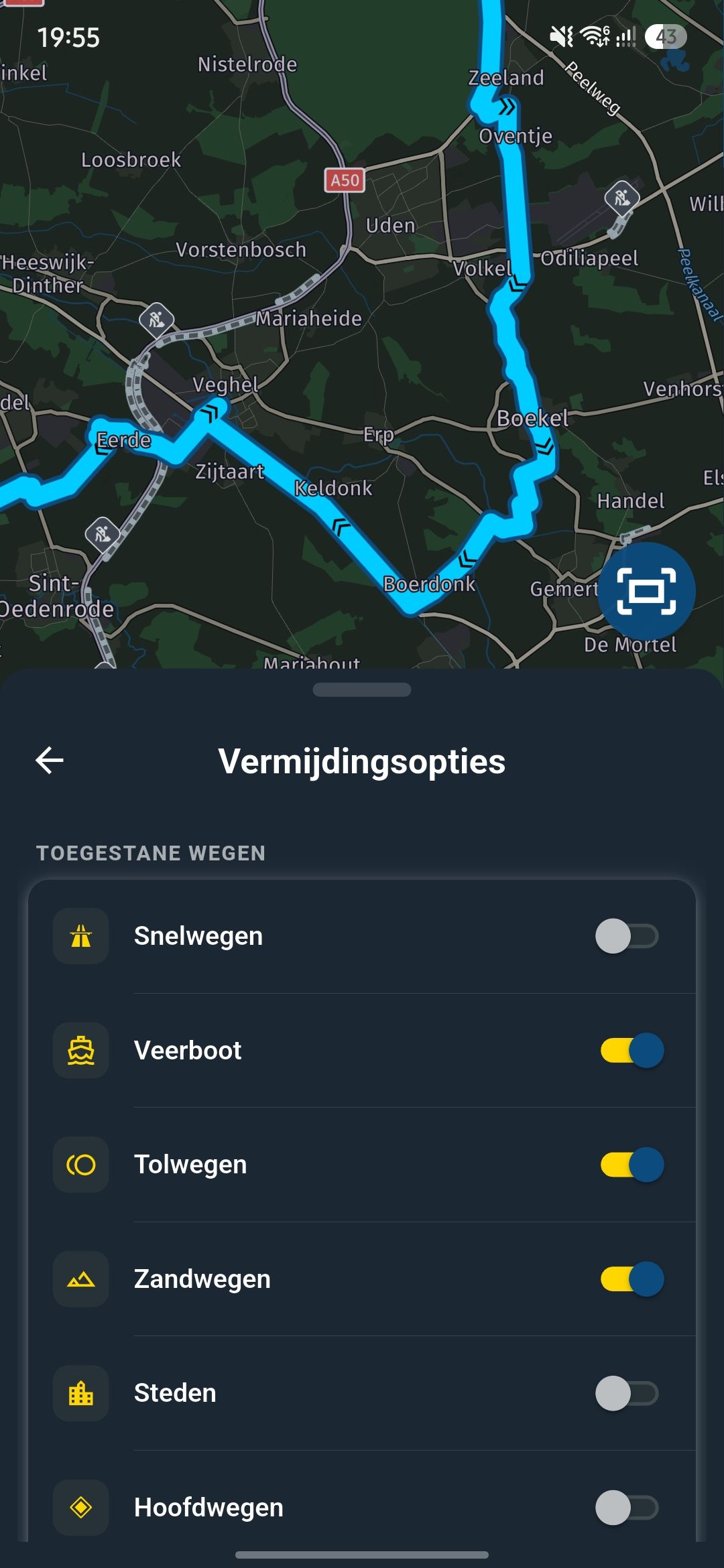
  • Optie toevoegen om Autowegen te vermijden

    9
    0 Votes
    9 Posts
    559 Views
    Travellexxie
    @superg lees nog even, wat ik geschreven heb.
  • 8 daagse reis in de Eifel. Wat gaat er goed, kan er iets beter

    16
    3 Votes
    16 Posts
    1k Views
    white.mouse
    Ja, dit zijn ook mijn ervaringen sinds de laatste update. Inmiddels een veelvoud aan routes gereden en geen problemen gehad. Ook niet meer bij afwijkingen van de routes of stops.
  • Spoken streetnames

    5
    1 Votes
    5 Posts
    258 Views
    GT JWR
    it would also be nice if the spoken name didn't 'spell' out the entire number for roads that contain 3+ numbers. For example, in Texas, there are 'Farm to Market Roads' that are generally 4 numbers long - ie: FM2920. It gets announced as "FM two thousand nine hundred and twenty" - takes way long to say that than it does to read. Not sure if this is a MRA or HERE thing. EVERY other nav app says it as "FM twenty nine twenty"
  • Track Log image generation - switch it off

    1
    2 Votes
    1 Posts
    87 Views
    No one has replied
  • Alternatieven kunnen kiezen bij "scenic route"

    4
    2 Votes
    4 Posts
    310 Views
    white.mouse
    Ja, dat lijkt mij een zinvolle uitbreiding voor zover dit mogelijk zou zijn.
  • Tablet screen lock

    8
    0 Votes
    8 Posts
    536 Views
    Nick Carthew
    @Brian-Martin Not sure why you’re not seeing the navigation menu (3 dots) I have just added a place name in the search bar, selected the Navigate button and the navigation menu (3 dots) was available to use. [image: 1782940294917-img_6069.png]
  • Rename POI

    3
    0 Votes
    3 Posts
    172 Views
    Emanuele 5
    @Corjan-Meijerink thanks.
  • 200 faultless miles

    3
    1
    5 Votes
    3 Posts
    232 Views
    Nick Carthew
    Today’s route was a little shorter at 136 miles but exactly the same results. Zero problems and fully charged phones at the end.
  • 5000km probleemloos!

    15
    1 Votes
    15 Posts
    688 Views
    nomko
    De Garmin is er wel voor gebouwd om bij hoge temperaturen te werken. Garmin hanteert een bedrijfstemperatuur van -15/+55 graden Celsius. Dit komt omdat Garmin de XT-serie heeft gebouwd om te kunnen voldoen aan de militaire MIL-STD-810-eisen voor onder andere hitte en trillingen. Een mobiel daarentegen is absoluut niet bestand tegen hoge tot extreem hoge temperaturen: 30 a 35 graden Celsius. Als je het vergelijkt met de XT-serie: Smartphone: min. 0 gr. Celsius / max. 35 gr. Celsius XT-serie: min. -15 gr. Celsius / max. 55 gr. Celsius Dus ja, met een smartphone moet je echt oppassen voor de hogere temperaturen!
  • High Contrast Maps

    9
    2 Votes
    9 Posts
    1k Views
    TuonoPants
    Here is a comparison of Google maps with the Here map on MRA, despite the poor image quality the difference is obvious. The road colour doesn't need to change, just the background when out of town. [image: 1782733742243-pxl_20260629_112625063.jpg] [image: 1782733747459-pxl_20260629_112751034.jpg]
  • Can I change the transport mode of a recorded track?

    Moved
    5
    0 Votes
    5 Posts
    439 Views
    John Matthews 0
    @Travellexxie said: For your peace of mind, you can use the track as a route again: change the mode of transport to bicycle check if the route is identical to the track save as GPX 1.1 import the track from the GPX file done I believe this method can only provide an accurate representation of the original track if there is a recognised track/road displayed on the map for the complete track, ie. so that those track/roads can be used by the track to route conversion algorithm. Furthermore, as far as I can tell the number of points are significantly rationalised and the detailed logging information is lost. Unless I am mistaken, this renders the resulting track of limited value. I just used the app to log the track of a short walk to a restaurant, where some of the tracks were not shown on the map (HERE terrain)... [image: 1782659988260-screenshot-2026-06-28-at-17.17.44.png]. Unfortunately, I saved it as I had done previously with transport mode Motorhome- not realising that it was nor possible to change the mode after it had been saved. While the workaround may be acceptable in some circumstances, I do not believe it is in most cases. John
  • Starting navigation in the middle o the programmed Route.

    10
    0 Votes
    10 Posts
    589 Views
    Montorsi Paolo 0
    @Hubert-Thoring The "Start at nearest waypoint" was already selected but the option "Use the actual position" it wasn't. Maybe this was the problem. By the way, following your advice, I found also that is possible select the starting point by choosing a waypoint. My bad. Thanks
ACTIVE USERS POPULAR TOPICS
MY GROUPS