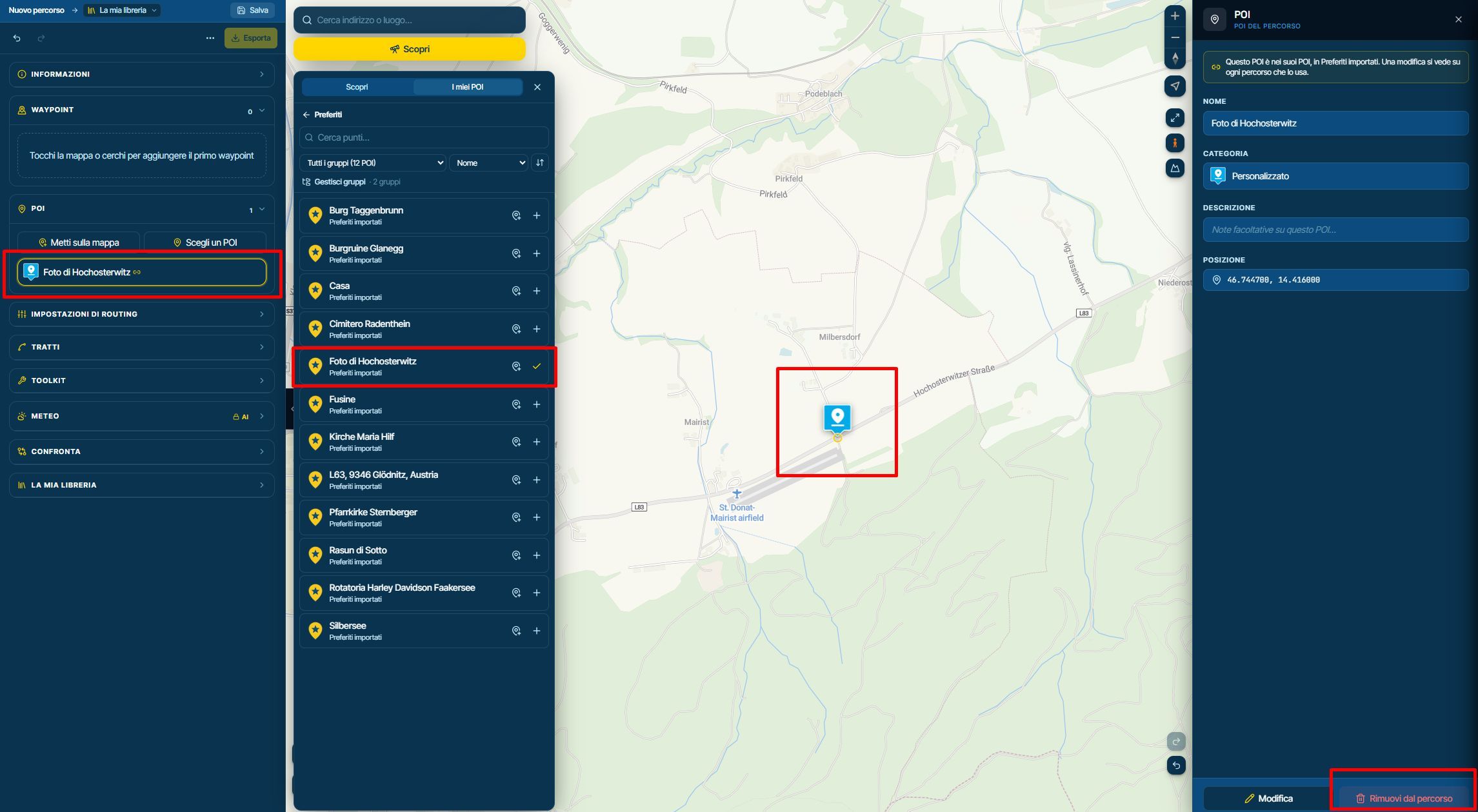
Garage menu: Fuel range
-

Hi,
in the "Garage" section of the app I can't find where to enter the vehicle's fuel range data.
Maybe it's not there, or is it imported from the web planner Garage, which is connected to the same account?"
Why when I try to navigate using the 'Destination' menu for a route that exceeds the vehicle's fuel range, does no alert message appear.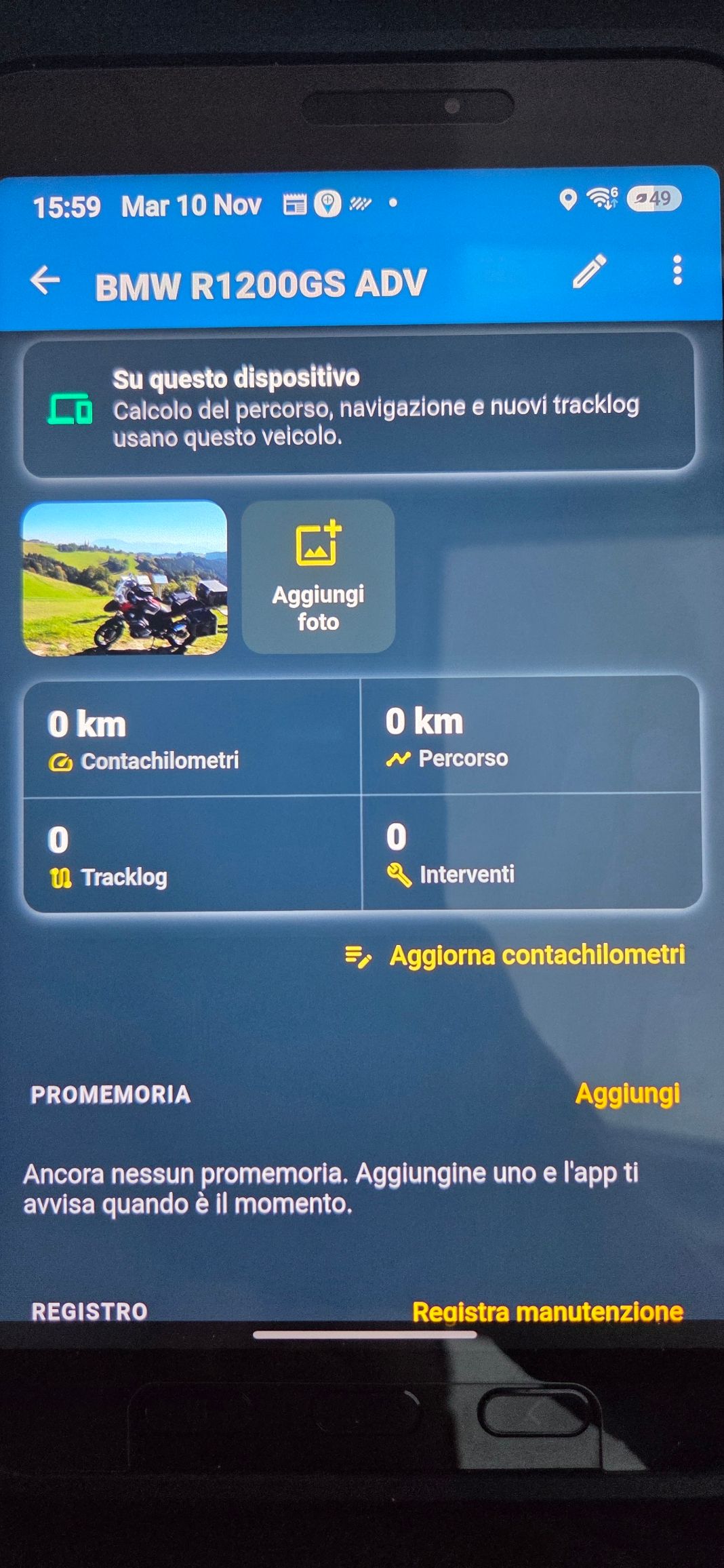
Thanks a lot
-

It’s a planning feature only.
Could make sense in the app at one point but not for now.
Showing it there will imply it is used and the app doesn’t use it.We don’t know you fuel range when you start to drive. Asking it every time is annoying. So not doing anything with it now.
-
Corjan Meijerink locked this topic
Hello! It looks like you're interested in this conversation, but you don't have an account yet.
Getting fed up of having to scroll through the same posts each visit? When you register for an account, you'll always come back to exactly where you were before, and choose to be notified of new replies (either via email, or push notification). You'll also be able to save bookmarks and upvote posts to show your appreciation to other community members.
With your input, this post could be even better 💗
Register Login-
1416141
-
0756
-
 012251
-
018119
-
0539
-
 07146
-
 1446
-
0438