Route startet nicht / Route doesn't start
-

Hallo Leute,
mein Name ist Arno und ich versuche mich gerade an der Myroute App.Leider habe ich ein Problem mit meinem privaten Android Handy, mit dem Fimen Handy IPhone läuft alles.
Telefon: Volla Phone X23
Android Verson 12.0
Myroute App 4.1.0Wenn ich auf NAVIGIEREN drücke passiert fast nicht.
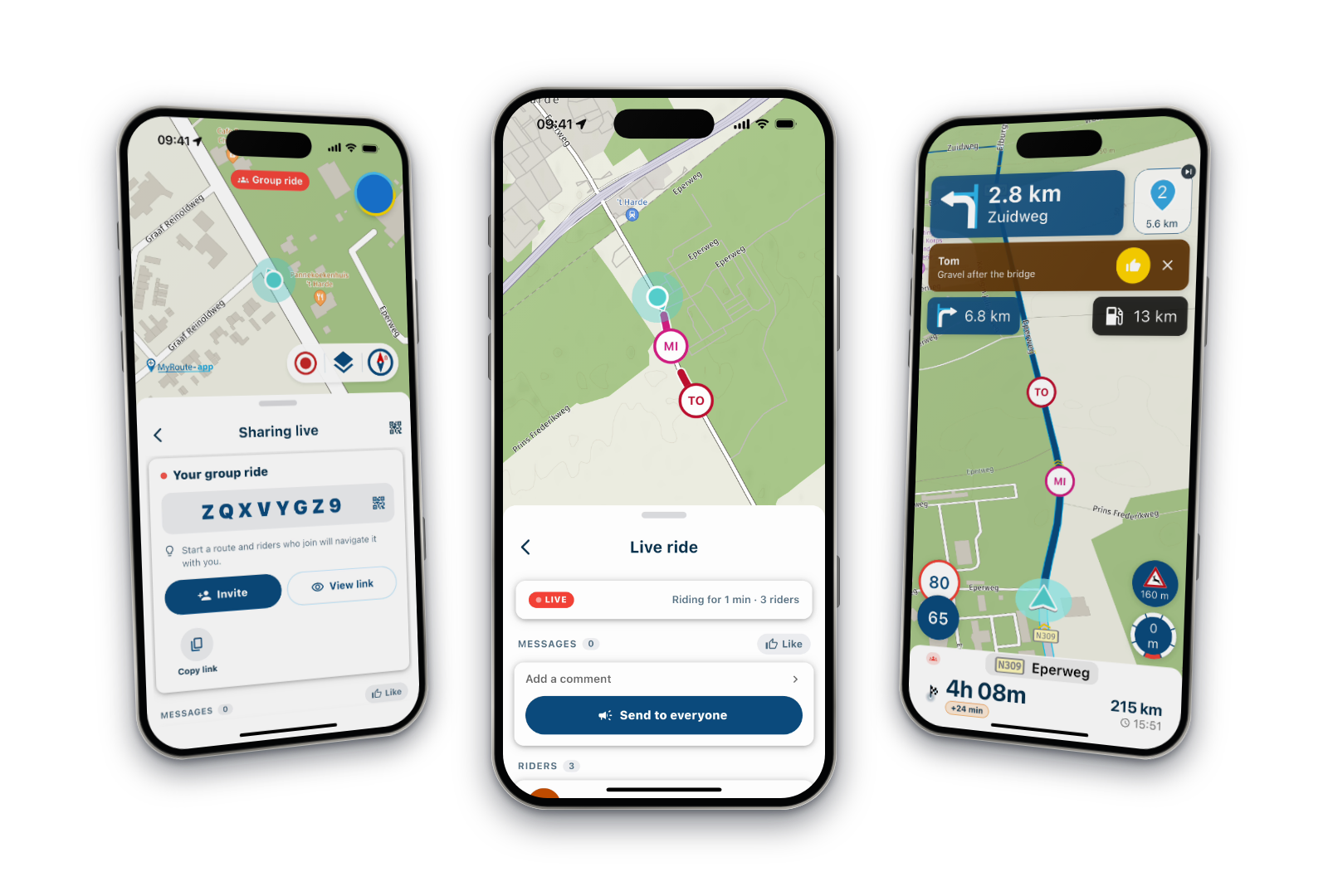
Mir werden die Wegpunkte angezeigt auch die Zeit bis zum nächten Punkt oder bis zum Ende aber die eigentliche Navigation startet nicht.Soll heißen der Pfeil wir auf der Route angezeigt, wandert aber nicht weiter.
Wenn ich die Navigation stoppe und starte dann ist der Pfeil auf der gerade aktuellen Position.
Auch das gefahrene Tempo wird nicht angezeigt.
Wenn ich nur die Karte offen habe steht der Punkt immer auf der aktuellen Position, wandert also beim Fahren auf der Straße weiter.Wennich die gleiche Route im IPhone starte ist alles wie ich es mir vorstelle.
Also "biegen sie in xy meter ab" die Strecke wird also abgefahren.Cjoa Arno
Hello Guys,
My name is Arno and I'm currently trying out the Myroute app.Unfortunately I have a problem with my private Android cell phone, everything works with the company cell phone iPhone.
Phone: Volla Phone X23
Android version 12.0
Myroute App 4.1.0When I press NAVIGATE almost nothing happens.
The waypoints are shown to me, as well as the time to the next point or to the end, but the actual navigation doesn't start.The arrow is showen to be displayed on the route, but it doesn't move any further.
When I stop and start navigation the arrow is at the current position.
The speed driven is also not displayed.
If I only have the map open, the point is always at the current position, so it moves further while driving on the road.When I start the same route on the iPhone everything is as I imagine it.
So "turn in xy meters" the route is traveled.Cheers Arno
-
Hallo Leute,
mein Name ist Arno und ich versuche mich gerade an der Myroute App.Leider habe ich ein Problem mit meinem privaten Android Handy, mit dem Fimen Handy IPhone läuft alles.
Telefon: Volla Phone X23
Android Verson 12.0
Myroute App 4.1.0Wenn ich auf NAVIGIEREN drücke passiert fast nicht.
Mir werden die Wegpunkte angezeigt auch die Zeit bis zum nächten Punkt oder bis zum Ende aber die eigentliche Navigation startet nicht.Soll heißen der Pfeil wir auf der Route angezeigt, wandert aber nicht weiter.
Wenn ich die Navigation stoppe und starte dann ist der Pfeil auf der gerade aktuellen Position.
Auch das gefahrene Tempo wird nicht angezeigt.
Wenn ich nur die Karte offen habe steht der Punkt immer auf der aktuellen Position, wandert also beim Fahren auf der Straße weiter.Wennich die gleiche Route im IPhone starte ist alles wie ich es mir vorstelle.
Also "biegen sie in xy meter ab" die Strecke wird also abgefahren.Cjoa Arno
Hello Guys,
My name is Arno and I'm currently trying out the Myroute app.Unfortunately I have a problem with my private Android cell phone, everything works with the company cell phone iPhone.
Phone: Volla Phone X23
Android version 12.0
Myroute App 4.1.0When I press NAVIGATE almost nothing happens.
The waypoints are shown to me, as well as the time to the next point or to the end, but the actual navigation doesn't start.The arrow is showen to be displayed on the route, but it doesn't move any further.
When I stop and start navigation the arrow is at the current position.
The speed driven is also not displayed.
If I only have the map open, the point is always at the current position, so it moves further while driving on the road.When I start the same route on the iPhone everything is as I imagine it.
So "turn in xy meters" the route is traveled.Cheers Arno

@Arno-g I know that Android is a bit more rigid when it comes to granting various permissions before you can use the app. Are you sure you've granted permission for everything, such as sharing your location? Especially considering the fact that the app works on your iPhone.
Hello! It looks like you're interested in this conversation, but you don't have an account yet.
Getting fed up of having to scroll through the same posts each visit? When you register for an account, you'll always come back to exactly where you were before, and choose to be notified of new replies (either via email, or push notification). You'll also be able to save bookmarks and upvote posts to show your appreciation to other community members.
With your input, this post could be even better 💗
Register Login-
 1431650
-
 0837
0837
-
 07111
07111
-
0635
-
05104
-
 0411
0411
-
 116309
-
 08508
08508