
New Beta! (v4.1.0) Android Auto / CarPlay revamp
-

White screen issue has been solved in 265 - available for download shortly.
-

@Marinus-van-Deudekom, Did you update to the latest version already? That problem does not show on my device. Also in another thread a similar problem proved to be caused by DuckDuckGo app. Are you using that by any chance?
-
@Marinus-van-Deudekom, Did you update to the latest version already? That problem does not show on my device. Also in another thread a similar problem proved to be caused by DuckDuckGo app. Are you using that by any chance?

@Con-Hennekens Nope. Version 263 and no Duck in my phone

-
@Marinus-van-Deudekom, Did you update to the latest version already? That problem does not show on my device. Also in another thread a similar problem proved to be caused by DuckDuckGo app. Are you using that by any chance?
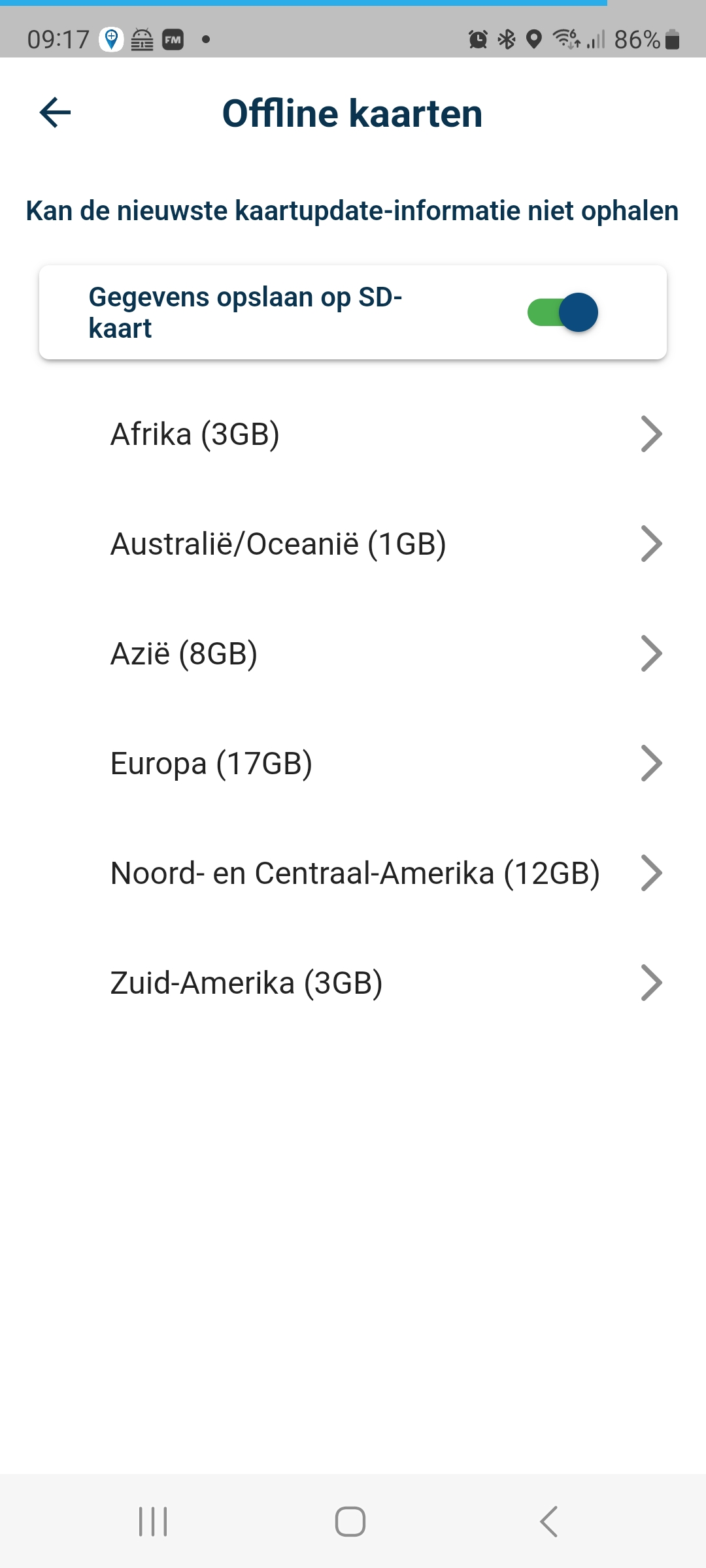
@Con-Hennekens I don't know why but my problem has been solved. Just downloaded the offline maps
-
White screen issue has been solved in 265 - available for download shortly.

@Corjan-Meijerink auf dem ipad direkt das 265 installiert, gleiches Problem. App gelöscht, dann gehts …
mit neuer Funktion, Auswahl ob Anweisung / Erklären erwünscht.Offline Karten müssen nach dem Löschen der App wohl immer neu geladen werden … was solls
 Danke
DankeVG Hubert
Beta Test "Next App" dazu die Hardware .
iPad 9. Gen iOS 27.0.1/ iPhone 16e iOS 27.0.1/ Navi iPhone Xr iOS 18.7.10 / PC mit MS Win11 /❗️MyRoute-App im Cradel und Remotek-One❗️ Info zu MRA & Remotek One -
 This post is deleted!
 -
I downloaded the 265 update through Testflight but just got a white screen. I went to the app store, searched for MyRoute-App and it had the cloud symbol. I clicked on the cloud, downloaded the app and all is well
-
@Corjan-Meijerink auf dem ipad direkt das 265 installiert, gleiches Problem. App gelöscht, dann gehts …
mit neuer Funktion, Auswahl ob Anweisung / Erklären erwünscht.Offline Karten müssen nach dem Löschen der App wohl immer neu geladen werden … was solls
Danke
@Corjan-Meijerink : Nachtrag, auf dem iPhone war ja von gestern Abend schon die (263) das installieren der (265) lief ohne Probleme, konnte dann direkt Starten …
Beim installieren der (265) von zuvor der V4.0.8 … war beim IPad der Bildschirm auch weiß und keine Funktion mehr. Nach löschen der App und neuem installieren geht’s dann, Nachteil Offlinekarten und Einstellungen müssen gemacht werden

-
I downloaded the 265 update through Testflight but just got a white screen. I went to the app store, searched for MyRoute-App and it had the cloud symbol. I clicked on the cloud, downloaded the app and all is well
@Stephen-Rowland, That way you get the most recent public, but not the Beta version. That is of course just fine, if you don't want to test beta.
-
Great to have such a diverse beta group!

A new version is already being made which attempts again to solve the white screen for all.@stephen-rowland please let me know if 266 will work for you! You will get a TestFlight notification when it's there.
-
@Stephen-Rowland, That way you get the most recent public, but not the Beta version. That is of course just fine, if you don't want to test beta.
@Con-Hennekens OOps - not what I wanted. Thanks for pointing that out - I'm sure it will be solved shortly
-
@Con-Hennekens OOps - not what I wanted. Thanks for pointing that out - I'm sure it will be solved shortly
@Stephen-Rowland, You are welcome. You already can solve it yourself, by deleting the app and re-install through testflight instead of the usual store. Or you can wait, so that when an update arrives we will know through you if it really works
-
I downloaded the 265 update through Testflight but just got a white screen. I went to the app store, searched for MyRoute-App and it had the cloud symbol. I clicked on the cloud, downloaded the app and all is well
@Stephen-Rowland please let me know if 266 works! Should be there for you now
-
@Stephen-Rowland please let me know if 266 works! Should be there for you now
@Corjan-Meijerink 266 just installed on my phone (IOS), works correctly - before white screen appeared. Thank you!
--
Regards
Staszek -
@Corjan-Meijerink 266 just installed on my phone (IOS), works correctly - before white screen appeared. Thank you!
-
@Stanisław Thanks for letting us know!
@Corjan-Meijerink Ja auch bei mir wars jetzt Erfolgreich, an dem eigentlichen Motorrad Handy, Update direkt von V4.0.8 auf jetzt V4.1.0 (266) .. störungsfrei.
Danke !
VG Hubert
Beta Test "Next App" dazu die Hardware .
iPad 9. Gen iOS 27.0.1/ iPhone 16e iOS 27.0.1/ Navi iPhone Xr iOS 18.7.10 / PC mit MS Win11 /❗️MyRoute-App im Cradel und Remotek-One❗️ Info zu MRA & Remotek One -
@Corjan-Meijerink Ja auch bei mir wars jetzt Erfolgreich, an dem eigentlichen Motorrad Handy, Update direkt von V4.0.8 auf jetzt V4.1.0 (266) .. störungsfrei.
Danke !
@Hubert-Thoring Bitte!
-
Great to have such a diverse beta group!
A new version is already being made which attempts again to solve the white screen for all.@stephen-rowland please let me know if 266 will work for you! You will get a TestFlight notification when it's there.

@Corjan-Meijerink said in New Beta! (v4.1.0) Android Auto / CarPlay revamp:
Great to have such a diverse beta group!
A new version is already being made which attempts again to solve the white screen for all.@stephen-rowland please let me know if 266 will work for you! You will get a TestFlight notification when it's there.
266 worked well for me, old navigation settings were kept as well as the offline maps. Thanks mate

-

Update on iPhone from 265 to 266 OK.
Update on iPad from 244 to 266 OK. -
Seems I'm late to the update party.
I seeing 4.1.0 - 263, is that the latest for Android?I have no routes in my downloads but I have hundreds of routes in the planner.
Do I have to manually put all my routes back into the downloads folder???
Was there an issue with this update???

Hello! It looks like you're interested in this conversation, but you don't have an account yet.
Getting fed up of having to scroll through the same posts each visit? When you register for an account, you'll always come back to exactly where you were before, and choose to be notified of new replies (either via email, or push notification). You'll also be able to save bookmarks and upvote posts to show your appreciation to other community members.
With your input, this post could be even better 💗
Register Login








-
 0746
0746
-
1514
-
0524
-
06270
-
06241
-
04142
-
 17220
17220
-
0363