Website update - Club files, a heatmap that counts your rides, the calculator on the map and more
-

Hi everyone!

Another website update is live, with a lot for clubs, tour operators and the AI Routeplanner
 Here's what changed since Monday's update.
New
- Files in clubs and events. Clubs with a subscription and tour operators get a Files tab for route books, hotel lists and forms. Upload many files at once (up to 50 MB each), sort them into folders and choose for each file who can open it: everyone, route editors or admins only. Replace a file and every event that links it shows the new version. An event can add files from its club, pictures open in the photo viewer, and search looks through every folder.
- A heatmap that counts your rides. The density heatmap counts how often you rode a road, so a single ride shows as a whole line and only the roads you ride again and again turn hot. The coverage heatmap draws every tracklog as its own thin line, so busy roads read darker and parallel roads stay apart. The library's folder heatmap and the planner's My rides overlay count the same way.
- What passed here? Tap the heatmap to list the tracklogs and routes that pass that spot, and point at one to light it up on the map.
- The calculator sits on the map. It steps from stretch to stretch between your waypoints, shows each stretch on the map and can count from via point to via point only.
- Contact details on community stays. A stay place shows its phone number, website and e-mail. Anyone who reviewed the place can correct them, or report the place as permanently closed.
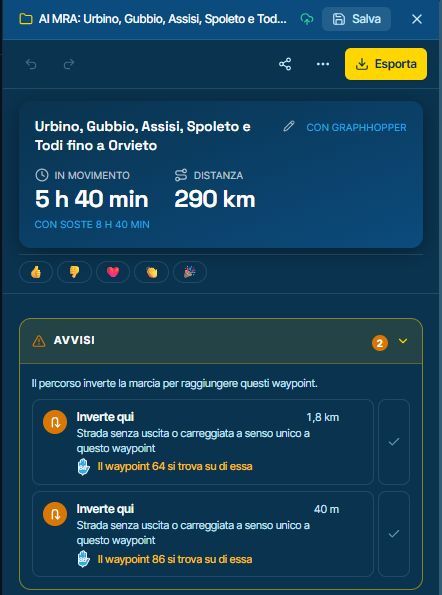
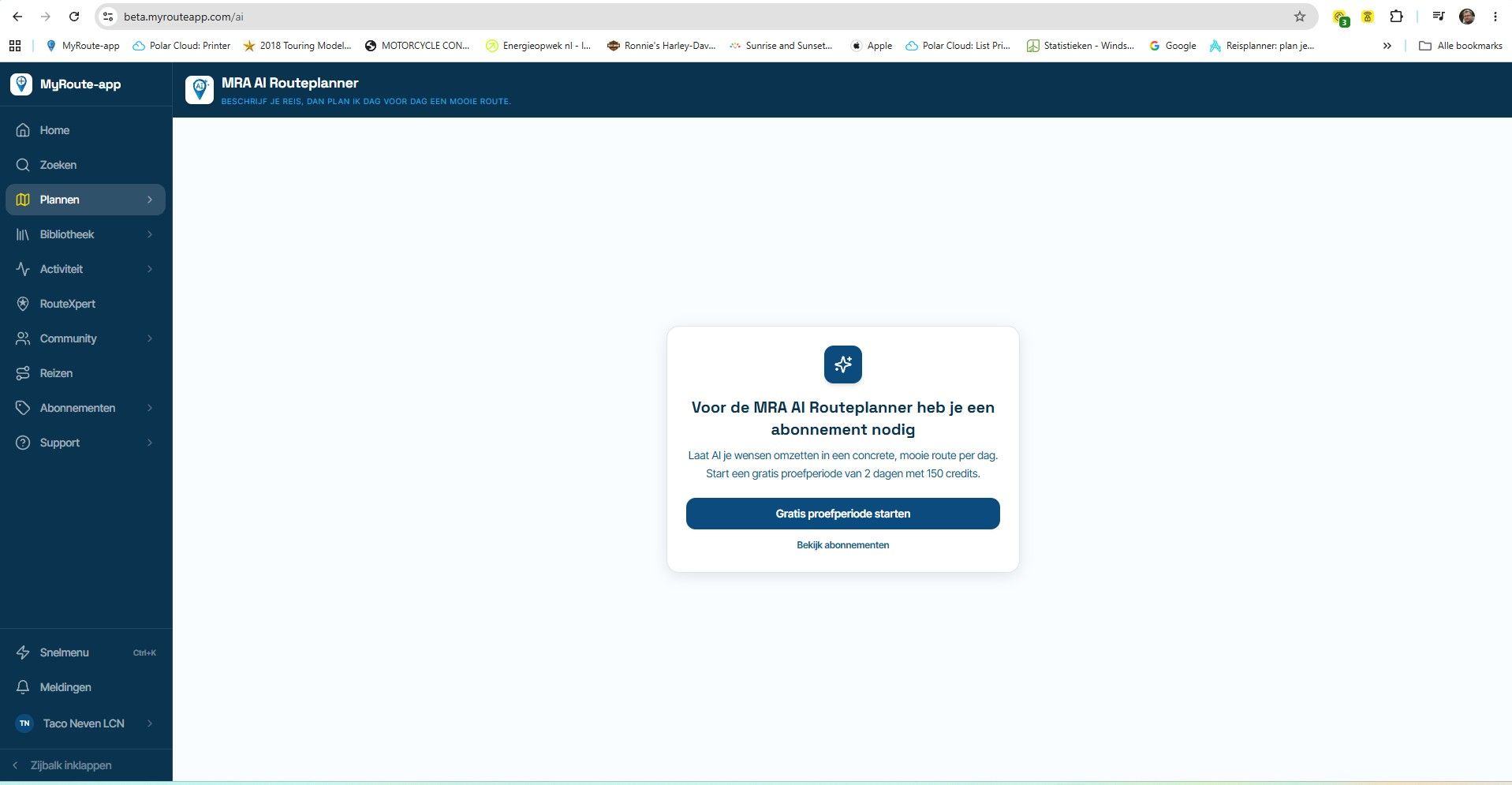
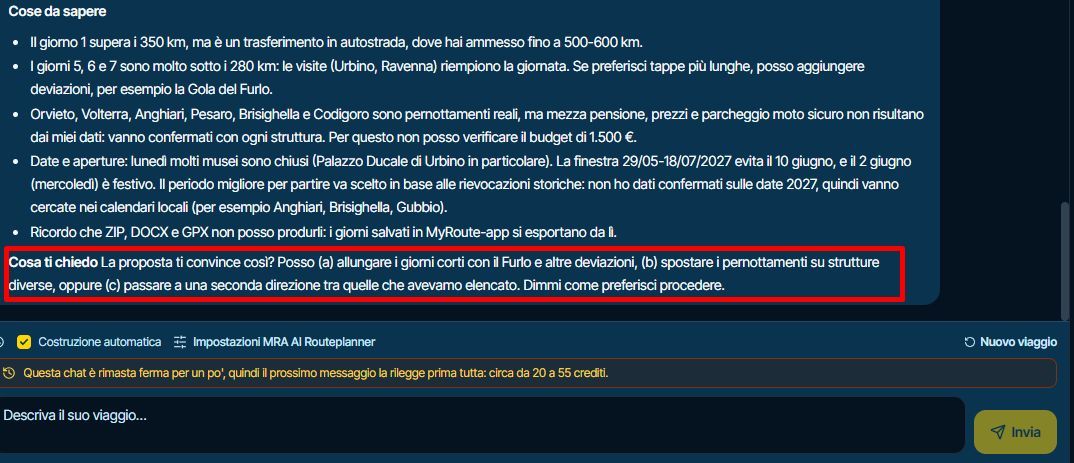
- Stop and continue in the AI Routeplanner. After Stop, one button carries on from where it stopped, with a link to start a new trip instead. When an automatic build still has days to go, a button builds them, so you no longer have to type "continue".
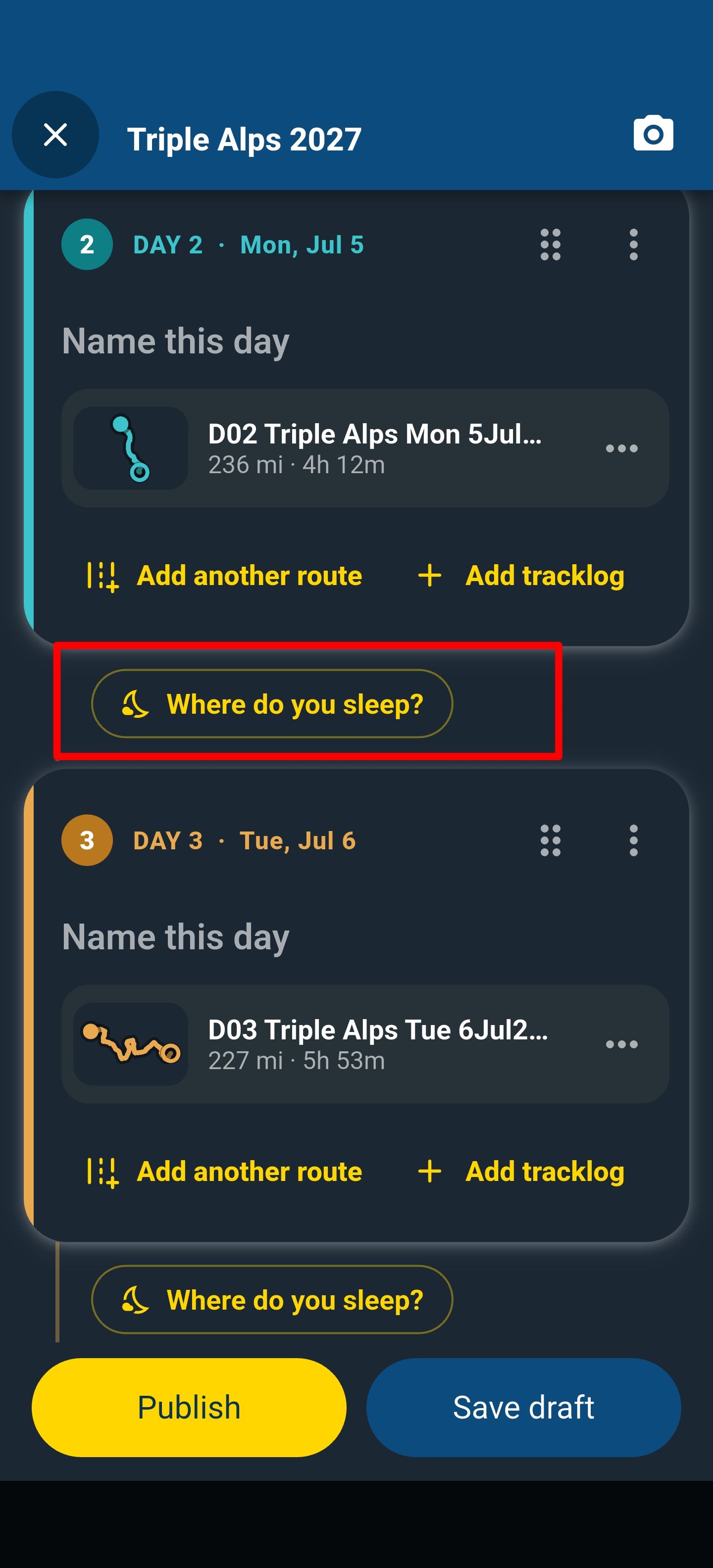
- Where you sleep in the trip builder. A night is filled in with the hotel or campsite where the day's route ends, and "Use where the next ride starts" takes the next day's start instead.
Improvements and changes
- The AI Routeplanner's settings are in clear sections and fit on one screen, and they explain what Auto build does when it's on or off. Every message uses credits either way.
- The AI Routeplanner takes your daily distance and fuel stops from your garage when its own settings leave them empty.
- The AI Routeplanner's chat history is grouped by date, and each chat shows its planner, days, distance, saved days and trip.
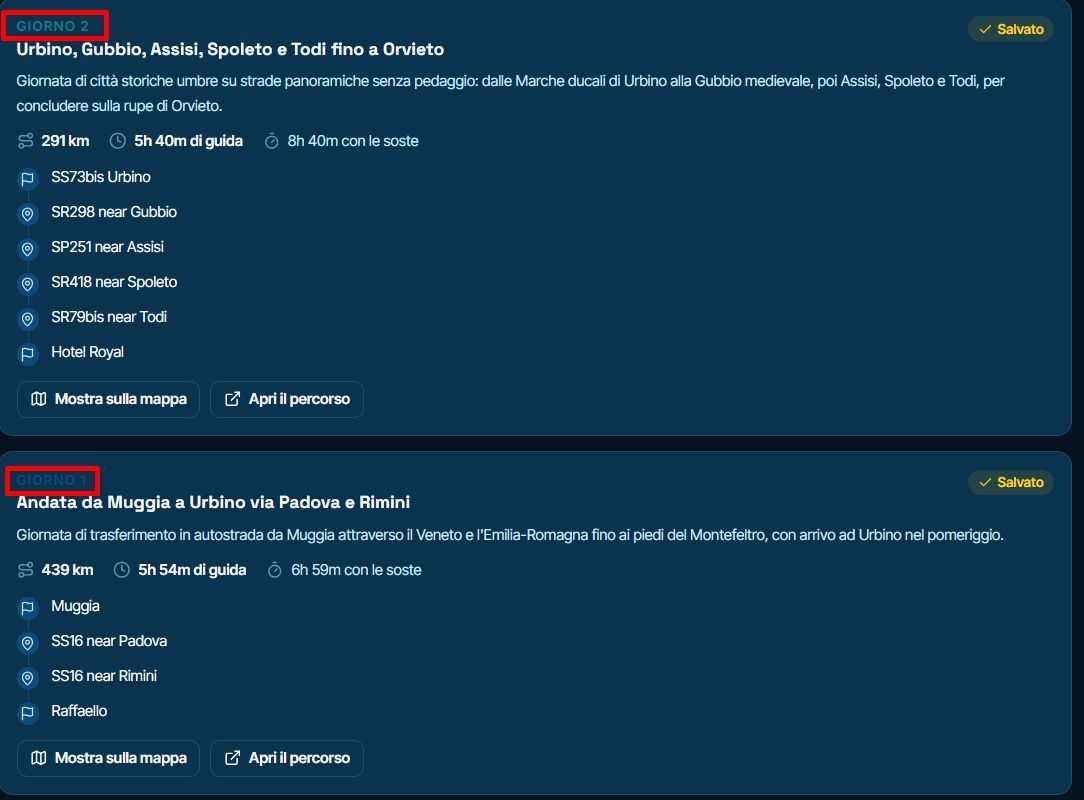
- Each saved day of a multi-day AI trip is named Day 1, Day 2 and so on, in your language.
- The AI Routeplanner's message box grows with your text and opens in a larger window.
- The AI Routeplanner says it can't read attached files and asks you to describe the area in words.
- Places and the planner's My POIs list the POI groups of your clubs and events, and an event can take POI groups straight from its club.
- Tour operators are listed apart from clubs on the Clubs page and wear a Tour operator mark, and search has a Tour operators chip.
- Club and event tabs follow what people come for. Settings, billing and the API sit behind Manage, and tabs that don't fit fold into More. An event's organiser line leads back to its club.
- The library's rarely used filters sit behind one More filters button. A new filter there shows only the routes you linked into a club or event.
- A library folder whose routes mostly came from the AI Routeplanner wears the AI label.
- The route pickers (Merge, trips, clubs) and the planner's library search find folders by name too, and the pickers mark each row as a route, routetrack or tracklog.
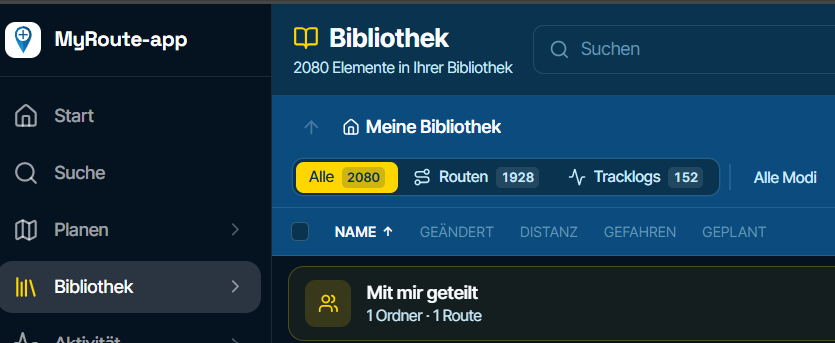
- The planner's library section offers a link back to the folder you were last in.
- The ⋯ menu on the planner and on a tracklog is now a More button, and when you scroll down the route's figures get a row of their own.
- Waypoint numbers from 100 up are larger and bolder, on the list and on the map.
- Clicking the route name scrolls all the way to Information.
- A waypoint you turn back into a shaping point drops its pause.
- Discover shares its places across the categories you picked, so fuel stations stay on the map beside the restaurants.
- The scenic route options say they differ in how many curves they have.
- A tracklog without photos shows you its Photos section, with Add photos in it.
- Zoomed in, the heatmap's lines are wider and a deeper blue, the F key frames the whole heatmap, and the heatmaps load faster when you click through library folders.
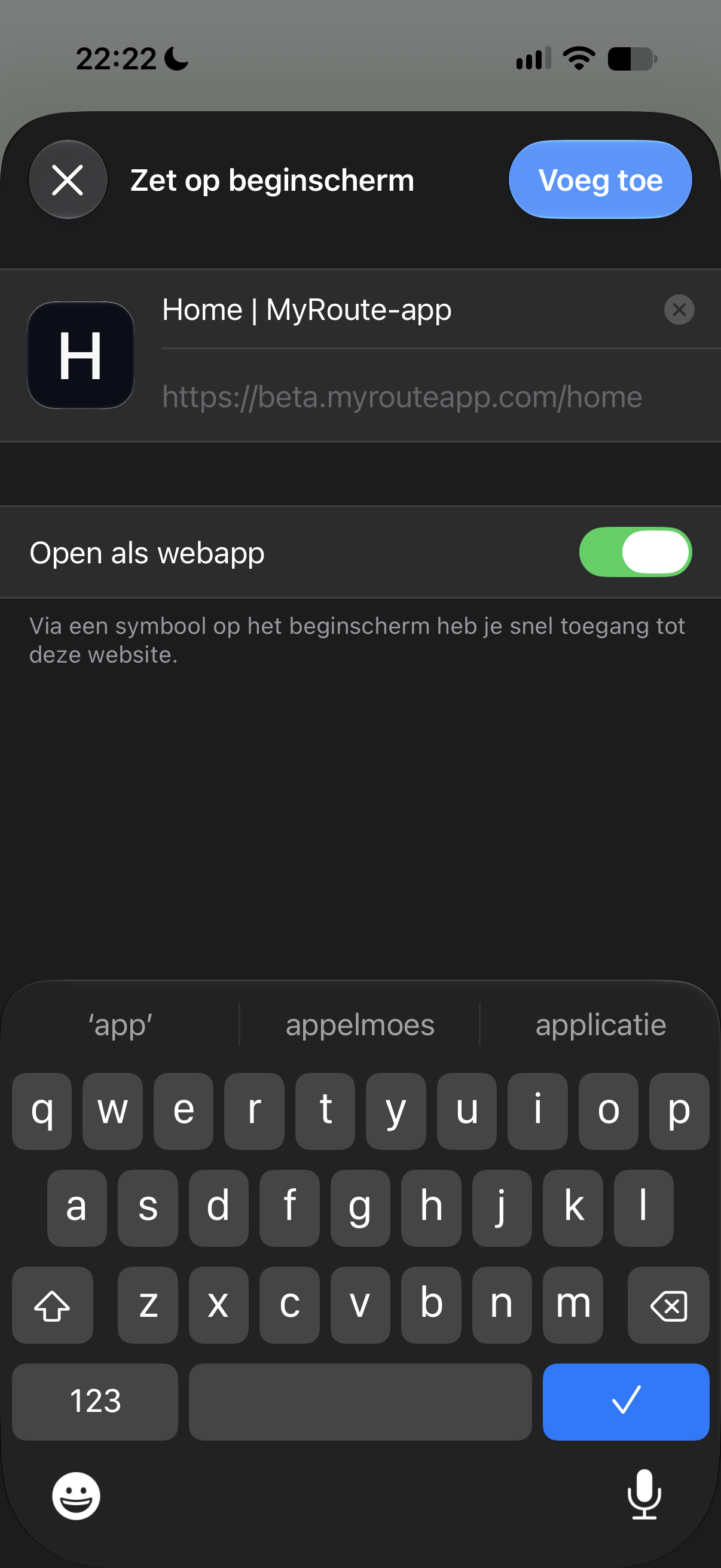
- Adding the website to your phone's home screen gives it the MyRoute-app icon and name.
- The app manual explains more: the compass, search by travel mode, the AI Routeplanner and extra credits, the forecast and adding a stop. A clip named in a step plays when you click its name.
Fixed
- The Michelin map shows again.
- Copying a route whose line was never calculated now gives the copy the real line instead of a straight one.
- You can withdraw your own review of a community stay, also after you removed the stay itself.
- The AI Routeplanner finds the town you mean even when a place with a similar name lies closer to your start, keeps your message when a reply breaks off, and no longer switches Auto build back by itself.
That's it! Thanks again for all your feedback

Cheers,
Corjan -
Corjan Meijerink referenced this topic
Hello! It looks like you're interested in this conversation, but you don't have an account yet.
Getting fed up of having to scroll through the same posts each visit? When you register for an account, you'll always come back to exactly where you were before, and choose to be notified of new replies (either via email, or push notification). You'll also be able to save bookmarks and upvote posts to show your appreciation to other community members.
With your input, this post could be even better 💗
Register Login
ACTIVE USERS
POPULAR TOPICS
MY GROUPS
-
0759
-
0546
-
0415
-
0449
-
 14119
-
0429
-
 0311
-
0311