Adding a stop using navigation
-

So, I’m using the Nav - I enter my final destination and start navigating.
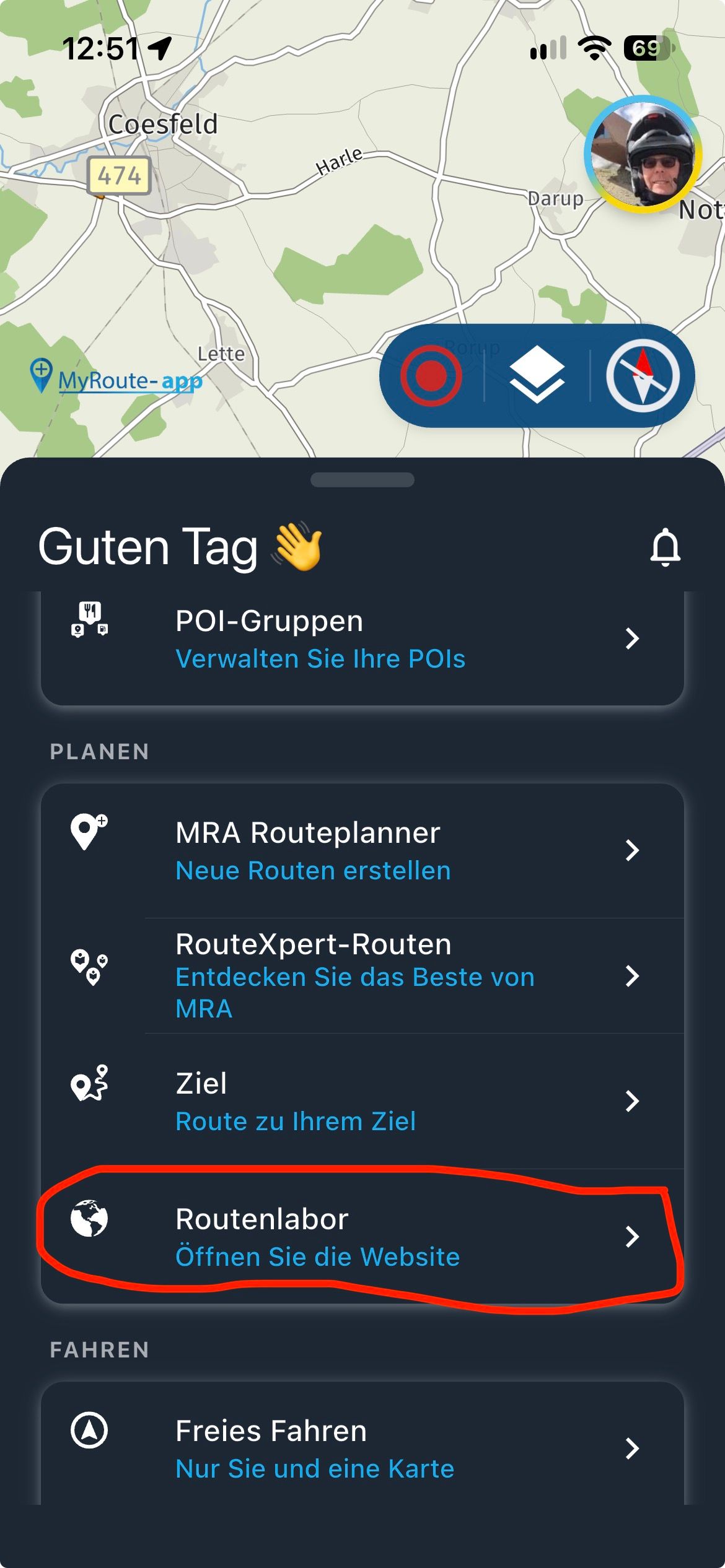
I then want to add a stop before my final destination, so hit the … then chose add stop, enter that destination and click “yes” when it asks if I want to add it as a waypoint.
It puts this waypoint at the end of the route, I want it before the final destination - but when I go …/Waypoints there is no way to reorder the waypoints like you can on the route lab
How is this done? -
So, I’m using the Nav - I enter my final destination and start navigating.
I then want to add a stop before my final destination, so hit the … then chose add stop, enter that destination and click “yes” when it asks if I want to add it as a waypoint.
It puts this waypoint at the end of the route, I want it before the final destination - but when I go …/Waypoints there is no way to reorder the waypoints like you can on the route lab
How is this done?
@Ben-Raine I tried a few different things. It appears that the app tries to place the wp in the best location. If I add a wp between my location and the destination, it gets added in between. If I add a wp that is after the destination then it gets added as a new destination. I don't see any way to reorder the waypoints in the app.
-
So, I’m using the Nav - I enter my final destination and start navigating.
I then want to add a stop before my final destination, so hit the … then chose add stop, enter that destination and click “yes” when it asks if I want to add it as a waypoint.
It puts this waypoint at the end of the route, I want it before the final destination - but when I go …/Waypoints there is no way to reorder the waypoints like you can on the route lab
How is this done?
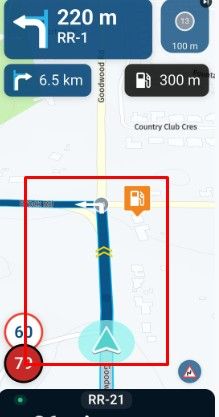
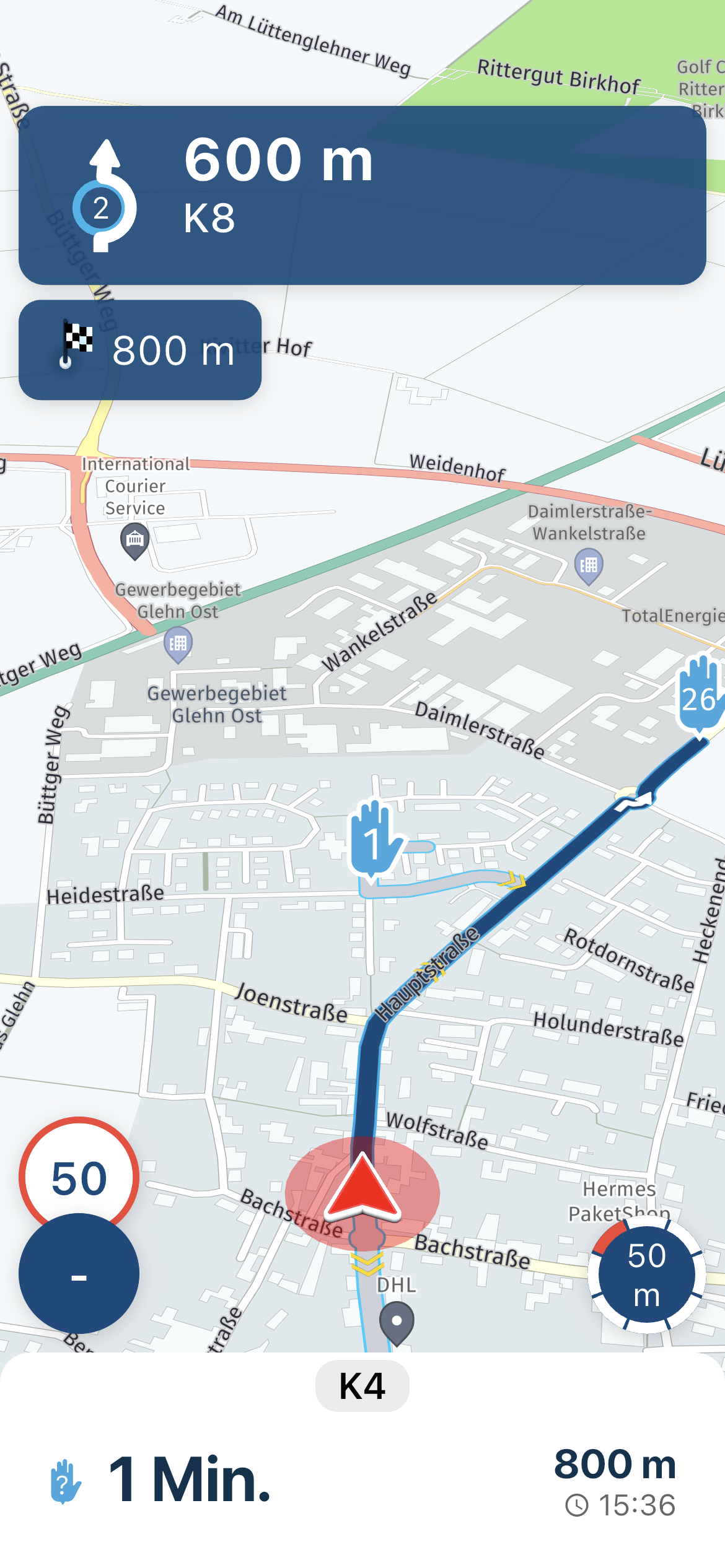
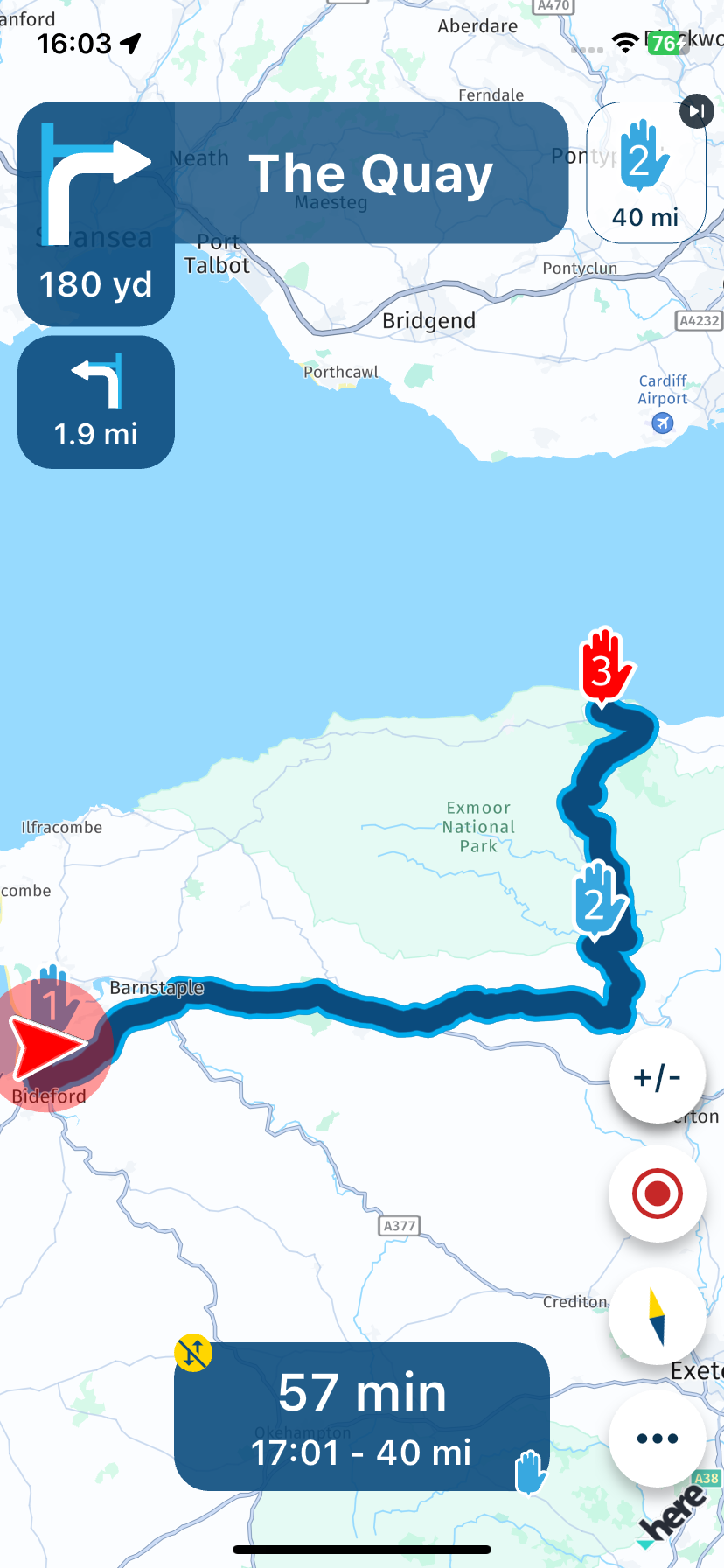
@Ben-Raine It will depend on where your added stop is. In my first example, my destination is route point 3 and my added stop is before so it was added as number 2.
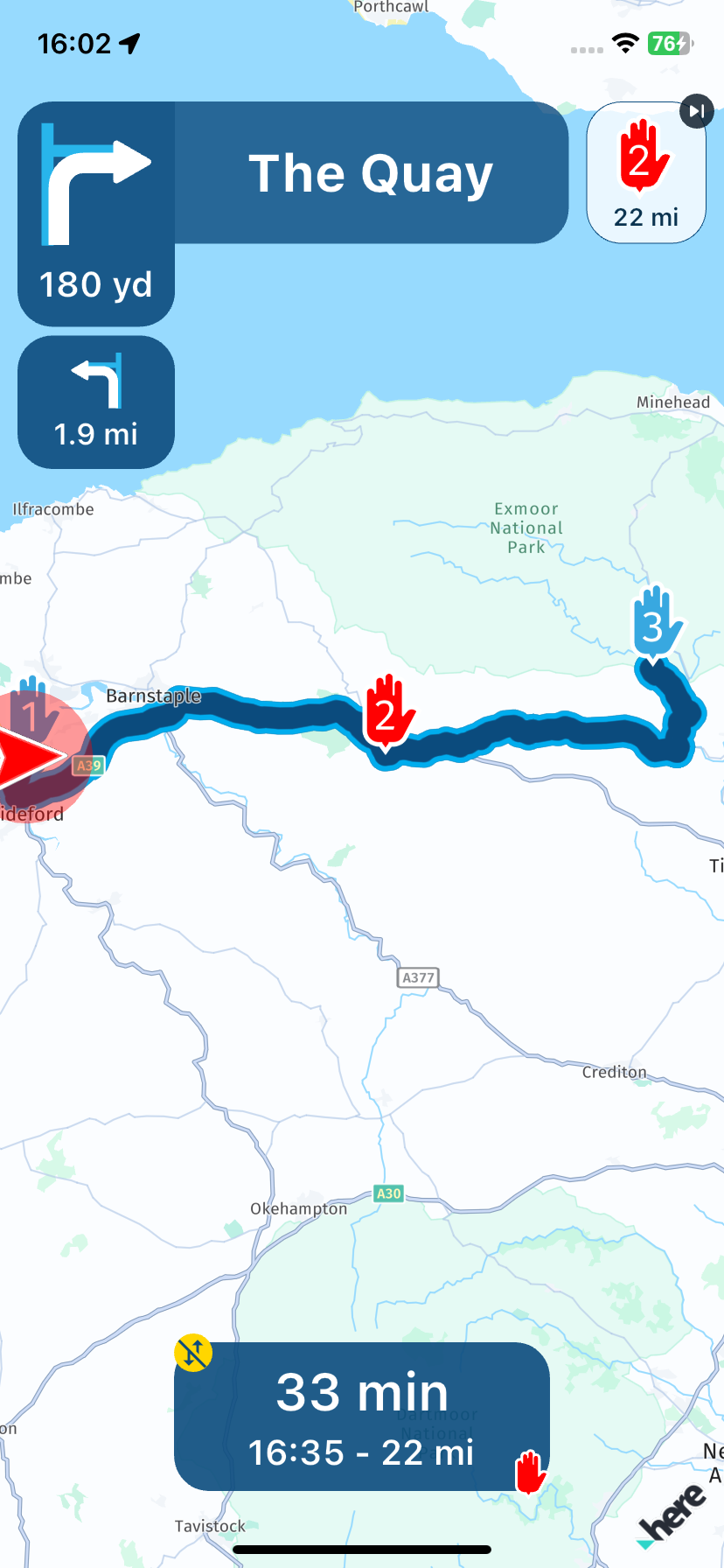
My second example shows my original destination this time it is route point 2 but my added stop is beyond this so it gets added as number 3.
-
So, I’m using the Nav - I enter my final destination and start navigating.
I then want to add a stop before my final destination, so hit the … then chose add stop, enter that destination and click “yes” when it asks if I want to add it as a waypoint.
It puts this waypoint at the end of the route, I want it before the final destination - but when I go …/Waypoints there is no way to reorder the waypoints like you can on the route lab
How is this done?
@Ben-Raine An A - B route is not stored in your library so it is not possible to change the order of the route points if you add additional stops.
Always willing to help if I can.
Triumph Tiger 1200 XRT called Tina.
MRA Navigation Next and SilverFox BJ8 -
@Ben-Raine An A - B route is not stored in your library so it is not possible to change the order of the route points if you add additional stops.
@Nick-Carthew yes I see. It would be a good feature even if you could do this before starting the navigation without having to go through route lab which would be a little long-winded in this case (even - shudder - Apple Maps does this)
-

This is on our (long) list of stuff we want to implement!

-
This is on our (long) list of stuff we want to implement!
@Corjan-Meijerink said in Adding a stop using navigation:
This is on our (long) list of stuff we want to implement!
Marvellous 🤩
Hello! It looks like you're interested in this conversation, but you don't have an account yet.
Getting fed up of having to scroll through the same posts each visit? When you register for an account, you'll always come back to exactly where you were before, and choose to be notified of new replies (either via email, or push notification). You'll also be able to save bookmarks and upvote posts to show your appreciation to other community members.
With your input, this post could be even better 💗
Register Login-
012110
-
1320185
-
 17363.5k
-
 0629
0629
-
 0639
0639
-
0520
-
 05130
05130
-
0542