Suggestion: "Snap to" a road
-
As I place waypoints I find that I don't always hit the roads. Your YouTube instructional videos address this quite well, and advise that you ensure that each point is actually on a road. Is it possible to add a "snap to" feature in the placing function so that if you were close to a road it would just put it there? I've seen other mapping programs do that & it does speed up route creation while making sure things are right. (It does not replace checking your work--it just makes it easier/faster).
In some instances I know this is not desirable but that could be addressed by making it a switchable option.
-
As I place waypoints I find that I don't always hit the roads. Your YouTube instructional videos address this quite well, and advise that you ensure that each point is actually on a road. Is it possible to add a "snap to" feature in the placing function so that if you were close to a road it would just put it there? I've seen other mapping programs do that & it does speed up route creation while making sure things are right. (It does not replace checking your work--it just makes it easier/faster).
In some instances I know this is not desirable but that could be addressed by making it a switchable option.
@Brian-Liechty careful, snapping to the nearest road is not necessarly the road you have in mind. It can as well snap to the other side of a highway, or to a tine sidestreet of the main road you are aiming at.
-
As I place waypoints I find that I don't always hit the roads. Your YouTube instructional videos address this quite well, and advise that you ensure that each point is actually on a road. Is it possible to add a "snap to" feature in the placing function so that if you were close to a road it would just put it there? I've seen other mapping programs do that & it does speed up route creation while making sure things are right. (It does not replace checking your work--it just makes it easier/faster).
In some instances I know this is not desirable but that could be addressed by making it a switchable option.
@Brian-Liechty This is my method: I rough-out the route and then fully zoom into the first route point and adjust as necessary. I then use the right arrow button within the route point information box > to move to the next route point and so on.
-
In route planning of MRA Navigation, there is an option to select "place WP automatically on road". But unfortunately, I can't find this option in MRA App.
Nothing is impossible ;-)
In past: GARMIN Zumo 210->GARMIN Zumo 395->GARMIN XT=> now: DMD T865-X + MyRoute-App, LocusMaps, OsmAnd.
In past: GARMIN MapSource ->GARMIN BaseCamp->Tyre->Kurviger->Calimoto=> now: MRA-Routplanner. -
In route planning of MRA Navigation, there is an option to select "place WP automatically on road". But unfortunately, I can't find this option in MRA App.
@Guzzist I have never planned a route on the Navigation app, where do I find this option ‘Place waypoint automatically on road’ ?
-
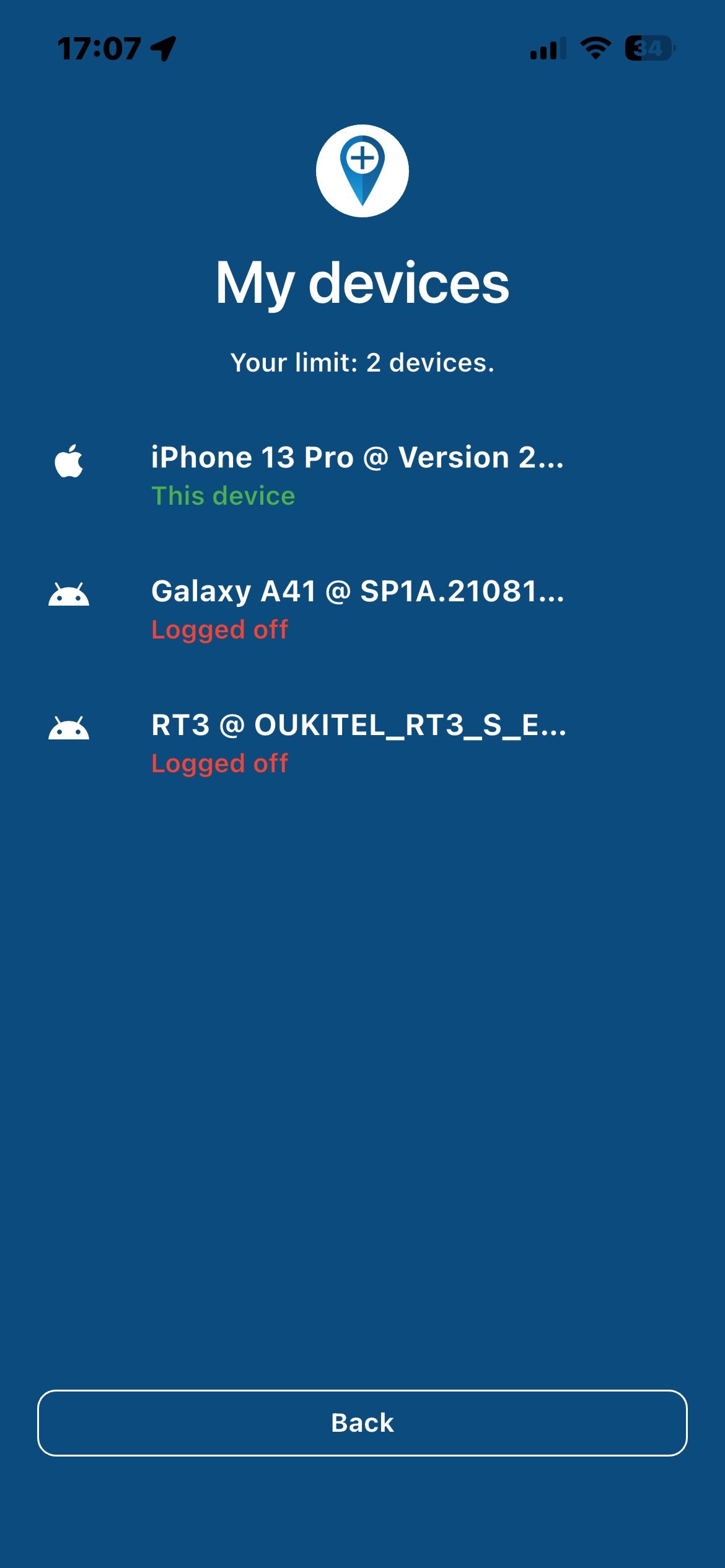
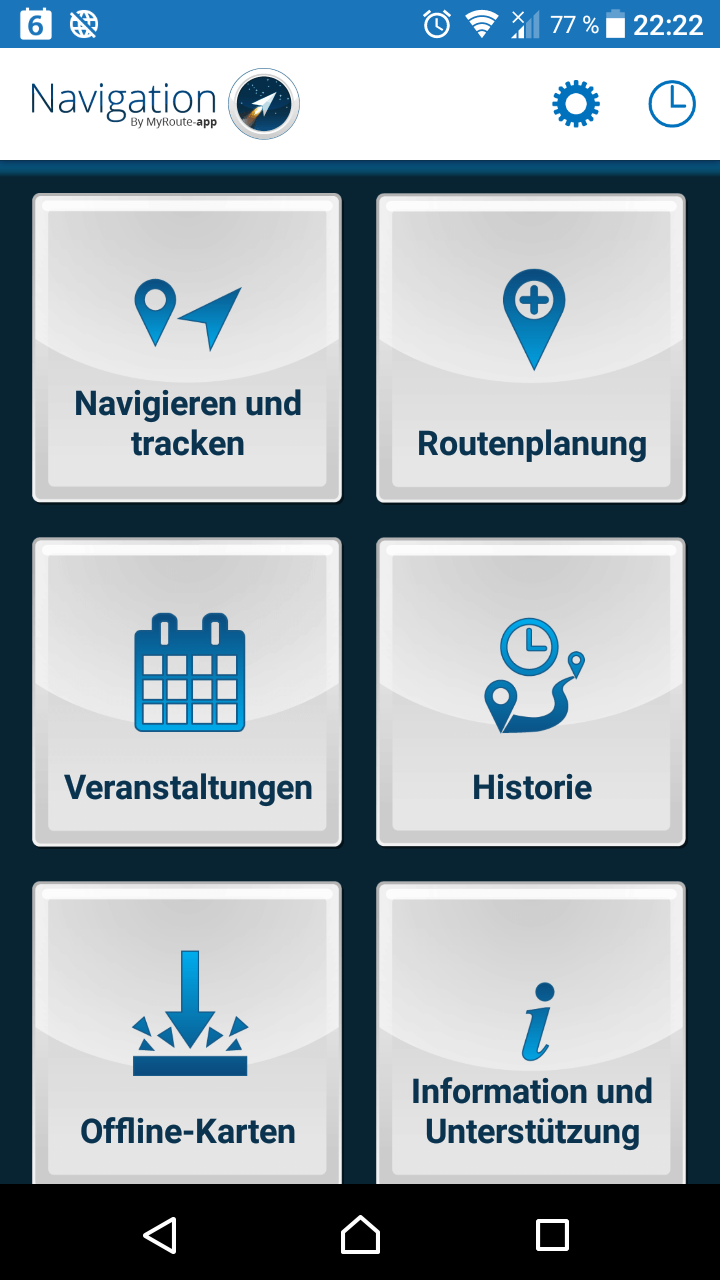
Open MRA Navigation App:
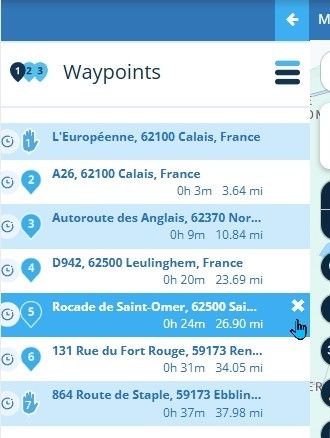
...select "Routenplanung" and open a Route:
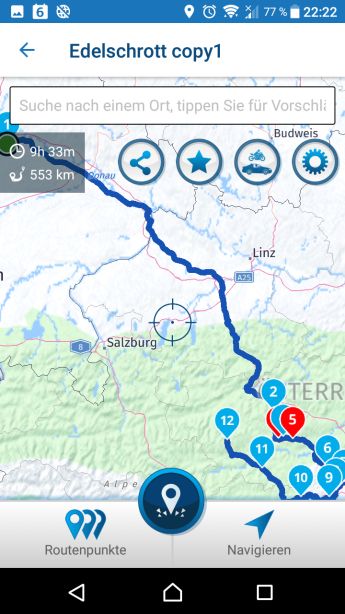
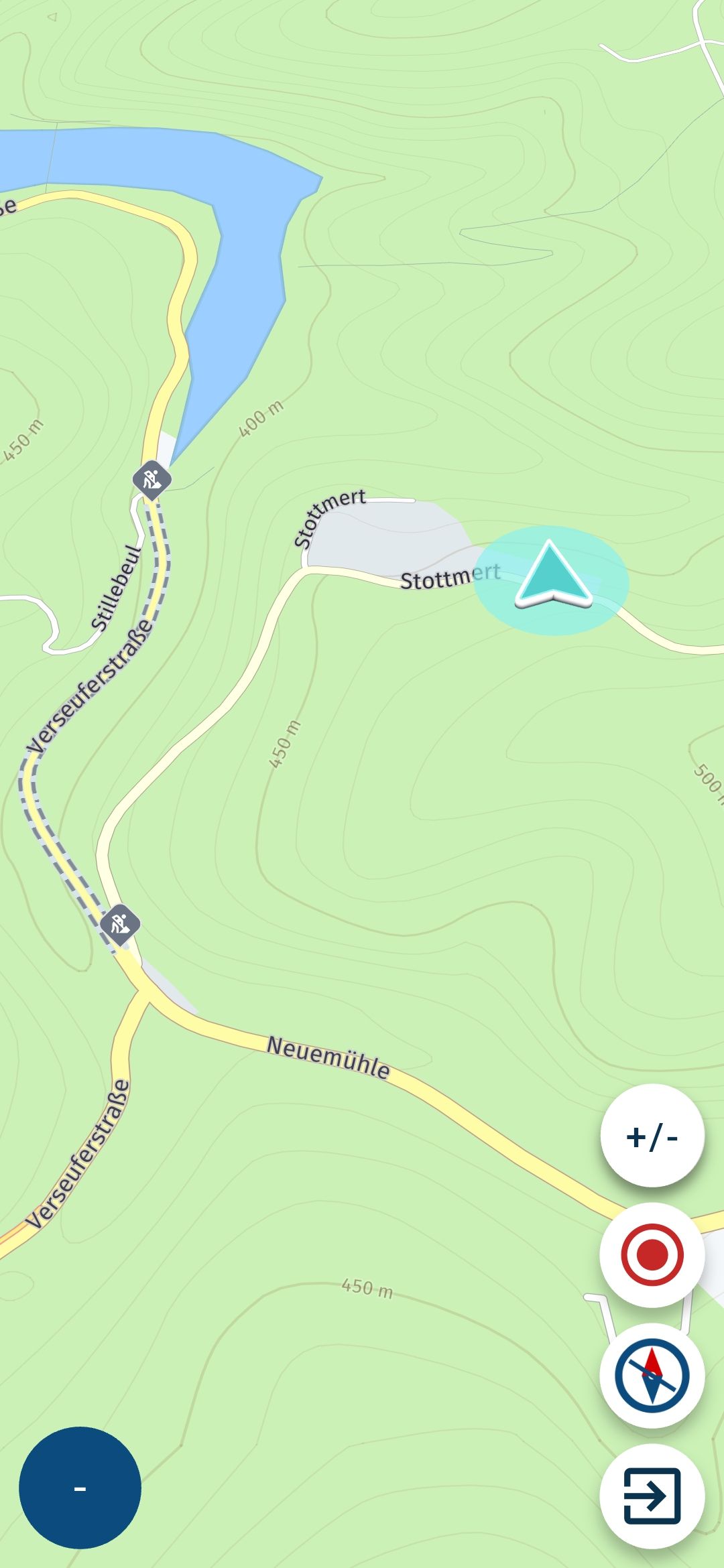
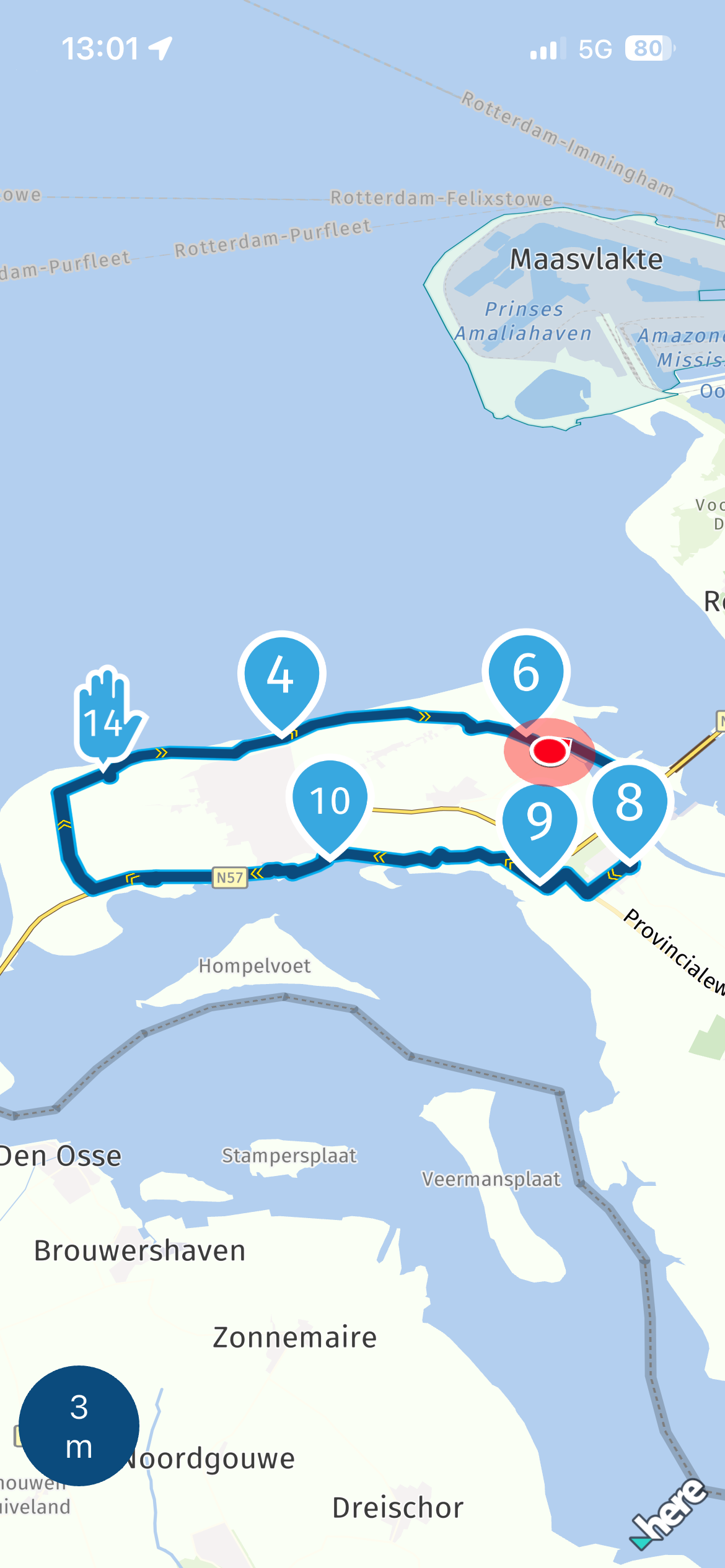
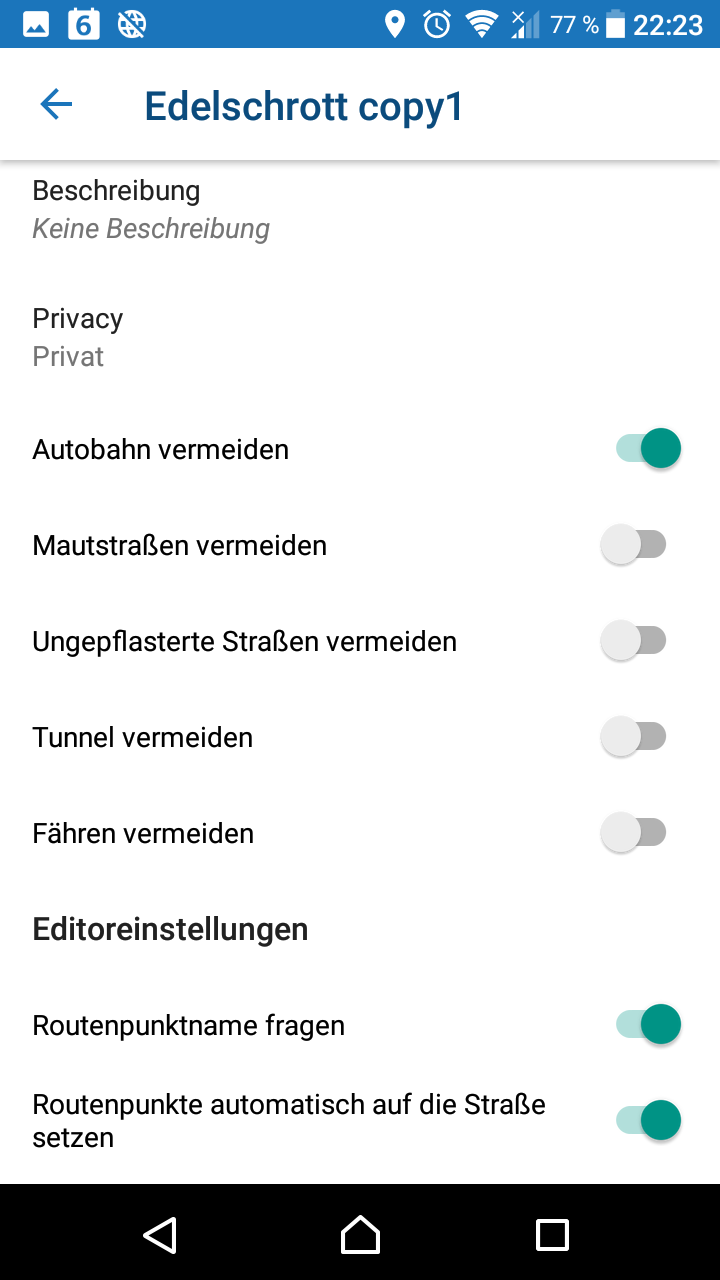
... click on the "gear" icon at top right corner, the scroll down in properties and select "Routenpunkt automatisch auf die Straße setzen" :
Nothing is impossible ;-)
In past: GARMIN Zumo 210->GARMIN Zumo 395->GARMIN XT=> now: DMD T865-X + MyRoute-App, LocusMaps, OsmAnd.
In past: GARMIN MapSource ->GARMIN BaseCamp->Tyre->Kurviger->Calimoto=> now: MRA-Routplanner. -
Open MRA Navigation App:
...select "Routenplanung" and open a Route:
... click on the "gear" icon at top right corner, the scroll down in properties and select "Routenpunkt automatisch auf die Straße setzen" :
@Guzzist You have an Android phone, this option is not showing on my iPhone

Always willing to help if I can.
Triumph Tiger 1200 XRT called Tina.
MRA Navigation Next and SilverFox BJ8 -
@Guzzist You have an Android phone, this option is not showing on my iPhone
@TIMO MARTOSATIMAN MRA
...this is an issue (incident), right? And @Nick-Carthew should raise a Ticket?Nothing is impossible ;-)
In past: GARMIN Zumo 210->GARMIN Zumo 395->GARMIN XT=> now: DMD T865-X + MyRoute-App, LocusMaps, OsmAnd.
In past: GARMIN MapSource ->GARMIN BaseCamp->Tyre->Kurviger->Calimoto=> now: MRA-Routplanner. -
@TIMO MARTOSATIMAN MRA
...this is an issue (incident), right? And @Nick-Carthew should raise a Ticket?@Guzzist Hi Guzzist, no this is not an issue. Currently the Android app has a few more features than the iOS app due to the development capacity being slightly skewed with more expertise on Android being available.
-
@Guzzist Hi Guzzist, no this is not an issue. Currently the Android app has a few more features than the iOS app due to the development capacity being slightly skewed with more expertise on Android being available.
@Timo-Martosatiman-MRA thank you for that Info. I'm happy once more, not to follow self-appointet "evangelists" Apple

-
I’m reviving this thread.
Snap-to would be really helpful on the web routelab. I find I drop a bunch of waypoints as I build a route and then need to do a cleanup pass zooming in to every point to make sure it’s actually on the road and not 5-20m in a field.
-
Guzzist,
I never seen that lay out before. And I am using Android. Can you be more precise how to get there?
-
Locking this topic as it is 5 years old and refers to the old, no longer supported navigation app so it is causing confusion.
-
 undefined Nick Carthew locked this topic on





Hello! It looks like you're interested in this conversation, but you don't have an account yet.
Getting fed up of having to scroll through the same posts each visit? When you register for an account, you'll always come back to exactly where you were before, and choose to be notified of new replies (either via email, or push notification). You'll also be able to save bookmarks and upvote posts to show your appreciation to other community members.
With your input, this post could be even better 💗
Register Login-
08147
-
0537
-
04105
-
05231
-
0352
-
0376
-
1242.2k
-
1141