routes opening as tracks on iphone
-

Hi
2 questions
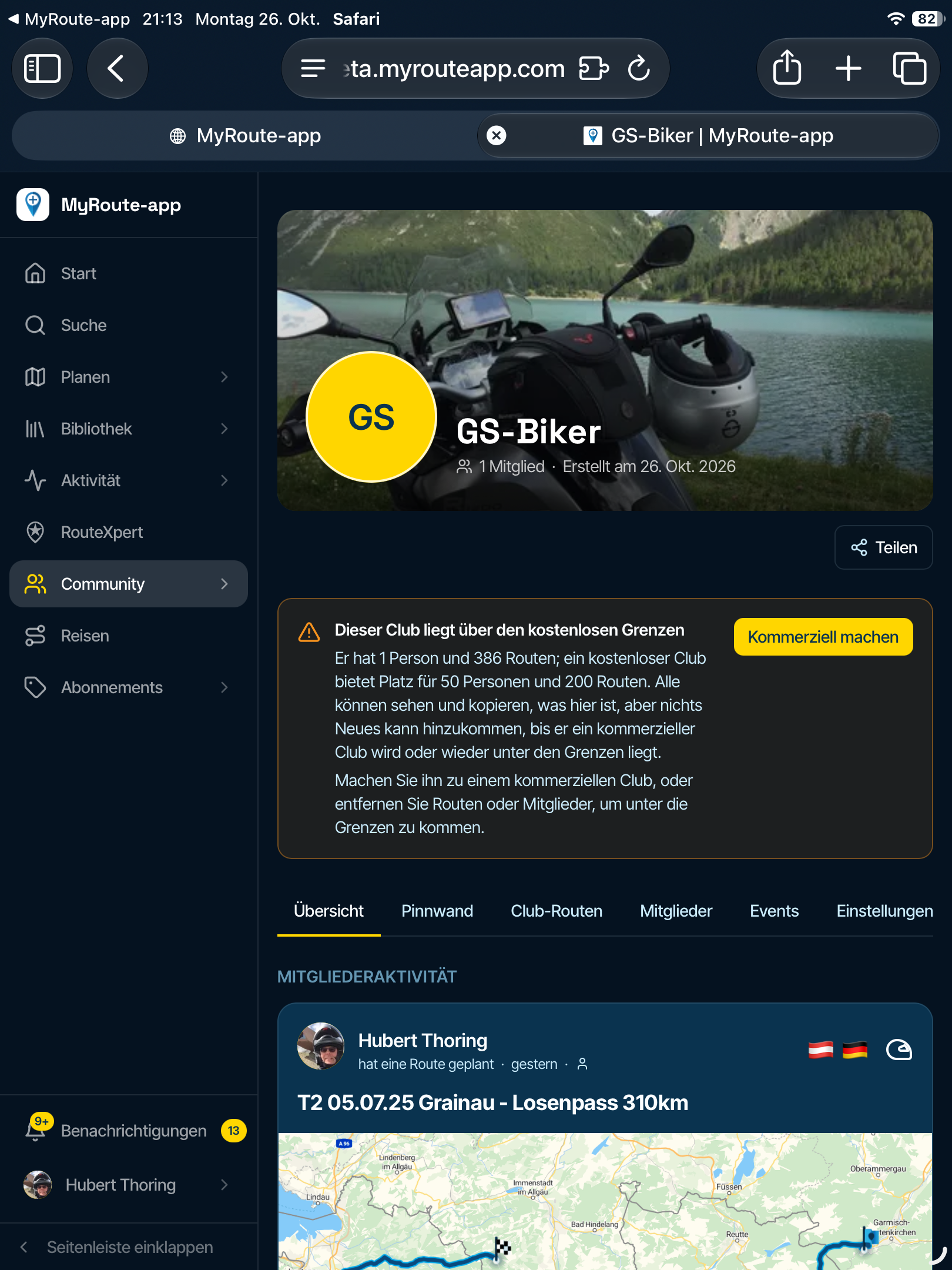
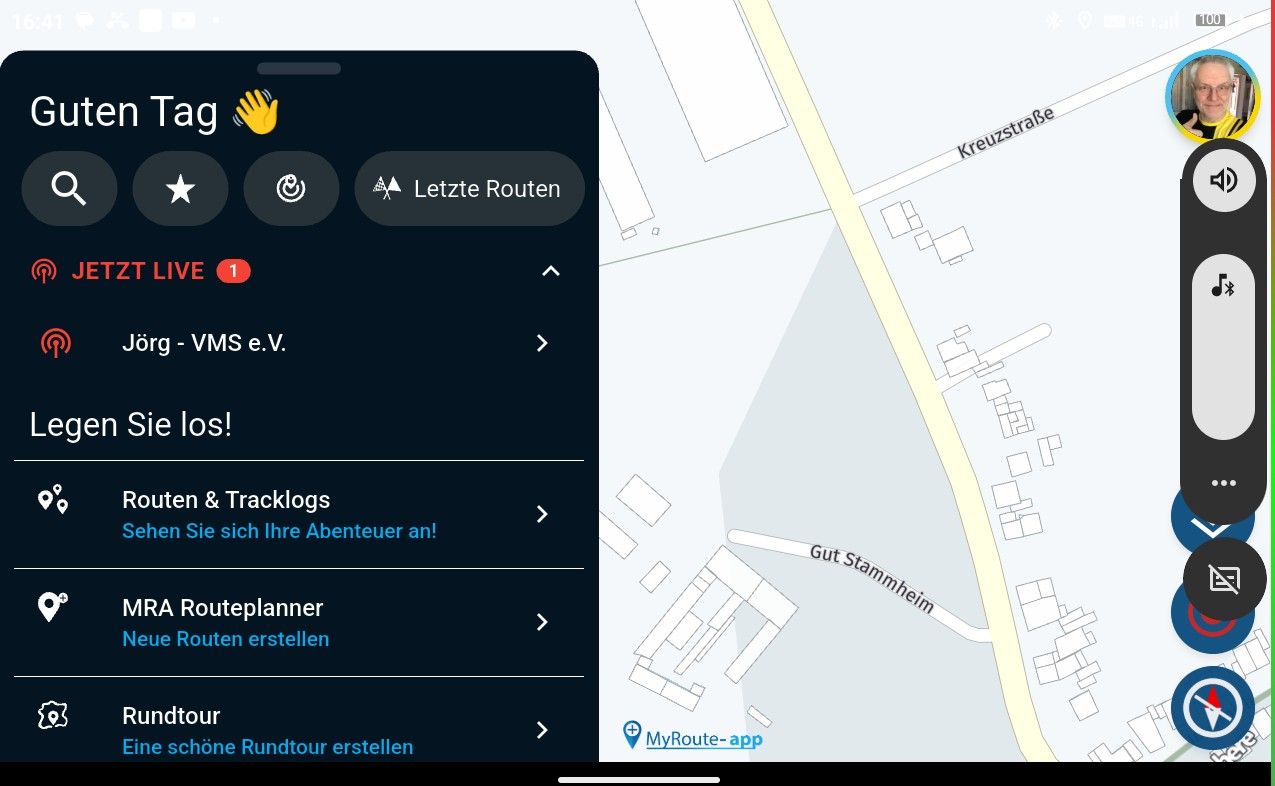
1, when i open Myroute-app on my iphone it goes to the welcome screen, i go into routes and tracklogs and select the pre planned route from my library the route opens, showing the waypoints etc i then click on navigate and this comes up!
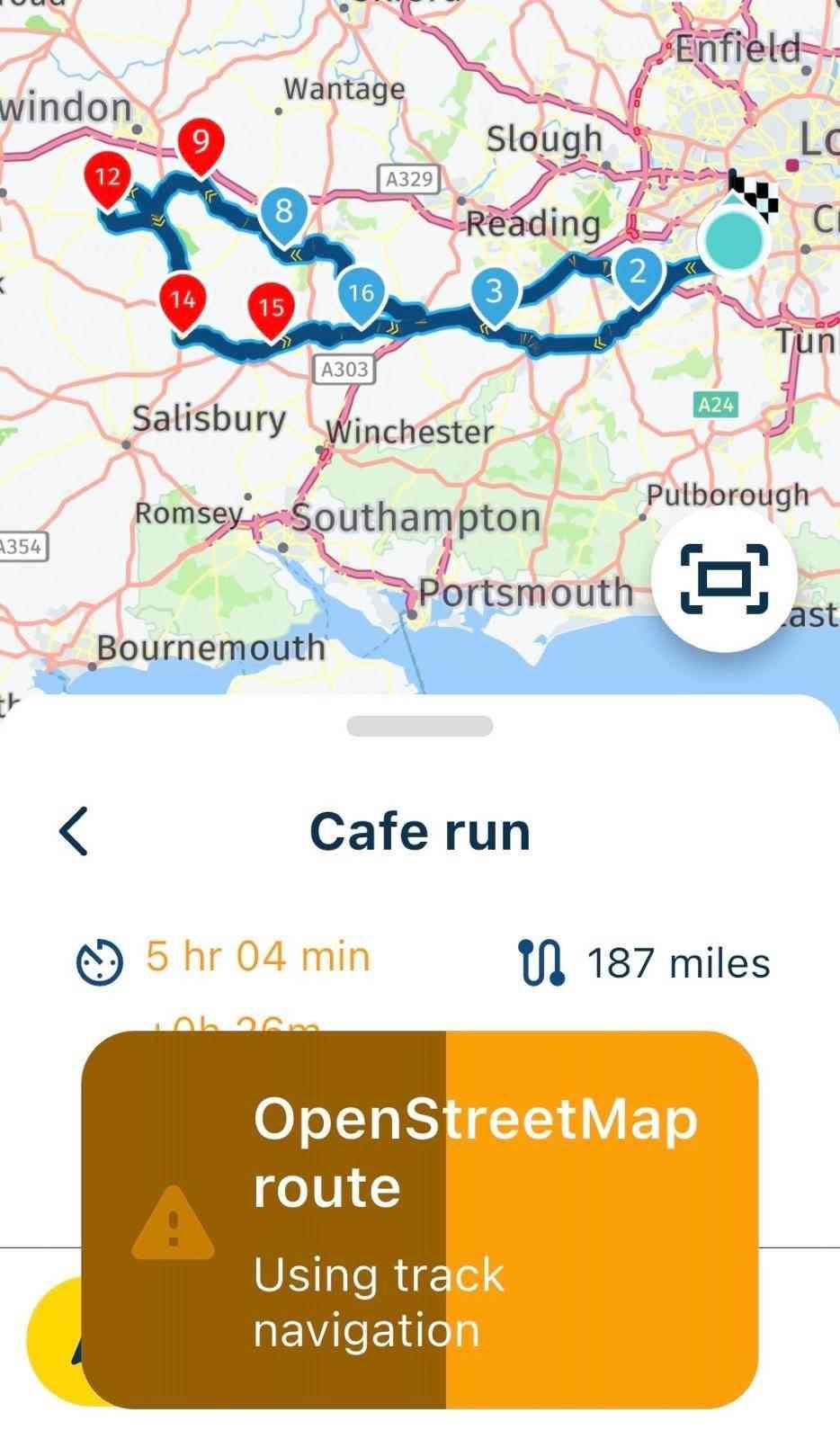
I then click go, click the 3 dots to get to the menu and i find the road block function isn't there. Assuming this is due to it loading as a track not route, although it still has waypoints in.
The only way to stop this is when I've selected the route and before clicking navigate i click on edit then the red return symbol it opens as a route with the roadblock function. I am opening them in the same conditions.
Is there something wrong that it automatically opens my routes as tracks?
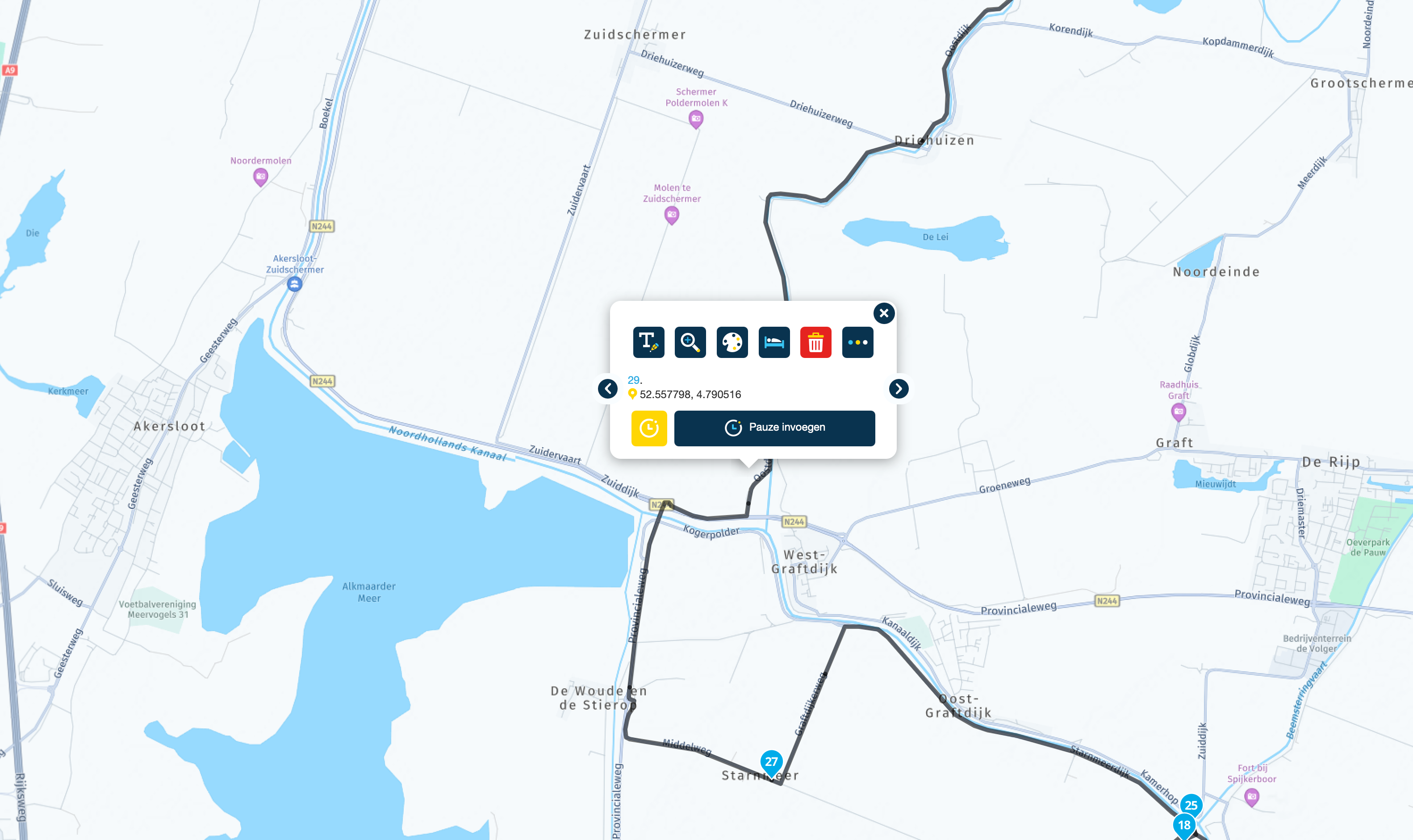
2, In both routes and tracks when I tap the 3 dots to get to the menu and click on waypoints I can't alter any of them, I have to go out of the route and open it again and click edit, I thought you could edit waypoints or re-arrange them from the route.
Thanks for any help -
Hi
2 questions
1, when i open Myroute-app on my iphone it goes to the welcome screen, i go into routes and tracklogs and select the pre planned route from my library the route opens, showing the waypoints etc i then click on navigate and this comes up!
I then click go, click the 3 dots to get to the menu and i find the road block function isn't there. Assuming this is due to it loading as a track not route, although it still has waypoints in.
The only way to stop this is when I've selected the route and before clicking navigate i click on edit then the red return symbol it opens as a route with the roadblock function. I am opening them in the same conditions.
Is there something wrong that it automatically opens my routes as tracks?
2, In both routes and tracks when I tap the 3 dots to get to the menu and click on waypoints I can't alter any of them, I have to go out of the route and open it again and click edit, I thought you could edit waypoints or re-arrange them from the route.
Thanks for any help
@Crispey The way I see it, you planned your route using the OSM map.
By default, the My Route app uses only the Here map.
To prevent your routes from being started as tracks by default, you must first convert the route you planned in OSM to the Here map.
And, of course, you must have disabled “Navigation as Track” in the app's settings.
-
@peter-zehentreiter Thanks for your quick response. I have the "navigation as track" disabled on my iphone and the Here default option is selected on the options menu top right corner of the computer not OSM, when I start to plan a new route in MRA it says " The selected mode only works with the Here/Tom Tom map". Routes are synced. Is there somewhere else that I have to select Here as default?
-
@peter-zehentreiter Thank you once again I have found the extra function in the page menu of the app. I'm not sure how that got changed. Hopefully sorted now.
Thanks again -
@peter-zehentreiter Thank you once again I have found the extra function in the page menu of the app. I'm not sure how that got changed. Hopefully sorted now.
Thanks again
@Crispey happy to see - you have detected the difference in the routing engine (list item in "Options") and the map overlays (list item on map).
- The map overlays don't have any affect to route planning. It's more gore your comfort to read the map.
- The list items in "Options" makes a difference in routing and gives you the possibility to compare, how your route will looks like if you select:
- Standard (Open Street map)
- TomTom
- HERE (MyRouteApp, Garmin)
If you would like to share your route with others (my they uses TomTom) - and you can see, your route changes if you switch from Standard to TomTom - then you can enter more routepoints to force the engine to create same route by both options.
If you want to use MyRouteApp Navigation for your ride, you need to plan it with engine HERE, because this the only, the App is navigating a route!
Hello! It looks like you're interested in this conversation, but you don't have an account yet.
Getting fed up of having to scroll through the same posts each visit? When you register for an account, you'll always come back to exactly where you were before, and choose to be notified of new replies (either via email, or push notification). You'll also be able to save bookmarks and upvote posts to show your appreciation to other community members.
With your input, this post could be even better 💗
Register Login-
 01580
01580
-
06107
-
 017818
-
 17100
17100
-
09232
-
012743
-
0316
-
 0339
0339