Feature Request: Segment-specific Routing Constraints (Mixed Highway Settings)
-

Hi friends!!!
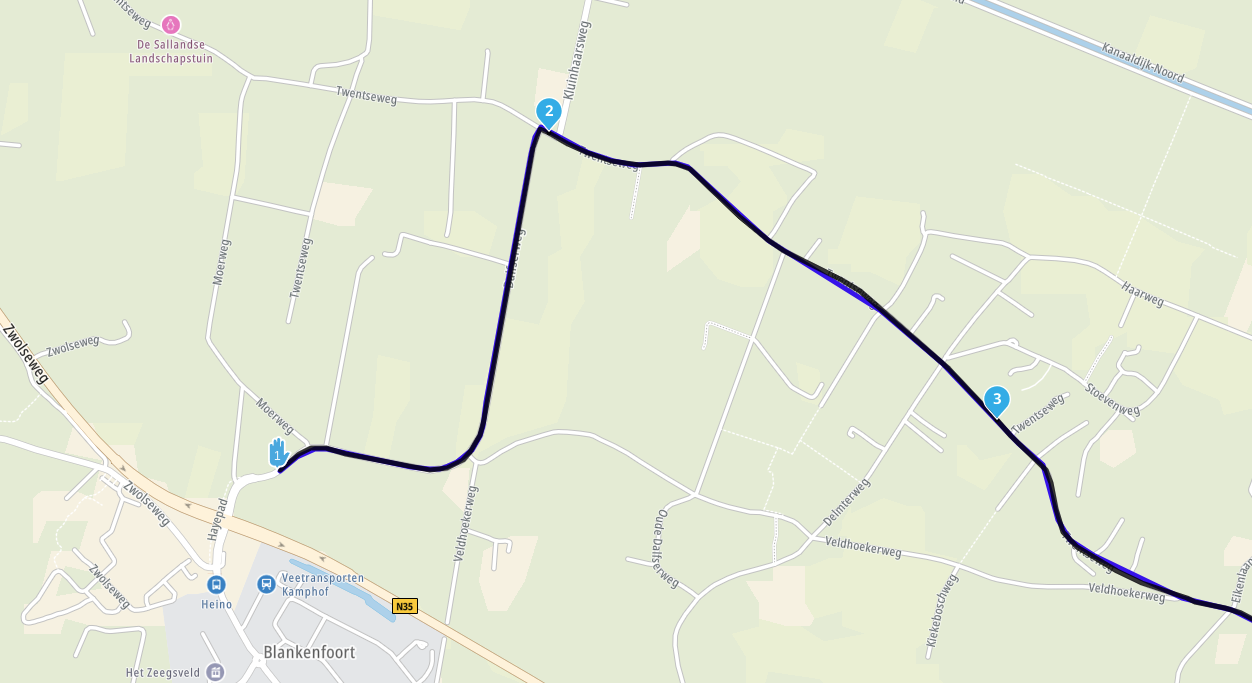
Currently, routing options like "Avoid Highways" or "Avoid Tolls" are applied globally to the entire route. I would like to suggest a feature that allows users to toggle these constraints for specific segments of a route.
Use Case:
There are occasions where it is efficient to use highways for the initial transit (e.g., from Waypoint 1 to 5) to save time, but then switch to scenic or local roads (avoiding highways) for the actual touring or delivery part of the trip (e.g., from Waypoint 6 to 10).Proposed Solution:
Allow the user to define routing profiles per segment within the same route.Segment A (WP 1-5): Allow Highways.
Segment B (WP 5-10): Avoid Highways.
This would prevent the need to split a single trip into multiple separate route files, keeping everything organized in one place.
Best Regards
-

hi @Gerard-2b
perhaps an idea would be to allow highways when planning route, and when you are at the point where you want to ride/drive twisties, add more waypoints to ensure the roads on which you want to ride are used. this works for me
i.e. if i want to ride around the lake district twisties, i could literally place one waypoint near my start point at home, and then the second waypoint at the motorway exit (on the major road not motorway), this could be 50+ miles away, i would then place shaping points on all the roads and passes. -

Hi,
I think that a good idea is translate "segments" from OSM maps to Here Maps (for planning) and use this segment information inside Next.
In such way, we can plan the route and know in advance that Next will use it as planned.Is only a idea....
Regards
Lluis Arasanz
- BMW F750GS
MotoMediaLink HW Interface for BMW's WonderWheel device - Samsung A14 with Beta MyRoute-App (primary bike use)
Tasker and MMLink SW for Android App Control - iPhone 14 with Beta MyRoute-App (personal and primary CP use)
- BMW F750GS
-
Hi,
I think that a good idea is translate "segments" from OSM maps to Here Maps (for planning) and use this segment information inside Next.
In such way, we can plan the route and know in advance that Next will use it as planned.Is only a idea....
Regards

@Lluis-Arasanz The idea is good and I support it, but I think it will definitely not be easy due to the different cards.
But it would definitely be a terrific expansion.
-
hi @Gerard-2b
perhaps an idea would be to allow highways when planning route, and when you are at the point where you want to ride/drive twisties, add more waypoints to ensure the roads on which you want to ride are used. this works for me
i.e. if i want to ride around the lake district twisties, i could literally place one waypoint near my start point at home, and then the second waypoint at the motorway exit (on the major road not motorway), this could be 50+ miles away, i would then place shaping points on all the roads and passes.
@Gerard-2b, segments are already part of the OSM featureset in the planner. It is NOT available in TomTom and HERE maps, since those providers do not offer such a feature on their platforms. For MRA to able to add such a feature, it needs to be sustained by the map provider.
@paul69 said in Feature Request: Segment-specific Routing Constraints (Mixed Highway Settings):
perhaps an idea would be to allow highways when planning route, and when you are at the point where you want to ride/drive twisties, add more waypoints to ensure the roads on which you want to ride are used.
That is common best practice anyway

@Lluis-Arasanz said in Feature Request: Segment-specific Routing Constraints (Mixed Highway Settings):
I think that a good idea is translate "segments" from OSM maps to Here Maps (for planning) and use this segment information inside Next.
There simply are no segments on HERE maps (and the underlying platform), so they cannot be translated. What you however CAN do is simply plan your segments on the OSM map, and leave it that way. When an OSM route gets loaded into the Navigation Next app, it will automatically be navigated using the "route as track" feature, honoring the complete route as it was planned on the OSM map. Of course as far as the used roads are available in both maps. It is wise though, to NOT open the route in the in-app planner, because that will automatically transfer the route to the HERE map, losing your segments in the proces.
-

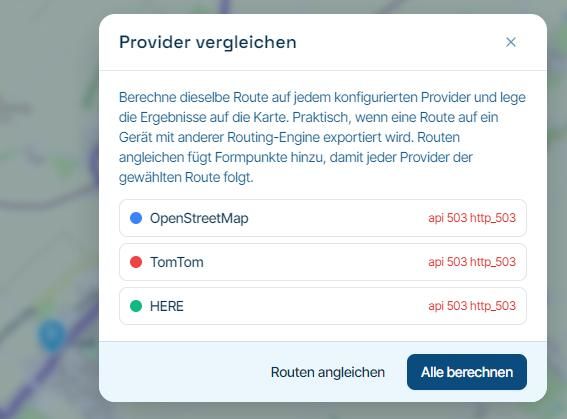
Or... in the planner, make your route in OSM. Then in the toolkit, compare with HERE and inserting waypoint in the OSM route, so that the HERE route changes until both routes are the same. Now you can use the route in your HERE map device or app. You can follow this procedure also for TT of course.
Or... split the route in highway, to the point from where you want to use other roads, and the next touristic section. Simply activate the next route (wouldn't be more than a couple of minutes... and what are minutes on a lifetime basis...
 ) and go ahead!
Hello! It looks like you're interested in this conversation, but you don't have an account yet.
Getting fed up of having to scroll through the same posts each visit? When you register for an account, you'll always come back to exactly where you were before, and choose to be notified of new replies (either via email, or push notification). You'll also be able to save bookmarks and upvote posts to show your appreciation to other community members.
With your input, this post could be even better 💗
Register Login-
1428579
-
 0836
0836
-
0625
-
 0586
0586
-
0590
-
 045
045
-
116292
-
 08502
08502