Help please, new user
-

Hi, I am potential new subscription user from the U.K, but have a few questions I hope you can help me with.
Do you get live traffic information such as road works and slow moving or stopped traffic ?
Do you get warnings of speed cameras and / or average speed camera areas ?
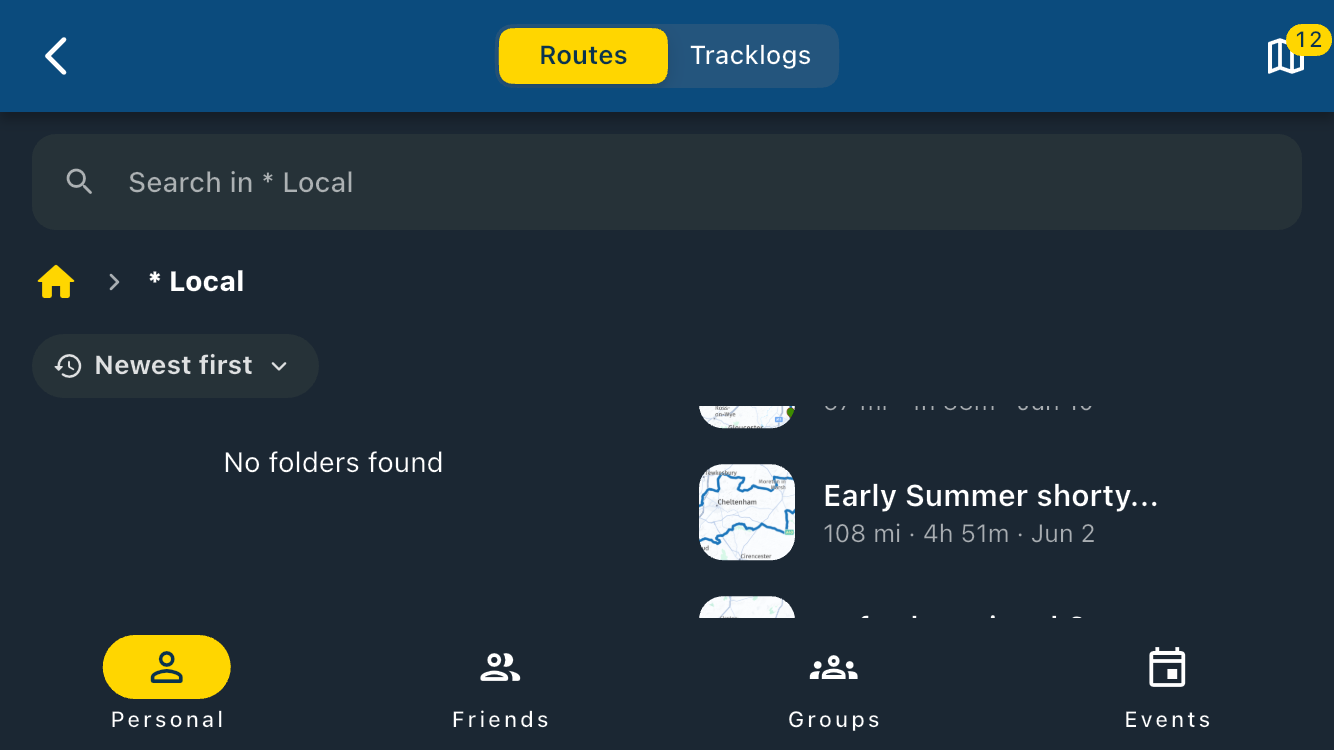
Is there any limit on the number of routes I can save on the app ?
Would I also need to get a Gold membership for the PC routeplanner ? -
Hi, I am potential new subscription user from the U.K, but have a few questions I hope you can help me with.
Do you get live traffic information such as road works and slow moving or stopped traffic ?
Do you get warnings of speed cameras and / or average speed camera areas ?
Is there any limit on the number of routes I can save on the app ?
Would I also need to get a Gold membership for the PC routeplanner ?
@Russell-Thompson You can find all the differences between the subscriptions on the planner page itself! Just click on “Subscriptions” at the top of the page!
-
Expect a learning curve – in other words, you’ll need to put in a bit of effort at first to find good routes.
Have a look at one of the short-term subscription plans and get started!
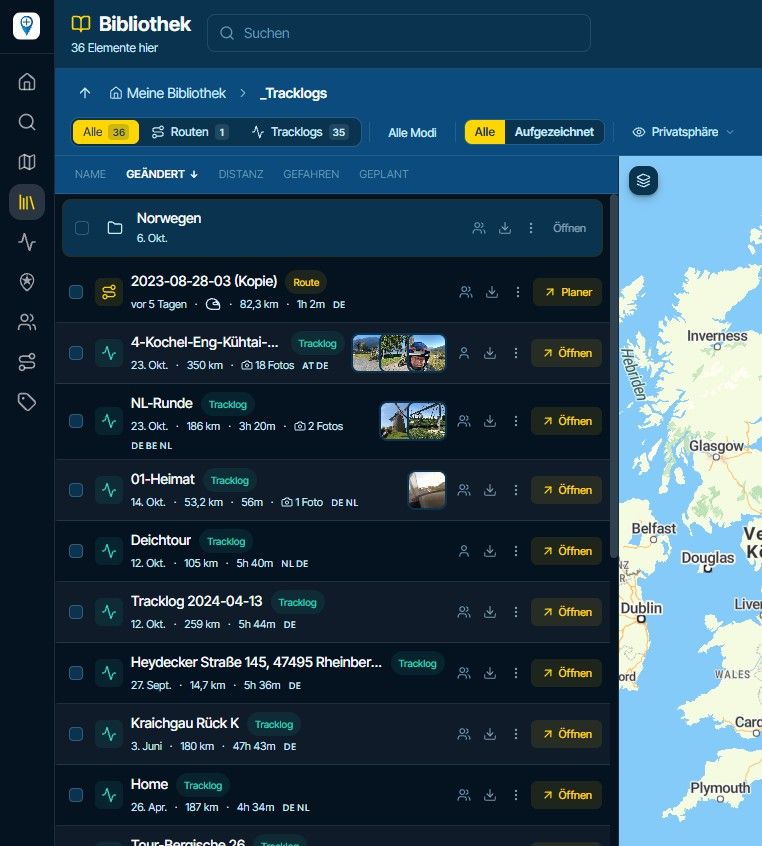
For me, planning routes on a smartphone isn’t much fun – you’d then need a subscription for online route planning as well. However, you can sign up for free access to start with. It’s a bit limited, but it’s a good start.
RT -
Thanks for all you replies so far, yes it's a big learning curve, but not always easy to find exactly the info I was looking for. It feels a bit excessive having to pay for both the routeplanner & the app when it seems that really you need the routeplanner to be able to set the route you want to use on the app ?? It would be nice if there was an option to get both the routeplanner and app at a discounted price if purchased at the same time.
-
Thanks for all you replies so far, yes it's a big learning curve, but not always easy to find exactly the info I was looking for. It feels a bit excessive having to pay for both the routeplanner & the app when it seems that really you need the routeplanner to be able to set the route you want to use on the app ?? It would be nice if there was an option to get both the routeplanner and app at a discounted price if purchased at the same time.

@Russell-Thompson You can plan and navigate with just the MRA Navigation Next subscription. You can plan your routes on the website route planner and they are instantly available to use on your mobile phone for navigation.
If at a later date you find yourself needing more planning tools, you can then take out a subscription for the route planner. -
I've been using the MyRoute Planner App for years going back to when It was called Tyre. This product has been around for a long time and I expect it to survive well into the future based on past history.
There is a learning curve to the Planner (in the past pretty much trial & error). More recently I have found Grok AI useful to explain How To accomplish certain tasks. Today AI described for me how to force a route across a Ferry Crossing the MRA map does not recognize.
Past 15 years I used a TomTom GPS which I preferred over Garmin. I would save my maps to a memory card, insert it into the TomTom and Presto.
Recently my aging TomTom began to Glitch. To my surprise TomTom had stopped manufacturing their Motorcycle GPS due to the competition from Cell phones. I ordered a Garmin XT. Spent two weeks with it and hated it. Sent it back to Amazon.
So I've been using the MyRoute Navigator on a Blackview 7000 water proof and hardened phone which operates on the T-Mobile or Mint Mobile network. The phone's battery lasts all day and the phone is reasonably priced on Amazon.
I'm using the Remotek One Bluetooth controller to Pan, Zoom and change views without having to touch the phones screen for the most part while in motion. I can run Google Maps at the same time and toggle back and forth. There are times where one is better suited than the other. MyRoute App for complicated routes, Google Maps for Simple routes.
Loading routes to the Navigator could not be simpler. This was a bit cumbersome with the TomTom and even worse with the Garmin XT.
From time to time they have upgrade deals for the Gold Memberships. My advice is to start with the free version, learn the planner and navigator and then decide.

Hello! It looks like you're interested in this conversation, but you don't have an account yet.
Getting fed up of having to scroll through the same posts each visit? When you register for an account, you'll always come back to exactly where you were before, and choose to be notified of new replies (either via email, or push notification). You'll also be able to save bookmarks and upvote posts to show your appreciation to other community members.
With your input, this post could be even better 💗
Register Login-
07164
-
 0522
0522
-
127376
-
0784
-
 216136
-
 03122
03122
-
0366
-
0216