Skip to content
  • Categories
  • Recent
  • Popular
  • Support
  • MyRoute-app
Collapse
Brand Logo

MRA Community Forum

  1. Home
  2. The MyRoute-app
  3. [App] Problems, Bugs and other Issues
  4. Black screen during navigating

Black screen during navigating

Scheduled Pinned Locked Moved [App] Problems, Bugs and other Issues
5 Posts 3 Posters 231 Views 2 Watching
  • Oldest to Newest
  • Newest to Oldest
  • Most Votes
Reply
  • Reply as topic
Log in to reply
This topic has been deleted. Only users with topic management privileges can see it.
  • Ed Lauwerens 0undefined Offline
    Ed Lauwerens 0undefined Offline
    Ed Lauwerens 0
    wrote last edited by
    #1

    I am using MRA (latest version) with Apple CarPlay to a RiderNav 7, now travelling in Norway.
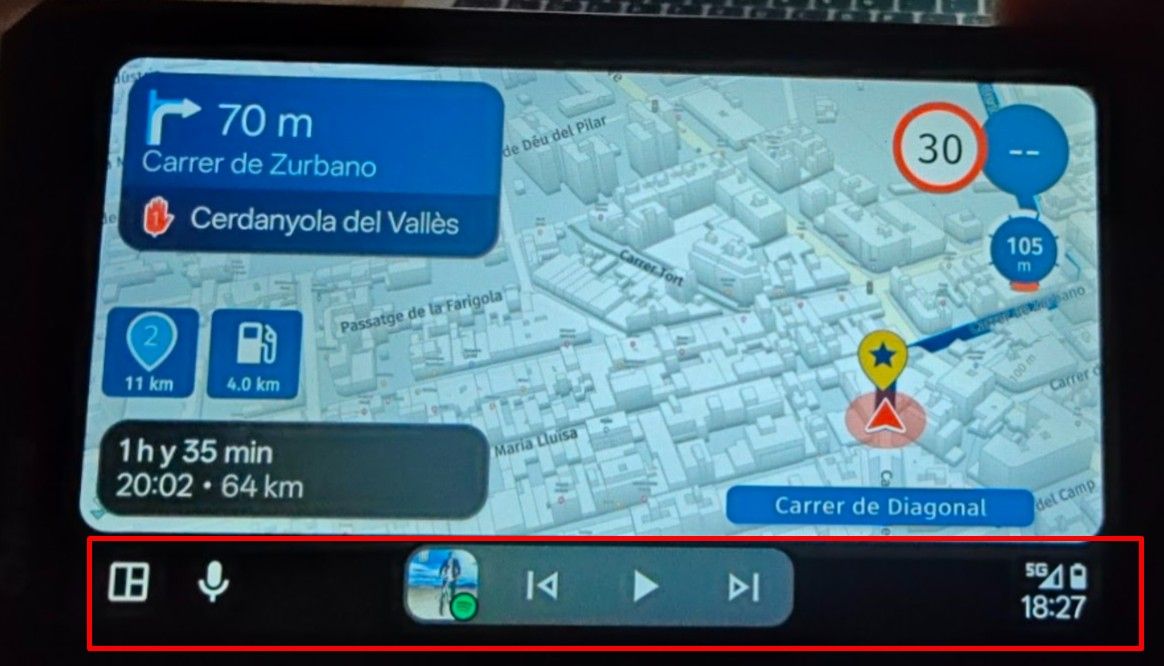
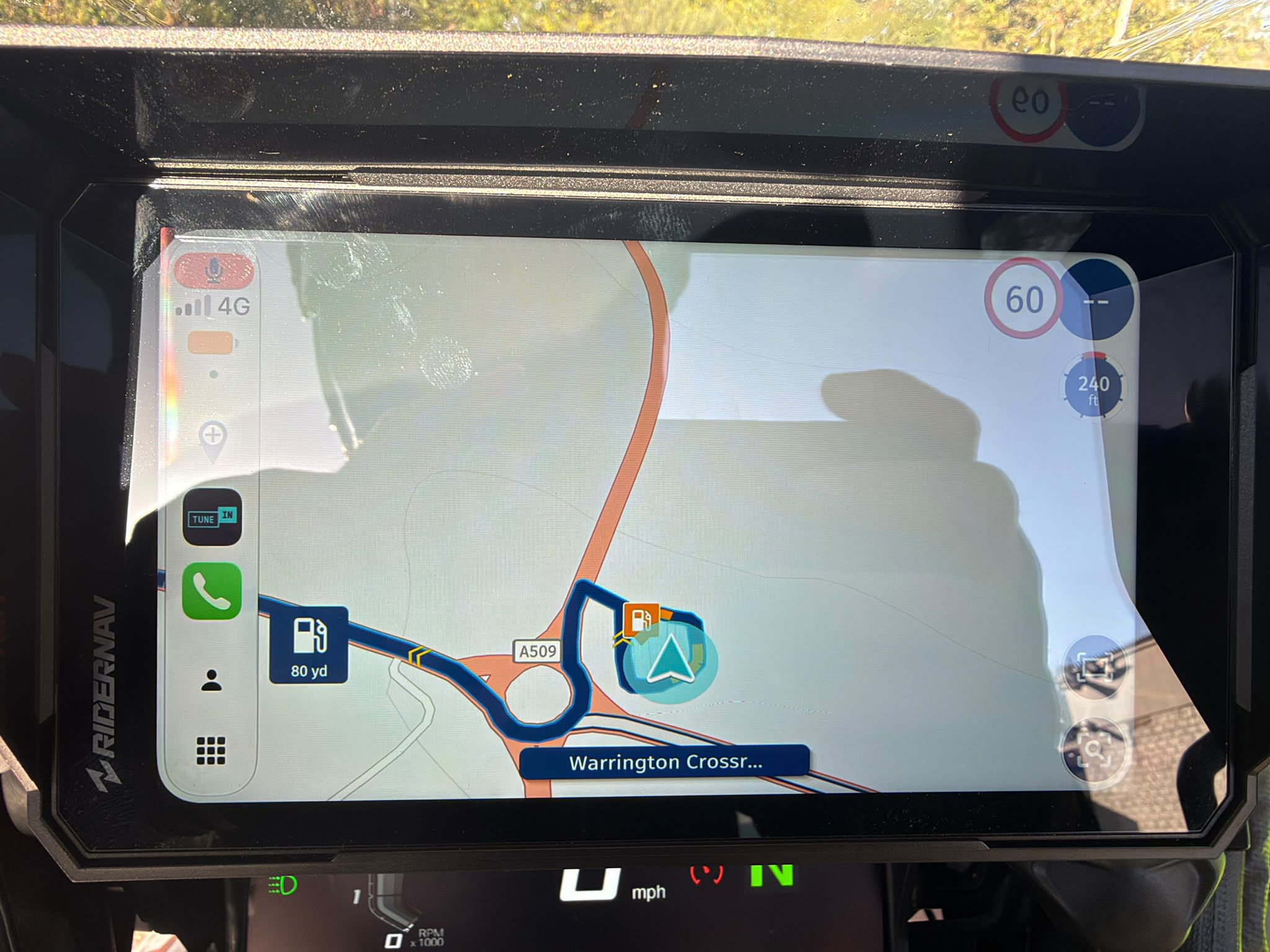
    In general all works fine, but once in a while the MRA screen turns black, that is, all buttons are shown, the CarPlay menu on the left side of the screen is shown as well, but the rest of the MRA screen is black. Other applications function ok, so this seems to be an MRA specific issue. Shutting everything down and restarting and all is fine again. This happens once a day. Does anyone recognise this and knows what to do to prevent this, or is it a bug?

    Rob Verhoeffundefined 1 Reply Last reply
    0
    • nomkoundefined Online
      nomkoundefined Online
      nomko
      wrote last edited by
      #2

      I sort of recognized the issue and knew there were some topics in the past about this that might give you an answer:

      https://forum.myrouteapp.com/topic/3528/zwart-scherm-in-peugeot-2008
      https://forum.myrouteapp.com/topic/10733/zwart-scherm-here-kaart
      https://forum.myrouteapp.com/topic/10715/carpuride-zwart-scherm

      | MRA Gold Member |
      | Garmin Zumo XT + BMW K1200GT |
      | MRA Next + Kawasaki Z650 |

      1 Reply Last reply
      1
      • Ed Lauwerens 0undefined Offline
        Ed Lauwerens 0undefined Offline
        Ed Lauwerens 0
        wrote last edited by
        #3

        I get the feeling it has to do with zooming in and out. If I enter the button right under, the buttons with + and - appear. If I leave it this way and zoom in and out every now and than, sometimes the map turns black (buttons still visible). But if I leave the zoom-mode, the problem does not seem to occur

        1 Reply Last reply
        0
        • Ed Lauwerens 0undefined Ed Lauwerens 0

          I am using MRA (latest version) with Apple CarPlay to a RiderNav 7, now travelling in Norway.
          In general all works fine, but once in a while the MRA screen turns black, that is, all buttons are shown, the CarPlay menu on the left side of the screen is shown as well, but the rest of the MRA screen is black. Other applications function ok, so this seems to be an MRA specific issue. Shutting everything down and restarting and all is fine again. This happens once a day. Does anyone recognise this and knows what to do to prevent this, or is it a bug?

          Rob Verhoeffundefined Online
          Rob Verhoeffundefined Online
          Rob Verhoeff
          Alpha tester
          wrote last edited by
          #4

          @Ed-Lauwerens-0 said:

          Does anyone recognise this and knows what to do to prevent this, or is it a bug?

          Yes, I also encountered that during the alpha test. I can no longer determine from the communication with the developers whether this has already been fixed in the public version. In the beta version that is currently being tested, I have not experienced it anymore. And since it is now the developers’ holiday period, it may take a while before a response comes in.

          🏍️ BMW K1600GT-P (2013) | Nolan N100-5 with Sena 30K
          📱 iOS on iPhone 13 & 16 (mounted on Quadlock or AliExpress extention on BMW-cradle)
          🚙 Apple CarPlay in VW T-Roc
          💻 Routelab on MacBook Air & iMac (Tahoe & Ventura)

          1 Reply Last reply
          0
          • Ed Lauwerens 0undefined Offline
            Ed Lauwerens 0undefined Offline
            Ed Lauwerens 0
            wrote last edited by
            #5

            I think I have the reason why this occurred as well as the solution. I was unaware of the possibility to download maps and run navigation in the off-line modus, using the downloaded maps. So whenever the on-line connection of my iPhone stopped, I guess the map on my CarPlay display went black. I have now downloaded offline maps for the countries I drive in and selected the option ‘navigate in offline mode’ and this black screen issue has not reoccurred. Case closed as far as I am concerned.

            1 Reply Last reply
            0

            Hello! It looks like you're interested in this conversation, but you don't have an account yet.

            Getting fed up of having to scroll through the same posts each visit? When you register for an account, you'll always come back to exactly where you were before, and choose to be notified of new replies (either via email, or push notification). You'll also be able to save bookmarks and upvote posts to show your appreciation to other community members.

            With your input, this post could be even better 💗

            Register Login
            Reply
            • Reply as topic
            Log in to reply
            • Oldest to Newest
            • Newest to Oldest
            • Most Votes


            ACTIVE USERS
            Rob Verhoeffundefined
            Rob Verhoeff
            Ed Lauwerens 0undefined
            Ed Lauwerens 0
            nomkoundefined
            nomko
            POPULAR TOPICS
            • Waypoint verplaatsen uit zichzelf.
              Rob Verhoeffundefined
              Rob Verhoeff
              0
              20
              166

            • New update 5.2 - Avoid roadblocks, persistent map items, POI management and share
              Rae Sewellundefined
              Rae Sewell
              24
              21
              1.0k

            • MRA connector - Zumo XT (+SD)
              Guztundefined
              Guzt
              0
              9
              150

            • Routepunten automatisch overspringen
              Mister Bundefined
              Mister B
              0
              11
              224

            • Why does route change when connecting to Android Auto?
              Brian Martinundefined
              Brian Martin
              0
              10
              316

            • Symbolen
              Hans Kragtundefined
              Hans Kragt
              0
              5
              65

            • GPX Versions 1.1 vs 1.2 for Garmin Visually Explained
              Steve Jarrellundefined
              Steve Jarrell
              7
              14
              414

            • Offline navigation as of June, 2026 release 5.1
              Lenny Oundefined
              Lenny O
              1
              3
              33

            MY GROUPS
            • Login

            • Login or register to search.
            • First post
              Last post
            0
            • Categories
            • Recent
            • Popular
            • Support
            • MyRoute-app