Route Export Share
-

Hello
In the older version of the MYRouteApp (mobile), it was possible to export and share the route (GPX).The file could be exported directly as a GPX file to Tread. Now, under "Share," only the link to the file on my account is displayed; the file is no longer shared directly.
Therefore, it's impossible to open the GPX file on Tread.
Can the sharing function be restored so that the GPX file is sent directly again?
-
Hello
In the older version of the MYRouteApp (mobile), it was possible to export and share the route (GPX).The file could be exported directly as a GPX file to Tread. Now, under "Share," only the link to the file on my account is displayed; the file is no longer shared directly.
Therefore, it's impossible to open the GPX file on Tread.
Can the sharing function be restored so that the GPX file is sent directly again?

@Manfred-Schiess Hello Manfred,
exporting a GPX file still works in the new version of the app.Could you briefly explain how you are doing it and having no success....
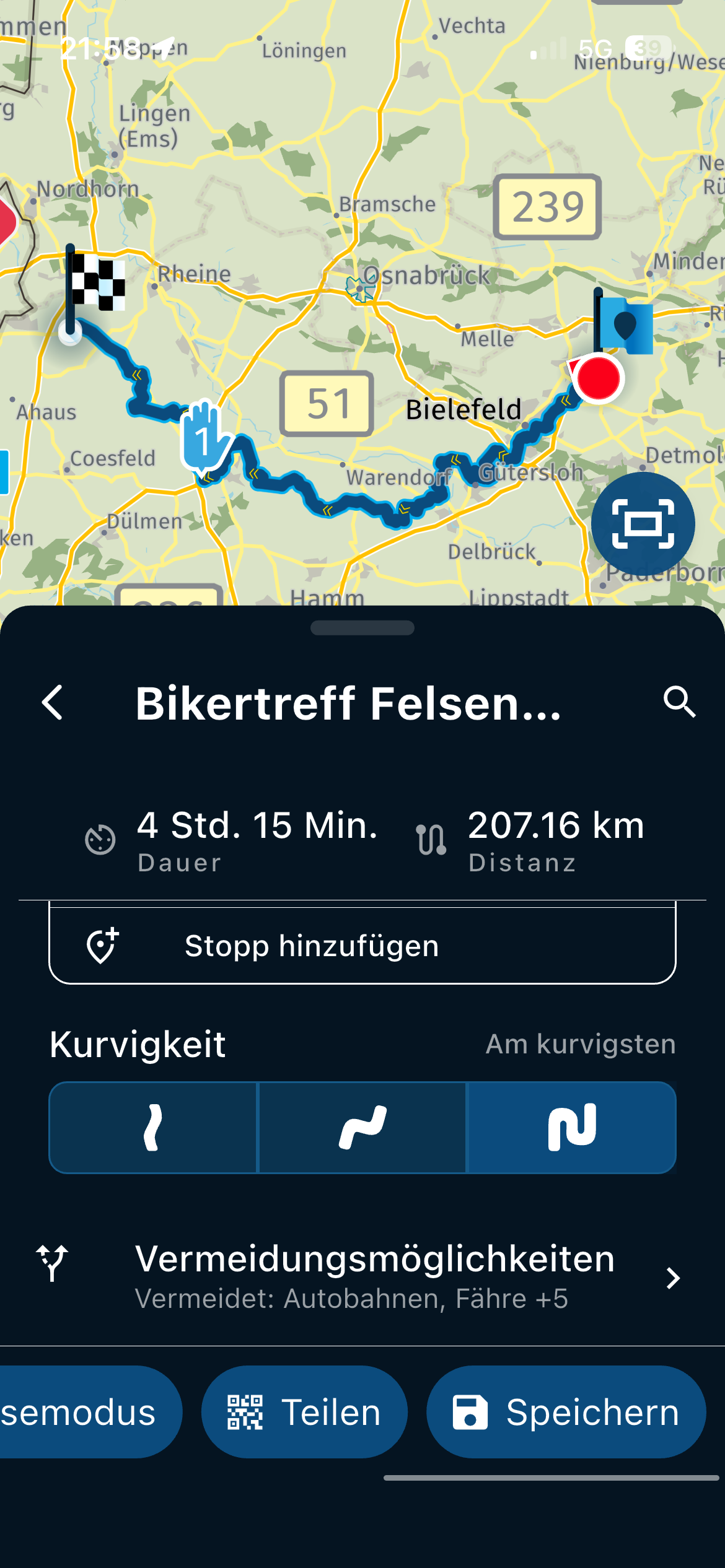
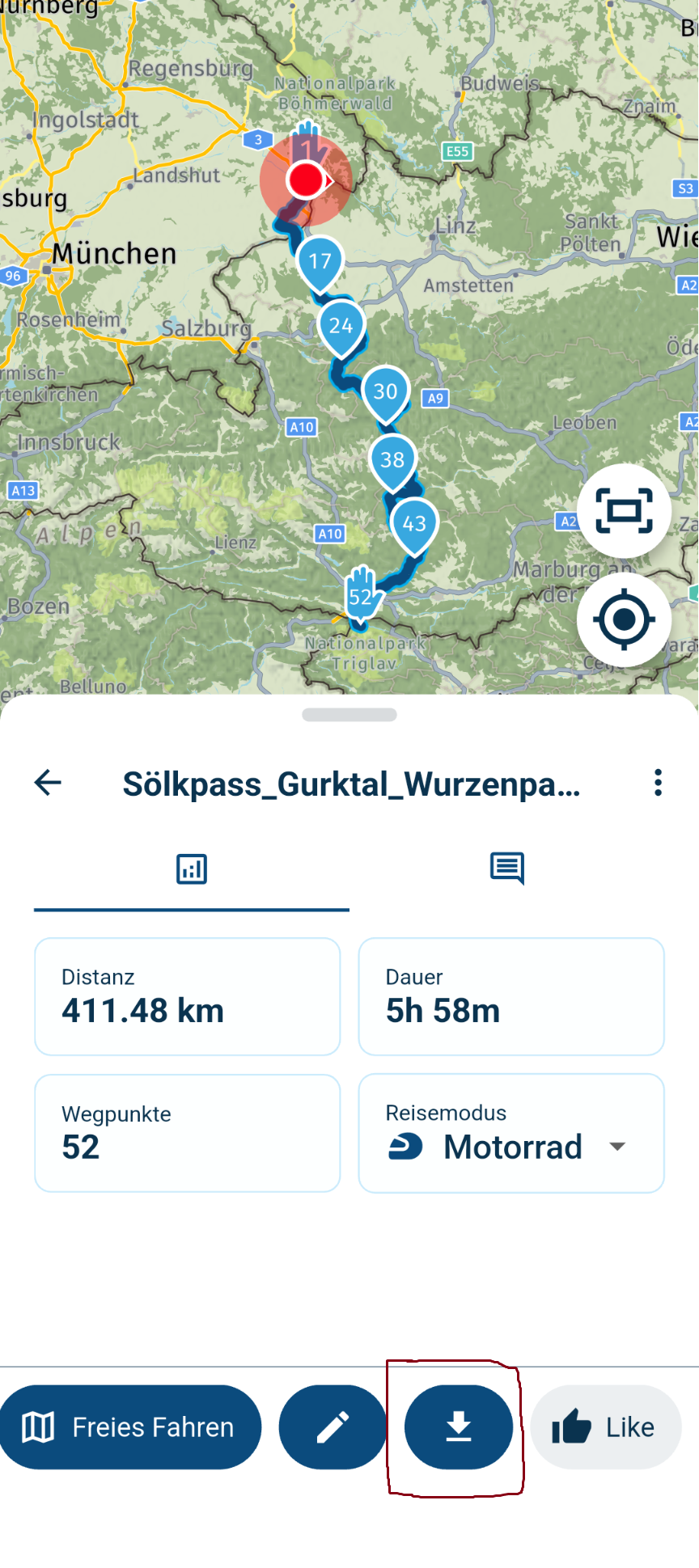
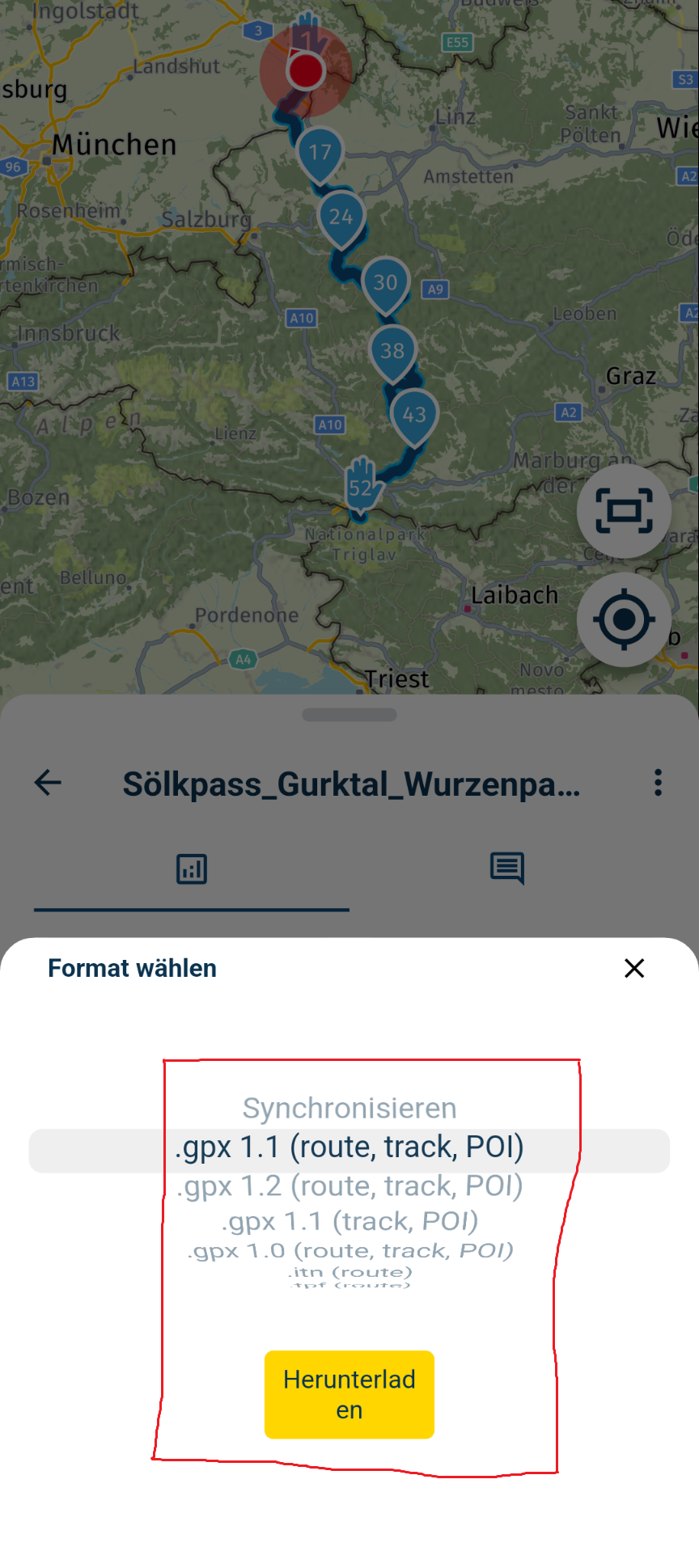
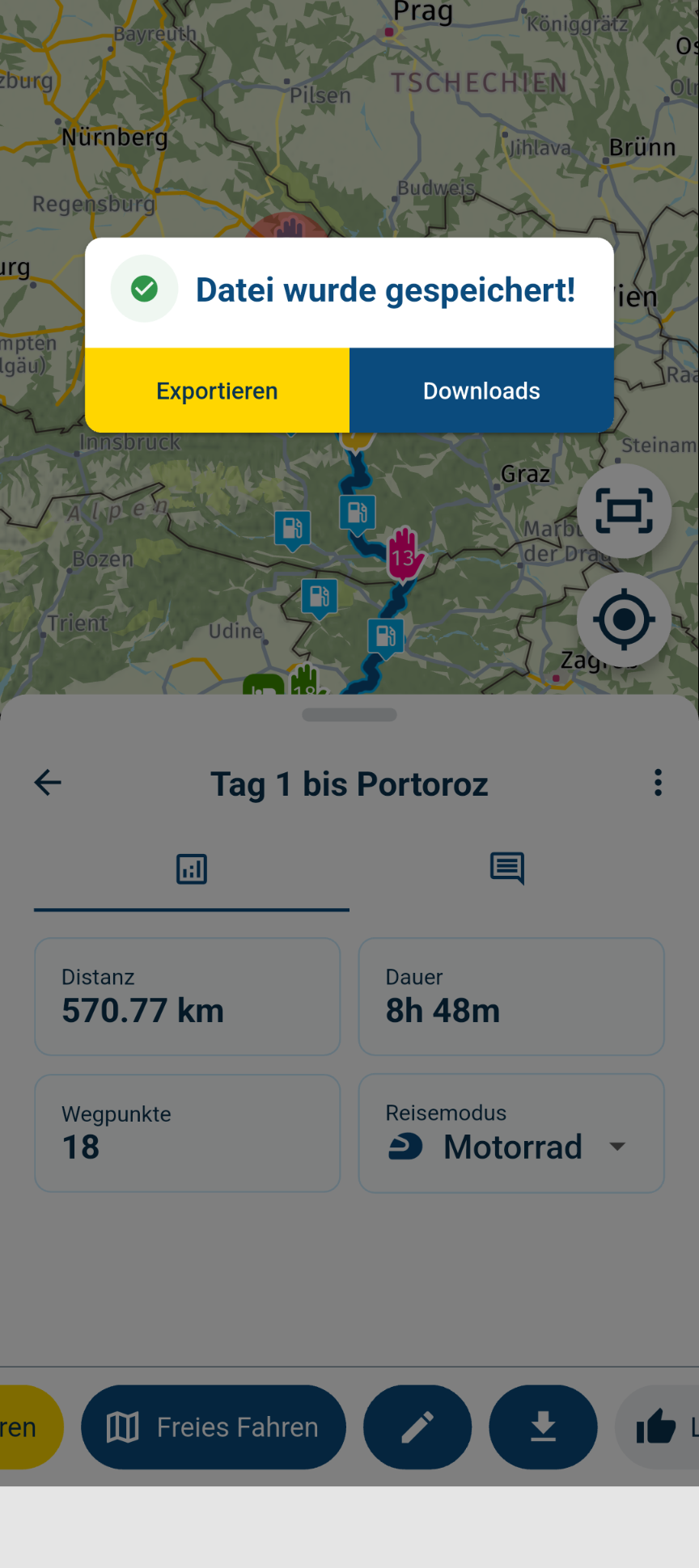
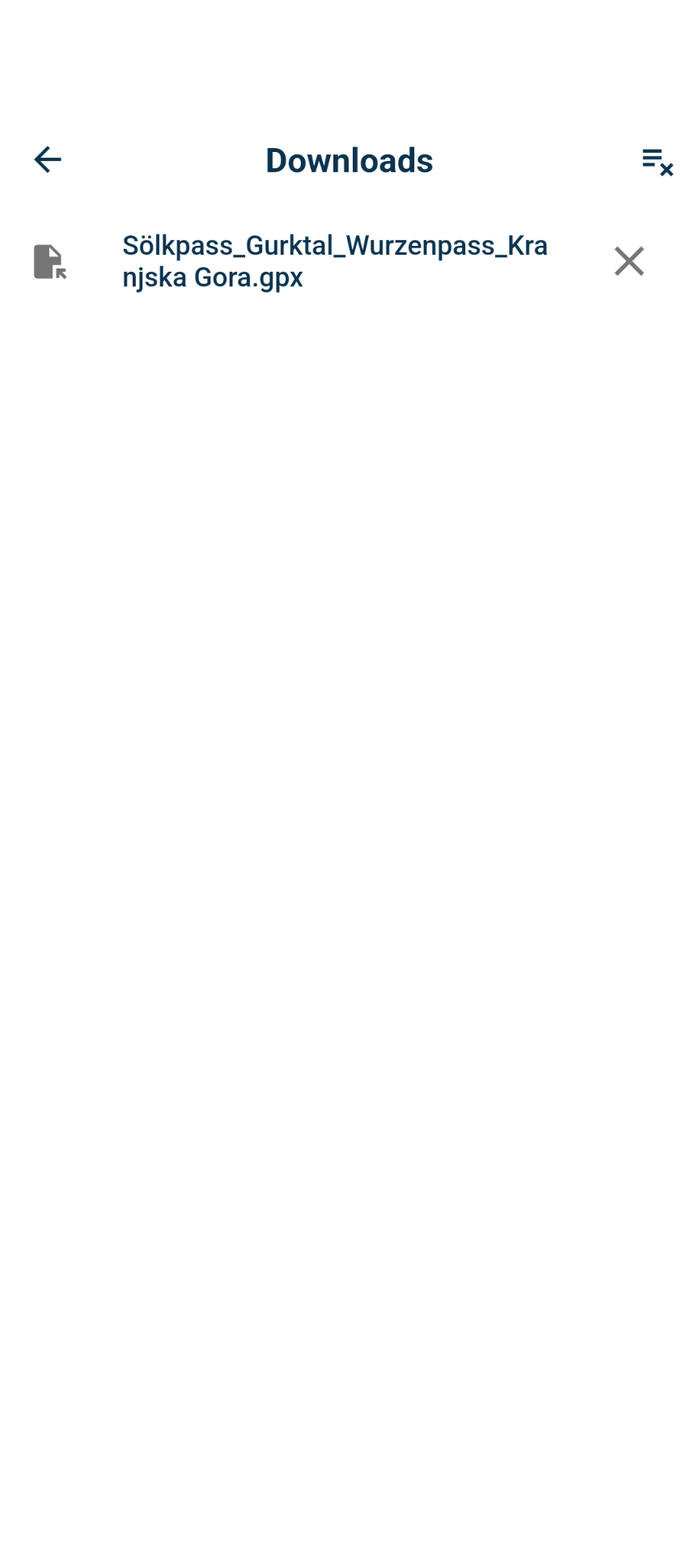
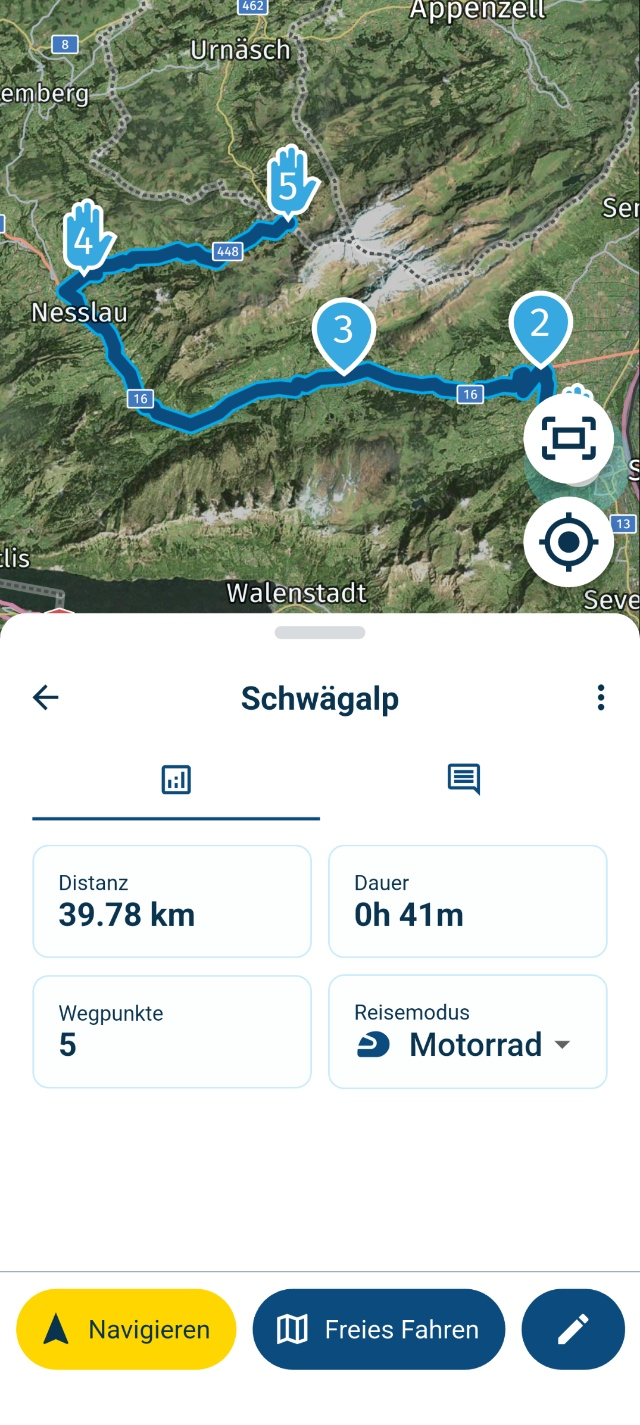
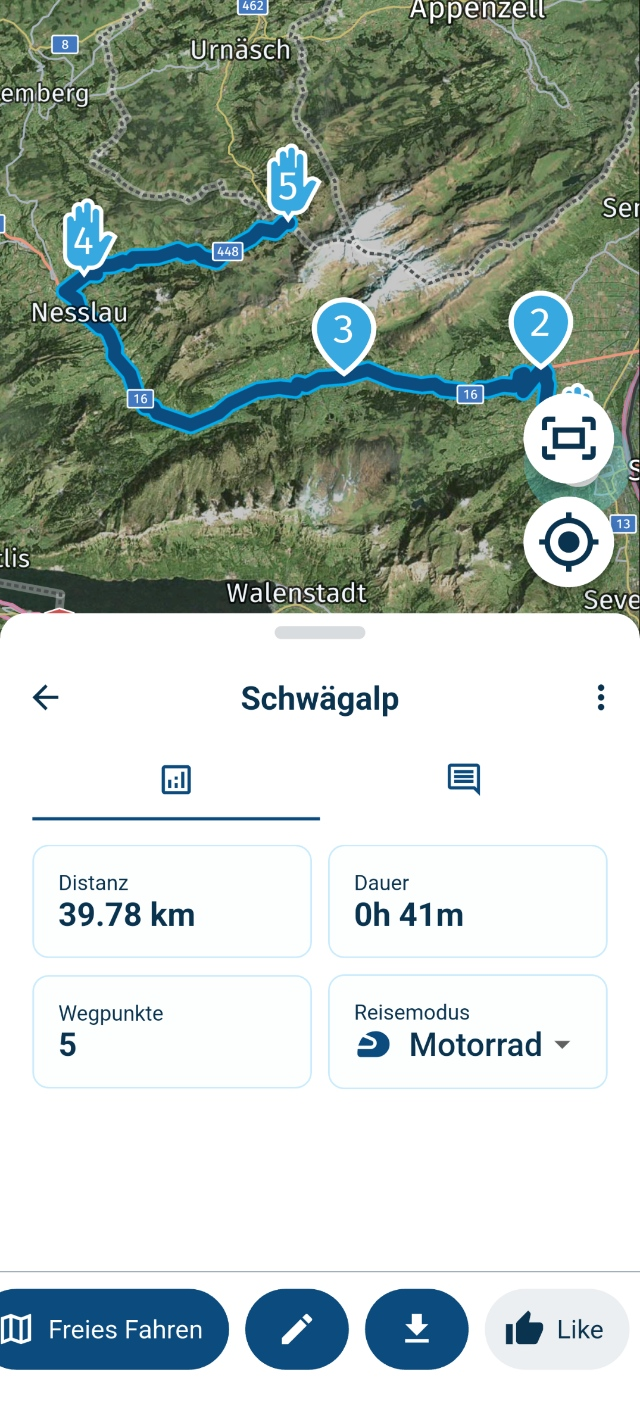
I open the route in the app under Routes and Tracklogs, then I look for the arrow for downloads or synchronization at the bottom right of the menu, where I select the desired format and export, save, or open it with the desired application.
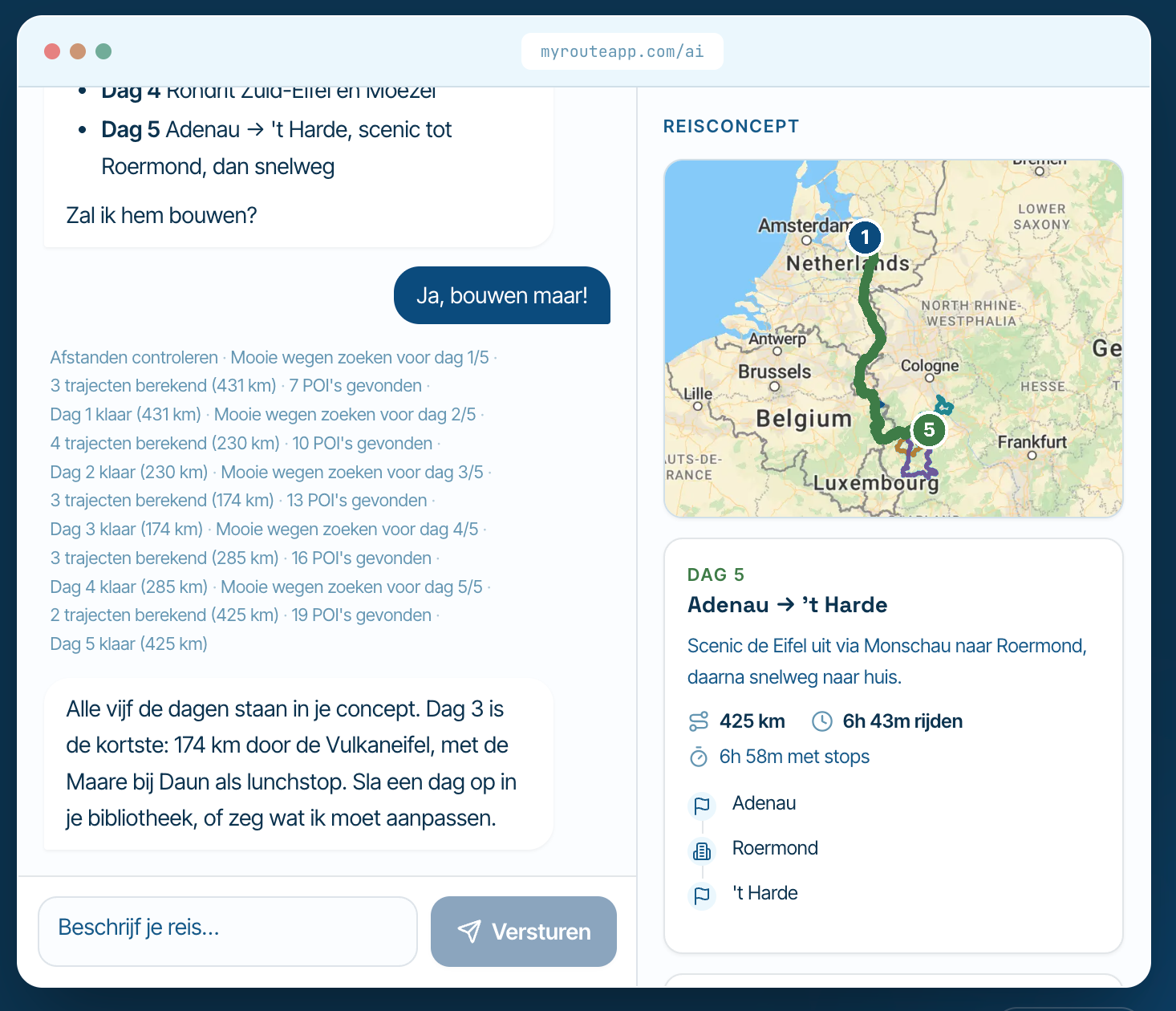
Please take a look at the screenshots!
-
Oh shit i have to scroll the window to the left and there is the Button to export....

-
-
Danke für die Hilfe....
@Manfred-Schiess Bitte gerne.....
Wenn Du Fragen hast, einfach melden.Gruß Peter
-
Danke für die Hilfe....

@Manfred-Schiess <Klugscheißermodus an>wurde in den Acadamy Web Sessions im November erklärt, daß man die untere Buttonleiste bei den schmalen Handys schon mal scrollen muß...<Klugscheißermodus aus>

Nothing is impossible ;-)
In past: GARMIN Zumo 210->GARMIN Zumo 395->GARMIN XT=> now: DMD T865-X + MyRoute-App, LocusMaps, OsmAnd.
In past: GARMIN MapSource ->GARMIN BaseCamp->Tyre->Kurviger->Calimoto=> now: MRA-Routplanner. -
@Manfred-Schiess <Klugscheißermodus an>wurde in den Acadamy Web Sessions im November erklärt, daß man die untere Buttonleiste bei den schmalen Handys schon mal scrollen muß...<Klugscheißermodus aus>

@Guzzist du klu...

Hello! It looks like you're interested in this conversation, but you don't have an account yet.
Getting fed up of having to scroll through the same posts each visit? When you register for an account, you'll always come back to exactly where you were before, and choose to be notified of new replies (either via email, or push notification). You'll also be able to save bookmarks and upvote posts to show your appreciation to other community members.
With your input, this post could be even better 💗
Register Login-
 18251.7k
-
 812142
-
 510107
-
 1224198
-
07114
-
 57478
57478
-
0636
-
 0629
0629