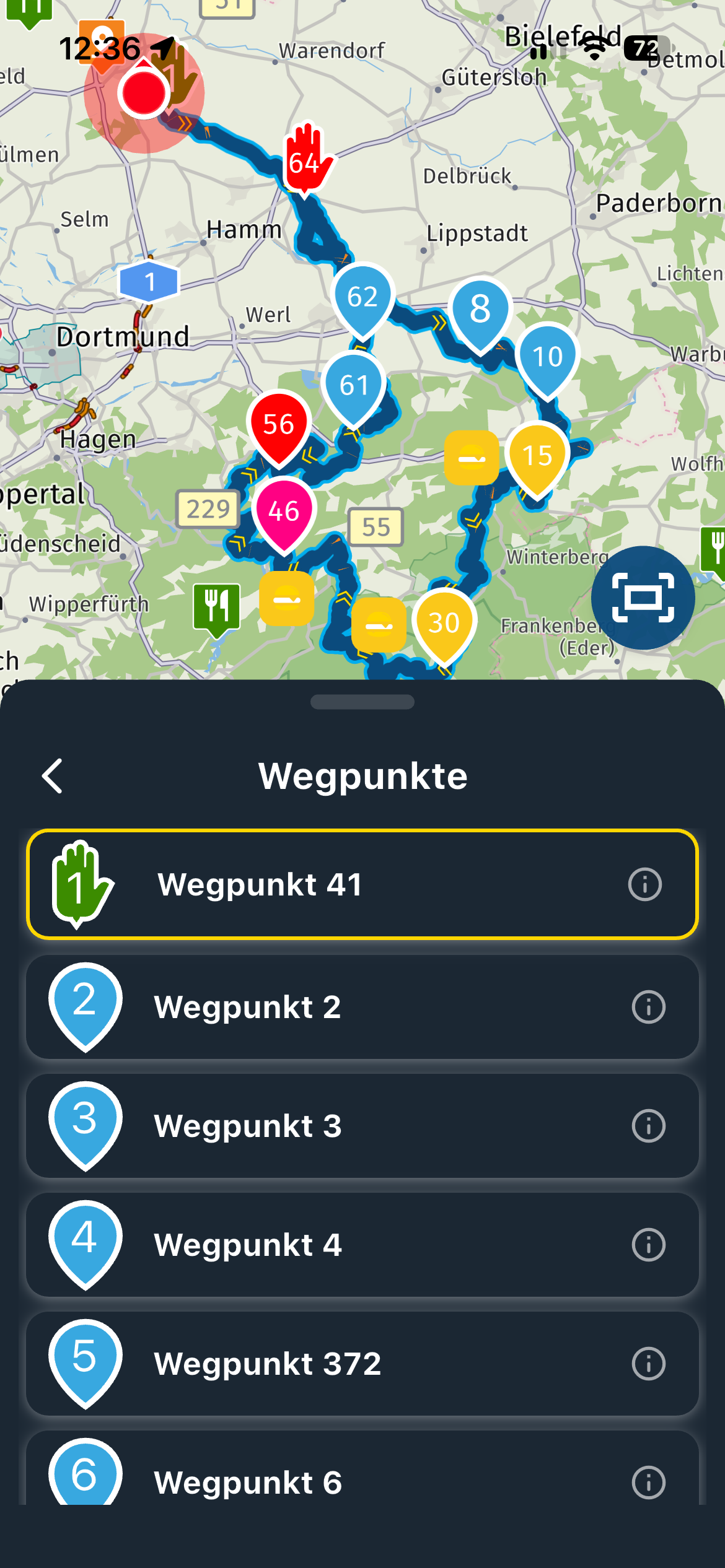
Why does the current location finder disappear
-

Open a route, I see the map, a rectangular icon, and the very useful current location icon. But if I click on navigate the next screen does not have the “current location icon ”
-

Hi, when I load a route, I first see a dot for my current position and, after starting, an arrow with the color and size I set in the setup.
Which app version and which system are you using? -
Open a route, I see the map, a rectangular icon, and the very useful current location icon. But if I click on navigate the next screen does not have the “current location icon ”

@Fred-Gilbert During navigation, tapping the compass does the same job.
-

@Fred-Gilbert Suggestion: Check your location settings. They may have been accidentally disabled for the app?
Hello! It looks like you're interested in this conversation, but you don't have an account yet.
Getting fed up of having to scroll through the same posts each visit? When you register for an account, you'll always come back to exactly where you were before, and choose to be notified of new replies (either via email, or push notification). You'll also be able to save bookmarks and upvote posts to show your appreciation to other community members.
With your input, this post could be even better 💗
Register Login-
 011761
-
06180
-
09108
-
 05202
05202
-
 0210
0210
-
0229
-
111559
-
0213