Cannot Transfer to plan.tomtom
-

Hello all,
I have created and transferred numerous routes to my device via wi-fi recently, but today this has not been possible.
Having auto filled my email and password, as on many other occasions, I now get a drop down window, advising against the use of characters. I have re-entered both email address and password to ensure no character are included, but still I cannot save to my device.
I have shut down and restarted route-planner. Also I have reboote my PC.Thanks in advance for any assistance.
Regards
Bill
-
Hello all,
I have created and transferred numerous routes to my device via wi-fi recently, but today this has not been possible.
Having auto filled my email and password, as on many other occasions, I now get a drop down window, advising against the use of characters. I have re-entered both email address and password to ensure no character are included, but still I cannot save to my device.
I have shut down and restarted route-planner. Also I have reboote my PC.Thanks in advance for any assistance.
Regards
Bill

@Bill-Harrison I have the same results. I have informed the developers.
-
Hello all,
I have created and transferred numerous routes to my device via wi-fi recently, but today this has not been possible.
Having auto filled my email and password, as on many other occasions, I now get a drop down window, advising against the use of characters. I have re-entered both email address and password to ensure no character are included, but still I cannot save to my device.
I have shut down and restarted route-planner. Also I have reboote my PC.Thanks in advance for any assistance.
Regards
Bill
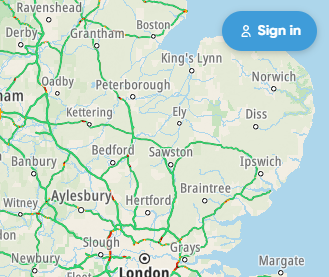
@Bill-Harrison I think this may be caused by TomTom and not MRA. I am unable to login to my plan.tomtom account. The screen displays Sign in all of the time.
Always willing to help if I can.
Triumph Tiger 1200 XRT called Tina.
MRA Navigation Next and SilverFox BJ8 -
@Bill-Harrison I think this may be caused by TomTom and not MRA. I am unable to login to my plan.tomtom account. The screen displays Sign in all of the time.

@Nick-Carthew Do you still have this problem, because i can logon to the plan.tomtom site/account.
-

FYI I have been able to log into my TomTom planner account successfully
-
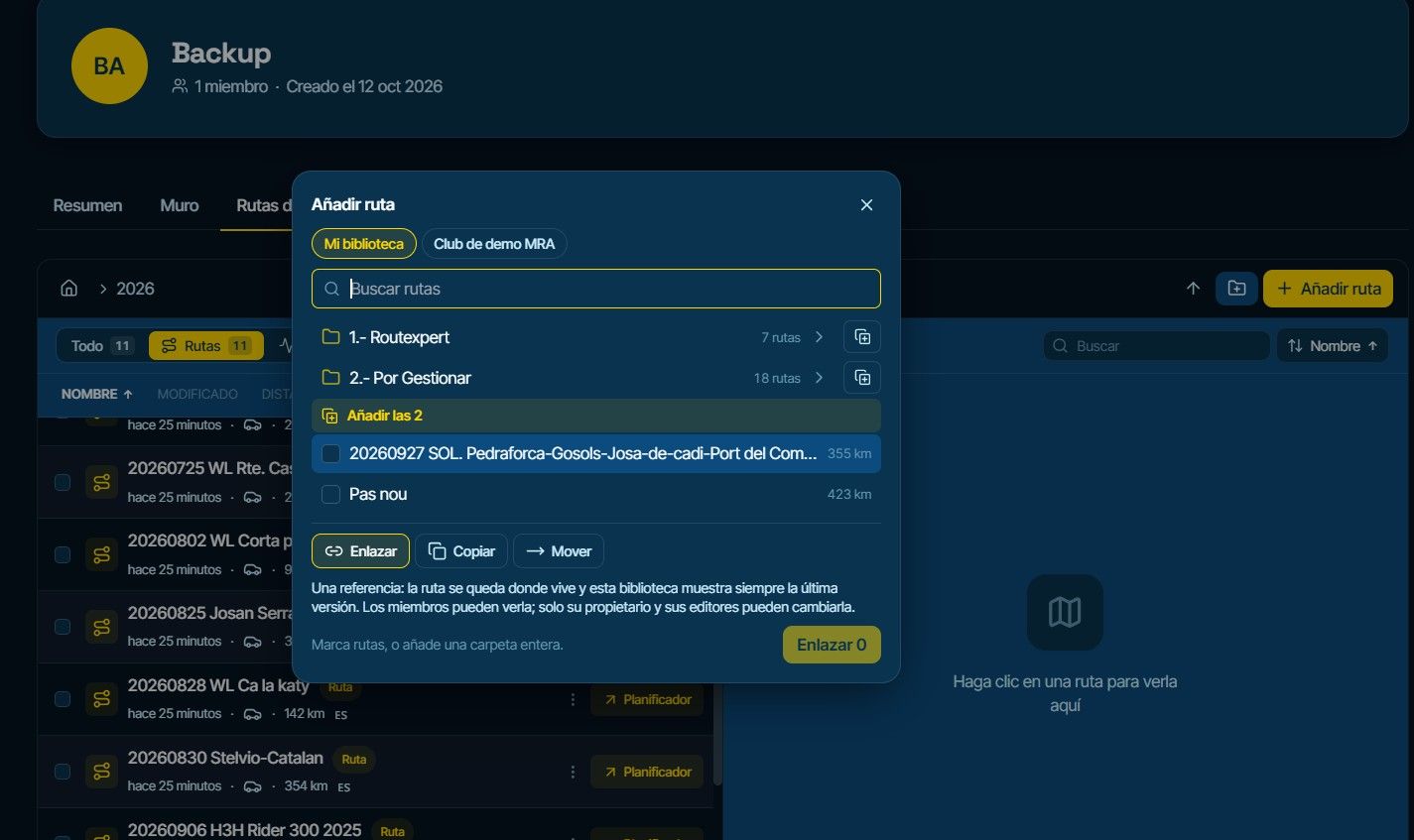
Update, I tried to export using the 'Save as', plan.tomtom option in MRA and it didn't like my complex password, so I went to TomTom to simplify it, using just letters and numbers, it now logs in fine and I'm able to successfully sync my routes.
-
@Nick-Carthew Do you still have this problem, because i can logon to the plan.tomtom site/account.
@ErikMatthezing Yes, I can log in now. TomTom have fixed the problem.
-
Hello all and thank for your replies.
This evening 18/06/025 fault appears to have self rectified and I have successfully transferred a route to my device.
Regards
Bill
-
Update, I tried to export using the 'Save as', plan.tomtom option in MRA and it didn't like my complex password, so I went to TomTom to simplify it, using just letters and numbers, it now logs in fine and I'm able to successfully sync my routes.
@David-Rudgley Yes, this helpt me to with the same problem. Once I've changed my password to a simple one it did work again
Hello! It looks like you're interested in this conversation, but you don't have an account yet.
Getting fed up of having to scroll through the same posts each visit? When you register for an account, you'll always come back to exactly where you were before, and choose to be notified of new replies (either via email, or push notification). You'll also be able to save bookmarks and upvote posts to show your appreciation to other community members.
With your input, this post could be even better 💗
Register Login-
 01521
01521
-
0499
-
 0424
0424
-
 0315
0315
-
037
-
 0582
0582
-
 02130
02130
-
 07593
07593