Android Auto / CarPlay: Arrangement of Information / Buttons
-

I'm using Android Auto / CarPlay on a Carpuride (Touch)-Screen on my motor bike.
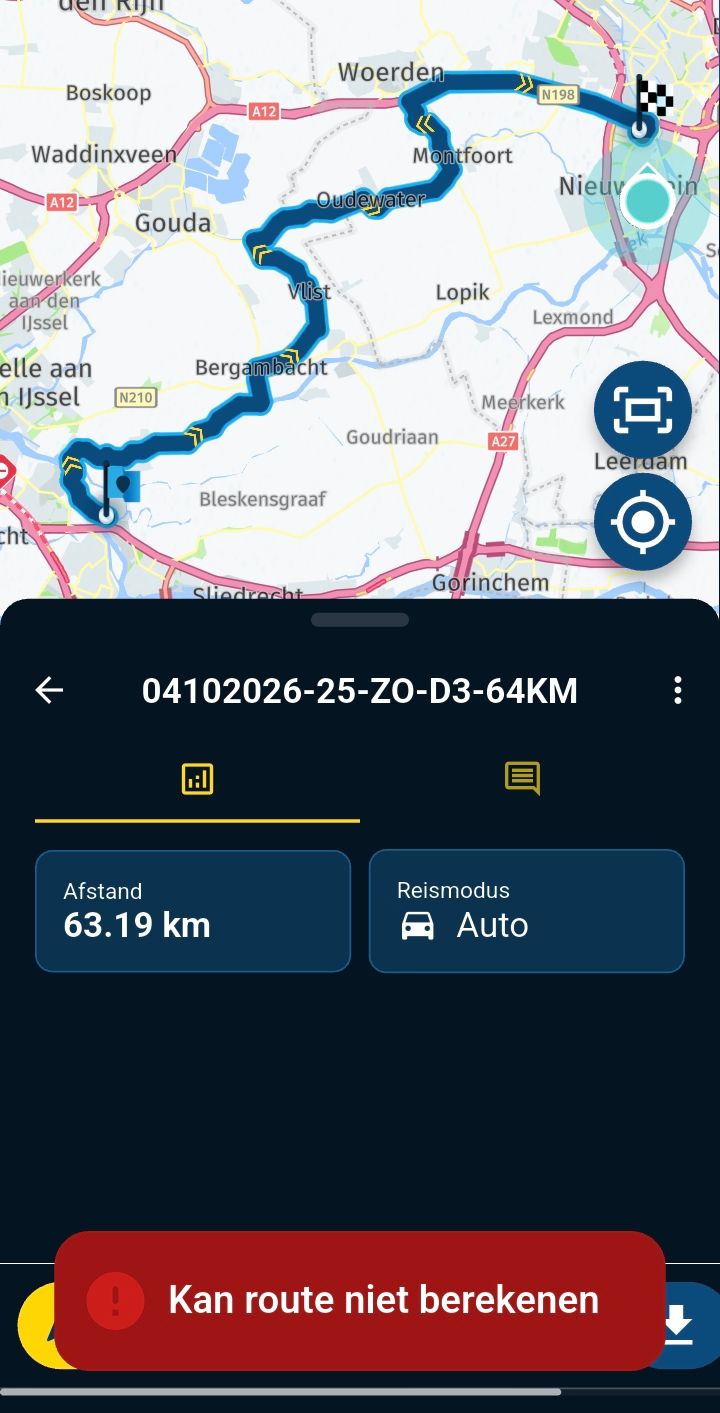
As I can't usually use my right hand for operating the app during riding, I suggest to provide a setting for motor biking arrangement:
- Buttons on the left. Info Screns on the right (basically mirrored to the current setup)
Thanks
Murat -
I'm using Android Auto / CarPlay on a Carpuride (Touch)-Screen on my motor bike.
As I can't usually use my right hand for operating the app during riding, I suggest to provide a setting for motor biking arrangement:
- Buttons on the left. Info Screns on the right (basically mirrored to the current setup)
Thanks
Murat
@Murat-Güven sorry, this won’t be done.
Given the restrictions of the CarPlay / Android Auto, that’s not as easy as it seems.Also, if your reason for this request is merely to improve touching small buttons while driving, I’d simply suggest to stop driving or get a bluetooth controller

-
I'm using Android Auto / CarPlay on a Carpuride (Touch)-Screen on my motor bike.
As I can't usually use my right hand for operating the app during riding, I suggest to provide a setting for motor biking arrangement:
- Buttons on the left. Info Screns on the right (basically mirrored to the current setup)
Thanks
Murat
@Murat-Güven As @Corjan-Meijerink suggested, bar buttons to control the app are a real game changer.
Hello! It looks like you're interested in this conversation, but you don't have an account yet.
Getting fed up of having to scroll through the same posts each visit? When you register for an account, you'll always come back to exactly where you were before, and choose to be notified of new replies (either via email, or push notification). You'll also be able to save bookmarks and upvote posts to show your appreciation to other community members.
With your input, this post could be even better 💗
Register Login-
020388
-
 4211.7k
-
 91057.5k
-
016563
-
013436
-
 0615
0615
-
 0436
0436
-
 039
039