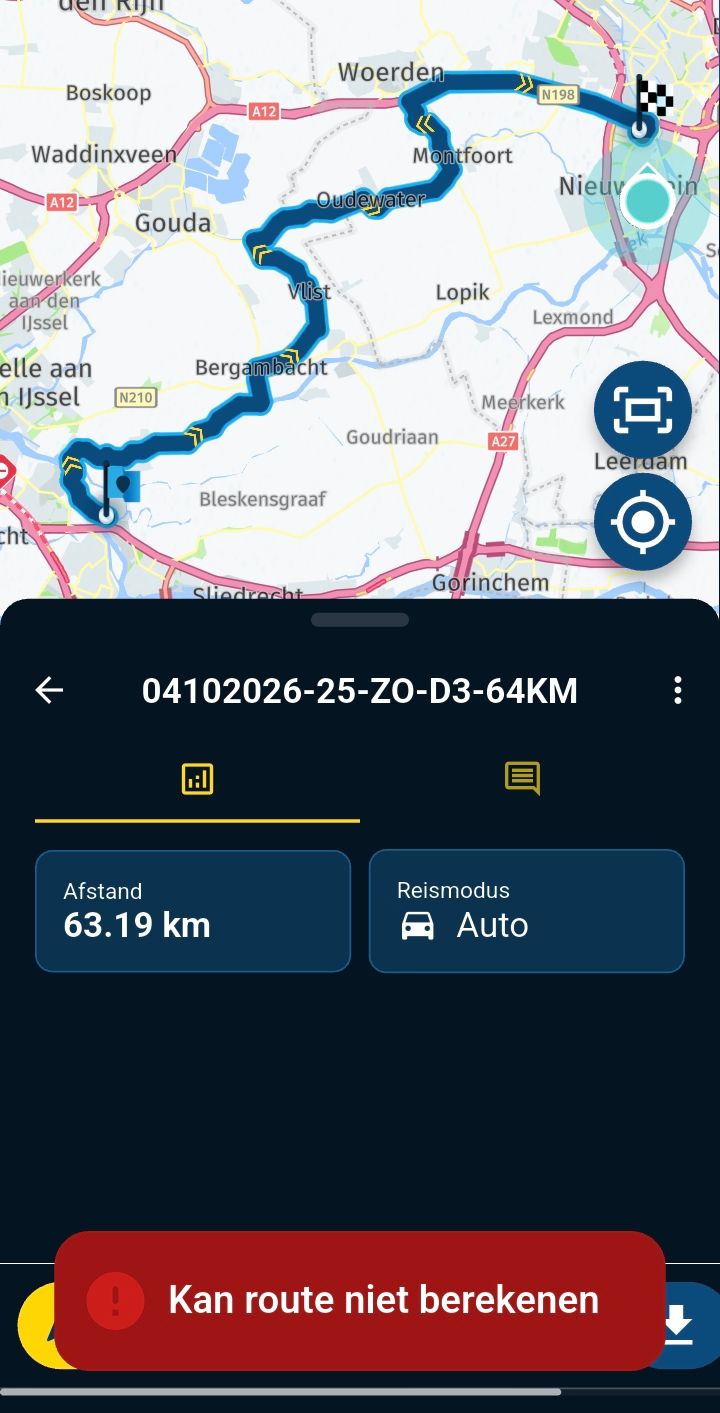
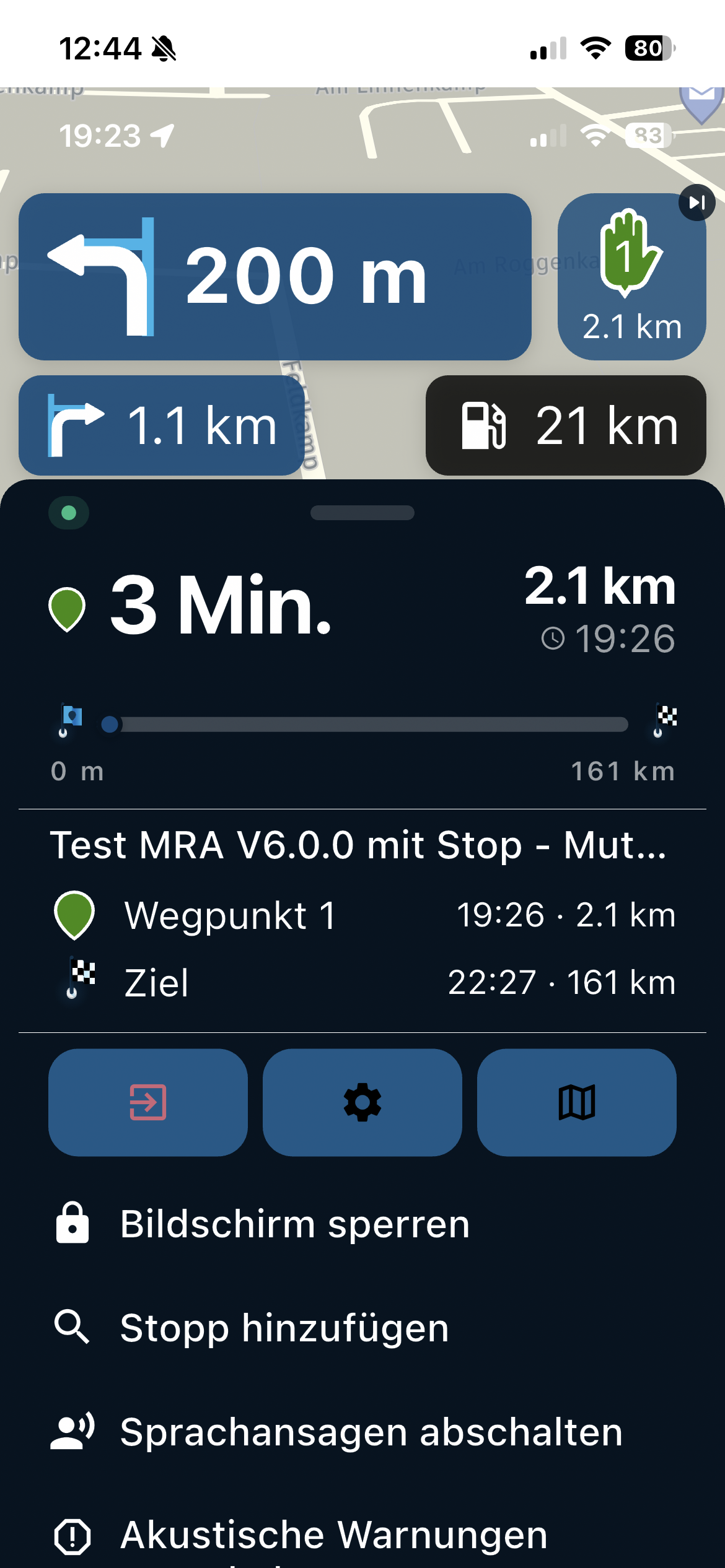
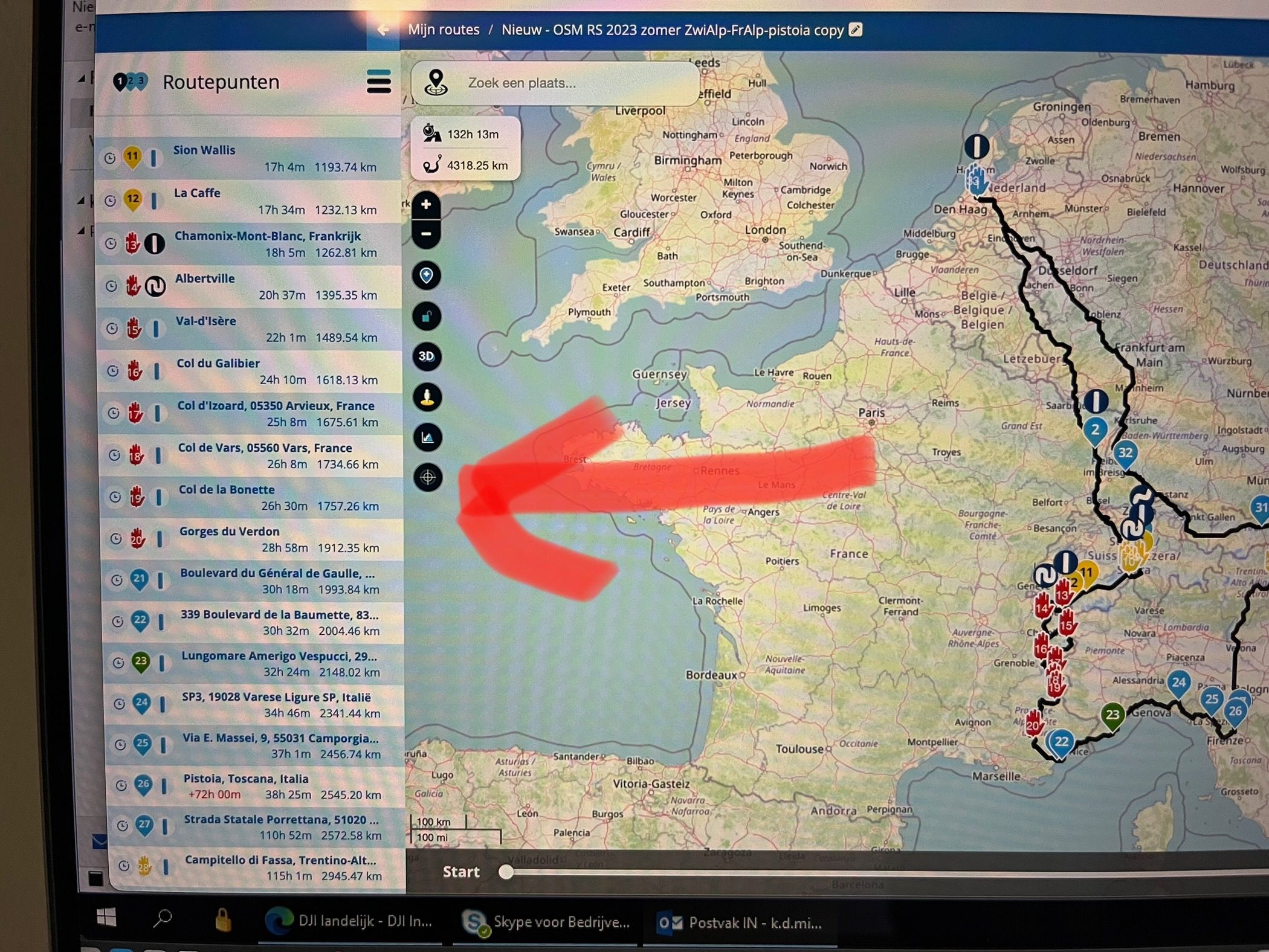
Re-arranging RP's issues
-

...drawing should be dragging of course

-

Your question refers to the MRA RoutePlanner not MRA Navigation Next so I will move the topic to the General discussion area.
Always willing to help if I can.
Triumph Tiger 1200 XRT called Tina.
MRA Navigation Next and SilverFox BJ8 -
Nick Carthew moved this topic from [Beta] Problems, Bugs and other Issues on
-
Your question refers to the MRA RoutePlanner not MRA Navigation Next so I will move the topic to the General discussion area.
@Nick-Carthew uhh actually not. It does refer to the MRA Next, as I explained in the description. The issues doe not appear in the regular MRA planner. So, since the MRA Next will be one platform (planning + navigation) it is suited for beta testing as well I presume.
-
@Nick-Carthew uhh actually not. It does refer to the MRA Next, as I explained in the description. The issues doe not appear in the regular MRA planner. So, since the MRA Next will be one platform (planning + navigation) it is suited for beta testing as well I presume.
@Kenneth-de-Miranda MRA Navigation Next is a navigation module that is added to the MRA Mobile app. MRA Navigation Next is unavailable for the desktop PC or Mac.
Always willing to help if I can.
Triumph Tiger 1200 XRT called Tina.
MRA Navigation Next and SilverFox BJ8 -
@Kenneth-de-Miranda MRA Navigation Next is a navigation module that is added to the MRA Mobile app. MRA Navigation Next is unavailable for the desktop PC or Mac.
@Nick-Carthew aha, ok.
-
@Nick-Carthew uhh actually not. It does refer to the MRA Next, as I explained in the description. The issues doe not appear in the regular MRA planner. So, since the MRA Next will be one platform (planning + navigation) it is suited for beta testing as well I presume.

@Kenneth-de-Miranda. The planning module in MRA Mobile is actually an embedded view to the website, so we are speaking about the same thing
 . In the mobile view you can double tap the route line in between 2 WP and an extra WP will be placed. Lastly you can drag that point to the desired location
I am just an enthusiastic MRA user, and hope you will be one too!
Most motorcycle problems are caused by the nut that connects the handlebar to the saddle.
Check out RideSleepRepeat.eu, a biker community for sharing stays across Europe
-
@Kenneth-de-Miranda. The planning module in MRA Mobile is actually an embedded view to the website, so we are speaking about the same thing
. In the mobile view you can double tap the route line in between 2 WP and an extra WP will be placed. Lastly you can drag that point to the desired location
@Con-Hennekens now, that is one of the best tips so far
did not know that the double tap inserted a RP in the right order. Maybe I should read the manual Thanks! -
@Con-Hennekens now, that is one of the best tips so far
did not know that the double tap inserted a RP in the right order. Maybe I should read the manual Thanks!
@Kenneth-de-Miranda, Thanks
The double tap functions like a single click in a PC browser. I think me too learned that here on the forum.I am just an enthusiastic MRA user, and hope you will be one too!
Most motorcycle problems are caused by the nut that connects the handlebar to the saddle.
Check out RideSleepRepeat.eu, a biker community for sharing stays across Europe
-
@Kenneth-de-Miranda, Thanks
The double tap functions like a single click in a PC browser. I think me too learned that here on the forum.
-
@Con-Hennekens but for me a single tap on the route line works also?
@StefanHummelink, Well now breaks my clogg...
 You are totally right!
 -
@Con-Hennekens now, that is one of the best tips so far
did not know that the double tap inserted a RP in the right order. Maybe I should read the manual Thanks!
@Kenneth-de-Miranda you can also long press a waypoint and then, without releasing, move the waypoint to another location.
-
@StefanHummelink, Well now breaks my clogg...
You are totally right!
@Con-Hennekens and for me this has been like this also in the previous app.

Hello! It looks like you're interested in this conversation, but you don't have an account yet.
Getting fed up of having to scroll through the same posts each visit? When you register for an account, you'll always come back to exactly where you were before, and choose to be notified of new replies (either via email, or push notification). You'll also be able to save bookmarks and upvote posts to show your appreciation to other community members.
With your input, this post could be even better 💗
Register Login-
 0381
0381
-
 06241
06241
-
 0243
0243
-
04204
-
-
-
 03131
03131
-
 013485