Suggestion: use folder structure to select route in apps for navigation and tracking
-

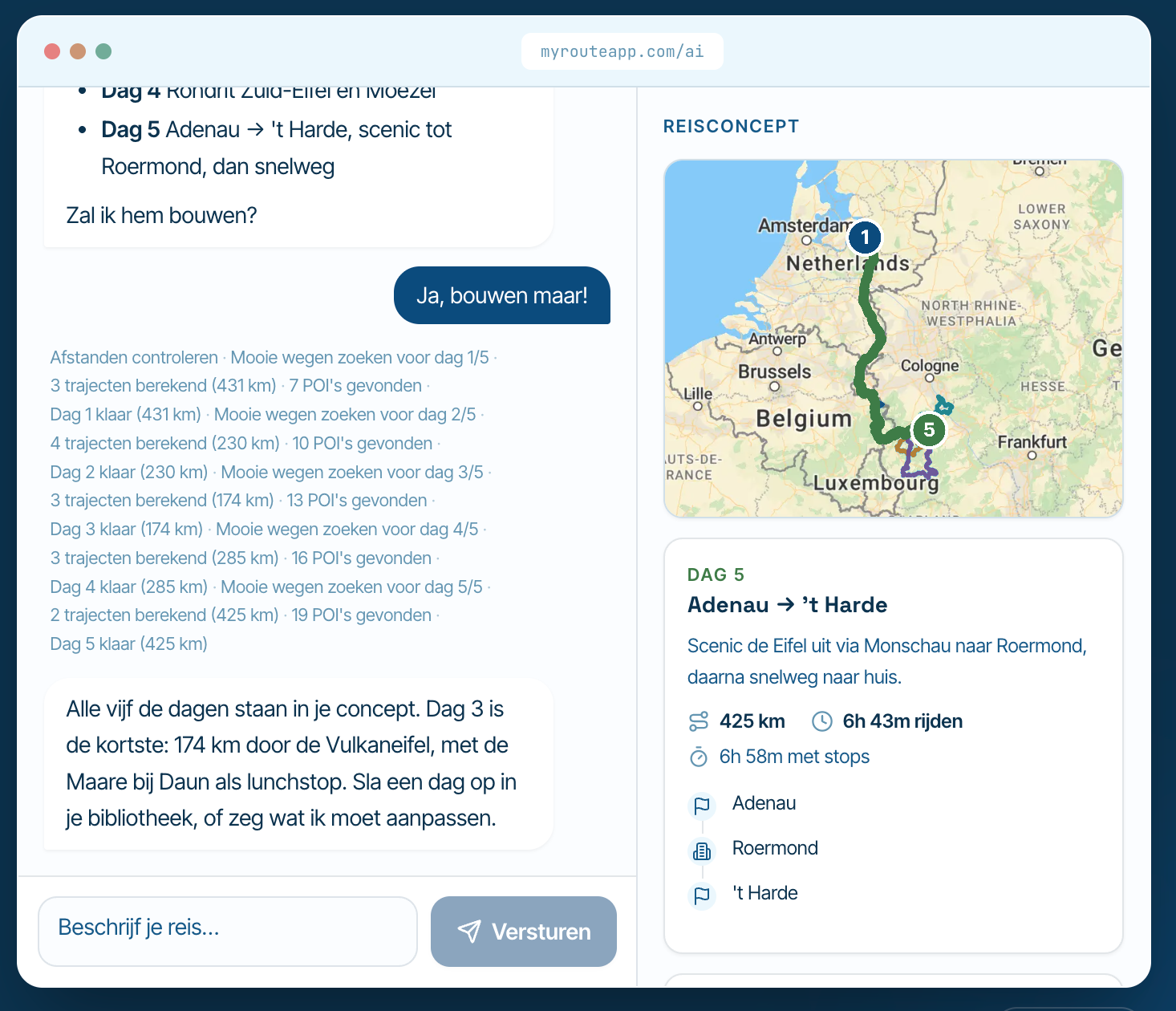
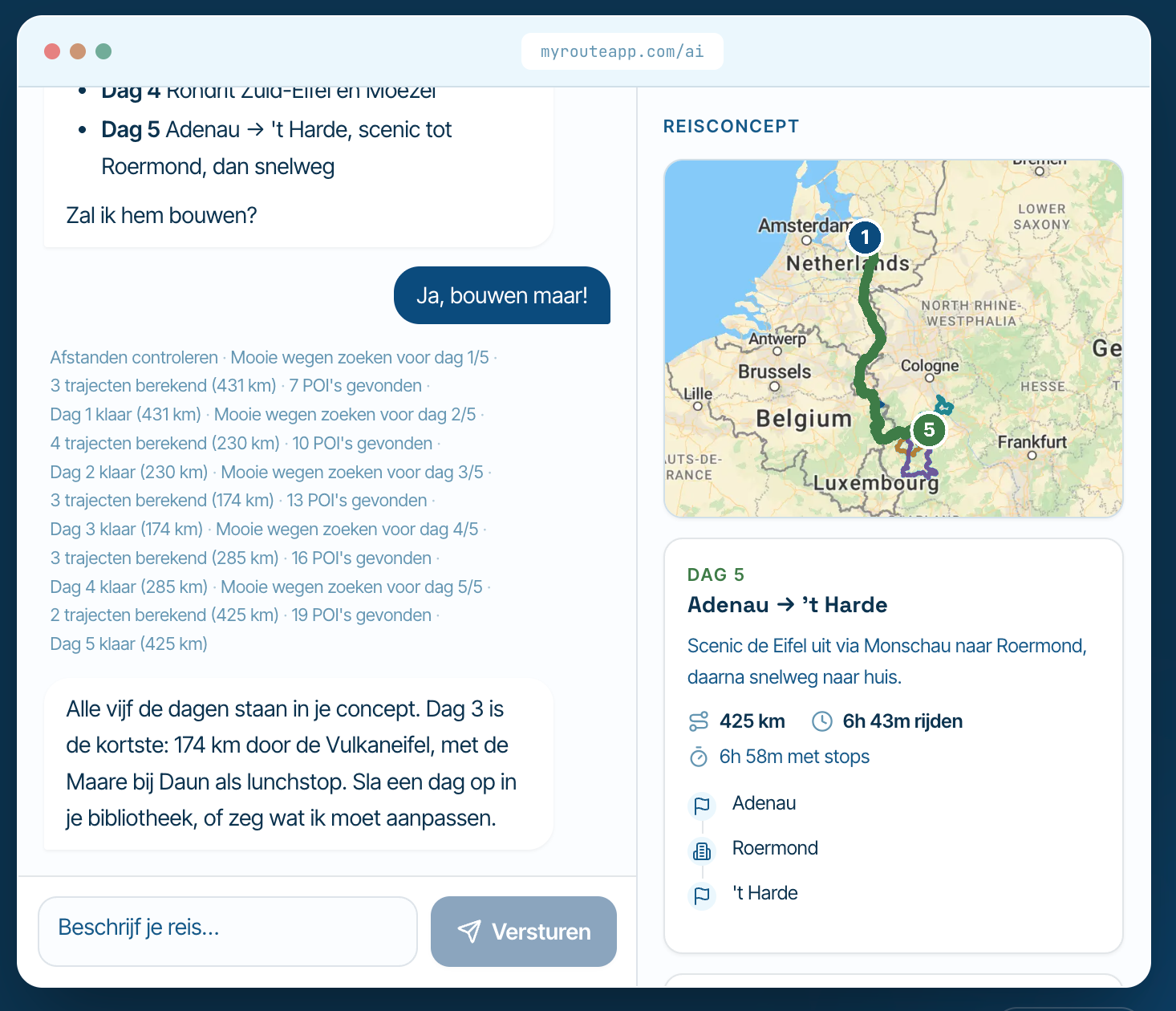
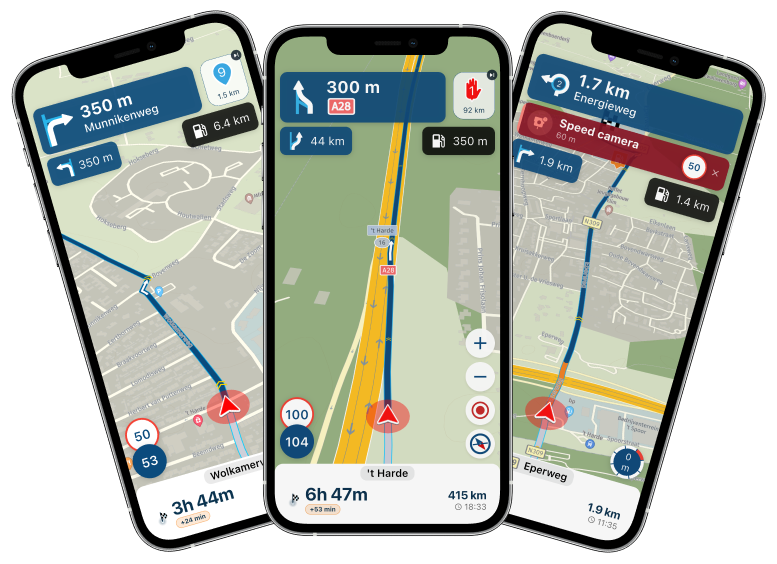
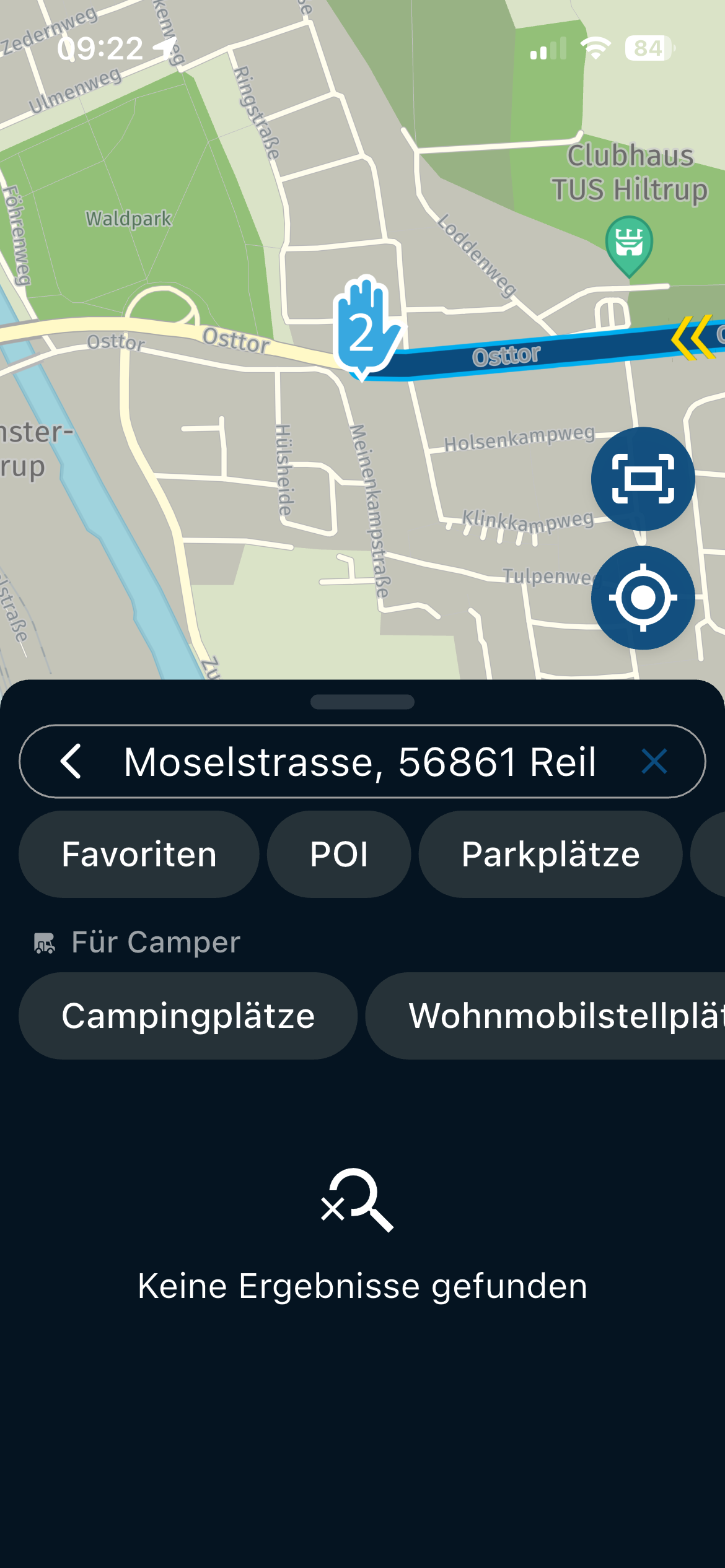
Currently, both the MyRoute-app app and the MRA Navigation app use a single list of all my routes (with the most recently viewed one at the top) in the "Tracking" and "Navigation and tracking" (and "Route planning") screens, respectively.
While I can see some value in that (especially in situations where interaction should be minimal, such as when using the Navigation app through CarPlay/Android Auto), this usually does not work for me, as I tend to work on/look at routes in any order and I won't typically have openend/worked on the next route I am going to drive last.
So I would very much like to be able to use my own familiar folder structure to find and select the route to use for tracking and/or navigation, either as a replacement for or in addition to the current list.
Note that this is specific to tracking and navigation as the "My Routes" section of the MyRoute-app app does show the full folder structure, so an alternative that would also work for me, would be to be able to start tracking and navigating (opening the route in the Navigation app) from a route selected in "My Routes".
-
Currently, both the MyRoute-app app and the MRA Navigation app use a single list of all my routes (with the most recently viewed one at the top) in the "Tracking" and "Navigation and tracking" (and "Route planning") screens, respectively.
While I can see some value in that (especially in situations where interaction should be minimal, such as when using the Navigation app through CarPlay/Android Auto), this usually does not work for me, as I tend to work on/look at routes in any order and I won't typically have openend/worked on the next route I am going to drive last.
So I would very much like to be able to use my own familiar folder structure to find and select the route to use for tracking and/or navigation, either as a replacement for or in addition to the current list.
Note that this is specific to tracking and navigation as the "My Routes" section of the MyRoute-app app does show the full folder structure, so an alternative that would also work for me, would be to be able to start tracking and navigating (opening the route in the Navigation app) from a route selected in "My Routes".

Hi Herko, A folder structure is not allowed in AppleCarplay (as far as I know).
-
Hi Herko, A folder structure is not allowed in AppleCarplay (as far as I know).

My interpretation of @Herko-ter-Horst's post is that it is expressing a wish to be able to apply and use folder structures directly in the Navigation app, in the same way as is possible in the Route Planner app? CarPlay being mentioned only as an acknowledgement that folder structures might not be compatible with it and its Android equivalent?
-
Hi Herko, A folder structure is not allowed in AppleCarplay (as far as I know).

@hans-van-de-ven-mra-master said in Suggestion: use folder structure to select route in apps for navigation and tracking:
A folder structure is not allowed in AppleCarplay (as far as I know).
Hmm, I guess they consider it a danger to be browsing through folders while driving?
I also guess they are forgetting that scrolling through endless lists is maybe even more of a danger, and drivers usually do that BEFORE they are driving...
Hello! It looks like you're interested in this conversation, but you don't have an account yet.
Getting fed up of having to scroll through the same posts each visit? When you register for an account, you'll always come back to exactly where you were before, and choose to be notified of new replies (either via email, or push notification). You'll also be able to save bookmarks and upvote posts to show your appreciation to other community members.
With your input, this post could be even better 💗
Register Login-
9871.7k
-
 5781.5k
-
 0578
0578
-
 018659
-
 1332376
-
 0224
0224
-
1230