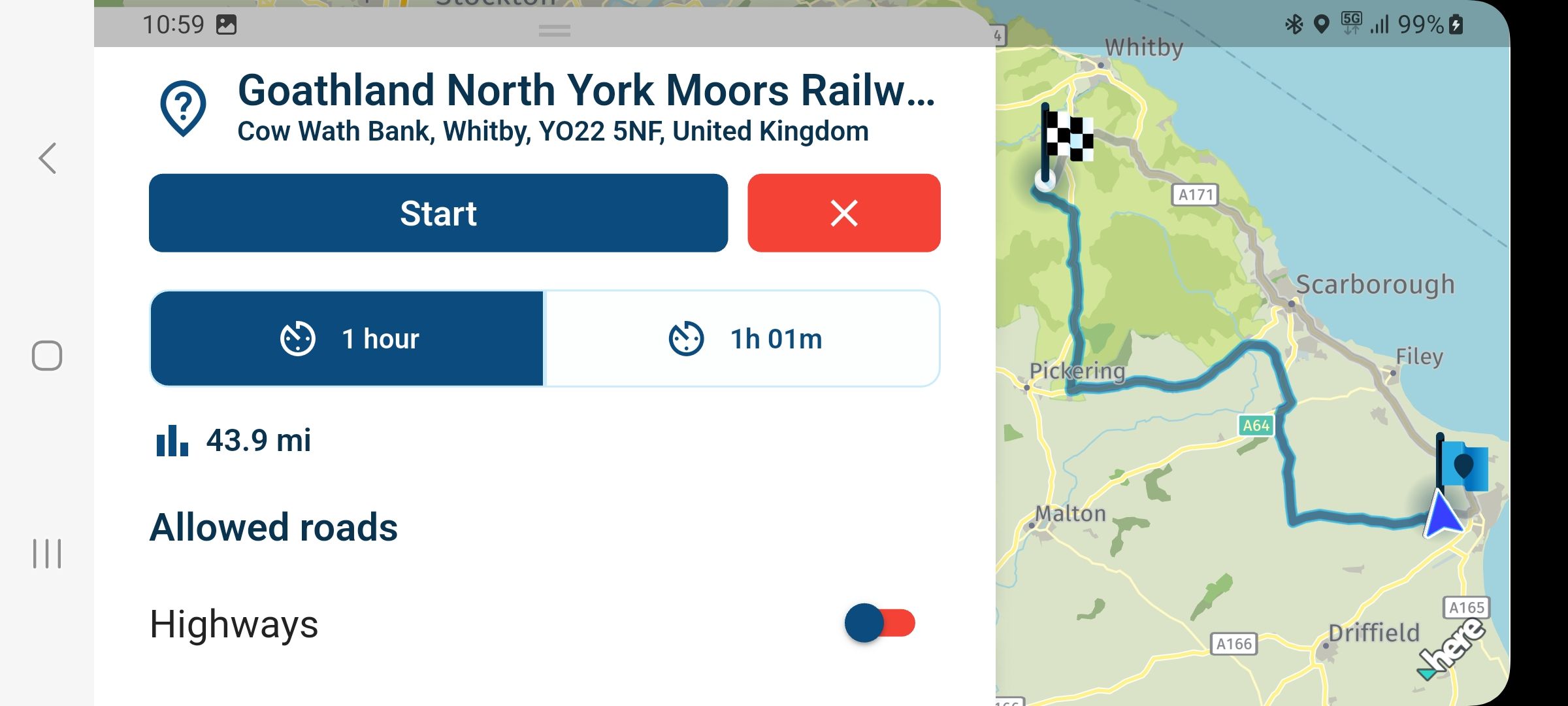
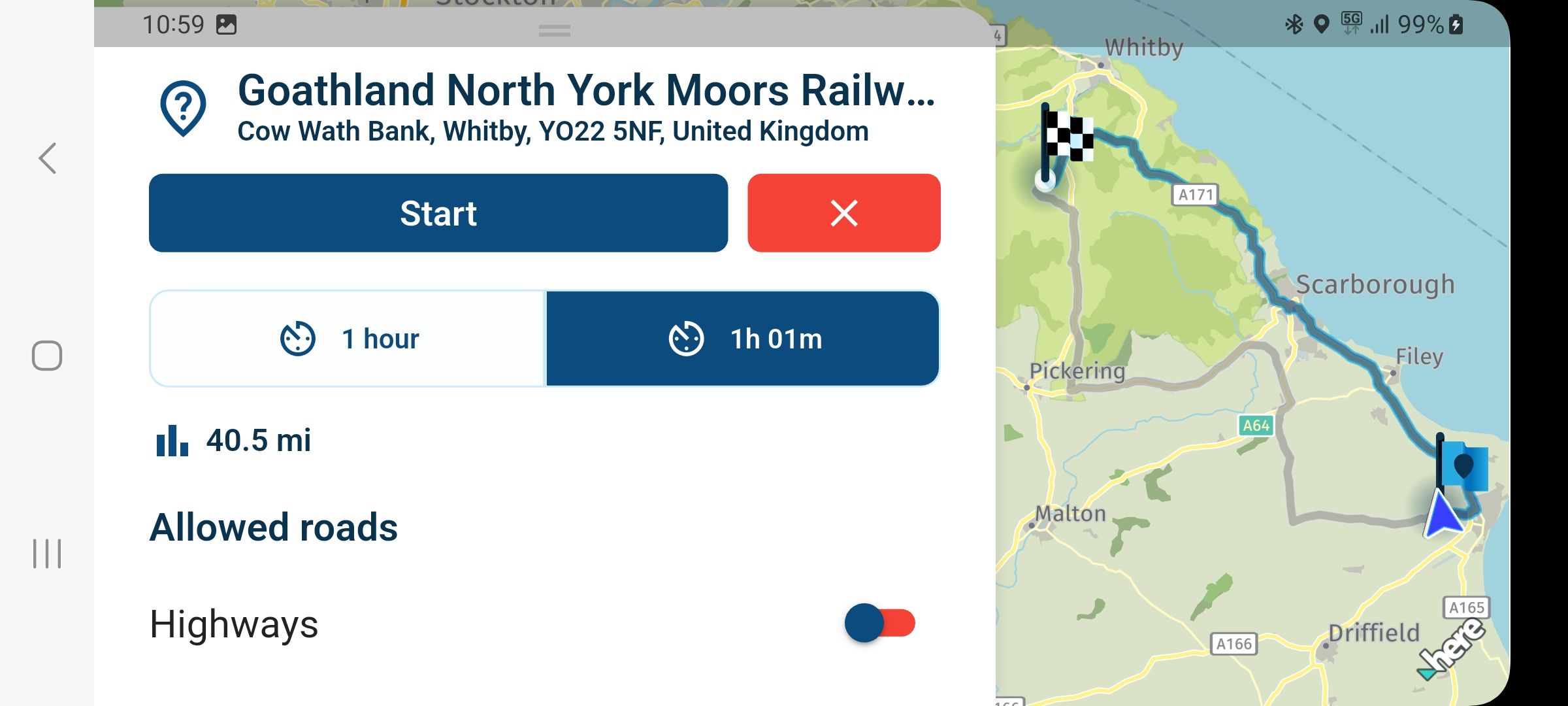
Route differences since new update!
-

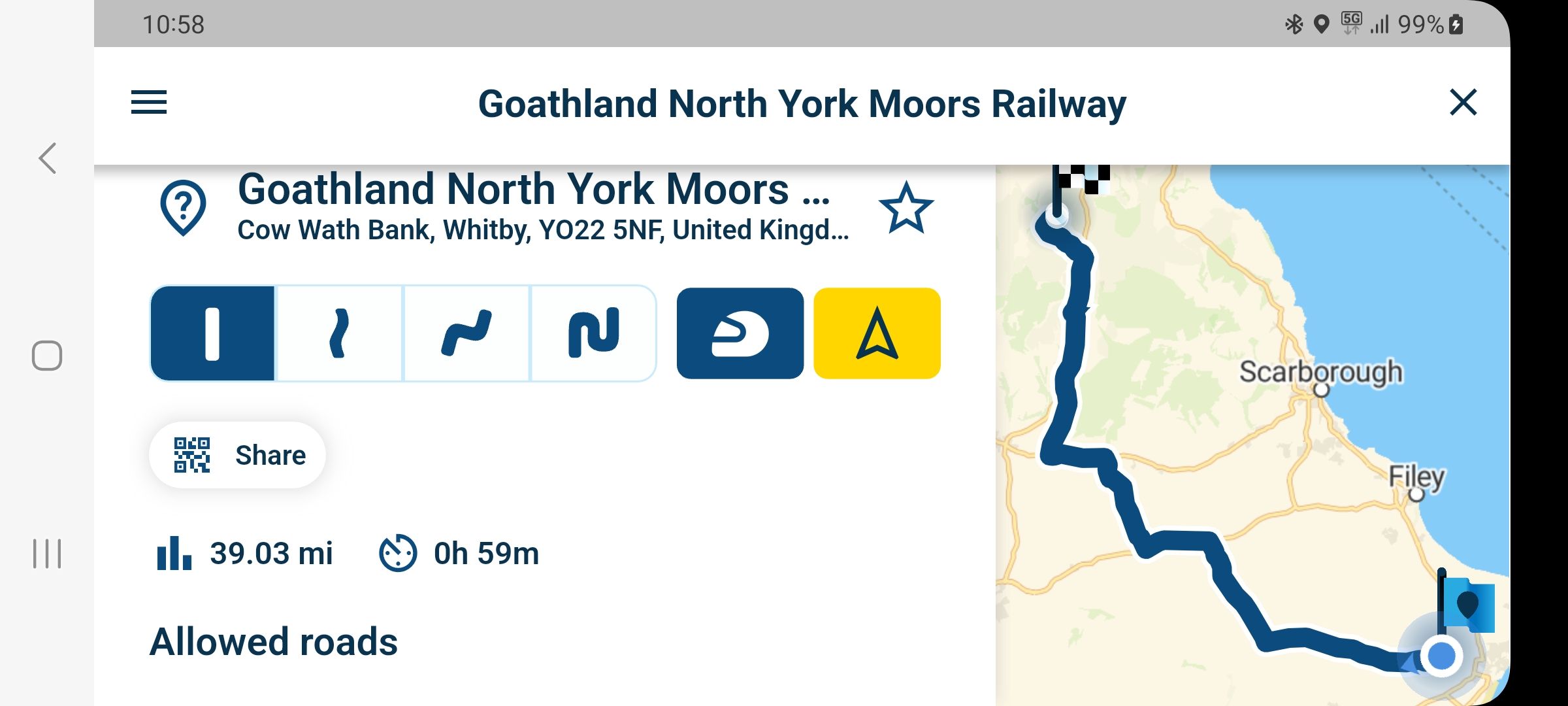
When planning my routes on the computer, it often happens that Here
 simply refuses to take a certain road.
This has often irritated or annoyed me.
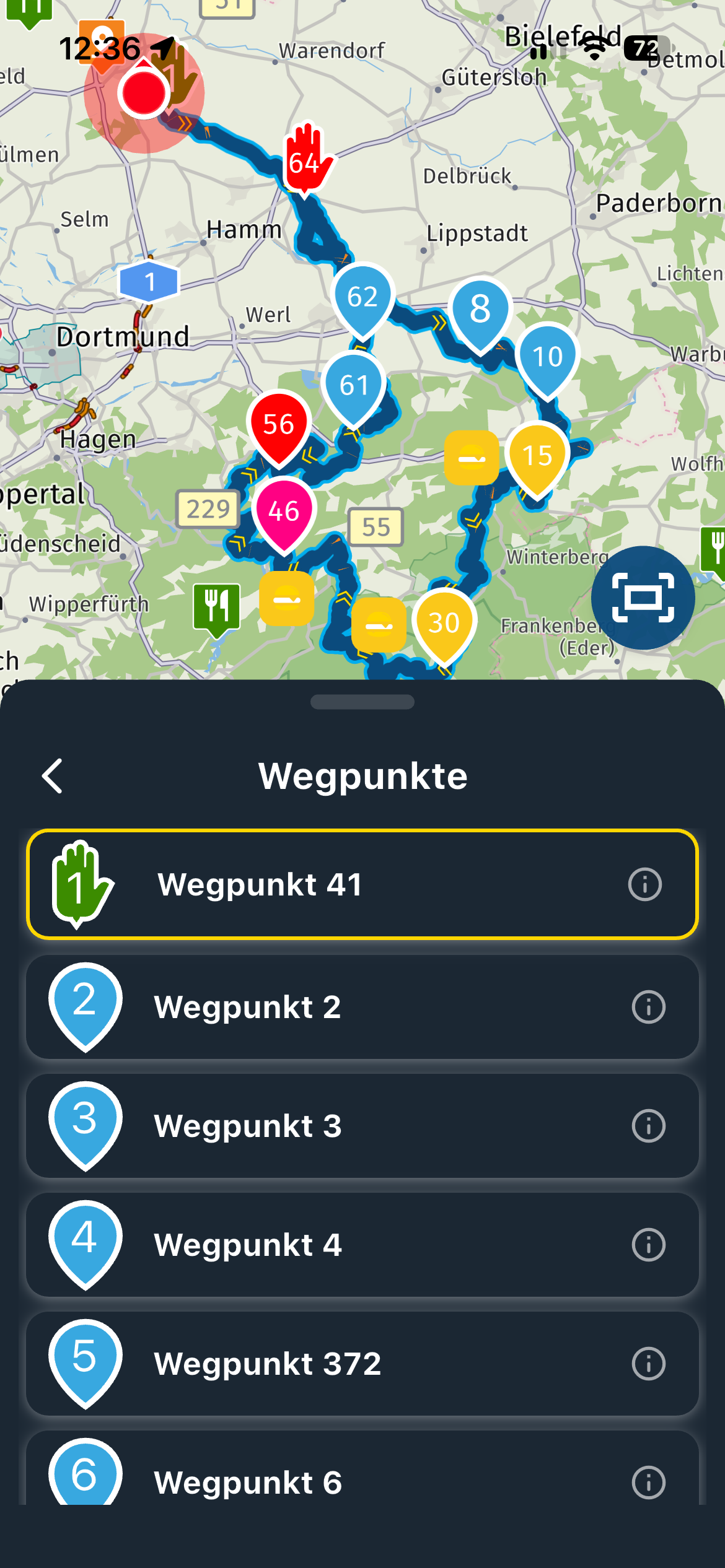
The reason is almost always that part of the route is marked as closed or similar in Here. Unfortunately, this can only be seen when zooming in significantly and when the traffic layer is active.
Therefore, turning off traffic-aware routing would be an option when driving. However, this is not possible when planning, as the route is simply not feasible.
RTTranslated with DeepL.com (free version)
-
When planning my routes on the computer, it often happens that Here
simply refuses to take a certain road.
This has often irritated or annoyed me.
The reason is almost always that part of the route is marked as closed or similar in Here. Unfortunately, this can only be seen when zooming in significantly and when the traffic layer is active.
Therefore, turning off traffic-aware routing would be an option when driving. However, this is not possible when planning, as the route is simply not feasible.
RTTranslated with DeepL.com (free version)

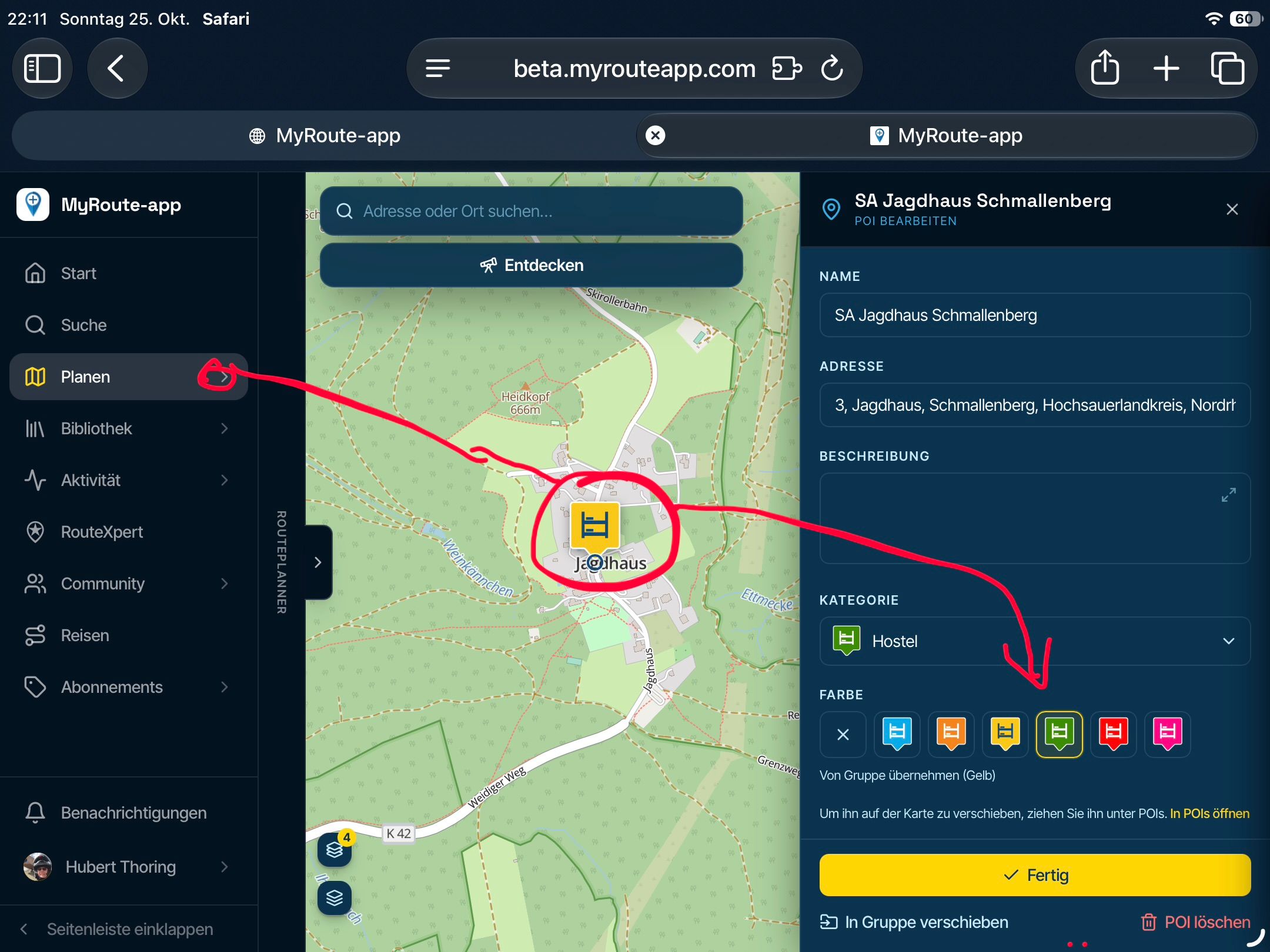
@Rainer-Treichel Hi Rainer. This has nothing to do with the update. Its simply how planning works. You're right with the conclusion that turning on the traffic layer gives you insite. Of you're shure that the obstruction is not a problem you can solve that with the Offroad Jeep sign so that piece will be ignored
Hello! It looks like you're interested in this conversation, but you don't have an account yet.
Getting fed up of having to scroll through the same posts each visit? When you register for an account, you'll always come back to exactly where you were before, and choose to be notified of new replies (either via email, or push notification). You'll also be able to save bookmarks and upvote posts to show your appreciation to other community members.
With your input, this post could be even better 💗
Register Login


-
 011798
-
 0418
0418
-
 09113
09113
-
0375
-
 05231
05231
-
0316
-
 0280
0280
-