Track/Route not exporting to Rider410
-
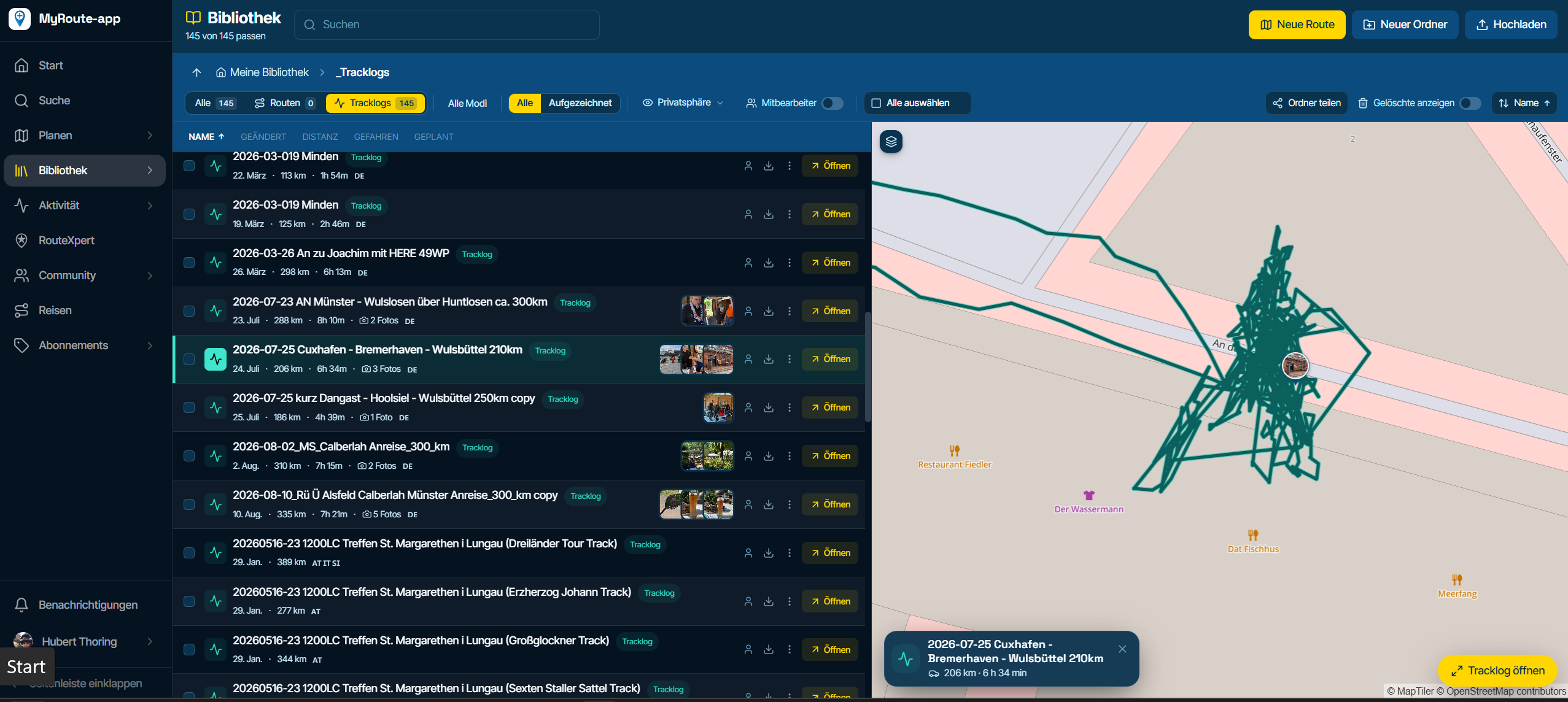
After planning a new route and exporting to Rider 410 it only shows as a GPX file in the list on the device. There's no separate route or track and it doesn't show the file name correctly. If I export an older route from my MRA route list there's no problem everything is correct, it's only on new routes I'm planning now or edited old routes. Anyone else had this problem?
-
After planning a new route and exporting to Rider 410 it only shows as a GPX file in the list on the device. There's no separate route or track and it doesn't show the file name correctly. If I export an older route from my MRA route list there's no problem everything is correct, it's only on new routes I'm planning now or edited old routes. Anyone else had this problem?

@Brian-Martin said in Track/Route not exporting to Rider410:
After planning a new route and exporting to Rider 410 it only shows as a GPX file in the list on the device. There's no separate route or track and it doesn't show the file name correctly. If I export an older route from my MRA route list there's no problem everything is correct, it's only on new routes I'm planning now or edited old routes. Anyone else had this problem?
I have a Rider 500 and don’t have any problems exporting routes. How is the file name incorrect? Can you elaborate please.
Hello! It looks like you're interested in this conversation, but you don't have an account yet.
Getting fed up of having to scroll through the same posts each visit? When you register for an account, you'll always come back to exactly where you were before, and choose to be notified of new replies (either via email, or push notification). You'll also be able to save bookmarks and upvote posts to show your appreciation to other community members.
With your input, this post could be even better 💗
Register Login-
 0729
0729
-
0868
-
 81655.4k
-
0346
-
 01089
01089
-
1833
-
0262
-
16266