Increase display size of speed limit and speed in Android Auto/Car Play?
-

Suggestion - am sure quite a few of us are in reading glasses! as we get older.
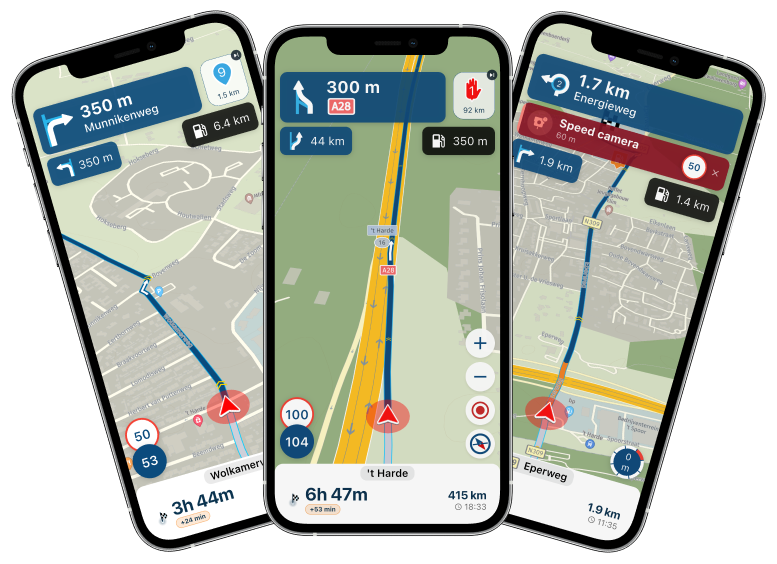
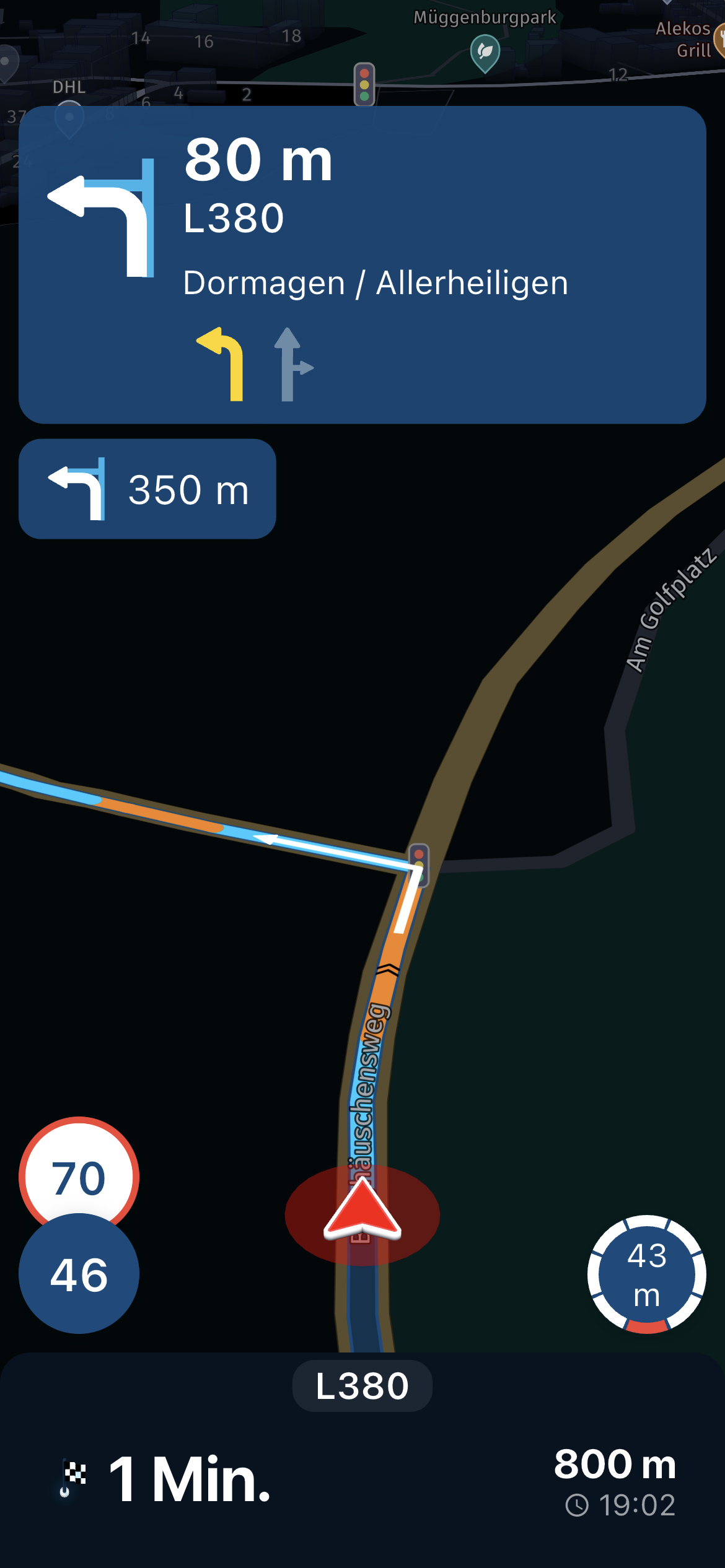
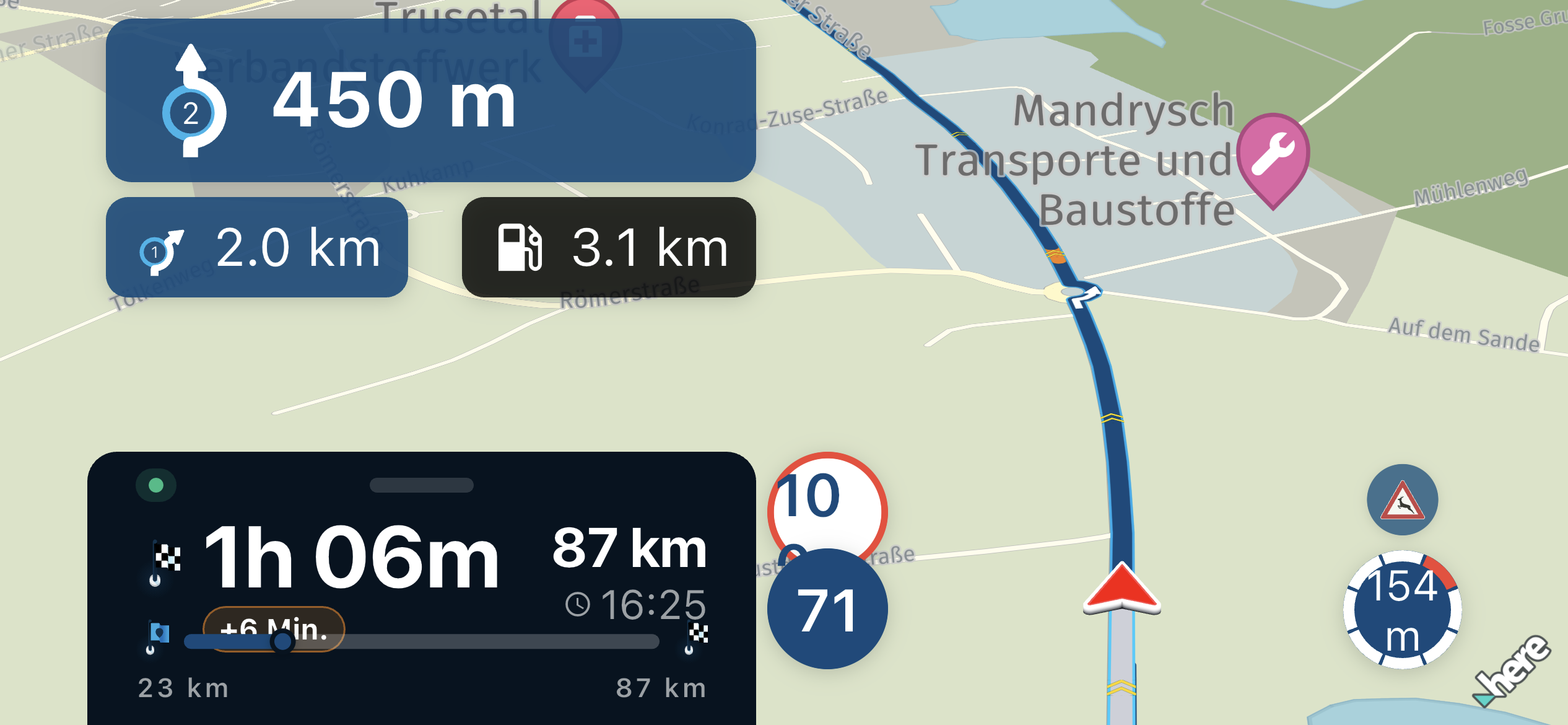
I am using a 7" Andoid Auto/Carplay screen and using this with MRA Navigation Next is excellent. Only issue is the speed limit and speed I am travelling in top right of screen is not that readable if you have poorer near vision eye sight, but also even with good eyesight a glance at it is difficult to read. (I am reporting this from an Anrdroid user - not sure if same issue with CarPlay?).
Suggest - would it be possible in settings on device to be able to increase size of the Speed limit and your speed objects so user can increase them (especially if they are using larger Android Auto/Car Play units.
Apart from this the improvements for Android Auto in the 4.1.3 version are brilliant, keep up the excellent work.
-
Suggestion - am sure quite a few of us are in reading glasses! as we get older.
I am using a 7" Andoid Auto/Carplay screen and using this with MRA Navigation Next is excellent. Only issue is the speed limit and speed I am travelling in top right of screen is not that readable if you have poorer near vision eye sight, but also even with good eyesight a glance at it is difficult to read. (I am reporting this from an Anrdroid user - not sure if same issue with CarPlay?).
Suggest - would it be possible in settings on device to be able to increase size of the Speed limit and your speed objects so user can increase them (especially if they are using larger Android Auto/Car Play units.
Apart from this the improvements for Android Auto in the 4.1.3 version are brilliant, keep up the excellent work.

Hi @Rob-Smith!
I know that the speed limit is a anise feature for most of the days navigation systems, but my personal opinion is, that it might be a good idea to remove them from the displays, as no map material or any other data source can be as accurate and up to date as it is needed for us driver to use them seriously. They are often misleading and they increase the risk to be speeding because we use this data from the navigation system.
I understand your request.
Greetings
Tom
Hello! It looks like you're interested in this conversation, but you don't have an account yet.
Getting fed up of having to scroll through the same posts each visit? When you register for an account, you'll always come back to exactly where you were before, and choose to be notified of new replies (either via email, or push notification). You'll also be able to save bookmarks and upvote posts to show your appreciation to other community members.
With your input, this post could be even better 💗
Register Login-
 841389
-
434322
-
 18261.8k
-
 67507
67507
-
1226231
-
 0565
0565
-
 0418
0418
-
08692