How to stop mentioning the via points
-

Tijdens gebruik van carplay, krijg ik constant meldingen van '... meters tot routepunt' en 'routepunt bereikt'.
Hoe kan ik deze meldingen uitzetten? -
Tijdens gebruik van carplay, krijg ik constant meldingen van '... meters tot routepunt' en 'routepunt bereikt'.
Hoe kan ik deze meldingen uitzetten?
@Albert-Renting Go to Navigation settings and open the Audio settings.
Always willing to help if I can.
Triumph Tiger 1200 XRT called Tina.
MRA Navigation Next and SilverFox BJ8 -
@Albert-Renting Go to Navigation settings and open the Audio settings.
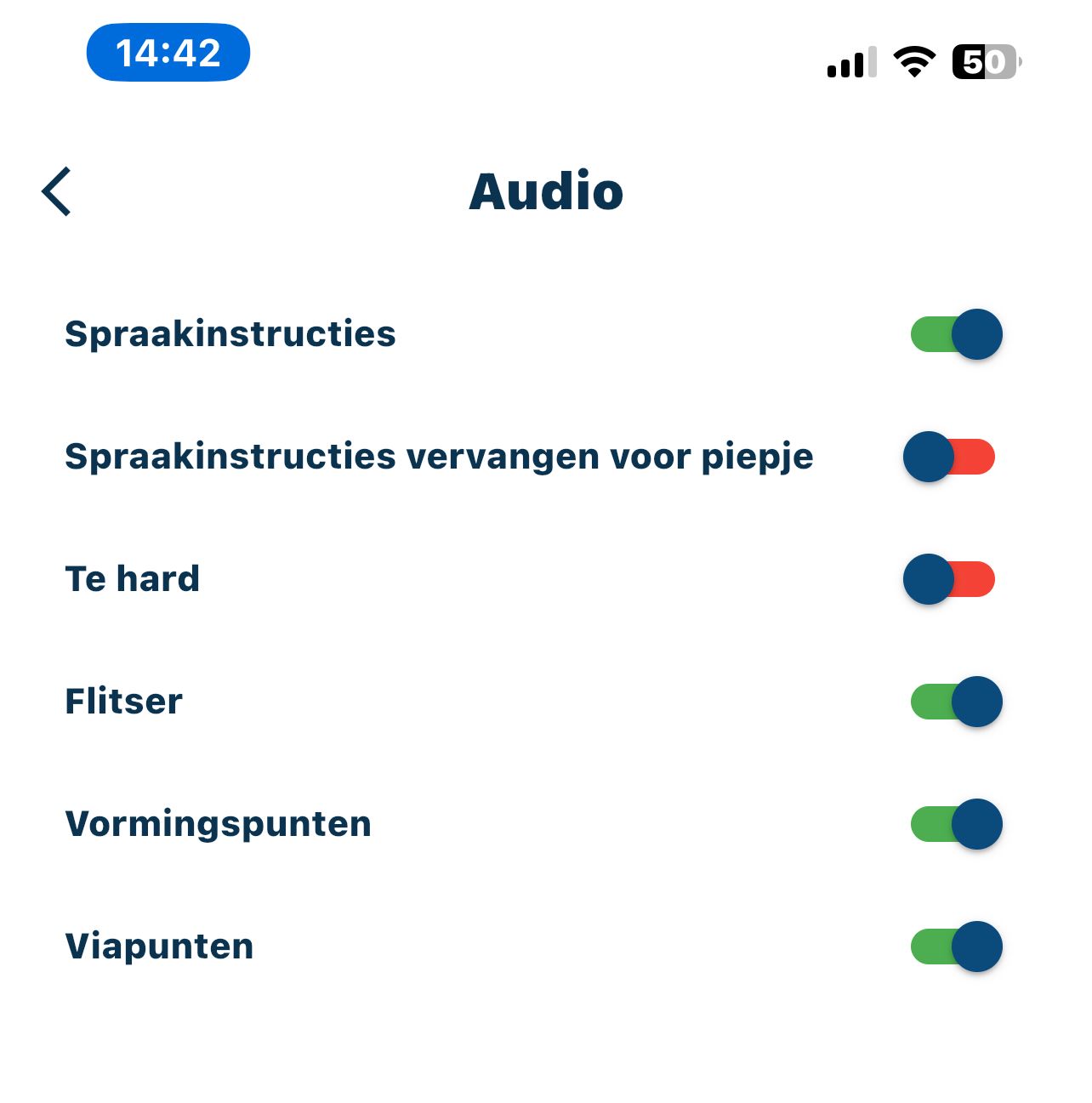
@Nick-Carthew Okay, I've done that, and I've got the first option (spraakinstructies) activated, the second (spraakinstructies vervangen voor piepjes) en the third one (te hard) de-activated and the last three again activated.
Should I de-activate the first option (spraakinstructies) as well? Don't I lose all instructions then? -
@Nick-Carthew Okay, I've done that, and I've got the first option (spraakinstructies) activated, the second (spraakinstructies vervangen voor piepjes) en the third one (te hard) de-activated and the last three again activated.
Should I de-activate the first option (spraakinstructies) as well? Don't I lose all instructions then?
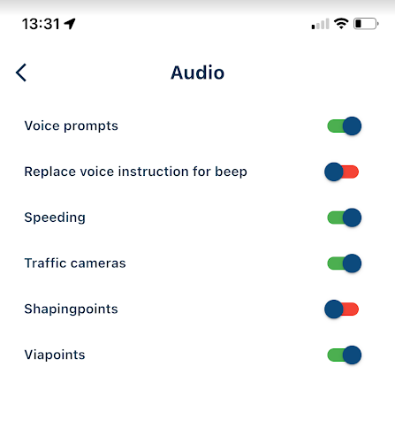
@Albert-Renting These are the settings that I use. I have shaping points turned off and via points turned on.
Always willing to help if I can.
Triumph Tiger 1200 XRT called Tina.
MRA Navigation Next and SilverFox BJ8 -
@Albert-Renting These are the settings that I use. I have shaping points turned off and via points turned on.
Hello! It looks like you're interested in this conversation, but you don't have an account yet.
Getting fed up of having to scroll through the same posts each visit? When you register for an account, you'll always come back to exactly where you were before, and choose to be notified of new replies (either via email, or push notification). You'll also be able to save bookmarks and upvote posts to show your appreciation to other community members.
With your input, this post could be even better 💗
Register Login-
 5994.0k
-
 0440
0440
-
 025935
-
08235
-
1219
-
0226
-
 01293
01293
-
 06155
06155