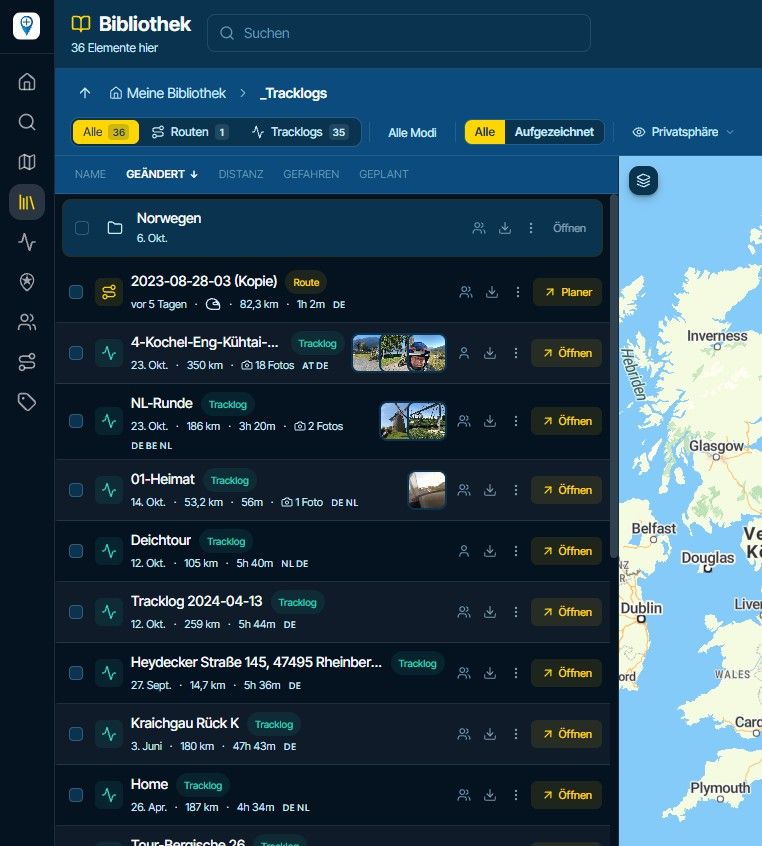
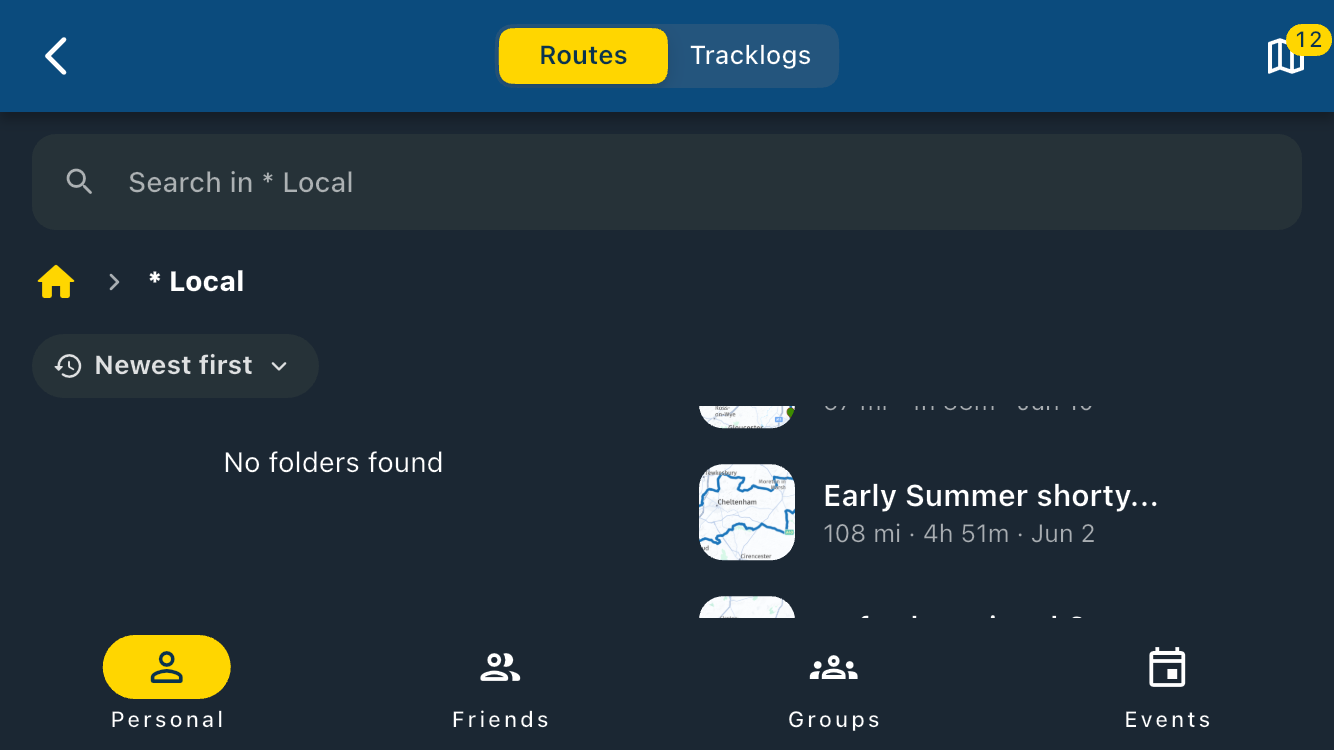
#30691 Using Garmin Drive to send routes to Garmin XT. Route line is removed!
-
Hi,
This is linked to a previous support case on an iPad Pro where switching from the route planner to a forum post and back to the route planner caused the route line to disappear.
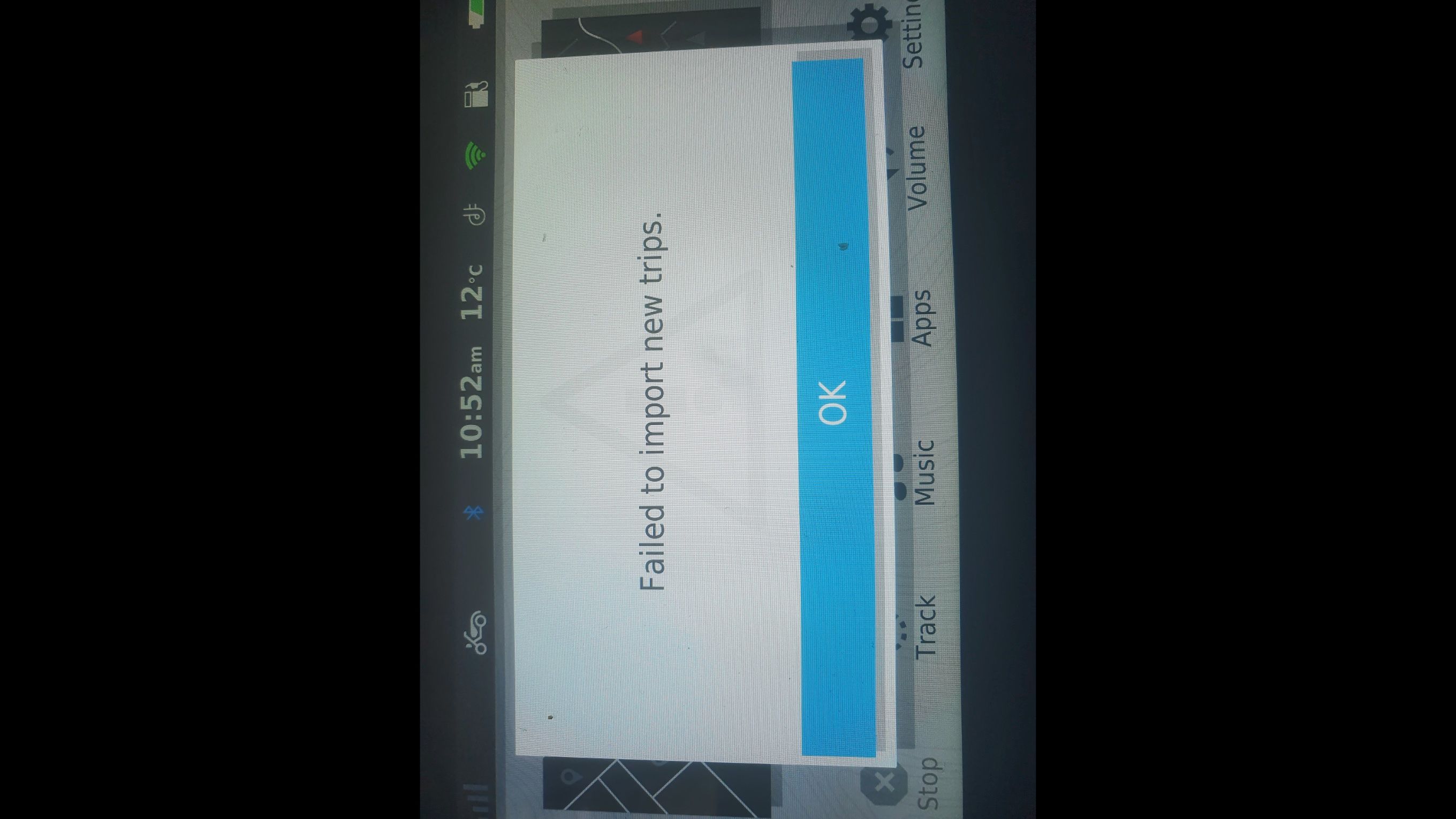
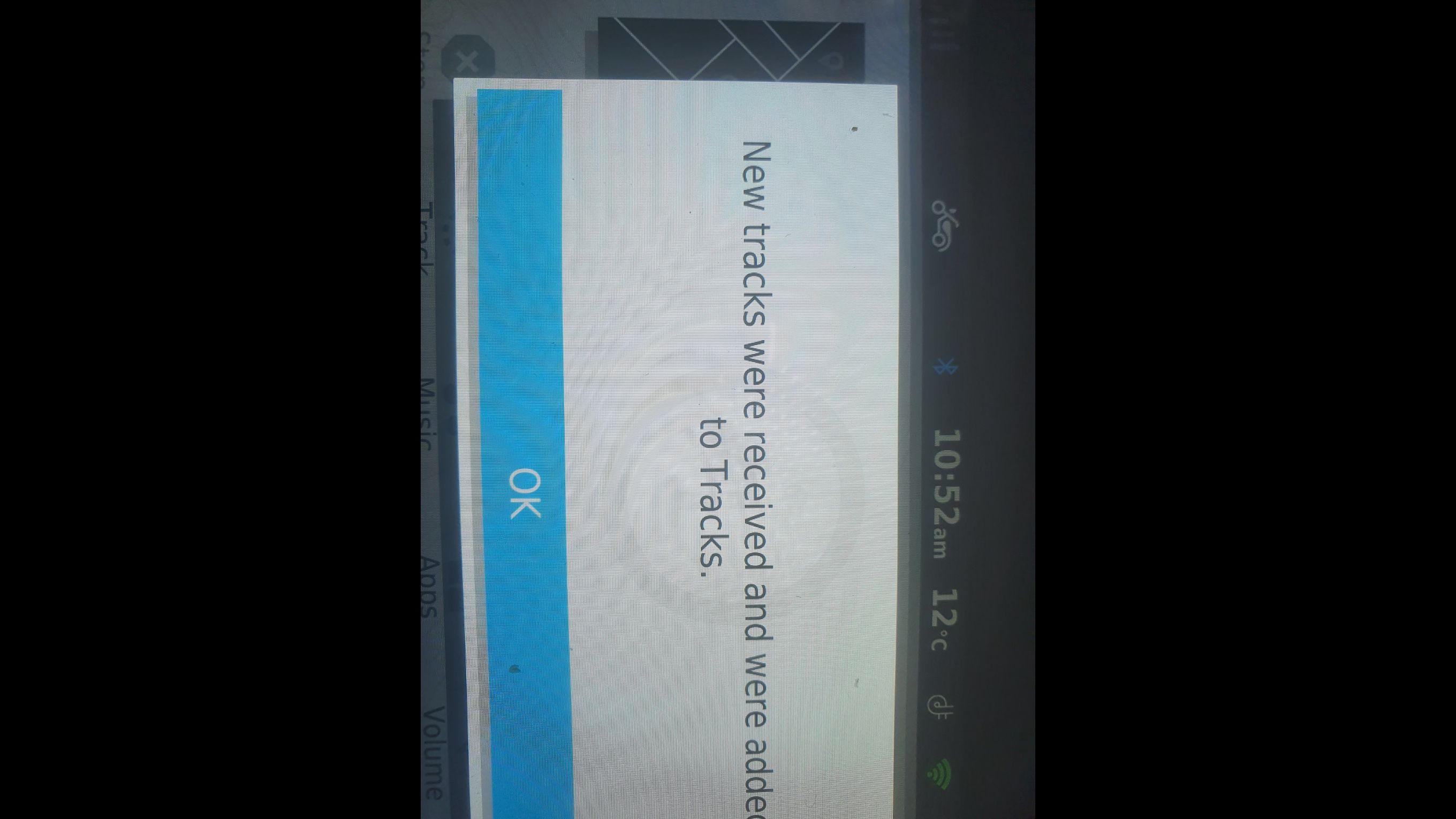
This was resolved but using the Garmin Drive in conjunction with the Route planner to transfer a route to my Garmin XT also removes the route line and the route is not automatically created in the Trip planner.
This is due to the track only showing the first and last via points (Hand Icons) I believe.
The link below is a YouTube video demonstrating the issue.
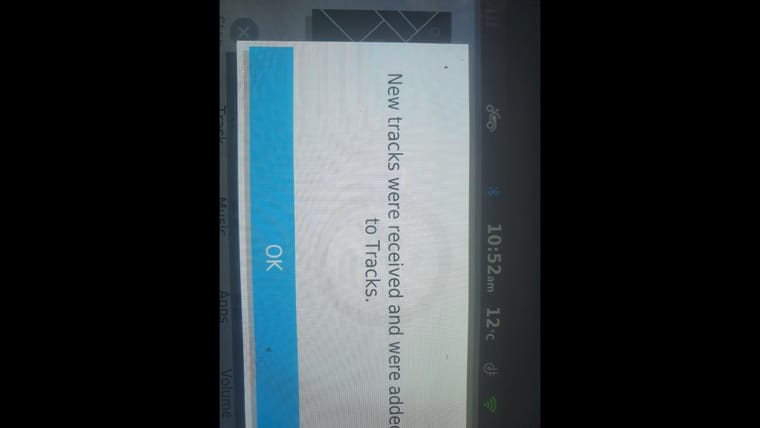
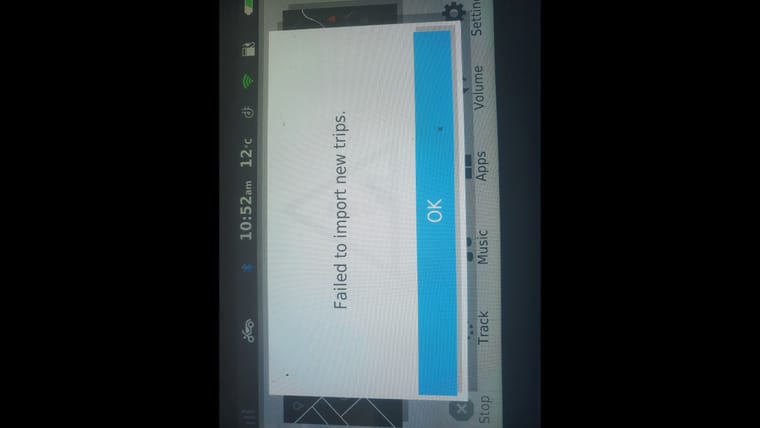
The video is not Public and is only available via the link below.Below are screenshots of the Garmin XT.
Can someone with an iPad Pro test this to verify if it is just for me.
I use GPX1.1 (Route, Track, Poi) because I never use Via points apart from the obligatory first and last waypoints.Obviously I can use the Connector which works but when on tour I don’t want to travel with a PC.
You don’t stop riding when you get old, you get old when you stop riding.
-
Hi,
This is linked to a previous support case on an iPad Pro where switching from the route planner to a forum post and back to the route planner caused the route line to disappear.
This was resolved but using the Garmin Drive in conjunction with the Route planner to transfer a route to my Garmin XT also removes the route line and the route is not automatically created in the Trip planner.
This is due to the track only showing the first and last via points (Hand Icons) I believe.
The link below is a YouTube video demonstrating the issue.
The video is not Public and is only available via the link below.Below are screenshots of the Garmin XT.
Can someone with an iPad Pro test this to verify if it is just for me.
I use GPX1.1 (Route, Track, Poi) because I never use Via points apart from the obligatory first and last waypoints.Obviously I can use the Connector which works but when on tour I don’t want to travel with a PC.

@steve-lynch I have testet it at my Garmin ZumoXT ( Ver. 6.40)and the Drive App (version 4.18.46) at my Apple Ipad 11 pro without any problems. The route was calculated after the transfer from my IPad to my garmin without any manual input and the track was there as well. But I handle the export different as you do. After I have exported the Route/ Track in the topmost GPX 1.1 Format I use my file browser and navigate to the download folder. The I use the share function to the Drive app. But this should not make the differences.
When I switched back to my browser some from the route line was disappeared. After a browser refresh everything was ok. -
@steve-lynch I have testet it at my Garmin ZumoXT ( Ver. 6.40)and the Drive App (version 4.18.46) at my Apple Ipad 11 pro without any problems. The route was calculated after the transfer from my IPad to my garmin without any manual input and the track was there as well. But I handle the export different as you do. After I have exported the Route/ Track in the topmost GPX 1.1 Format I use my file browser and navigate to the download folder. The I use the share function to the Drive app. But this should not make the differences.
When I switched back to my browser some from the route line was disappeared. After a browser refresh everything was ok.
Thanks for taking the time to test this and for your detailed explanation.
I will try using the share option to Garmin Drive instead of using the "Open In" via Chrome. -
@steve-lynch I have testet it at my Garmin ZumoXT ( Ver. 6.40)and the Drive App (version 4.18.46) at my Apple Ipad 11 pro without any problems. The route was calculated after the transfer from my IPad to my garmin without any manual input and the track was there as well. But I handle the export different as you do. After I have exported the Route/ Track in the topmost GPX 1.1 Format I use my file browser and navigate to the download folder. The I use the share function to the Drive app. But this should not make the differences.
When I switched back to my browser some from the route line was disappeared. After a browser refresh everything was ok.
For me the route is correct but it is not a GPX1.1 file as it only has 2 waypoints. (Start and Finish flags.)
I’ll stick with the connector on a PC for the time being until the disappearing route line issue is fixed on iOS as this is clearly an issue.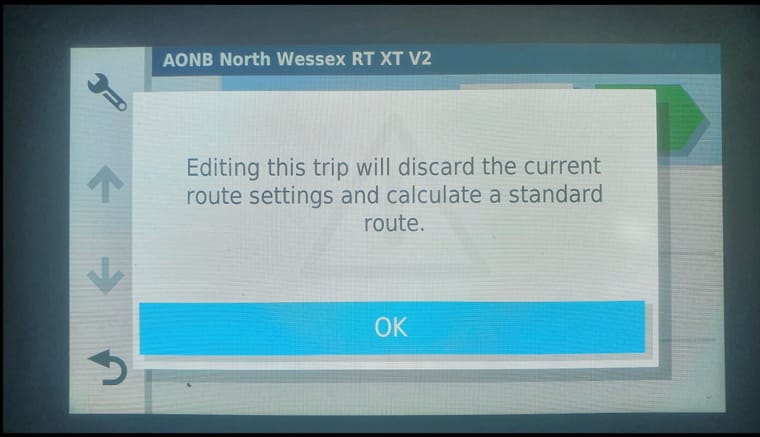
-

A little off topic but a point I feel needs to be made.
Garmin devices across the board all seem to be very particular and fussy and have annoying, idiosyncrasies that need to be managed, unlike the often frowned upon TomToms. Very seldom does a topic contain genuine problems relating to TomToms.
Guess what I use
-
A little off topic but a point I feel needs to be made.
Garmin devices across the board all seem to be very particular and fussy and have annoying, idiosyncrasies that need to be managed, unlike the often frowned upon TomToms. Very seldom does a topic contain genuine problems relating to TomToms.
Guess what I use
I have a TT 550 but the screen is a little small for my ageing eyes even with my glasses on!
I have moved to using the Connector on a PC which has no issues once Garmin Express finally……….. Connects
-
A little off topic but a point I feel needs to be made.
Garmin devices across the board all seem to be very particular and fussy and have annoying, idiosyncrasies that need to be managed, unlike the often frowned upon TomToms. Very seldom does a topic contain genuine problems relating to TomToms.
Guess what I use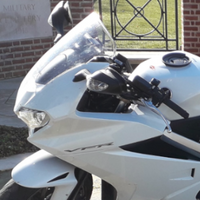
@nick-carthew Another point then is in its place : roughly estimated (no objective numbers were consulted), Garmin is "only" about 50% of the GPS devices. Let it even be "only" 40%. Shouldn't MRA "just as well" work with Garmins, then ? I think picking on Garmin is a little too easy.
Let it be said that all too frequently, as a regular customer, I feel like one of MRA's beta testers : once some feature works, another time (mostly after introducing yet another feature) it's broken (or rebroken) again. So then be reading that Garmin is to be blaimed is pushing it too far.
Ending with the Dutch proverb : "spreken is zilver, zwijgen is goud".
-
@nick-carthew Another point then is in its place : roughly estimated (no objective numbers were consulted), Garmin is "only" about 50% of the GPS devices. Let it even be "only" 40%. Shouldn't MRA "just as well" work with Garmins, then ? I think picking on Garmin is a little too easy.
Let it be said that all too frequently, as a regular customer, I feel like one of MRA's beta testers : once some feature works, another time (mostly after introducing yet another feature) it's broken (or rebroken) again. So then be reading that Garmin is to be blaimed is pushing it too far.
Ending with the Dutch proverb : "spreken is zilver, zwijgen is goud".
@sudolea I agree with you entirely about MRA working with all brands of gps, my point is; the Tomtom devices have a much simpler interface to work with.
Always willing to help if I can.
Triumph Tiger 1200 XRT called Tina.
MRA Navigation Next and SilverFox BJ8 -
@sudolea I agree with you entirely about MRA working with all brands of gps, my point is; the Tomtom devices have a much simpler interface to work with.
Yes I agree that the TT’s are far simpler but the XT is just so beautiful.

Despite a bit of a learning curve getting to know the XT I now have a way of working that suits me fine using the XT Trip Planner exclusively.
Hello! It looks like you're interested in this conversation, but you don't have an account yet.
Getting fed up of having to scroll through the same posts each visit? When you register for an account, you'll always come back to exactly where you were before, and choose to be notified of new replies (either via email, or push notification). You'll also be able to save bookmarks and upvote posts to show your appreciation to other community members.
With your input, this post could be even better 💗
Register Login-
 1587
1587
-
 0531
0531
-
 18210
18210
-
 138510
-
0327
-
 0276
0276
-
0277
-
03176