change directory for "save as"
-
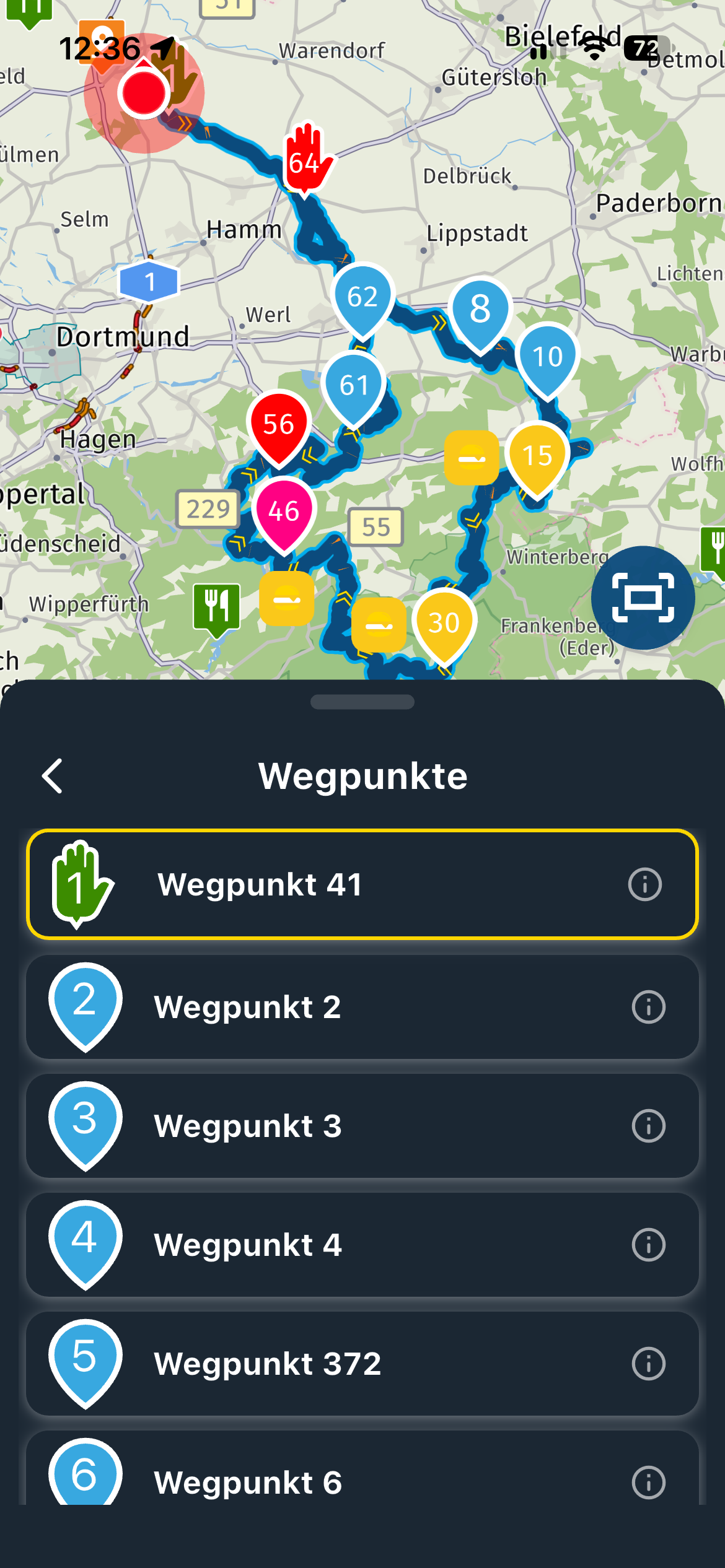
when you want to record a route using "save as", the recording is done in the "download" folder ... why can't we change the directory?

@max-auger Once the route is in your download folder, you can move it to where you want.
Always willing to help if I can.
Triumph Tiger 1200 XRT called Tina.
MRA Navigation Next and SilverFox BJ8 -
@max-auger Once the route is in your download folder, you can move it to where you want.

@Nick-Carthew bien sur , mais cela ne repond pas a ma question, et je trouve ca assez genant
-
Hi Max,
could you give some details on which device etc. you're doing this?
This might be depending on the browser setting on your PC/mobile phone etc.
On my PC this is no issue- however just checked it on the mobile phone (Android + Chrome) and there the gpx file is stored in "Downloads" without asking, although browser settings are "ask where to store files = active"
Cheers, Sven
Hello! It looks like you're interested in this conversation, but you don't have an account yet.
Getting fed up of having to scroll through the same posts each visit? When you register for an account, you'll always come back to exactly where you were before, and choose to be notified of new replies (either via email, or push notification). You'll also be able to save bookmarks and upvote posts to show your appreciation to other community members.
With your input, this post could be even better 💗
Register Login-
 011799
-
 0418
0418
-
09114
-
 0383
0383
-
0317
-
 0282
0282
-
 05234
05234
-