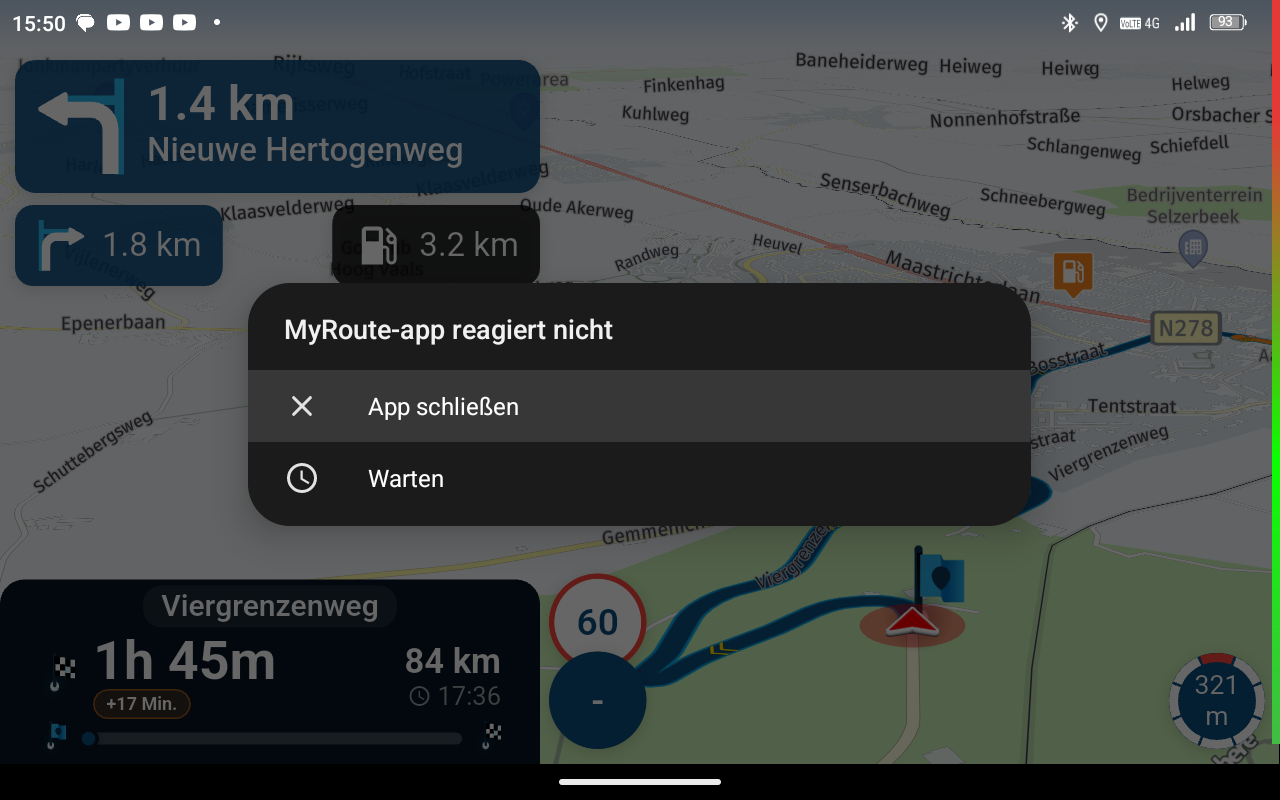
Auto skip many waypoints by itself while I was on route. [5.2.0 - 474]
-
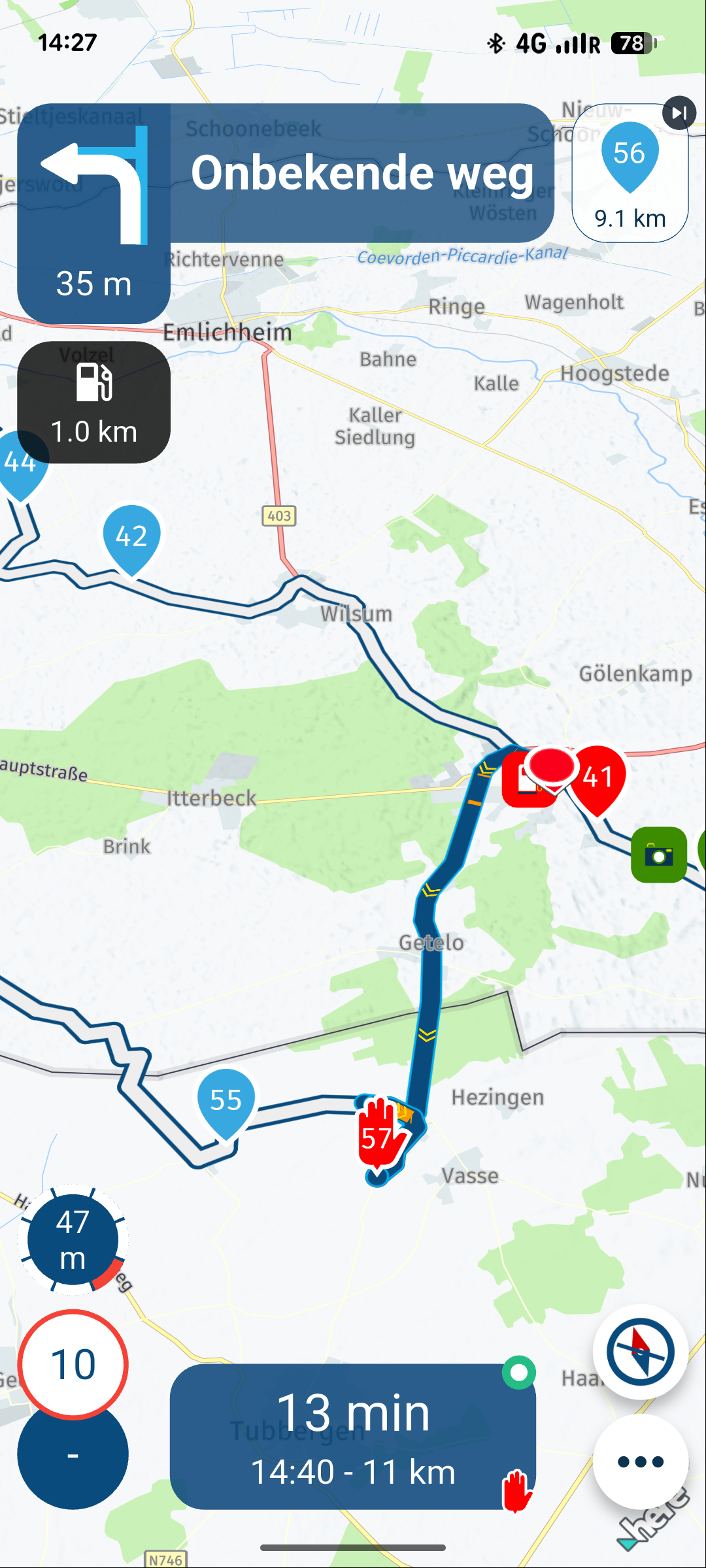
Today i rode the route again. Just to see if the same problem happens again. And it did. Same place same result.
I lost cell coverage and approx 500 meters later, point 42 was skipped to point 56.See the result in the screenshot below

@M.-Schrijver send me a link to that route and if you want me to I'll have a look at it
-

The same as on the first page:
https://www.myrouteapp.com/nl/social/route/14017569?mode=share -
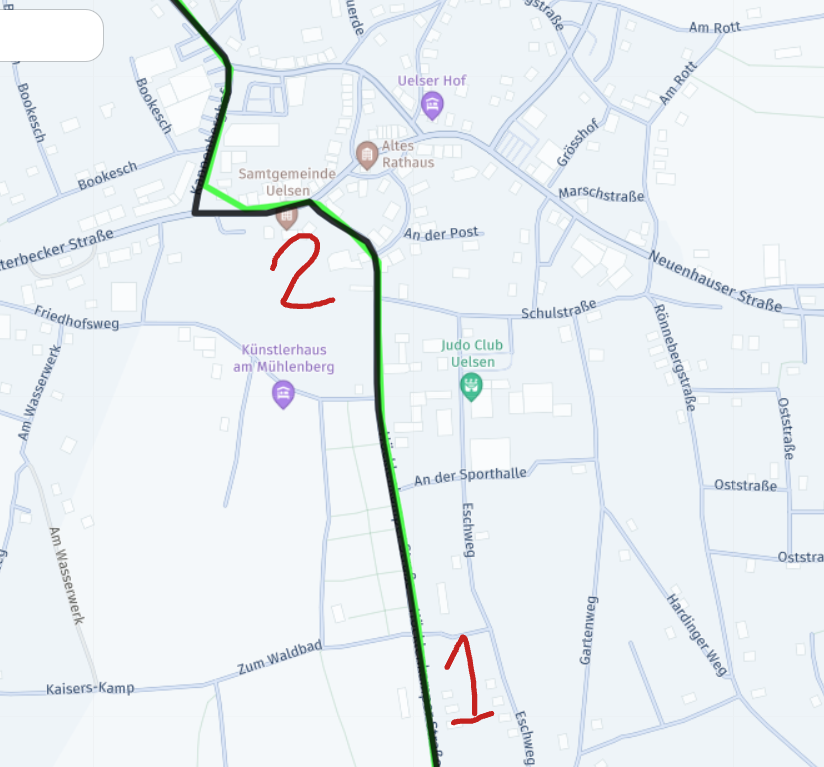
Approx. at point 1 i lost my cell coverage.
At point 2 I heard and saw the auto skipping to point 56This was in the town center of Uelsen
-
Jumping waypoints has been an issue for me for a while. I've had the issue with it skipping waypoints over several versions since the rewrite.
I have skipping waypoints and rerouting turned off.
I've noticed it when I'm doing a loop and an early waypoint and a later waypoint are nearby ~20 miles. It will jump to that point and not give any warning until it starts trying route me to the later point. I hadn't noticed the status of cell coverage but most areas I ride have poor coverage.
I made a forum post a while back and didn't get much response so thought it might be specific to my setup.
-
Approx. at point 1 i lost my cell coverage.
At point 2 I heard and saw the auto skipping to point 56This was in the town center of Uelsen
@M.-Schrijver My suspicion is that at that moment, point 56 was closer than point 42 and the app wanted to go there. What I always try to do myself is place a point after the turn at every change of street/direction. If I see that there are no points on a long stretch, I add a few (after a fork or turn). Then, if something happens, I can skip the points more easily, or, as in your case, prevent the app from wanting to go to a closer point. Personally, I have automatic point skipping turned off (so this doesn't happen) and recalculate enabled.
-
I agree that point 56 pretty close 42 is. And from certain point of view it is not that strange that MRA skipped to point 56. But....
1.
There was no reason recalculate. No roadworks, no deviation from my side. Me, the blue and white line were all still on the same road.
2.
The issue is reproducable. This means something is wrong. But what?
3.
When MRA is forced to recalculate (whatever the reason is). Why not recalculate to point 43. This is more obvious for the user. -
M. Schrijver referenced this topic
Hello! It looks like you're interested in this conversation, but you don't have an account yet.
Getting fed up of having to scroll through the same posts each visit? When you register for an account, you'll always come back to exactly where you were before, and choose to be notified of new replies (either via email, or push notification). You'll also be able to save bookmarks and upvote posts to show your appreciation to other community members.
With your input, this post could be even better 💗
Register Login





-
 17335.6k
-
 0773
0773
-
 0485
0485
-
216135
-
 712127
-
0348
-
 125290
-
 07206
07206