App Skips Waypoints Even Thought Skipping Waypoints is Turned Off
-

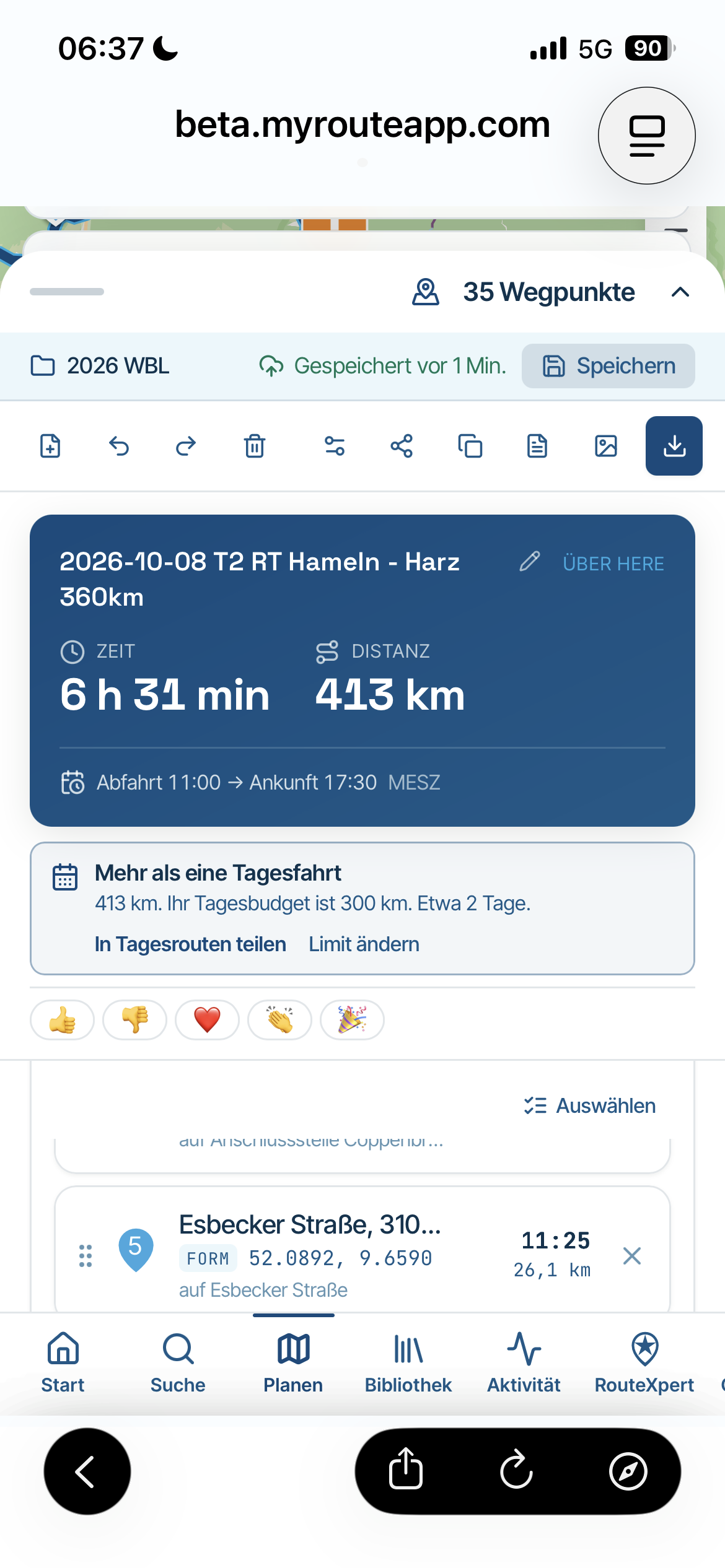
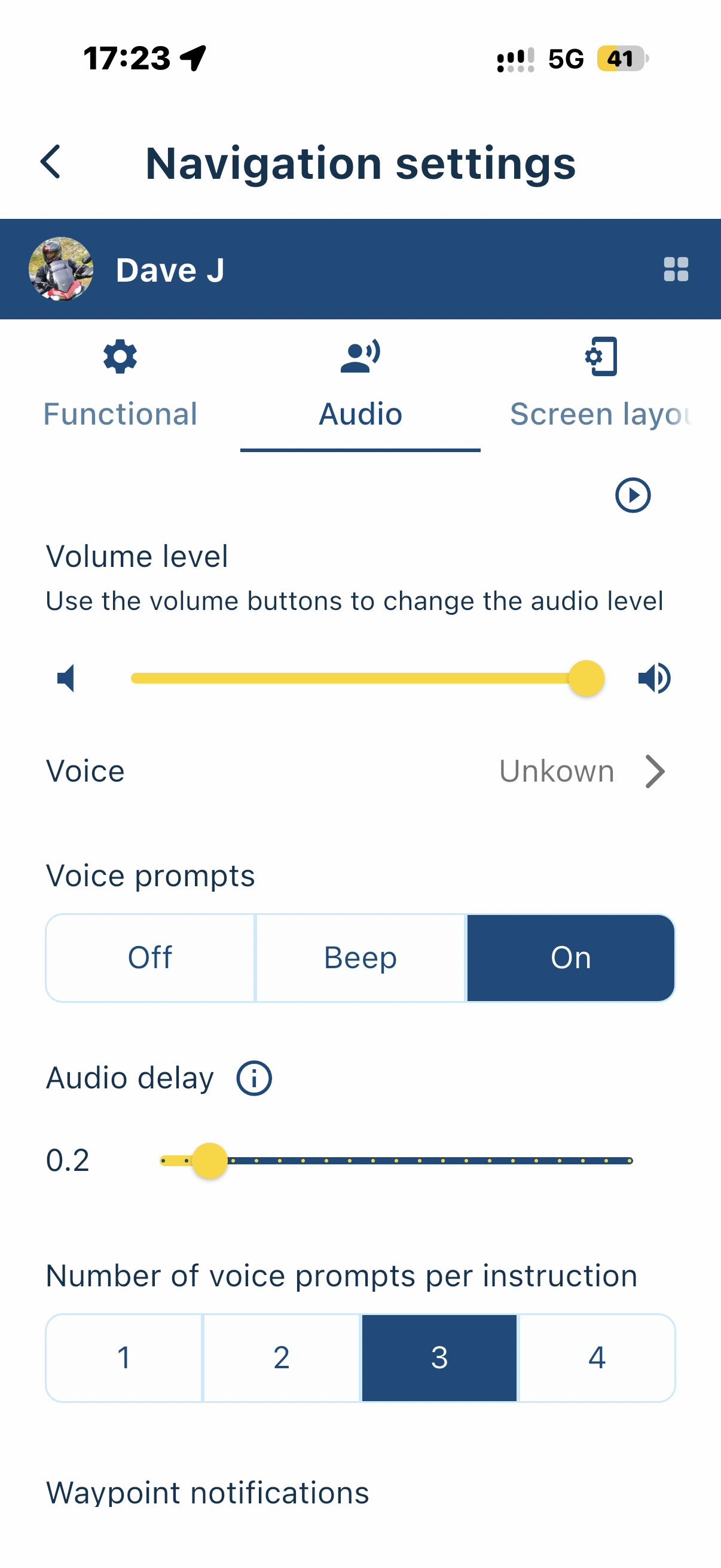
Issue 1: I’m having an issue with the iPhone app since the new update. I ride a lot of motorcycle tag games where I will create a route that loops into an area where waypoints are near each other but not overlapping. I’ve had several instances where if I get close to a future waypoint, say 20 miles away from my current location, the app will jump to the closest future waypoint. It will make an audible sound and have a pop on the phone screen asking me if I want to revert back to the previous waypoint. I’ve had this happen several times. I deleted the app and reinstalled, but it’s still happening.I currently have the app setup to not skip waypoints or recalculate the route. I’m using it with a Carpuride and the pop up only shows on the phone screen. Am I missing a setting that prevents it from jumping ahead or is this a bug.
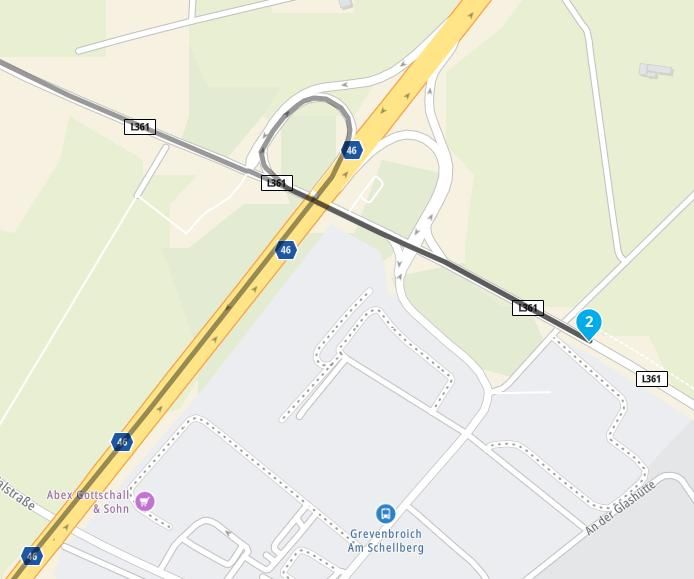
Issue 2: Another similar issue is if I have the same start and end point say home, after the next to last waypoint it will start the route over again, guiding me to the start point. This causes the miles to go and time to be wrong since it is calculating the whole route again and my time to get to waypoint 1. This one is not as big an issue as I can just move my last waypoint near my home instead of being the same.
-

Did you switch off "Skip waypoints automatic" ?
Hardware
iPhone 12 pro (iOS 26.2.1)
iPad (7.Gen.) 18.7.3
Oukitel RT3 Pro (Andr. 14)
Wireless CarPlay mit (Elebest C650)
Wired CarPlay (SEAT Arona - 2021)
MRA Workshops in Deutsch sind hier zu finden -
To 2: Move the 1st waypoint a bit further in front of your start position.
-
Did you switch off "Skip waypoints automatic" ?
@Jörgen Yes, I stated it in the title and body
-
Ronnie Moore referenced this topic
Hello! It looks like you're interested in this conversation, but you don't have an account yet.
Getting fed up of having to scroll through the same posts each visit? When you register for an account, you'll always come back to exactly where you were before, and choose to be notified of new replies (either via email, or push notification). You'll also be able to save bookmarks and upvote posts to show your appreciation to other community members.
With your input, this post could be even better 💗
Register Login-
 01331
01331
-
 0882
0882
-
 0628
0628
-
09212
-
 0512
0512
-
 0419
0419
-
1530
-
 0319
0319