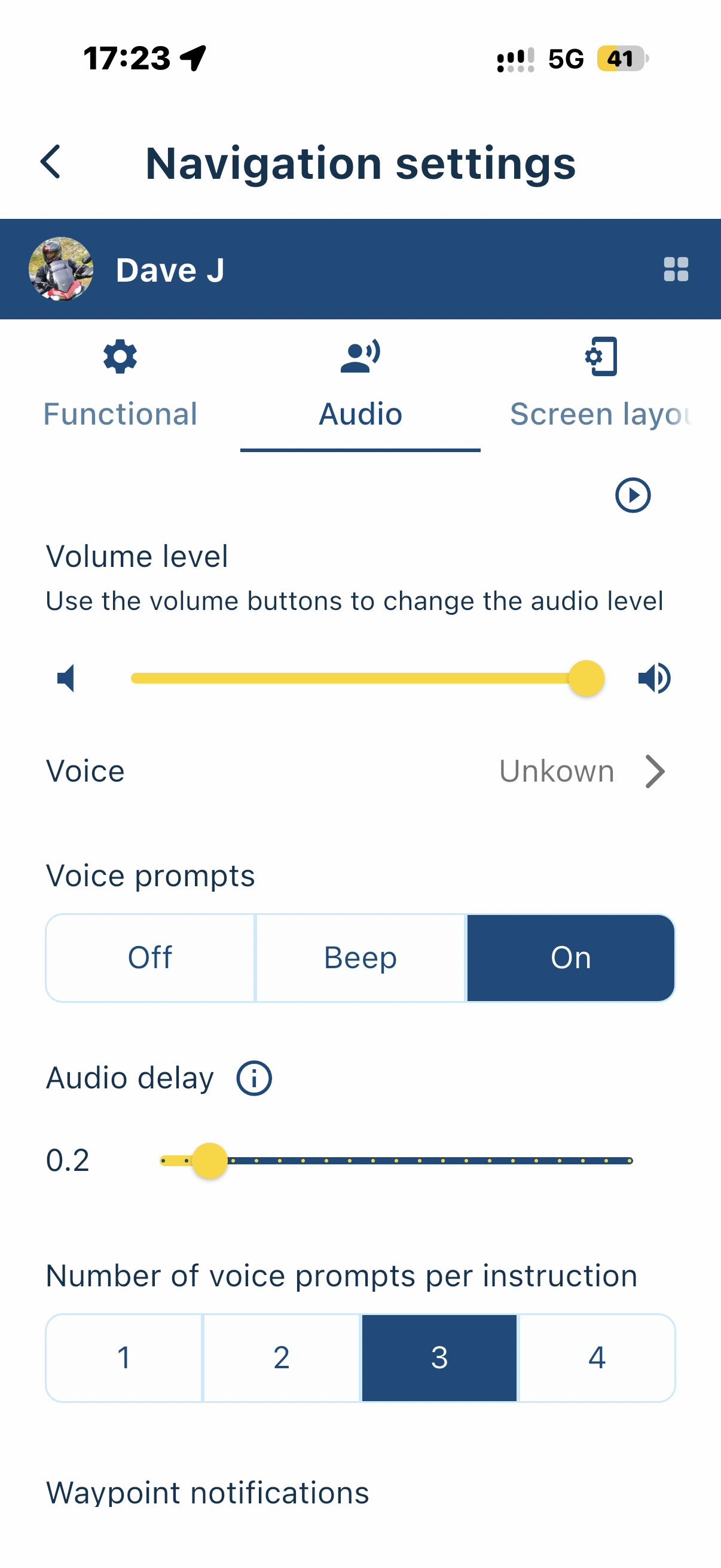
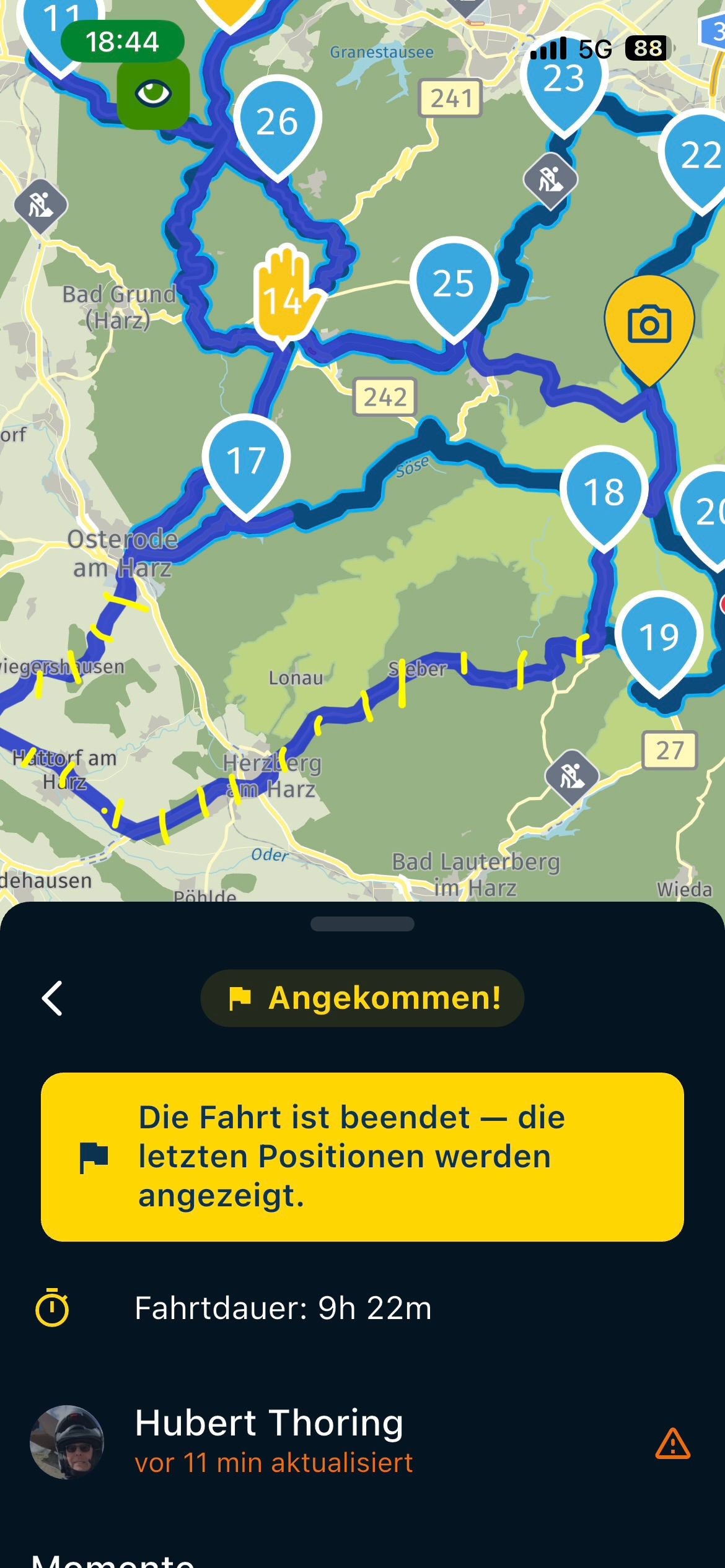
Most basic introduction for a newbie group
-

I am thinking of using MyRouteApp to lead a road trip with members of a classic car club - many of whom are non-technical and have never tried anything other than Google Maps.
May I check a few things so i can bullet-proof this please:
-
Once I've built the route in MRA and made it shareable for the group, I think they will each need a subscription to MRA Navigation next, but for this purpose do not need a subscription to MRA Route Planner. Correct?
-
For MRA Navigation Next they can buy a subscription for one month, or use a 14-day trial. Or is there a referral code I should be offering?
-
While I see there is functionality for Groups and Events, I don't think I need to use this for a plain one-off event (it would be simpler to just send them a sharing link rather than try to manage a list of logins/emails for all the users). Correct?
-
I see there is an Invite Friends option but does that do anything other than email them a link to the MRA main page?
-
Once they have the navigation app is there a very basic, very bulletproof introductory video and/or walkthrough that I should direct them to?
Thanks.
-
-

1, correct
2 they can just use the shop on the website
3 correct
4 If they have an account they will get a message
5 there's lots of videos and tturials the can watchMost important thing, have fun
Honda Goldwing GL1500,
Honda Silverwing GL 650
DMD2 T865X 8 inch Android tablet using MRA next for navigation
Garmin XT sold
Samsung S24FE mounted on a Quadlock and using Android Auto in my car -
1, correct
2 they can just use the shop on the website
3 correct
4 If they have an account they will get a message
5 there's lots of videos and tturials the can watchMost important thing, have fun
@Marinus-van-Deudekom said:
5 there's lots of videos and tturials the can watchyes - I would welcome recommendations - the ones I’ve found are not simple enough for my audience - they are mostly cluttered with info for people doing route planning or migrating from old versions. Is there one which just takes a recent version of the app and walks through the very simple task of navigating, without introducing unnecessary features or context?
-

Such an entry and then leading a group that has never used it is spontaneously not what works that way.
-
you have to deal with it with some countries
-
you also have to try a lot with the mobile phone, have understood the most important functions.
In your case, I would advise against expecting this from the group, since it's all newcomers.
Recommendation:
1.) You should test it extensively yourself, i.e. the WebPlaner Gold and the Navi App MRA Next, both in the lifetime version.
2.) Test time intensive approx. 4-6 weeks, after that you know if you want to lead the group as a guide.
3.) then you can decide if it is also something for your group and you want to use the functions
-
Invite friends
-
Create group
-
Create event
Everyone needs knowledge and preparation in dealing with the MyRouteApp and experience has shown that it takes quite some time until success is achieved in the long term.
Attention:
If you 1.) 2.) and 3.) if you don't pay attention, the whole thing will fail and it will end in frustration.
VG

——-
So einen Einstieg und dann noch eine Gruppe führen die es noch nie genutzt hat ist spontan nicht das was so funktioniert.
- man muss sich schon damit etwas länder damit auseinandersetzen
- man muss auch einiges mit dem Handy ausprobieren , die wichtigsten Funktionen verstanden haben.
Ich würde in deinem Fall davon abraten, der Gruppe, da alles Neueinsteiger, sowas zuzumuten.
Empfelung:
1.) Du solltest es selbst ausgiebig Testen, das heißt den WebPlaner Gold und die Navi App MRA Next, beides in der Lifetime Version.2.) Testzeit intensiv ca. 4-6 Wochen, danach weißt Du ob du damit die Gruppe als Guide damit führen willst.
3.) danach kannst Du entscheiden ob es auch was für deine Gruppe ist und du die Funktionen nutzen willst
- Freunde einladen
- Gruppe erstellen
- Veranstaltung erstellen
Jedes braucht dazu Wissen und Vorbereitung im Umgang mit der MyRouteApp und Erfahrungsgemäß dauert das eine geraume Zeit bis sich der Erfolg auch langfristig einstellt.
Achtung:
Wenn Du 1.) 2.) und 3.) nicht beachtest wird das ganze scheitern und es endet in Frust.VG
-
-
(My apologies, I realised too late that this thread really belongs in the app section not the route planner section.)
Warnings noted. But I have a lot of experience with the Route Planner and will NOT be getting any of the group members to use it - they will just use Navigation Next to follow my route for the day. They need no additional functionality - just navigate along the route. And as far as possible I will bullet-proof the route eg include enough waypoints to stop any "live" surprises, make sure the pins are precisely on the road etc.
I do think we could (if it doesn't exist already) create a 5-10 minute tutorial which gives newbies all they need to follow a route, including a couple of "if you have pressed x then y will happen so do z to recover" (usually the skip-waypoint button in my experience). A focused tutorial that does not mention any of the route-editing facilities or other things they do not need.
Has anyone made something like this?
If not, I'd probably be willing to have a go if others in the forum are willing to review the details in my script before I record it. -

@anonymouse this should be in English?
-
Yes, this audience will be english speakers.
If I make something myself it could potentially be auto translated… -
I am sure some people here will ckeck your script.

-
@ewout-d , @anonymouse @marinus-van-deudekom @jörgen
And that's exactly why it will fail because many will simply not watch and listen properly, according to my experience.
1.) some think, quietly ahead, what does the
2.) some just drive after anyway, what should I do with it
3.) some know better
4.) some don't really know their own phone, ..
5.) etc.
So hope dies last, but even in a small group it goes wrong quickly, although it has been explained several times.
VG
——-
Und genau daran wird es scheitern weil viele einfach nicht richtig zusehen und zuhören werden, so meine Erfahrung dabei.
1.) einige denke, leise vor sich hin, was will der
2.) einige fahren sowieso nur hinter her, was soll ich damit
3.) einige wissen es besser
4.) einige kennen ihr eigenes Handy nicht wirklich, ..
5.) usw.Also die Hoffnung stirbt zu letzt, aber das geht schon in einer kleinen Gruppe schnell schief, obwohl man es mehrfach erklärt hat.
VG
-
Well that's all a bit depressing

We will have convoys of eight cars so most people will just follow the one in front unless they get lost. (The main risk is separation when we hit red lights.)Currently the car club uses Google Maps which is hopeless. Sure, everyone knows how to use it (a bit) ... but it reinvents routes arbitrarily. So if i can get just a few of the group using MRA the rest can follow.
-
I am thinking of using MyRouteApp to lead a road trip with members of a classic car club - many of whom are non-technical and have never tried anything other than Google Maps.
May I check a few things so i can bullet-proof this please:
-
Once I've built the route in MRA and made it shareable for the group, I think they will each need a subscription to MRA Navigation next, but for this purpose do not need a subscription to MRA Route Planner. Correct?
-
For MRA Navigation Next they can buy a subscription for one month, or use a 14-day trial. Or is there a referral code I should be offering?
-
While I see there is functionality for Groups and Events, I don't think I need to use this for a plain one-off event (it would be simpler to just send them a sharing link rather than try to manage a list of logins/emails for all the users). Correct?
-
I see there is an Invite Friends option but does that do anything other than email them a link to the MRA main page?
-
Once they have the navigation app is there a very basic, very bulletproof introductory video and/or walkthrough that I should direct them to?
Thanks.
I am thinking of using MyRouteApp to lead a road trip with members of a classic car club - many of whom are non-technical and have never tried anything other than Google Maps.
May I check a few things so i can bullet-proof this please:
-
Once I've built the route in MRA and made it shareable for the group, I think they will each need a subscription to MRA Navigation next, but for this purpose do not need a subscription to MRA Route Planner. Correct?
-
For MRA Navigation Next they can buy a subscription for one month, or use a 14-day trial. Or is there a referral code I should be offering?
-
While I see there is functionality for Groups and Events, I don't think I need to use this for a plain one-off event (it would be simpler to just send them a sharing link rather than try to manage a list of logins/emails for all the users). Correct?
-
I see there is an Invite Friends option but does that do anything other than email them a link to the MRA main page?
-
Once they have the navigation app is there a very basic, very bulletproof introductory video and/or walkthrough that I should direct them to?
Thanks.
As for the Group and Event section, I think you should use it.
You can create different Group in which you can add different member. They just need an account and they will receive an invite.
You can then copy your route from your any folder thay are located into those dedicated Group.
Users will be able to see routes and Navigate them from there without having to "Use Route" in their own folder and the navigate.
This way, you can keep your own folders in Private mode if you want and your users will still be able to see what's in each Group.
-
-
In order for it to work, everyone should at least be registered for free.
So everyone can see the routes and load them on their navigation system, even without a license ... but further advantages of the MRA Next are lost.
Everyone as a friend must get an invitation in MRA and also actively accept it.
——-
Damit es geht sollte jeder zumindest kostenlos registriert sein.
So kann jeder die Routen sehen und auf sein Navi laden, auch ohne eine Lizenz … aber weitere Vorteile der MRA Next gehen dabei verloren.
Jeder muss als Freund einmal eine Einladung in MRA bekommen und auch aktiv annehmen.
-
I am thinking of using MyRouteApp to lead a road trip with members of a classic car club - many of whom are non-technical and have never tried anything other than Google Maps.
May I check a few things so i can bullet-proof this please:
-
Once I've built the route in MRA and made it shareable for the group, I think they will each need a subscription to MRA Navigation next, but for this purpose do not need a subscription to MRA Route Planner. Correct?
-
For MRA Navigation Next they can buy a subscription for one month, or use a 14-day trial. Or is there a referral code I should be offering?
-
While I see there is functionality for Groups and Events, I don't think I need to use this for a plain one-off event (it would be simpler to just send them a sharing link rather than try to manage a list of logins/emails for all the users). Correct?
-
I see there is an Invite Friends option but does that do anything other than email them a link to the MRA main page?
-
Once they have the navigation app is there a very basic, very bulletproof introductory video and/or walkthrough that I should direct them to?
Thanks.

Once they have the navigation app is there a very basic, very bulletproof introductory video and/or walkthrough that I should direct them to?
You will need to try the basics well before the trip and check if a few friendly new users can cope with the app. That way will you find the holes in your instructions.
AI will give you a good starting point. You do of course have to read it and confirm it hasn't cocked it up, but that's AI for you.
Example!
MRA Navigation Next: Quick Start Guide
 From install to navigate
- Install the App: Download the official MRA Navigation Next app from the iOS App Store or Google Play Store.
- Log In: Open the app. Enter the exact email and password used to purchase your subscription or lifetime membership.
- Open the Route:
- On the main dashboard, tap Routes & tracklogs (under the "Get started" section).
- Tap the Groups icon on the bottom menu bar.
- Select Anonymouse's Group.
- Tap and open the "The Grand Adventure" route.
- Prepare: Tap the Navigate button.
- Launch: Tap Start to begin navigation.
 Before you leave home
- Download Offline Maps: Download maps over home Wi-Fi to minimise mobile data:
- Account (Top-right profile icon on home screen) ➔ Offline maps ➔ Europe ➔ United Kingdom ➔ Download whole region.
- Carry a portable power bank.
 ️ Whilst navigating
- Blue Line: Your active, dynamically updating route path. Follow this / listen to the instructions.
- White Line: Your original planned route. This shows where you should be if you stray off-course. (Note: The active blue line will automatically recalculate to guide you to the next upcoming waypoint).
- Next Instruction (top left): Displays your immediate next turn icon, distance countdown, and street name.
- Second Instruction (sub-indicator): Displays a smaller icon directly below the main turn box, warning you of the following manoeuvre (e.g., a quick right turn immediately after a left fork).
- Next Waypoint (top right): Displays the number of the specific waypoint you are currently heading towards.
 ️ Things you can do during the route
- Zoom the Map: Pinch out with two fingers to zoom out for a high-level view; pinch in to zoom closer into a junction.
- Change Layout: Tap the Compass icon to cycle through map views (Dynamic Camera tracking is the default).
- Skip a Waypoint: If you miss a stop or detour around a roadblock, long-press the waypoint indicator in the top-right corner to skip it manually. Your blue line will instantly recalculate to the subsequent waypoint.
- Stop Navigation: Tap the three dots menu button in the bottom corner and select Stop navigation.
-
-
That’s actually quite helpful AI work, thanks.
I have been working on a tutorial video - it’s with the MRA team for review and I have a few more tweaks to make. I had an AI review of the script which was helpful; I’ll cross-check with the above (and other posts) and perhaps also make a short printed quick reference card like the AI instructions above.
-
I have now completed the video. Go here:
https://forum.myrouteapp.com/topic/11351/a-simplified-navigation-only-tutorial

Hello! It looks like you're interested in this conversation, but you don't have an account yet.
Getting fed up of having to scroll through the same posts each visit? When you register for an account, you'll always come back to exactly where you were before, and choose to be notified of new replies (either via email, or push notification). You'll also be able to save bookmarks and upvote posts to show your appreciation to other community members.
With your input, this post could be even better 💗
Register Login-
 08180
08180
-
 0518
0518
-
 010269
-
 0745
0745
-
0310
-
 0336
0336
-
 016802
-
0211