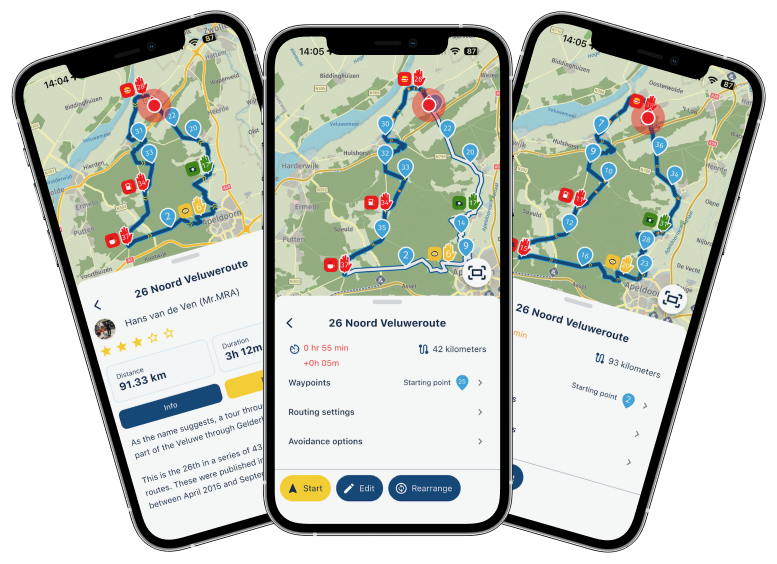
Update 5.1 - CarPlay / Android Auto improvements and more!
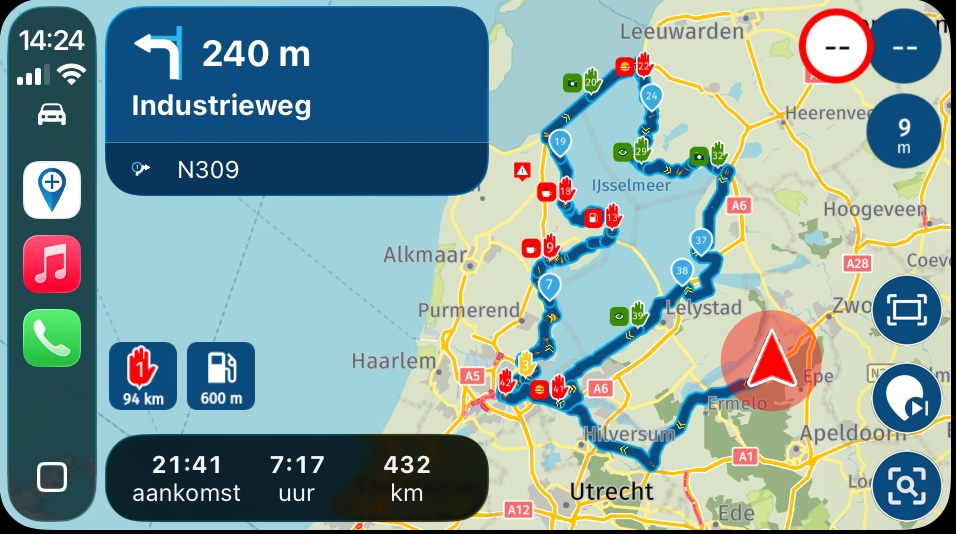
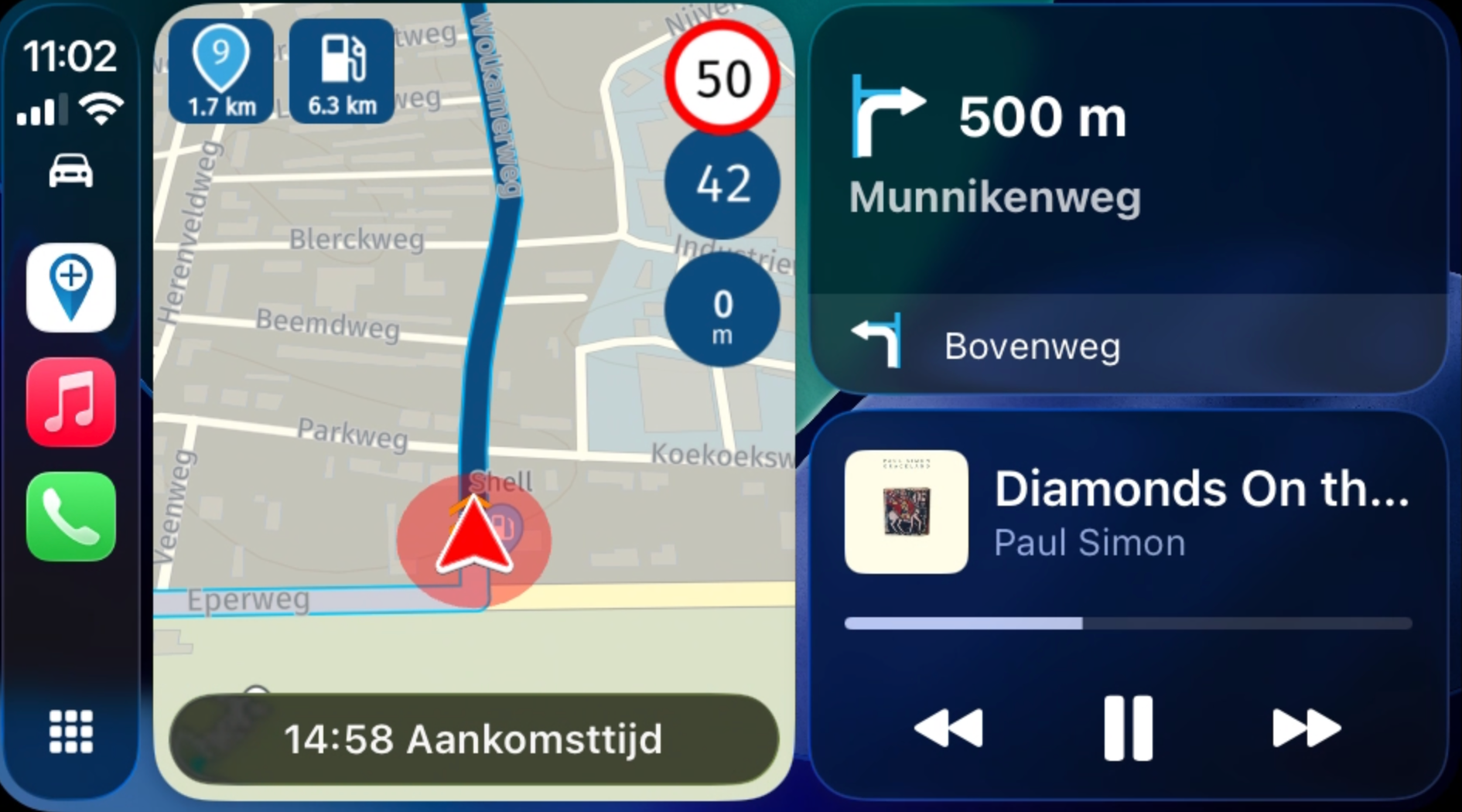
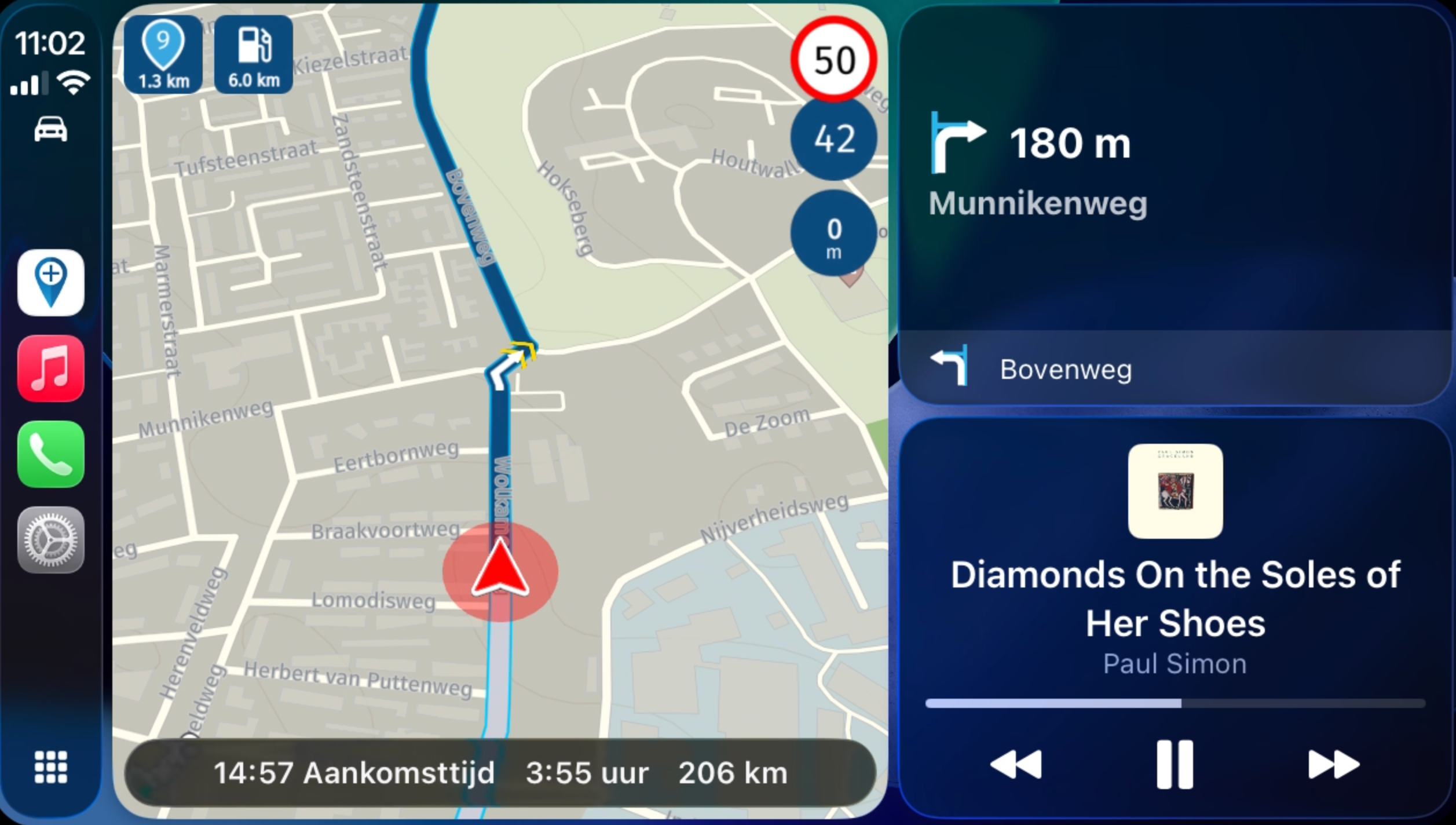
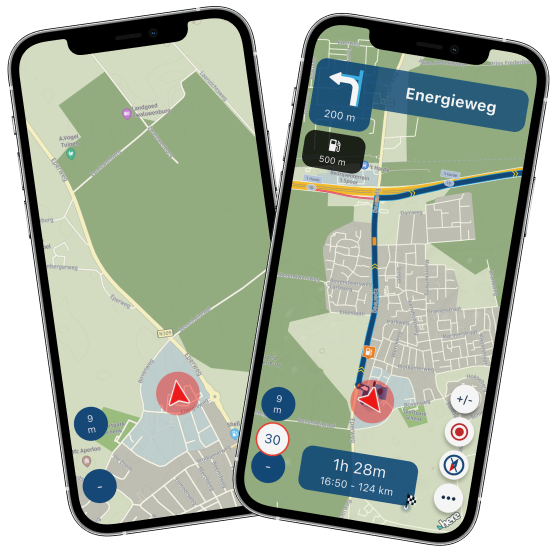
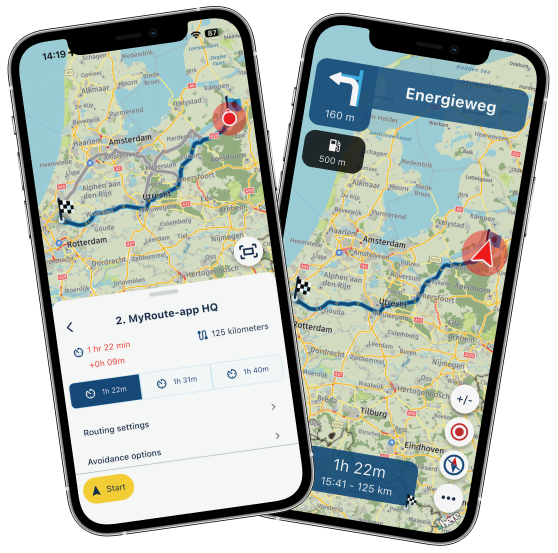
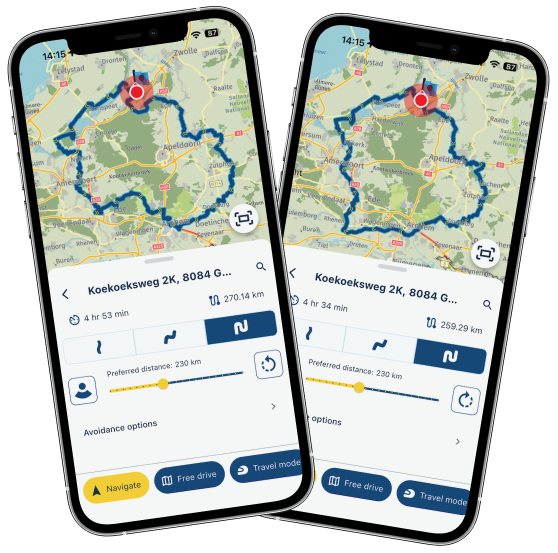
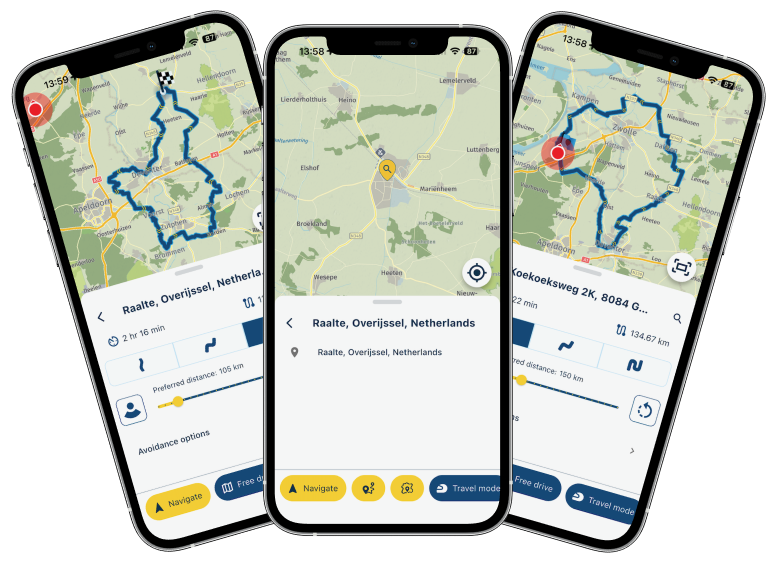
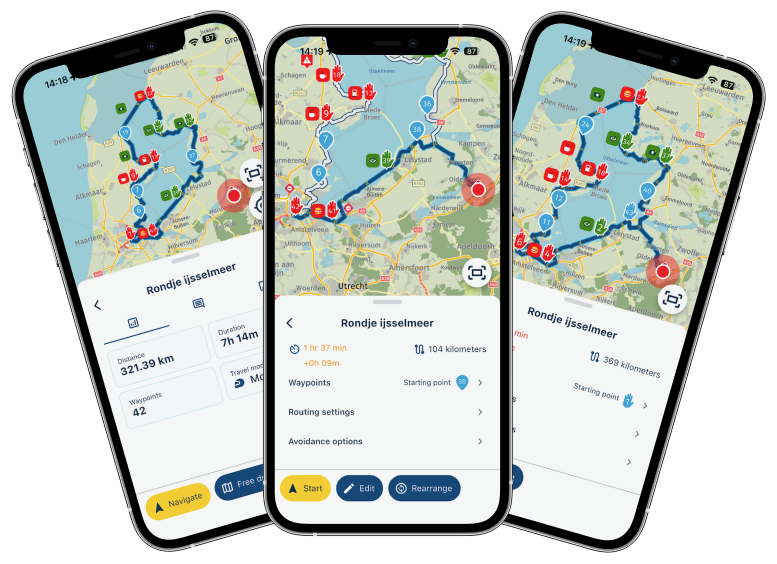
-

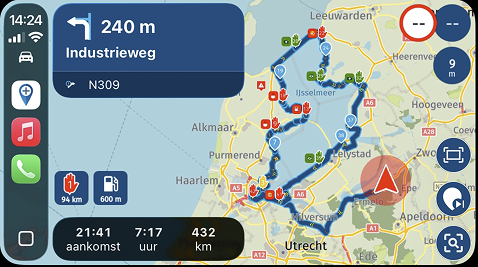
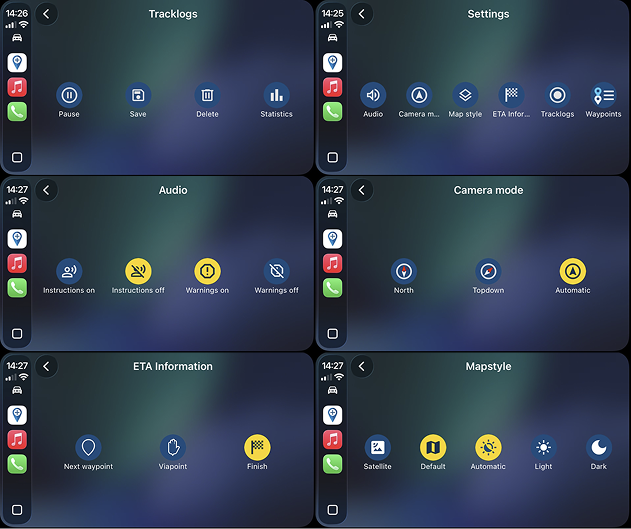
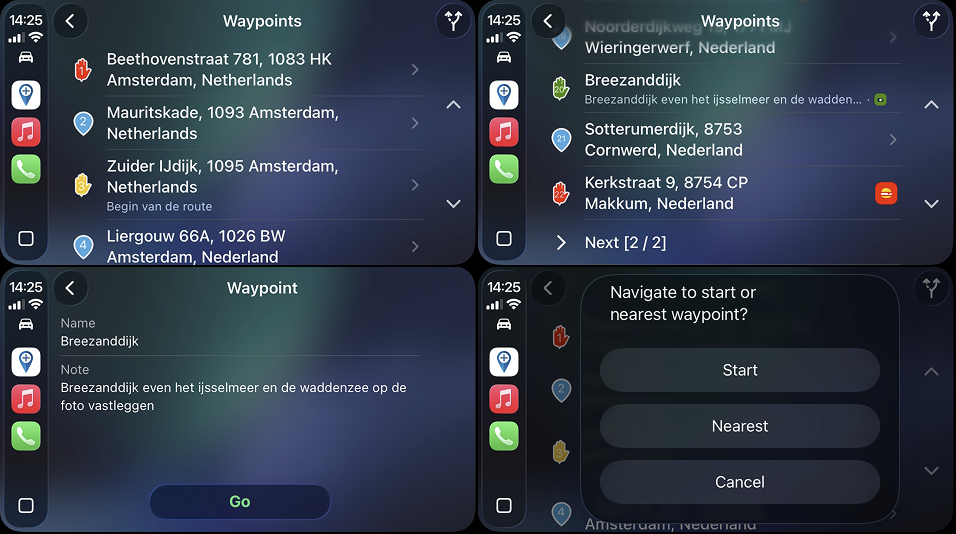
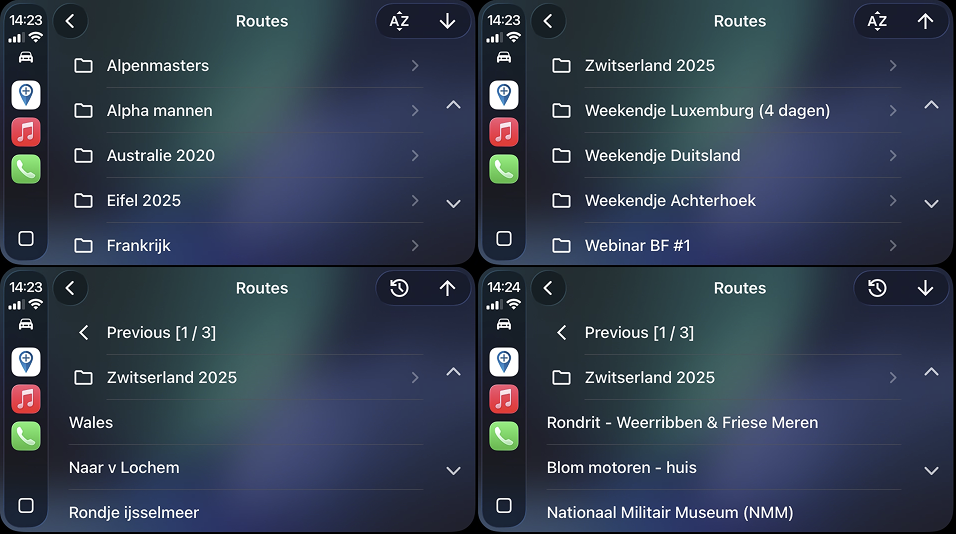
I just installed the update, and it looks like another great step forward!
I’m especially curious about CarPlay, so I gave it a quick test in the garage.
More options, easier to access, and the control buttons work again on the Goldwing (no touchscreen). The test drive is coming up soon, but I’m confident it’ll go well! -
I also suggested a year ago that the speed camera sound be customizable. Since it took three years to display the altitude, perhaps in two years it will be possible to customize the speed camera sound.
@ginogino Let's hope it takes less this time... I also suggested the same things a long time ago... but I wonder if the suggestions are actually read... also because the sound is actually barely perceptible as an alarm, something more decisive would be needed... on TomTom Rider 2013, there were several alarms to choose from... anyway... first alarm as it is now, 400 meters, then a second at a closer distance, perhaps based on speed, but even 150 meters would be enough, like Garmin Zumo does... I don't know how difficult it would be to program something like this, but given the splendid work they did with the latest update, I imagine they are perfectly capable of doing this too... let's hope! In the meantime, I'm enjoying the new update I downloaded this afternoon on my iPhone!
-
Not trying to start a debate, just curious: what problem are speed camera alerts actually solving? Or are they basically the modern version of drivers flashing headlights at each other?

to achieve, we must first attempt✌️
K1600 GTL
Oukitel RT3 for multi day tours
iPhone 13 Pro, carpuride 702b -
Not trying to start a debate, just curious: what problem are speed camera alerts actually solving? Or are they basically the modern version of drivers flashing headlights at each other?

@paul69 let’s not start that debate.
To all, feel free to start a topic on the speed camera warnings. This thread is not the place.
-
5.1 is already on ios?
thx -
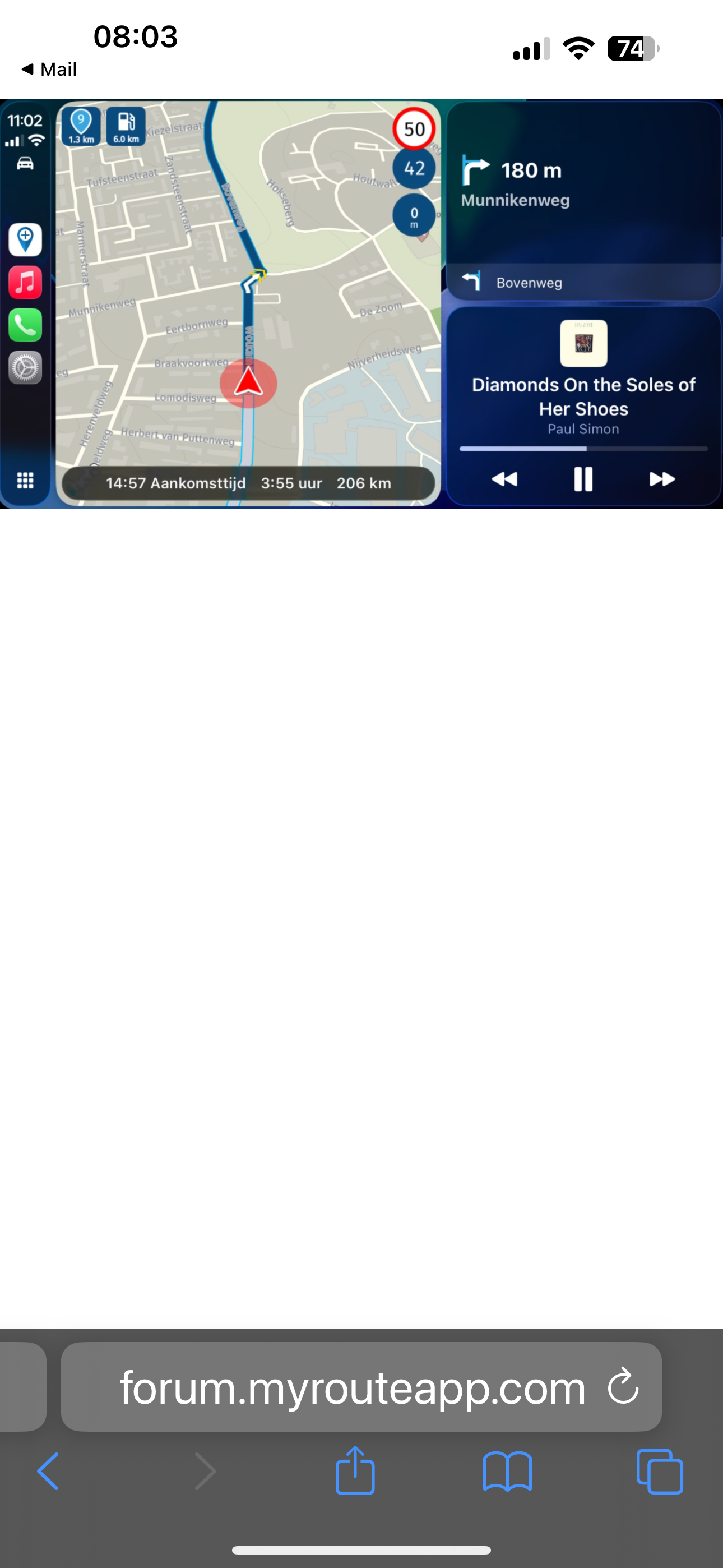
How do you get the larger version of Myroute App compared to the music player?!
-
How do you get the larger version of Myroute App compared to the music player?!

@Aiello-antonino tap in the map.
🏍️ BMW K1600GT-P (2013) | Nolan N100-5 with Sena 30K
📱 iOS on iPhone 13 & 16 (mounted on Quadlock or AliExpress extention on BMW-cradle)
🚙 Apple CarPlay in VW T-Roc
💻 Routelab on MacBook Air & iMac (Golden Gate & Ventura) -
@Aiello-antonino tap in the map.
@Rob-Verhoeff If I click on the map, the app appears in full screen...maybe it's my CarPlay?!
-
hi @aiello-antonino
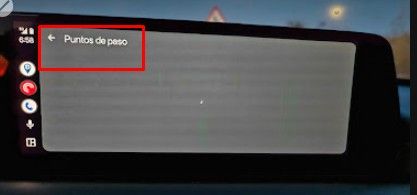
the bottom icon in the left hand panel in the above scrrenshot shows four squares, if you click this it will then change to one square and the two apps show side by side,this works on my carpuride, which actually has three boxes, one mRA largest on left, one music on the right and one other above that, can't remember off hand what this.
-
@Rob-Verhoeff If I click on the map, the app appears in full screen...maybe it's my CarPlay?!
@Aiello-antonino Yes, that's the bigger version of the app! It's your version of your screenshot or the fullscreen. That's it.
-

@corjan-meijerink I have been a user of MRA for several years, both for holiday trips (3.5 months a year with car and caravan) and motorcycle tours through Europe. This morning, while on the road in France, I was surprised by the latest version in Android Auto. This is really top-notch. Everything that bothered me has disappeared, and it works very smoothly. Two years ago, I still had my doubts about the whole thing. Last year, there were still bugs that bothered me, and I sometimes wondered if I would go back to just Garmin. Now that feeling is truly gone. The altimeter, the yellow arrows in the route, and the subtly different feel give it a great look. I am becoming increasingly convinced that my Garmin Zumo XT is becoming redundant. I still transfer the route because it is easier for me to keep it in view right in front of me with the sound off, but that is not necessary, just an extra feature, because I really have to look quite a bit to the right in the car to see the Android screen. On the motorcycle, I have the phone right in front of me. This is a top-notch update, thanks. Oh yes, there will undoubtedly still be all sorts of wishes and comments that might be made, but for my needs, this covers everything completely. I create all the routes on my laptop, because messing around on the phone along the way isn't my thing, and the preparation is part of the fun. Thanks for this good work.
-
@corjan-meijerink I have been a user of MRA for several years, both for holiday trips (3.5 months a year with car and caravan) and motorcycle tours through Europe. This morning, while on the road in France, I was surprised by the latest version in Android Auto. This is really top-notch. Everything that bothered me has disappeared, and it works very smoothly. Two years ago, I still had my doubts about the whole thing. Last year, there were still bugs that bothered me, and I sometimes wondered if I would go back to just Garmin. Now that feeling is truly gone. The altimeter, the yellow arrows in the route, and the subtly different feel give it a great look. I am becoming increasingly convinced that my Garmin Zumo XT is becoming redundant. I still transfer the route because it is easier for me to keep it in view right in front of me with the sound off, but that is not necessary, just an extra feature, because I really have to look quite a bit to the right in the car to see the Android screen. On the motorcycle, I have the phone right in front of me. This is a top-notch update, thanks. Oh yes, there will undoubtedly still be all sorts of wishes and comments that might be made, but for my needs, this covers everything completely. I create all the routes on my laptop, because messing around on the phone along the way isn't my thing, and the preparation is part of the fun. Thanks for this good work.
@Harkos thanks a lot for this very positive message! This is exactly why we put in all the effort.
We ambition to create the beste navigation app on both the phone itself as on CarPlay & Android Auto. Glad to read the app now functions as you expect and are allowed to expect!
More features will definitely be added while keeping a focus on the stability because in the end, it does need to work

-
I got to try out the update today while driving with CarPlay. What a huge improvement! The map is much more detailed, and I find the compass (with altimeter) really handy, along with the arrows showing the route direction. The settings are more comprehensive and easier to configure. I think the gas station icon works with a touchscreen, but not with the Goldwing. It doesn’t have a touchscreen; it’s controlled with buttons. I’m happy with this update—I’ll really be able to enjoy it next month during a long motorcycle trip!
-
I got to try out the update today while driving with CarPlay. What a huge improvement! The map is much more detailed, and I find the compass (with altimeter) really handy, along with the arrows showing the route direction. The settings are more comprehensive and easier to configure. I think the gas station icon works with a touchscreen, but not with the Goldwing. It doesn’t have a touchscreen; it’s controlled with buttons. I’m happy with this update—I’ll really be able to enjoy it next month during a long motorcycle trip!
@Ewout-D gas station icon is not tappable. Like any other icons. Only buttons work due to CP / AA limitations.
Search for fuel using the quick POI search and the suggested fuel station will be the first in the list and indicated as such
-
 nomko referenced this topic on
-

Does anyone know if the Android version has been released yet?
Weet iemand of de Android versie al vrijgegeven is?
met een R1250RT met TFT
en BMW Connected Ride App(die dus nog steeds niet voldoet!) ; M.R.A. in combinatie met de Carpuride W702 (voor Android op de Motor!), de Garmin Zumo XT als backup en een Samsung Galaxy S24 -
Does anyone know if the Android version has been released yet?
Weet iemand of de Android versie al vrijgegeven is?
@white.mouse said:
Does anyone know if the Android version has been released yet?
Weet iemand of de Android versie al vrijgegeven is?
not yet :(,
best to check it... holddown the app icon, then press (i) (beside the name) scroll down to "app gegevens in winkel" , press and wait.
-
Maybe I missed it ,but is the "spinning map" issue also fixed?
@Rene-2a-0 It's waiting until the Here SDK has been updatet by Here. It's fixed on the MRA side, but due to a bug in the Here SDK not yet implemeted!
-
@corjan-meijerink Great job! I'd like to offer a suggestion, if I don't know if it's been read in the suggestions section. It could be a more incisive sound for speed cameras, even better if you can choose it, and maybe a double warning, the first at 400 m like now, and another at 150 m... Basically, like Garmin does... I got two tickets because I heard the first one, but I got distracted and, not having the second warning, I got the speed camera ticket... I hope this is a useful idea...thank you!!
I agree with this user... and I even suggest the idea of allowing the user to adjust the radar warning distance within a certain range (to their liking). Also, the radar alert tone should be selectable from a small library of sounds... so the user can choose their preferred sound.
In short, being able to adjust both the radar warning distance and the alert sound would be a good improvement for future versions of the navigation system.

Hello! It looks like you're interested in this conversation, but you don't have an account yet.
Getting fed up of having to scroll through the same posts each visit? When you register for an account, you'll always come back to exactly where you were before, and choose to be notified of new replies (either via email, or push notification). You'll also be able to save bookmarks and upvote posts to show your appreciation to other community members.
With your input, this post could be even better 💗
Register Login









-
416159
-
 1201.0k
-
 012555
-
0820
-
06134
-
 05118
05118
-
05158
-
0325