Map outline
-

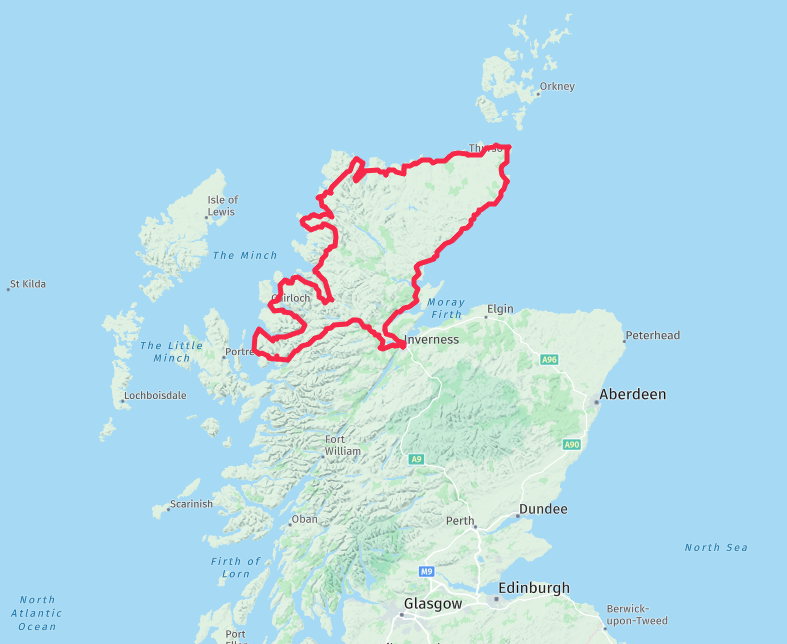
I am going on a trip with mates in May (1800 miles/9 Days) and we are getting T-shirts printed. We want to have the outline of the route on the back with the over night stops on.
Is there a way to shop the route with out the way points on? -
I am going on a trip with mates in May (1800 miles/9 Days) and we are getting T-shirts printed. We want to have the outline of the route on the back with the over night stops on.
Is there a way to shop the route with out the way points on?
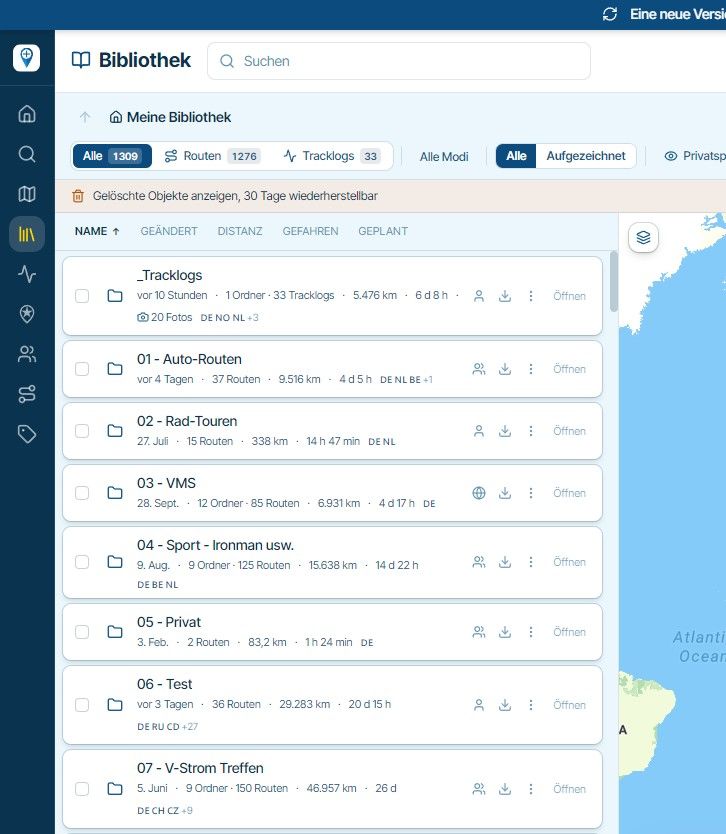
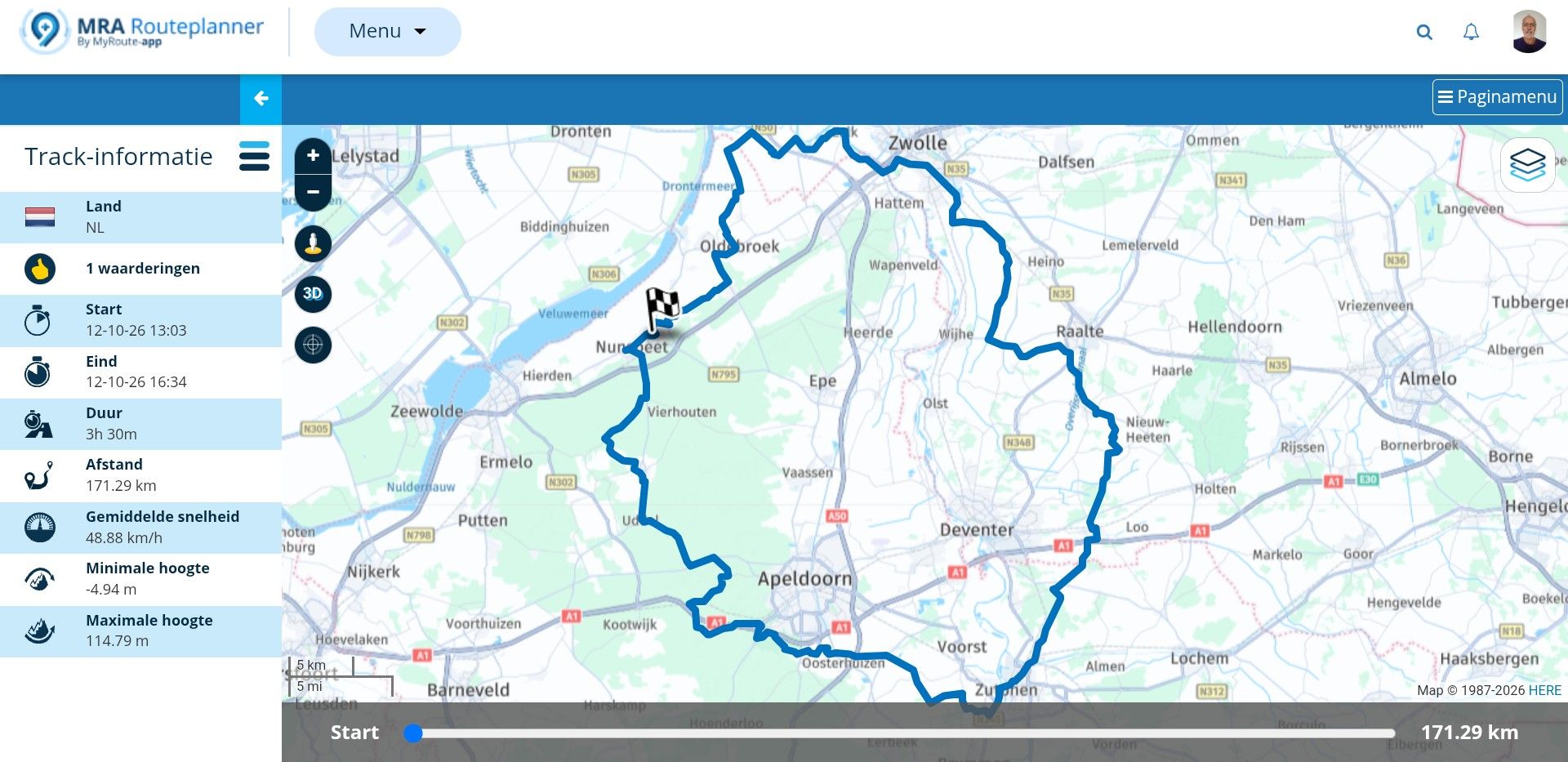
Look up in Support: Manual 'Display and merge multiple routes'
-
Look up in Support: Manual 'Display and merge multiple routes'
@Nick-Carthew Thank you so much.
-
Look up in Support: Manual 'Display and merge multiple routes'

@Nick-Carthew, this way you don't have the overnight stops on it.
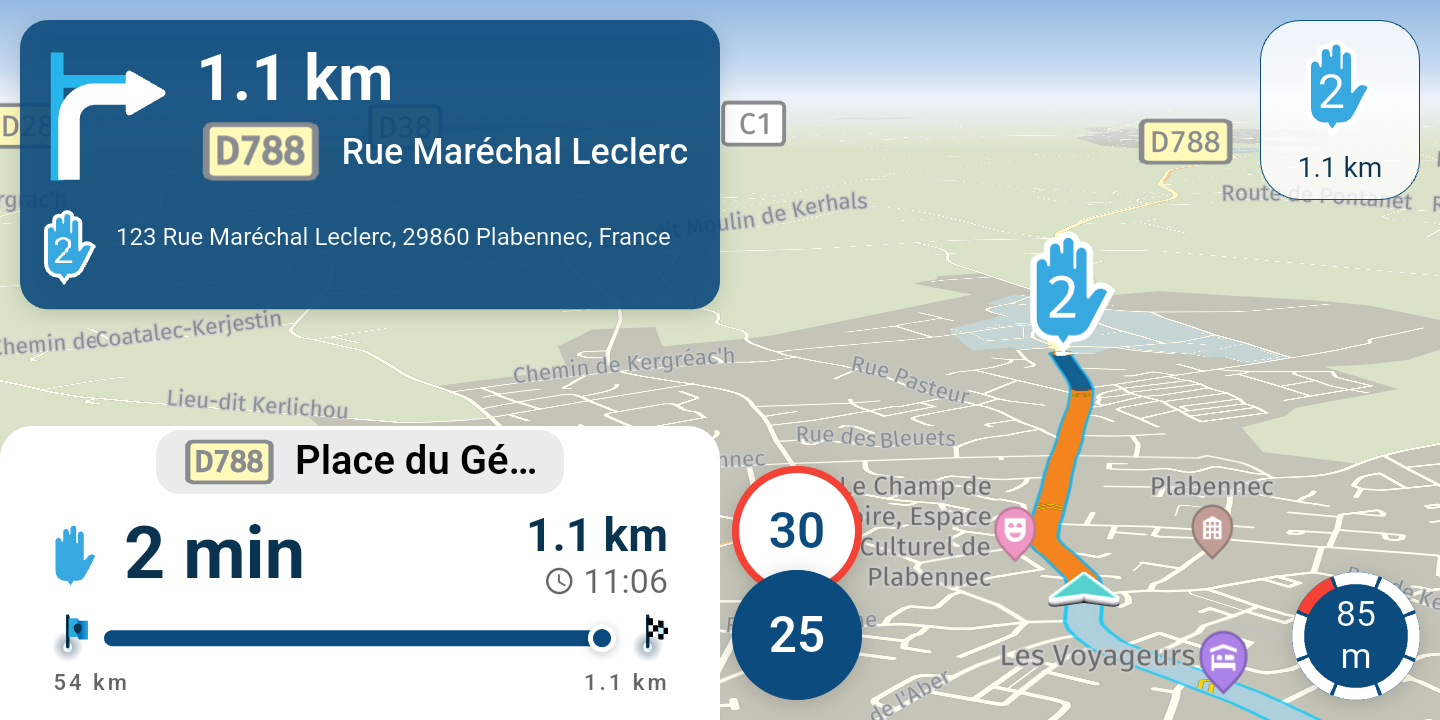
@Martin-Proudlove, Just thinking aloud: create a copy of your route. Make all waypoints shaping points except the overnight stays, keep them VIA points. In Navigation Next app enable "Navigate routes as tracks". Disable "All waypoints" waypoints. Then load the route in the Navigation Next and tap Navigate. In the next screen disable "Start from nearest waypoint" and also "Use current location". Swipe the option box as low as possible. Now you have the complete route, with only the VIA points visible in your screen. If you do this on a highres phone or tablet, I think the result will be good enough for a large print on a T-shirt.
I am just an enthusiastic MRA user, and hope you will be one too!
Most motorcycle problems are caused by the nut that connects the handlebar to the saddle.
Check out RideSleepRepeat.eu, a biker community for sharing stays across Europe
-
@Nick-Carthew, this way you don't have the overnight stops on it.
@Martin-Proudlove, Just thinking aloud: create a copy of your route. Make all waypoints shaping points except the overnight stays, keep them VIA points. In Navigation Next app enable "Navigate routes as tracks". Disable "All waypoints" waypoints. Then load the route in the Navigation Next and tap Navigate. In the next screen disable "Start from nearest waypoint" and also "Use current location". Swipe the option box as low as possible. Now you have the complete route, with only the VIA points visible in your screen. If you do this on a highres phone or tablet, I think the result will be good enough for a large print on a T-shirt.

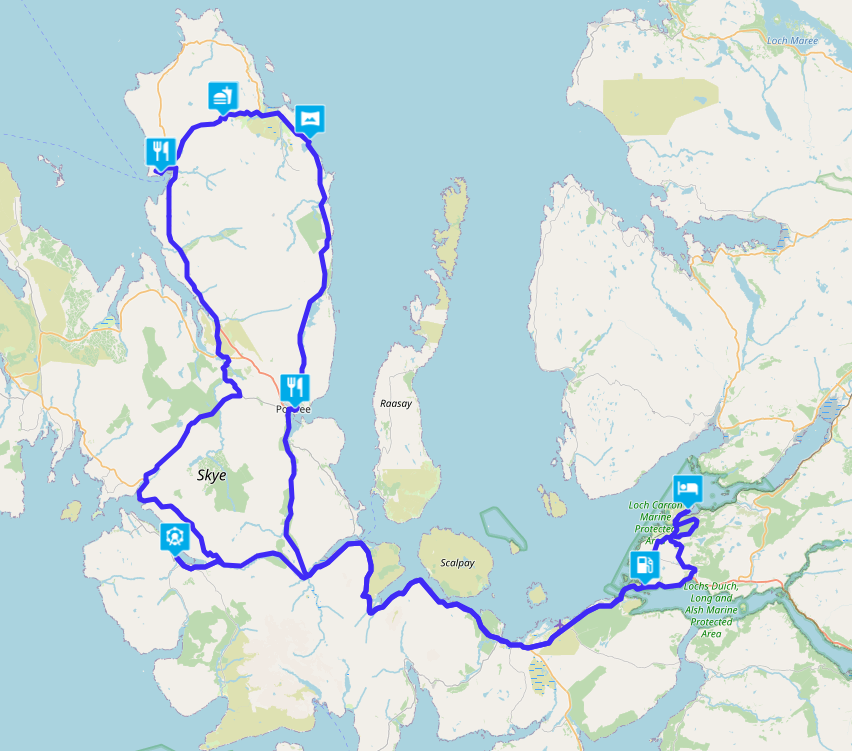
If you do it as Nick did, then you only need to add the POIs of the Hotels, B&B to make visible what you have driven per day. Every user will choose his own Hotel, B&B, Tent. In the example, the stops we made during the round trip on Skye. And you can also have these printed on a t-shirt
Hello! It looks like you're interested in this conversation, but you don't have an account yet.
Getting fed up of having to scroll through the same posts each visit? When you register for an account, you'll always come back to exactly where you were before, and choose to be notified of new replies (either via email, or push notification). You'll also be able to save bookmarks and upvote posts to show your appreciation to other community members.
With your input, this post could be even better 💗
Register Login-
 12891
12891
-
 0849
0849
-
 013206
-
 0732
0732
-
0630
-
 1629
1629
-
16101
-
 15150
15150