ETA
-

Sometimes the ETA to my destination doesn’t appear
 my iPhone is 12 pro and I use the app at CarPlay
 -
Sometimes the ETA to my destination doesn’t appear
my iPhone is 12 pro and I use the app at CarPlay
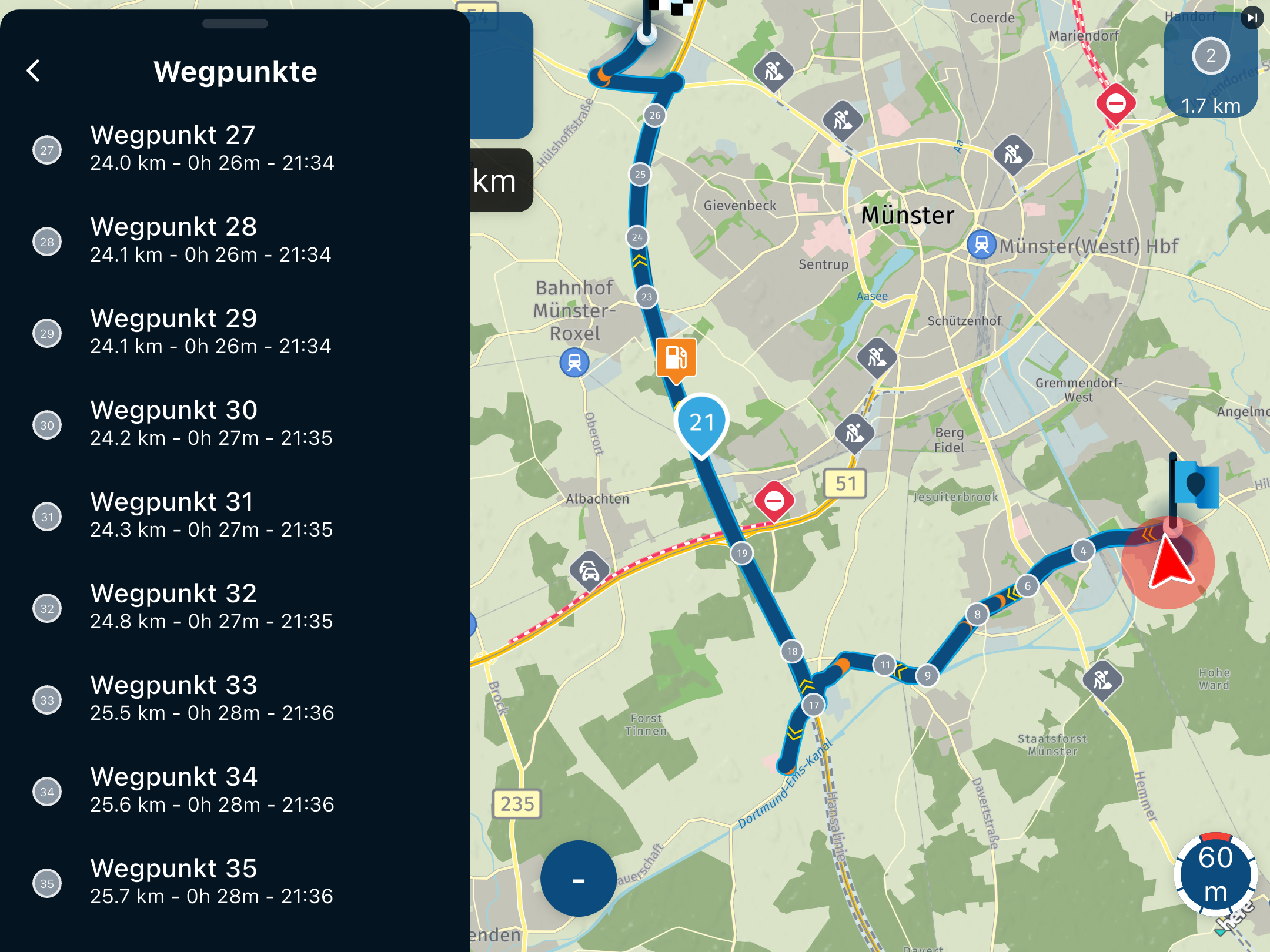
May you have press the center info field on the phone on which you can see beside the Info the checker flag for final target, the hand for Via points or the droparrow for Shaping points. What you see there is in the CarPlay lower white Info field is the time and distance to the the presented icon, so the next SP or VP or final destination. A longer press on the iPhone on this blue info field will change the icon and Info als on the CarPlay. Alternativ if iPhone is not close fixed to your dashboard (what I do) you can in CarPlay select Settings and select the ETA symbol, press on it and change here.
Hello! It looks like you're interested in this conversation, but you don't have an account yet.
Getting fed up of having to scroll through the same posts each visit? When you register for an account, you'll always come back to exactly where you were before, and choose to be notified of new replies (either via email, or push notification). You'll also be able to save bookmarks and upvote posts to show your appreciation to other community members.
With your input, this post could be even better 💗
Register Login-
 912412.0k
-
 01039
01039
-
 01336
01336
-
0622
-
 0519
0519
-
 0517
0517
-
 05153
05153
-
 04109
04109