4.1.3 Misdirection and hard-to-decode displayed route.
-

Yesterday, I ran into two problems:
-
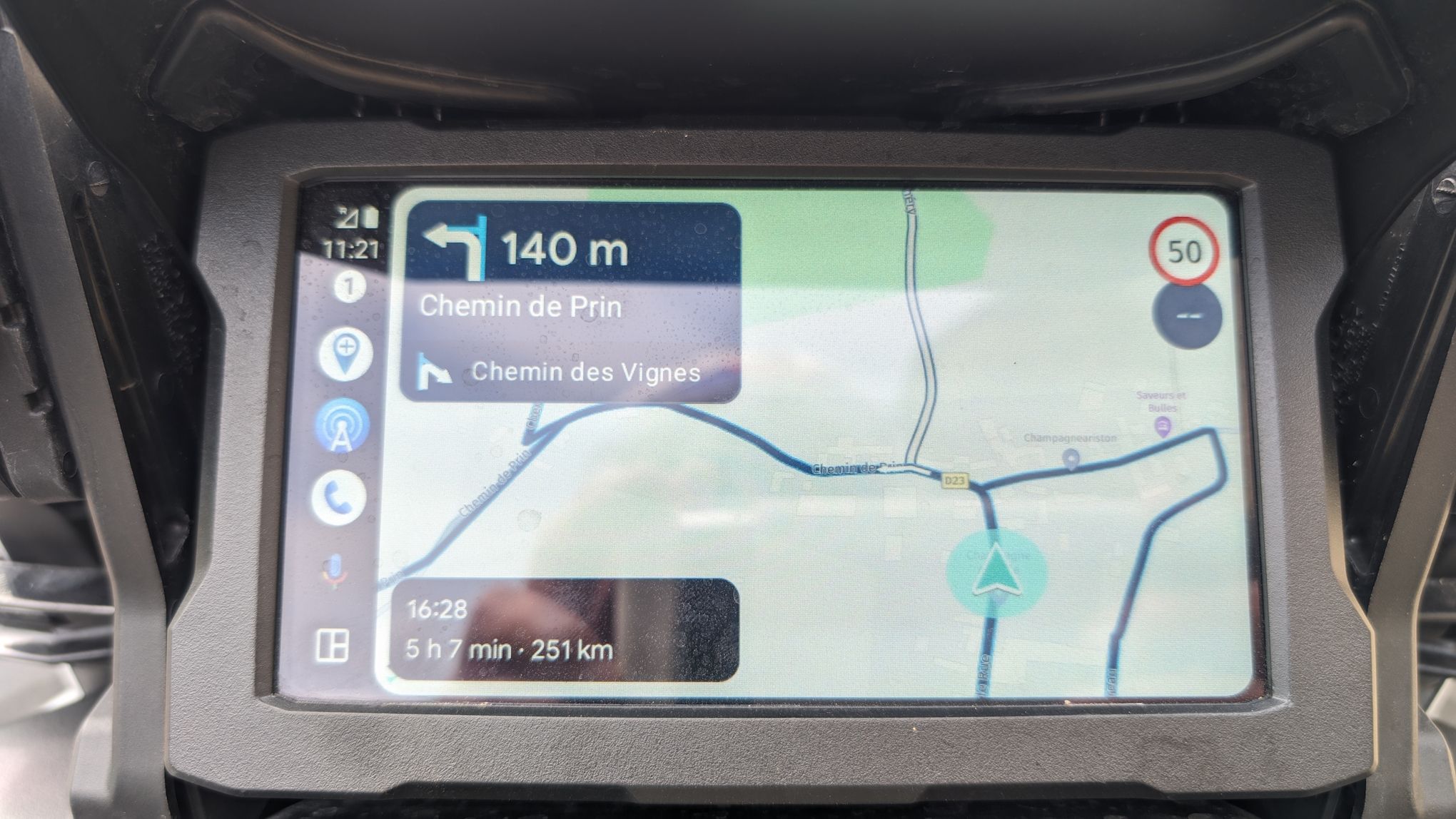
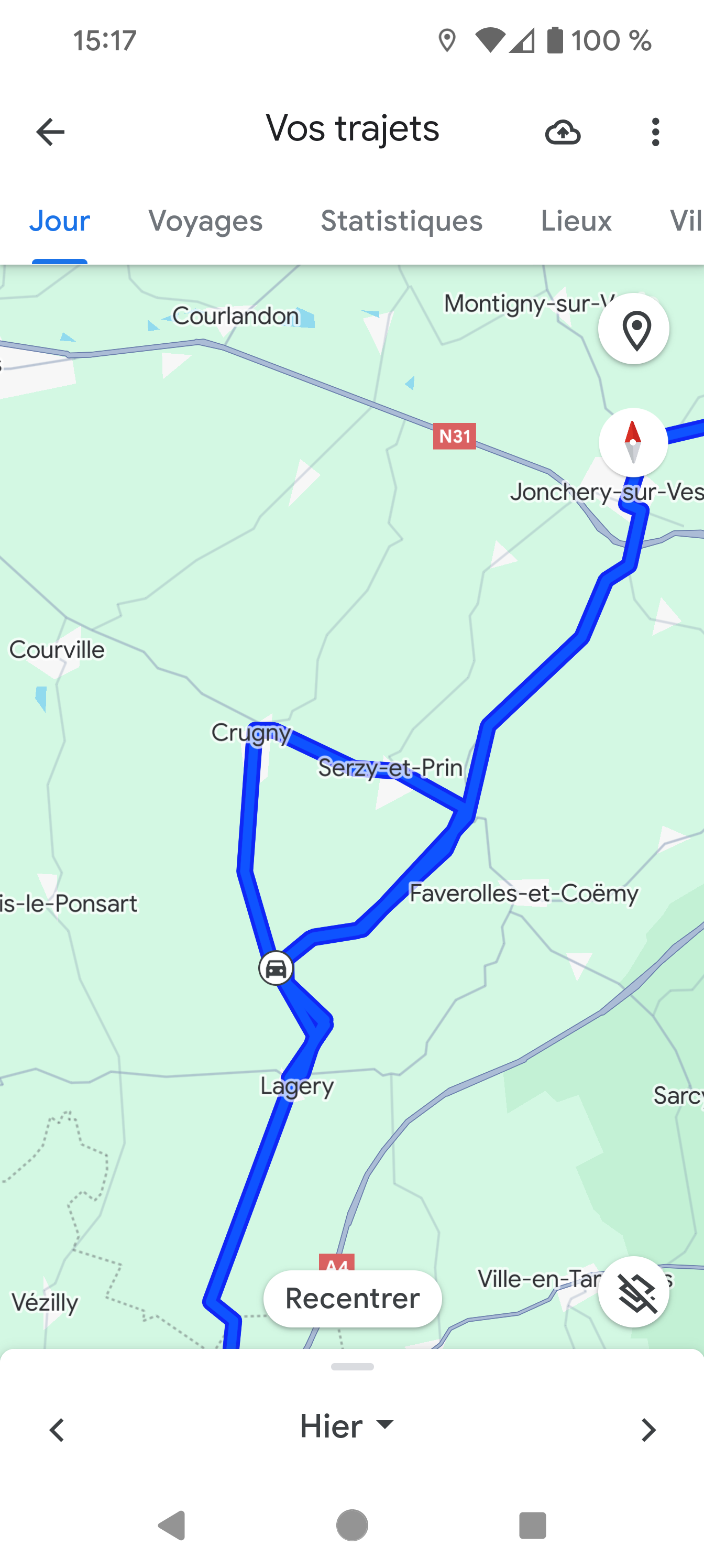
MyRouteApp sent me turning around for a loop of about 15 km: I noticed it as I saw "Chemin de Prin" displayed in the directions and I rembered I had been there about 10 minutes before. As I record my routes in Google Maps, it shows on the screenshot. To recover the correct route, I used another program.
-
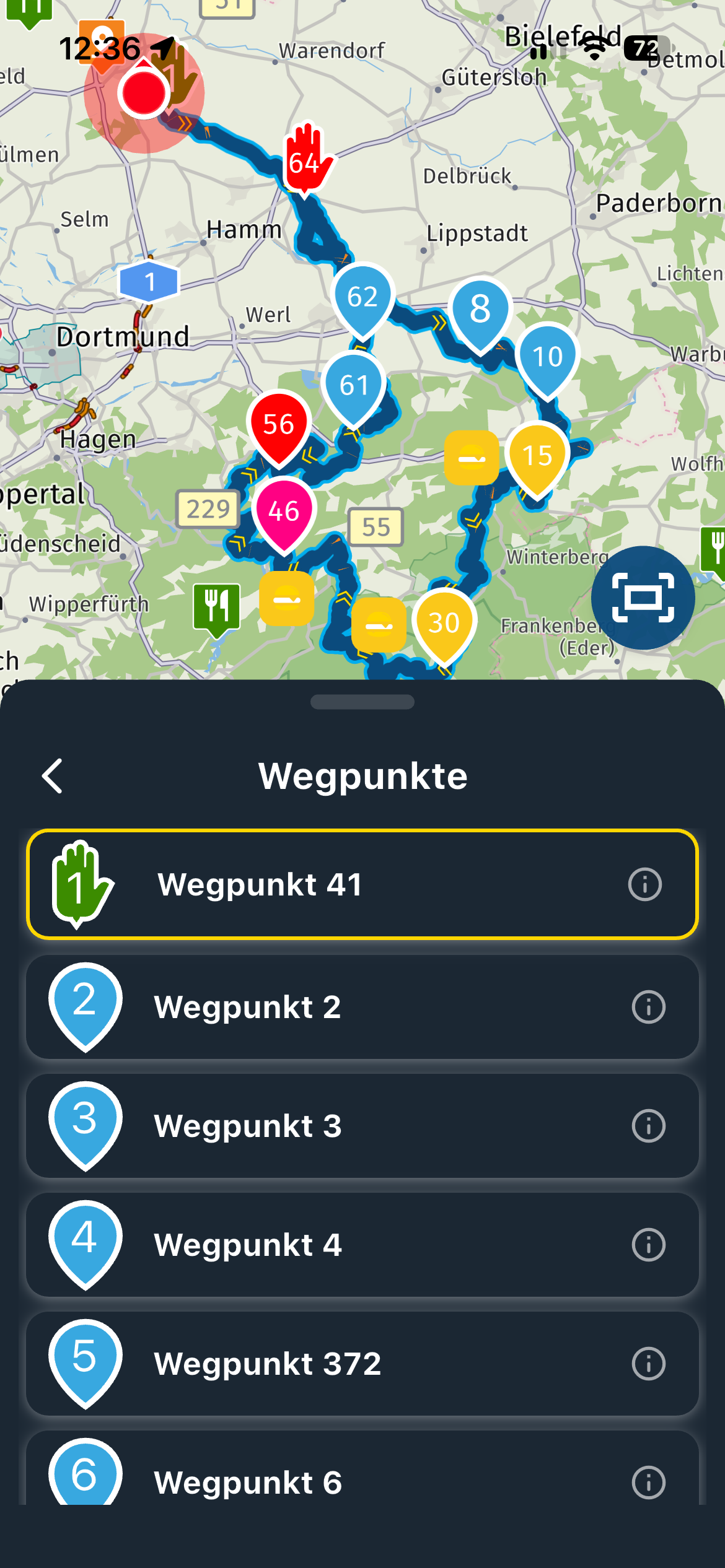
At that time, and a bit before as well, the route shown on the display was hard-to-read as the correct direction was not the only one highlighted
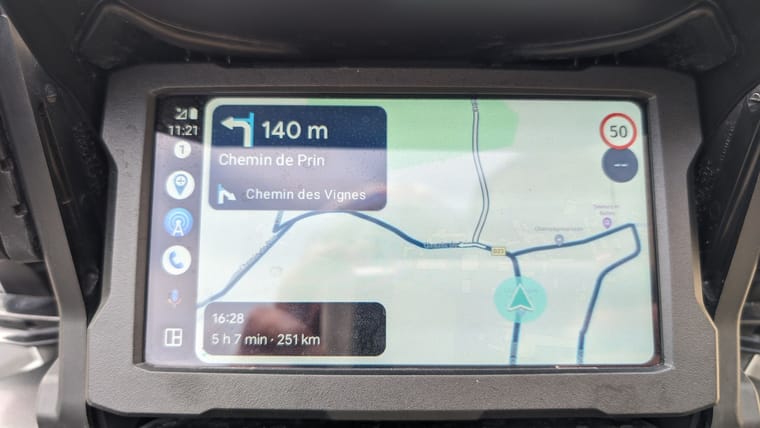
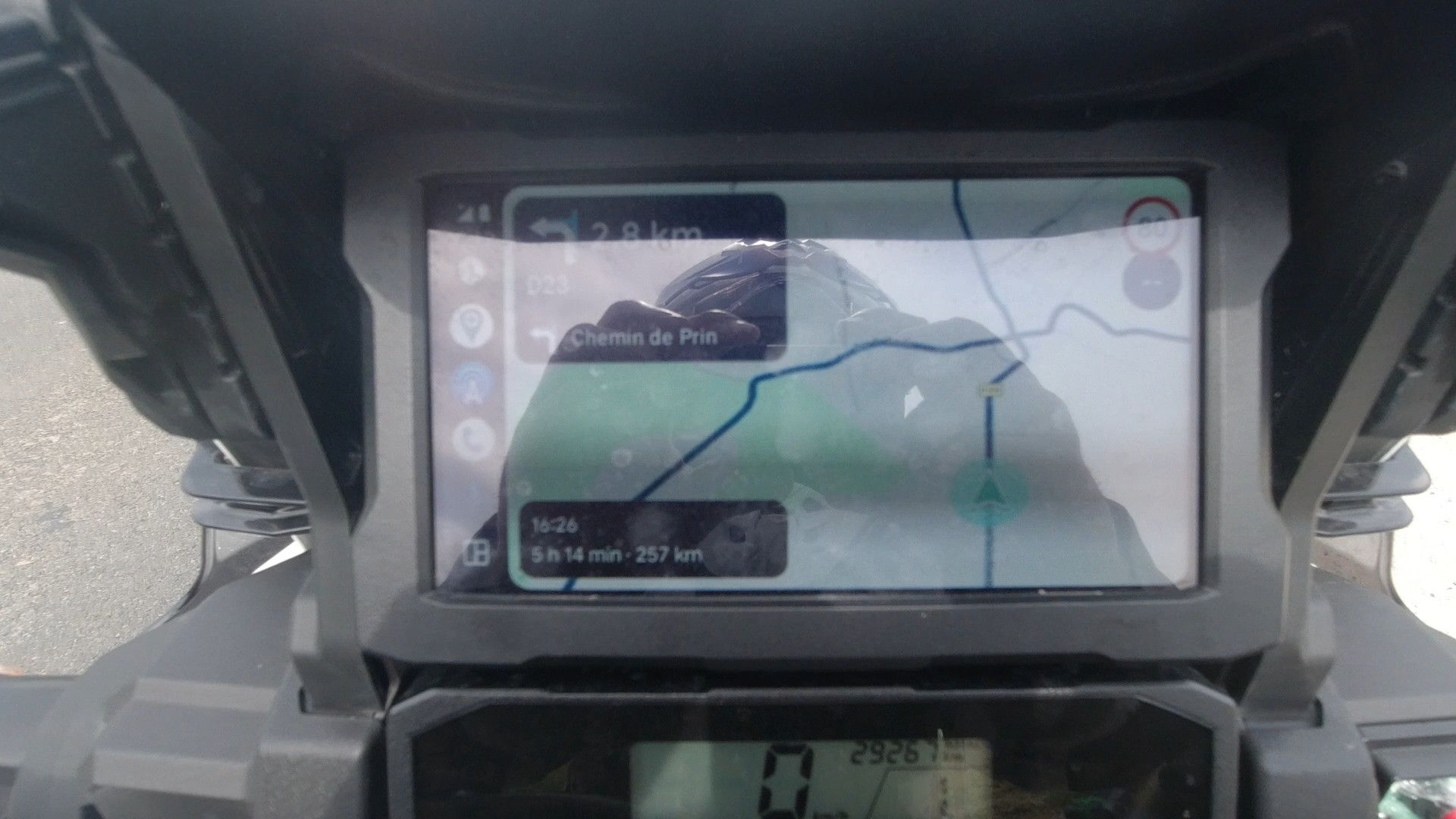 in bold.
-
-
Yesterday, I ran into two problems:
-
MyRouteApp sent me turning around for a loop of about 15 km: I noticed it as I saw "Chemin de Prin" displayed in the directions and I rembered I had been there about 10 minutes before. As I record my routes in Google Maps, it shows on the screenshot. To recover the correct route, I used another program.
-
At that time, and a bit before as well, the route shown on the display was hard-to-read as the correct direction was not the only one highlighted
in bold.

@ATLast If you could share your route here, maybe we can help you out. Make shure the route is set to public

-
-
Yesterday, I ran into two problems:
-
MyRouteApp sent me turning around for a loop of about 15 km: I noticed it as I saw "Chemin de Prin" displayed in the directions and I rembered I had been there about 10 minutes before. As I record my routes in Google Maps, it shows on the screenshot. To recover the correct route, I used another program.
-
At that time, and a bit before as well, the route shown on the display was hard-to-read as the correct direction was not the only one highlighted
in bold.

@ATLast, If you record (track) your route in MRA instead of Google Maps you can load it into your route to have a combined view afterwards. Just a tip.
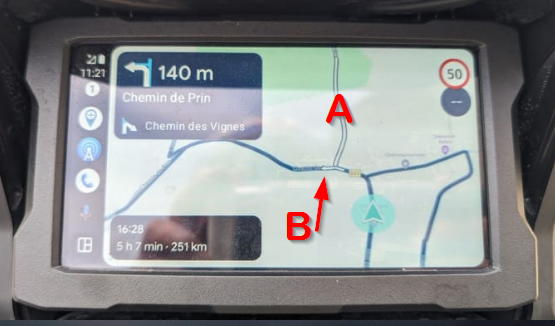
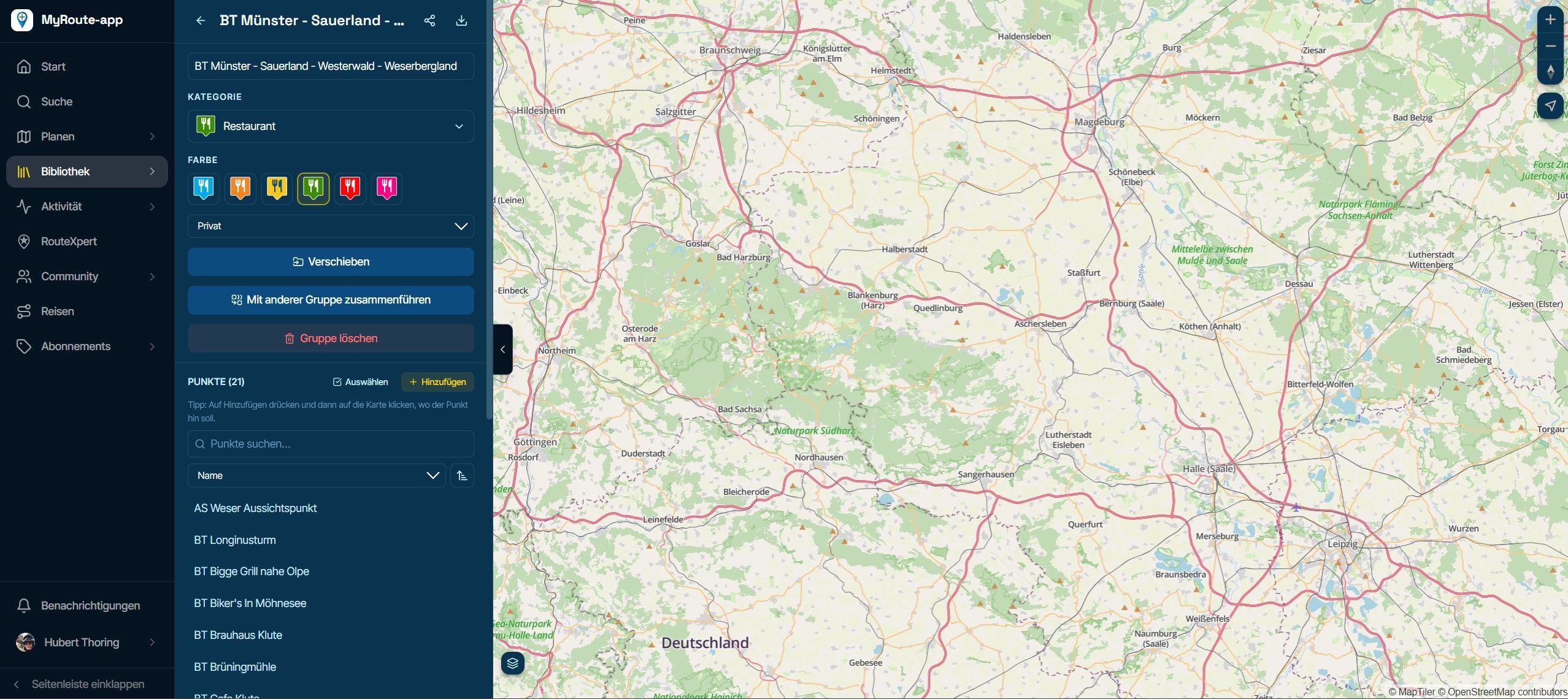
The white line (A) represents the originally calculated route you started with
The white arrow in the blue route line (B) indicates the direction to follow.Personally I am not familiar with CP/AA but I think if you tap the screen once, some extra buttons will appear, one of them is a skip waypoint button. That one can be used to skip manually if for some reason a waypoint is missed.
I am just an enthusiastic MRA user, and hope you will be one too!
Most motorcycle problems are caused by the nut that connects the handlebar to the saddle.
Check out RideSleepRepeat.eu, a biker community for sharing stays across Europe
-
-
@ATLast, If you record (track) your route in MRA instead of Google Maps you can load it into your route to have a combined view afterwards. Just a tip.
The white line (A) represents the originally calculated route you started with
The white arrow in the blue route line (B) indicates the direction to follow.Personally I am not familiar with CP/AA but I think if you tap the screen once, some extra buttons will appear, one of them is a skip waypoint button. That one can be used to skip manually if for some reason a waypoint is missed.
@Con-Hennekens
Hi.
I don't record the route on MRA, I just have Maps recording me all the time as I use that for work as well: I know when I'm at a customer and when I leave...
I don't set any waypoint, I just ask MRA to calculate a route when I leave, that's all...
-
@ATLast If you could share your route here, maybe we can help you out. Make shure the route is set to public
@Marinus-van-Deudekom said in 4.1.3 Misdirection and hard-to-decode displayed route.:
If you could share your route here, maybe we can help you out. Make shure the route is set to public
Sorry, but I don't create the route on the website.
I just want the freedom of setting it whenewer I choose to and have the ability to change it while on the road. -
ATLast referenced this topic on
Hello! It looks like you're interested in this conversation, but you don't have an account yet.
Getting fed up of having to scroll through the same posts each visit? When you register for an account, you'll always come back to exactly where you were before, and choose to be notified of new replies (either via email, or push notification). You'll also be able to save bookmarks and upvote posts to show your appreciation to other community members.
With your input, this post could be even better 💗
Register Login-
 011781
-
 0416
0416
-
09112
-
 05219
05219
-
0315
-
0251
-
111581
-
 0272
0272