Save a different version
-

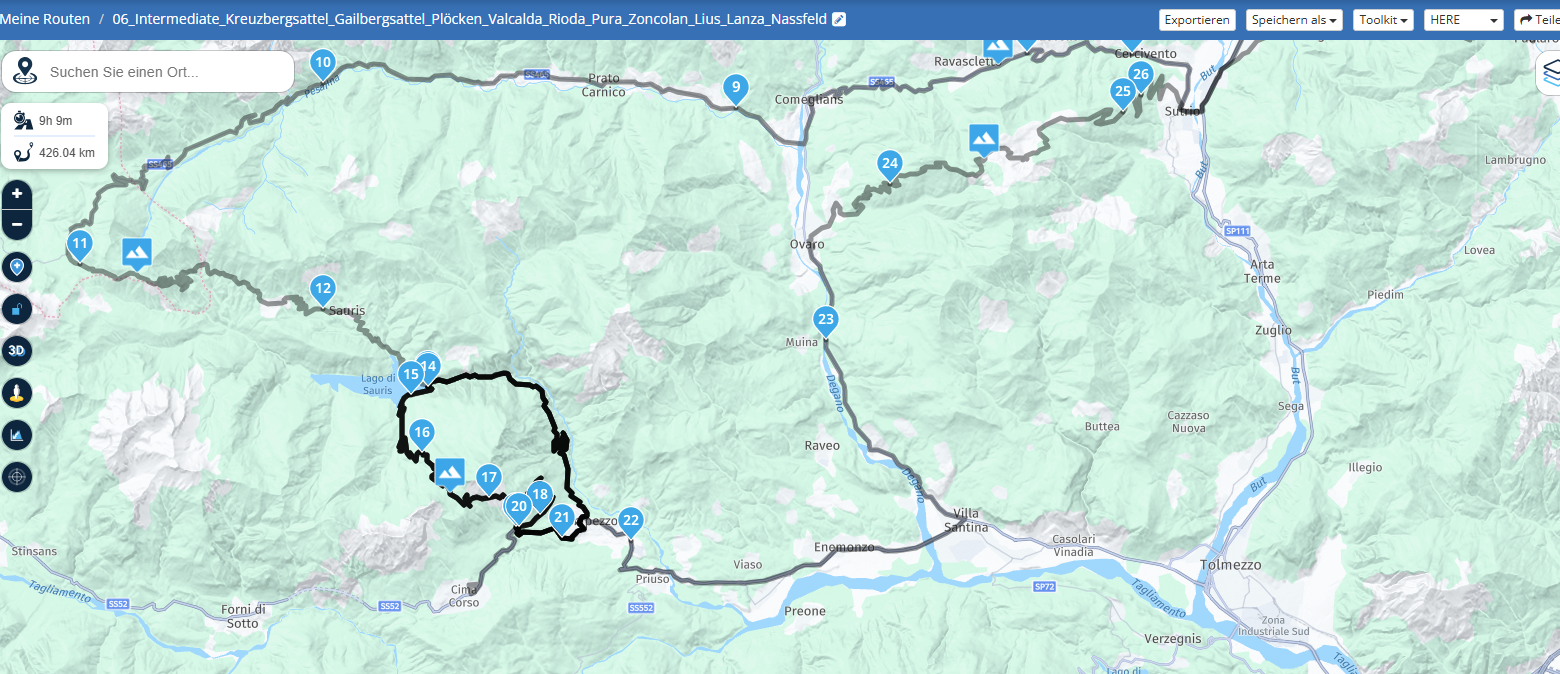
Hi! I have a very detailed trip planned out and I would like to use most of the waypoints and notes already added but make subtle changes if I decide to change the route. Is there a way to copy the current version, then edit the copy under a new name? Thank you!
-
Hi! I have a very detailed trip planned out and I would like to use most of the waypoints and notes already added but make subtle changes if I decide to change the route. Is there a way to copy the current version, then edit the copy under a new name? Thank you!

-
-
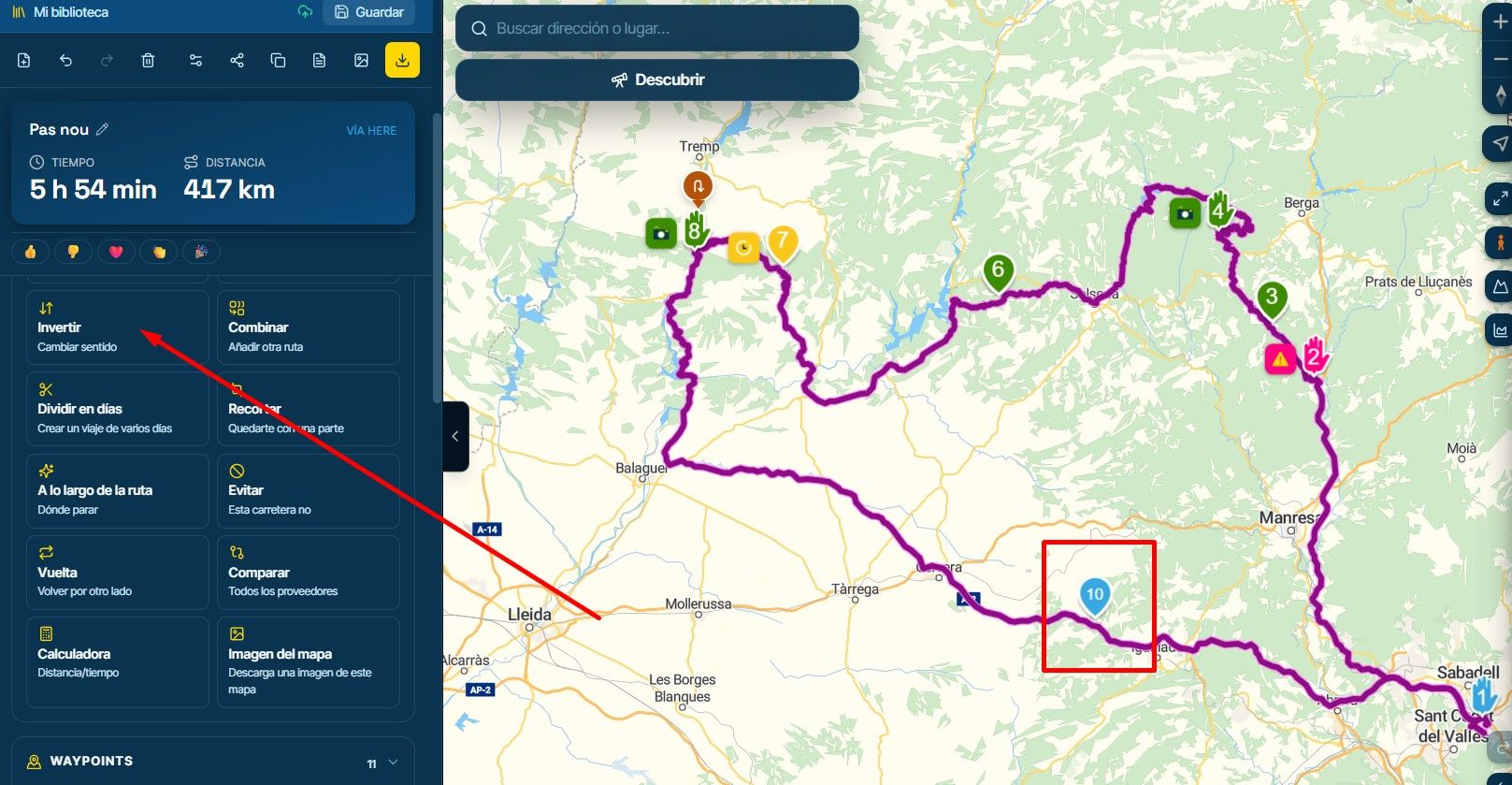
@Jack-van-Tilburg Thank you! The menu is different on mine. I had to click the 3 dots then go to the bottom and click more options to get to the copy option.
@Ron-Block
Which can. It depends on your screen resolution.
But you found it.

Hello! It looks like you're interested in this conversation, but you don't have an account yet.
Getting fed up of having to scroll through the same posts each visit? When you register for an account, you'll always come back to exactly where you were before, and choose to be notified of new replies (either via email, or push notification). You'll also be able to save bookmarks and upvote posts to show your appreciation to other community members.
With your input, this post could be even better 💗
Register Login-
 912311.8k
-
 01038
01038
-
 01336
01336
-
0621
-
 0514
0514
-
 0517
0517
-
 05127
05127
-
1420